

007 First Light is headed to PC with a surprisingly low barrier to entry at the bottom end and unusually demanding memory targets once you move up to the “recommended” tier. The developer has only outlined requirements for 1080p at 30 fps and 60 fps, so those are the targets to plan around when deciding whether your current rig is ready or you should budget for upgrades.
007 First Light PC minimum requirements (1080p, 30 fps)
The minimum spec is built around 1080p at 30 frames per second. It is relatively modest in terms of CPU and GPU power, but it does expect more video memory than many older midrange cards offer.
| Target | Component | Minimum requirement |
|---|---|---|
| Performance | Resolution / frame rate | 1080p at 30 fps |
| CPU | Processor | Intel Core i5 9500K or AMD Ryzen 5 3500 |
| GPU | Graphics card | Nvidia GTX 1660, AMD RX 5700, or Intel discrete GPU equivalent |
| System RAM | Memory | 16 GB |
| Video RAM | GPU memory | 8 GB |
| Storage | Disk space | 80 GB minimum |
| OS | Operating system | Windows 10 or Windows 11, 64‑bit |
This configuration is firmly in “last‑gen midrange” territory. A six‑core Intel Core i5 9500K or AMD Ryzen 5 3500 paired with a GTX 1660 or RX 5700 should be achievable for most gaming PCs built in the last few years.
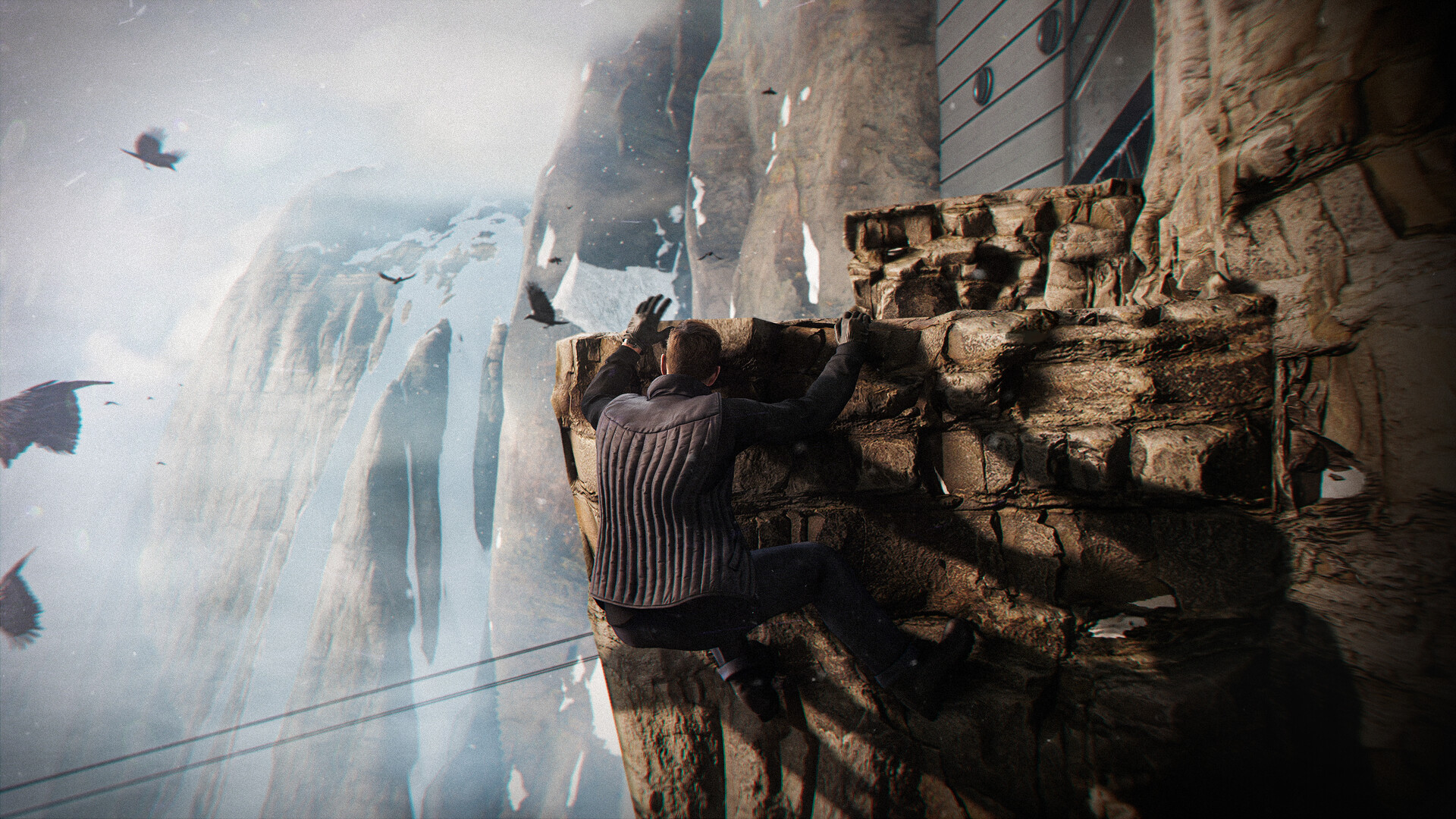
The standout figure here is the 8 GB of VRAM on the graphics card. That is generous for a 1080p/30 fps target and immediately rules out older 6 GB cards such as some RTX 2060 models, even if their raw compute power would otherwise be enough. System RAM at 16 GB is now a common baseline for modern games, so that requirement is less surprising.
Storage is listed as 80 GB. There is no explicit callout that an SSD is required, but given the size of the install and the general direction of modern game development, planning to run 007 First Light from solid‑state storage is a safer bet if you want to avoid long load times and streaming hiccups.
007 First Light PC recommended requirements (1080p, 60 fps)
Moving up to the recommended tier doubles the frame rate target to 60 fps at 1080p and pushes CPU, GPU, and especially memory demands into much higher‑end territory.
| Target | Component | Recommended requirement |
|---|---|---|
| Performance | Resolution / frame rate | 1080p at 60 fps |
| CPU | Processor | Intel Core i5 13500 or AMD Ryzen 5 7600 |
| GPU | Graphics card | Nvidia RTX 3060 Ti, AMD RX 6700 XT, or Intel discrete GPU equivalent |
| System RAM | Memory | 32 GB |
| Video RAM | GPU memory | 12 GB |
| Storage | Disk space | 80 GB minimum |
| OS | Operating system | Windows 10 or Windows 11, 64‑bit |
This is where the requirements become more demanding. An Intel Core i5 13500 or AMD Ryzen 5 7600 is a current‑generation, high‑efficiency CPU that can comfortably handle modern workloads, and GPUs like the RTX 3060 Ti or RX 6700 XT sit solidly in the upper midrange. For a 1080p/60 fps target, that is a lot of headroom on the compute side.
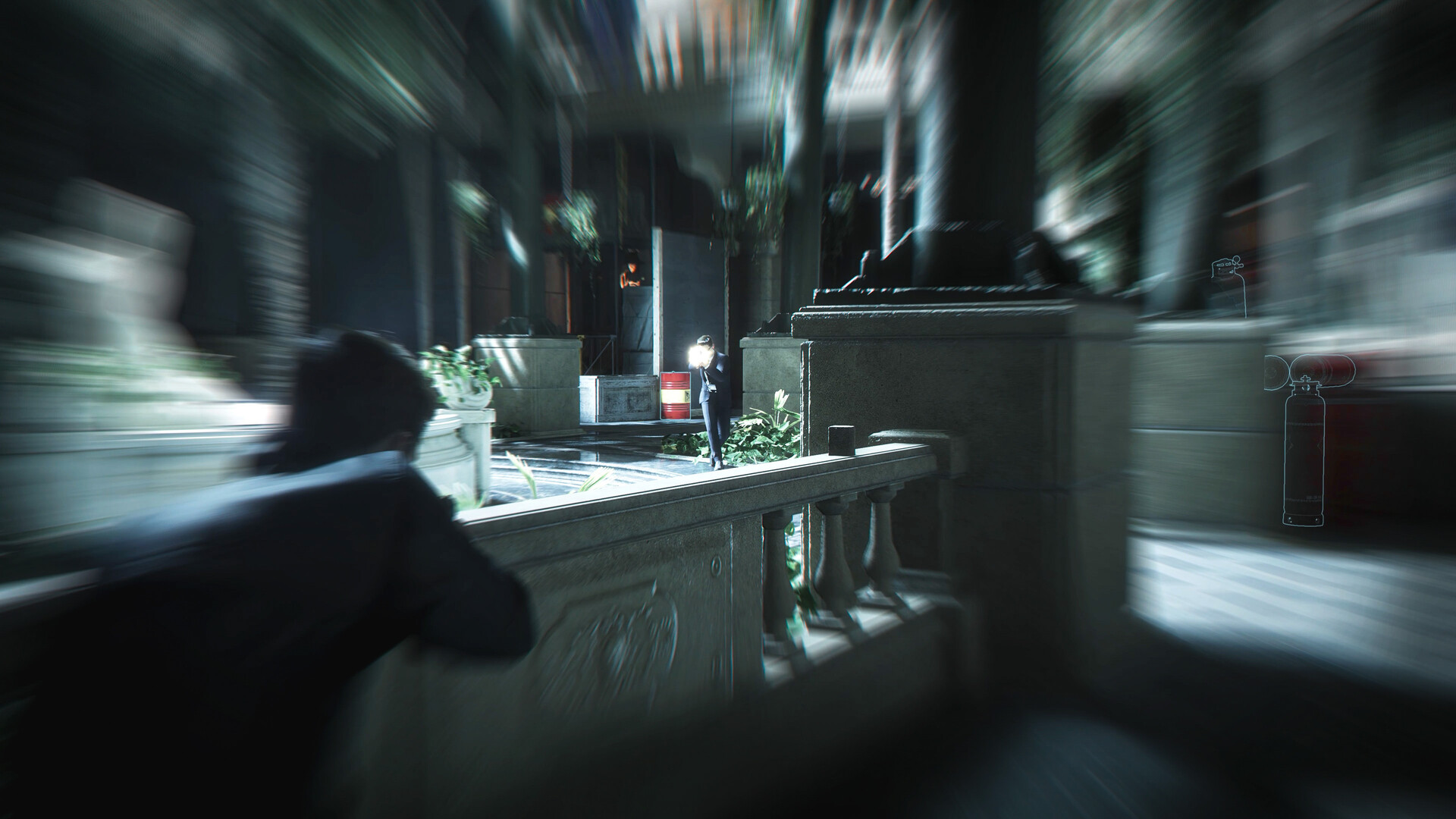
The real attention‑grabbers are the memory numbers. Recommended system RAM jumps to 32 GB for what is still only 1080p at 60 fps. That is beyond what most games currently request as an official “recommended” spec and may reflect heavy reliance on high‑resolution assets, more aggressive background streaming, or simply a desire to avoid any paging on systems running a web browser and other apps alongside the game.
On the GPU side, the recommended 12 GB of VRAM is also notable, especially because one of the listed recommended GPUs, the RTX 3060 Ti, typically ships with only 8 GB. That mismatch raises some practical questions. A card like the RX 6700 XT, which does have 12 GB of VRAM, aligns cleanly with the stated requirement. RTX 3060 Ti owners, on the other hand, fall short of the 12 GB VRAM guidance despite meeting the compute target. In practice, that likely means reducing texture quality or other memory‑heavy visual settings if you experience stutters or hitching at the recommended preset.
What these specs mean for different kinds of PC builds
The spread between minimum and recommended hardware gives a clear sense of how 007 First Light scales.
Older or budget rigs built around something like a GTX 1660 and 16 GB of RAM should still be able to run the game at 1080p if you are comfortable with 30 fps and dialled‑back settings. The 8 GB VRAM line is the main limiting factor; GPUs with only 6 GB may run into issues even if they sit close in raw performance. If you are on a slightly weaker CPU than an i5 9500K or Ryzen 5 3500, you may still manage acceptable performance by lowering CPU‑heavy options such as crowd density or simulation detail.
Modern midrange systems based on CPUs like the Core i5 12400/13400 or Ryzen 5 5600/7600 paired with cards such as the RTX 3060 Ti or RX 6700 XT are clearly the target for 1080p/60 fps. To truly match the recommended memory profile, pairing those GPUs with 32 GB of system RAM and a 12 GB VRAM card (for example, RX 6700 XT) puts you closest to the ideal specification.
High‑end and 4K‑capable builds are not covered by formal system requirements yet. There is no separate specification for 1440p, ultrawide resolutions, higher frame rates beyond 60 fps, or 4K. If you own a significantly more powerful GPU and CPU than the recommended spec, you can reasonably expect to push resolution and frame rate beyond the stated targets, but the exact headroom will only be clear once benchmarks emerge.
RAM and VRAM: why 32 GB and 12 GB stand out
The jump from 16 GB of system RAM at minimum to 32 GB at recommended is one of the most striking aspects of the spec sheet. Many PC games still list 16 GB as recommended, and while users with 32 GB often enjoy smoother multitasking and fewer background bottlenecks, it is unusual to see that much memory presented as the ideal configuration for 1080p/60 fps.
In practical terms, the 32 GB recommendation does not mean the game will refuse to launch on a 16 GB system. It does suggest that with only 16 GB, you are more likely to hit situations where Windows needs to page data to disk if you have browsers, launchers, and background apps open. That can translate into sporadic hitching or slower asset streaming in scenes with large environments or large crowds. Keeping unnecessary apps closed and prioritising an SSD for game storage becomes more important if you are staying on 16 GB.
The 12 GB VRAM recommendation pairs more naturally with some GPUs than others. Cards such as the AMD RX 6700 XT and RTX 4070 typically ship with 12 GB, giving them more room for high‑resolution textures at 1080p and 1440p. GPUs like the RTX 3060 Ti, with 8 GB, may have enough compute power but a tighter VRAM ceiling. In those cases, using a “high” preset instead of “ultra” for textures and disabling extra‑hungry post‑processing options can help you stay within that 8 GB envelope.
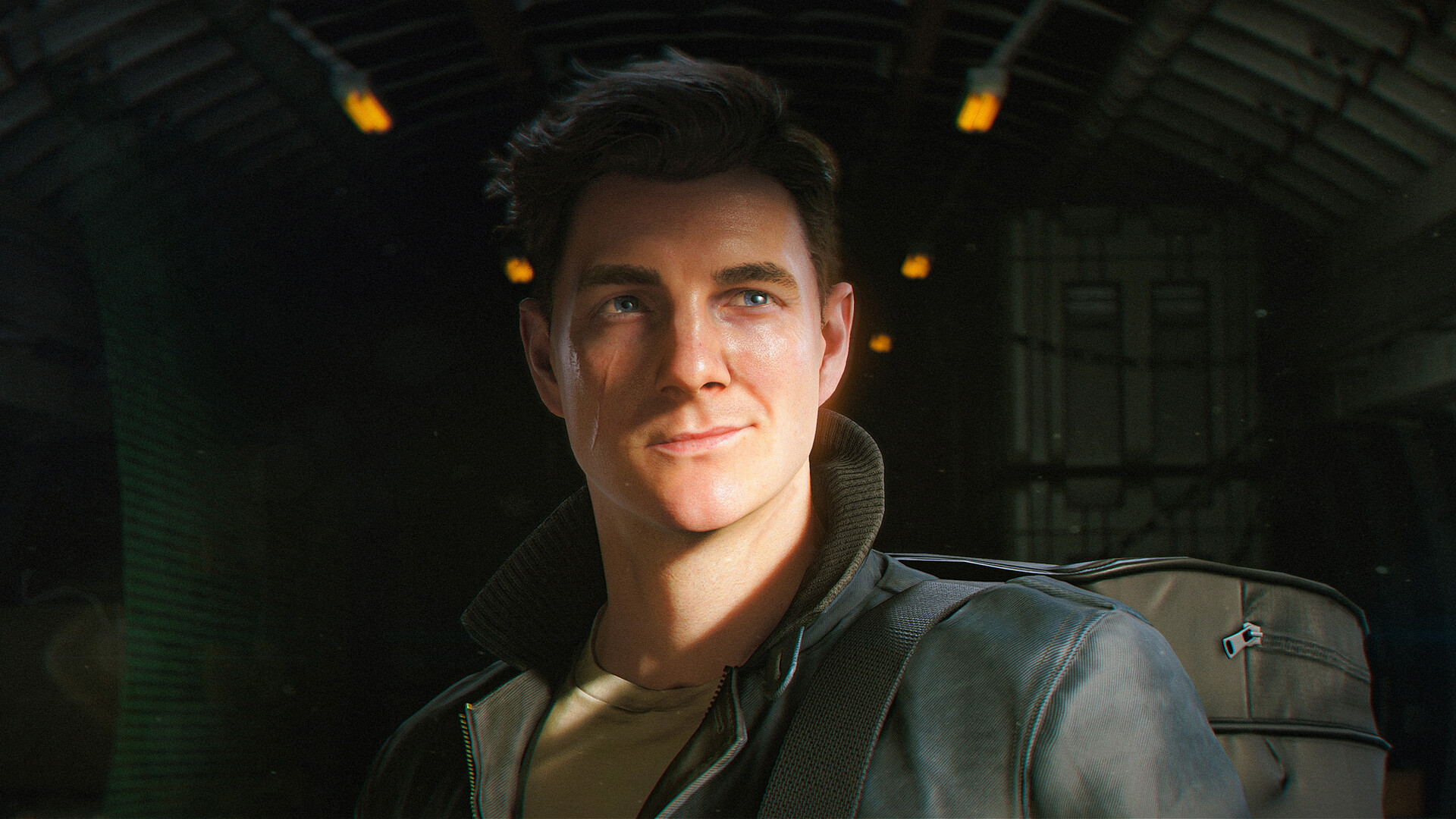
How to quickly check if your PC meets the requirements
Matching your system against the requirements is straightforward once you know where to look in Windows.
Step 1: Check your CPU and RAM. On Windows, open the Start menu, type Task Manager, and press Enter. Switch to the Performance tab to see your CPU model and installed memory.
Step 2: Check your GPU and VRAM. Right‑click on the desktop, open your graphics control panel (Nvidia, AMD, or Intel), and look for the “Display” or “System Information” section. There you can see the exact GPU model and how much dedicated video memory it has.
Step 3: Check storage space. Open File Explorer, select the drive where you install games, and look at the free space figure. Ensure you have at least 80 GB free, and ideally a bit more so Windows can manage temporary files and updates.
Step 4: Confirm your OS version. Open the Start menu, type winver, and press Enter. A window will show whether you are running Windows 10 or Windows 11, and that it is 64‑bit.
Features and future‑proofing for higher resolutions
While only 1080p targets are documented, the game is positioned to support modern PC features for those with more powerful hardware. On capable Nvidia GPUs, 007 First Light will support DLSS 4 with Multi Frame Generation, which uses upscaling and frame generation to raise apparent frame rates while keeping native rendering costs lower. That will matter most if you plan to drive high refresh rate 1440p or 4K displays with ray tracing or heavy post‑processing.
There is no explicit 4K system requirement yet. For players with GPUs well above the RTX 3060 Ti or RX 6700 XT tier, it is reasonable to expect that 1440p60 or even 4K60 will be achievable with the help of DLSS or similar technologies, but the exact mix of settings and frame rates will depend on your hardware and on how well the final build scales.
On paper, 007 First Light threads an unusual needle: the game starts with an approachable minimum spec that many older machines can reach, then leaps to a recommended spec that is chiefly demanding in RAM and VRAM for what is still a 1080p/60 fps target. If your PC already lives near the recommended tier, you should be well‑positioned not just for this Bond outing, but for other big releases that continue to push memory footprints upward over the next few years.