

Honkai: Star Rail’s version 3.8 update arrives with a fresh Twitch Drops campaign, letting you pick up a small bundle of account upgrade materials and a bit of Stellar Jade simply by keeping qualifying streams open.
Honkai: Star Rail 3.8 Twitch Drops schedule and basics
The version 3.8 Twitch Drops campaign runs for a limited window:
| Event | Start | End |
|---|---|---|
| HSR 3.8 Twitch Drops | December 17, 2025 | January 14, 2026 |
The Drops go live alongside the 3.8 patch and stay active for just under a month. All watch-time progress and claims must happen inside this window; once the campaign expires, any unclaimed Drops are gone.
You earn progress by watching livestreams in Twitch’s “Honkai Star Rail” category that have Drops enabled. Watch-time counts toward every active Drop simultaneously, so there is no need to target specific rewards one by one.
All Honkai: Star Rail 3.8 Twitch Drops rewards
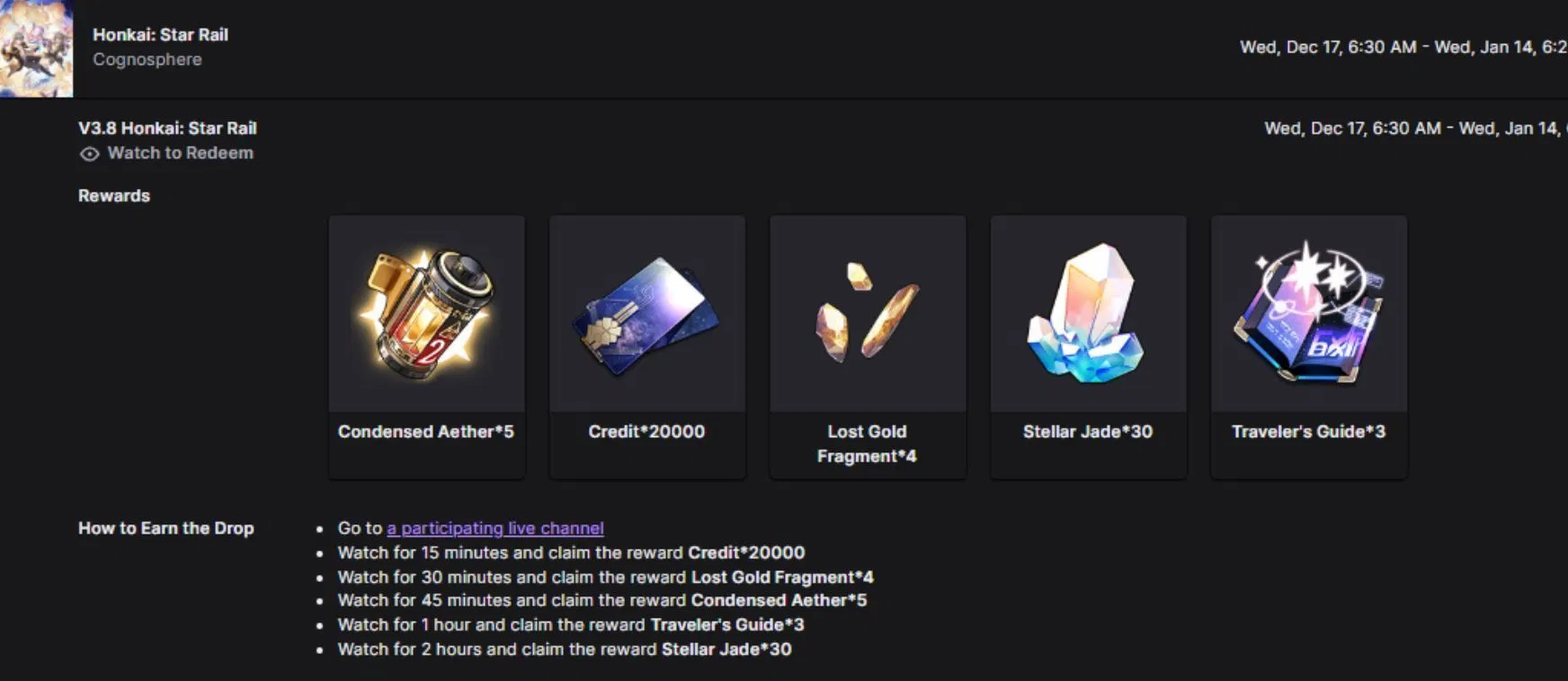
The campaign is broken into five Drops, each unlocked after a specific watch-time threshold. Collectively, they provide a mix of Credits, EXP materials, trace materials, and a small Stellar Jade injection.
| Drop | Reward | Watch time required |
|---|---|---|
| Drop 1 | Credit ×20,000 | 15 minutes |
| Drop 2 | Lost Gold Fragment ×4 | 30 minutes |
| Drop 3 | Condensed Aether ×5 | 45 minutes |
| Drop 4 | Traveler’s Guide ×3 | 1 hour |
| Drop 5 | Stellar Jade ×30 | 2 hours |
Because watch-time accumulates for all Drops at once, two hours of continuous viewing is enough to unlock the full set, as long as you are watching an eligible Honkai: Star Rail stream with Drops active.
How Twitch Drops work for Honkai: Star Rail
Twitch Drops tie your Twitch account to your in-game Honkai: Star Rail character. Once both are linked, Twitch tracks your watch-time on eligible streams and issues Drop rewards to your Twitch inventory, which then pass through to your HoYoverse account.
A few rules matter here:
- Each Twitch account can only be linked to one Honkai: Star Rail character at a time.
- Each character/Twitch account can receive each Drop reward type only once per campaign.
- Rewards are delivered through in-game mail and must be claimed before the mail expires.
Note: You need to have already created a Honkai: Star Rail character before linking; there is nothing to link against otherwise.
Link your Twitch and HoYoverse accounts
Linking the two accounts is the most important prerequisite. Without it, watch-time won’t translate into in-game rewards.
Step 1: Make sure you have a Honkai: Star Rail character on your HoYoverse account and have logged into the game at least once on that account.
Step 2: Visit the official Honkai: Star Rail Twitch Drops linking page on HoYoverse’s site and sign in with your HoYoverse account credentials.
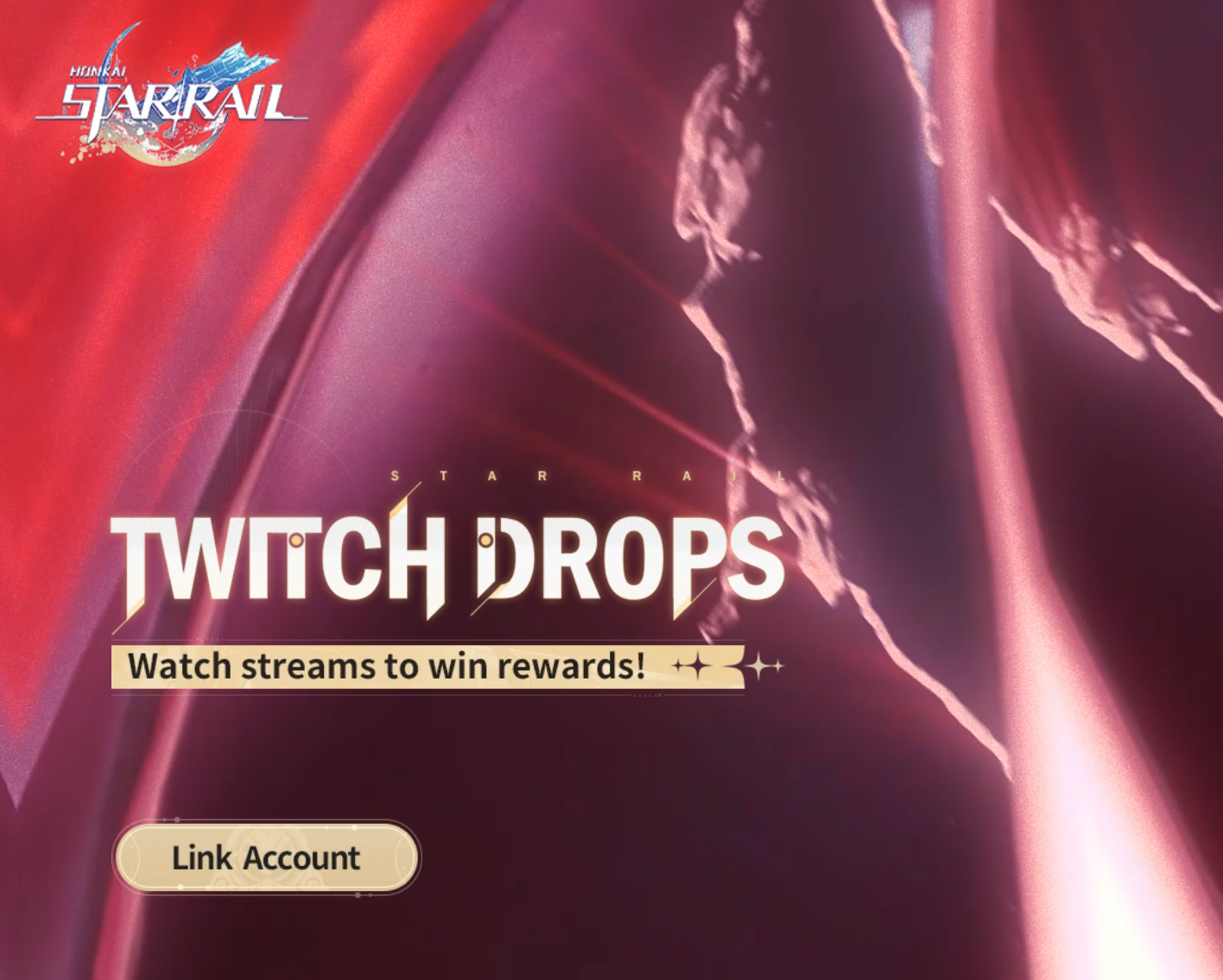
Step 3: When prompted, log in with your Twitch account and authorize the connection. Look for the purple “Connect” button and approve access so HoYoverse and Twitch can sync Drops data.
Step 4: Select your region/server and confirm the Honkai: Star Rail character you want associated with your Twitch account.
Step 5: Once linked, open Twitch’s Drops page while logged in to confirm that Honkai: Star Rail campaigns appear under your active Drops.
You can disconnect again after rewards have been delivered to your in-game mailbox if you want, but do this only once everything is safely claimed in-game.
Earn watch-time toward 3.8 Twitch Drops
With accounts linked, you can start building progress for the 3.8 rewards.
Step 1: Log in to Twitch and search for streams under the Honkai Star Rail game category. Check for the Drops status on the stream page; channels participating in the campaign typically show an indicator.

Step 2: Start watching an eligible stream. Keep the tab or app open and ensure you remain logged in; muting audio is fine if you prefer to watch passively, but closing the stream or logging out pauses progress.
Step 3: Accumulate watch-time up to the thresholds listed earlier. All five Drops progress together, so continuous viewing works through the milestones in one pass.
Step 4: Periodically check the Drops interface on Twitch to see when each reward becomes claimable. Some platforms also show progress overlays above the chat.
Switching between participating Honkai: Star Rail channels does not reset progress, as long as you stay within the game category and pick streams with Drops enabled.
Claim Twitch Drops on Twitch
Unlocking a Drop with watch-time is not the same as receiving it in-game. You need to claim rewards inside Twitch first.
Step 1: While logged in to Twitch on a browser or app, click your profile avatar in the top-right corner.
Step 2: Select the “Drops & Rewards” section from the menu. This page lists active campaigns and your progress toward each reward.
Step 3: When a Honkai: Star Rail Drop reaches 100 percent progress, press the Claim button next to it. Repeat for each unlocked Drop in the 3.8 campaign.
Step 4: Confirm that the Drops now appear under the “Inventory” or “Claimed” area on Twitch. At this point, the rewards are queued to be sent to your HoYoverse account.
If Drops are not showing up, double-check that your Twitch account is still linked to the correct HoYoverse account and that you have not switched the connection mid-campaign.
Receive and claim rewards in Honkai: Star Rail
Once claimed on Twitch, Drops are sent to your in-game mailbox within a short window, usually within 24 hours.
Step 1: Make sure you have unlocked the Mailbox feature by completing the Trailblaze Mission “The Blue” – “A Moment of Peace”. Without this quest, you cannot access in-game mail.
Step 2: Log in to Honkai: Star Rail on the same HoYoverse account that is linked to your Twitch account.
Step 3: Open the Mailbox and look for messages labeled as Twitch Drops or event rewards. Each Drop is typically bundled into a separate mail entry.
Step 4: Open each mail and tap the claim button to move the rewards into your inventory.
Mail from Twitch Drops expires after 30 days. Failing to claim before expiry permanently deletes the rewards, even if the Drop was correctly earned and delivered.
Done correctly, the process is low effort: link once, leave a Honkai: Star Rail stream running for two hours during the campaign window, claim everything on Twitch, then clear out the corresponding mail in-game before it expires. For a live-service game that already rewards daily logins and routine play, it is one of the easier side channels for squeezing a few more resources out of version 3.8.