

Sledding Game on Roblox lets you race down snowy hills while earning Cash for better sleds and upgrades; codes give you instant extra Cash so you can progress more quickly.
Updated: December 24, 2025
New codes: CHRISTMAS, RECODE
RECODE— 500 Cash NEWCHRISTMAS— 300 Cash NEW
How to redeem codes
Step 1: Launch Roblox and open the Sledding Game experience from its game page.
 TopFun Studio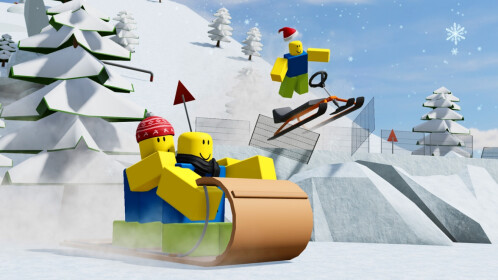
Step 2: Once you load into a server, click the Menu button in the top-right corner of the screen.
Step 3: In the menu, select the Codes tab to open the redemption window.
Step 4: Click the text box labeled “INPUT CODES HERE…”, then type or paste a working code exactly as shown.
Step 5: Press the blue Redeem button; if the code is valid and active, the free Cash will be added to your account.
Step 6: If a code does not work, double-check the spelling and try rejoining a new server before assuming it has expired.
Expired codes
UPDATEHYPE— No longer grants rewardsSLEDDING— No longer grants rewards
Why codes might not work
- The code has expired and is no longer supported by the developer.
- There is a typo, missing character, or extra space; Sledding Game codes are case-sensitive and must match exactly.
- The code was already redeemed on your Roblox account; most codes can only be used once per account.
- The server you are on is running an older build; closing the game, reopening it, and joining a new server can help.
Where to find more codes
New Sledding Game codes are usually shared through the developer’s community channels during updates and events. Join the TopFun Studio Roblox group and the official Sledding Game Discord server to see announcements as they happen. Bookmark this page — the code list is reviewed and updated regularly.
Codes are time-limited and case-sensitive, so enter them carefully and only use them from trusted sources; avoid any third‑party “code generators” or sites that ask for your Roblox password or personal information.