

Nvidia’s in-game filters no longer work in ARC Raiders. Hitting Alt + F3 now shows the “A supported game is required to use this feature” message, and only the RTX HDR toggle remains for most players.
This is not a local driver bug or a broken overlay. ARC Raiders is being treated as an unsupported title for Nvidia Game Filters, which effectively disables Freestyle-based tweaks for the game.
Why Nvidia Game Filters were heavily used in ARC Raiders
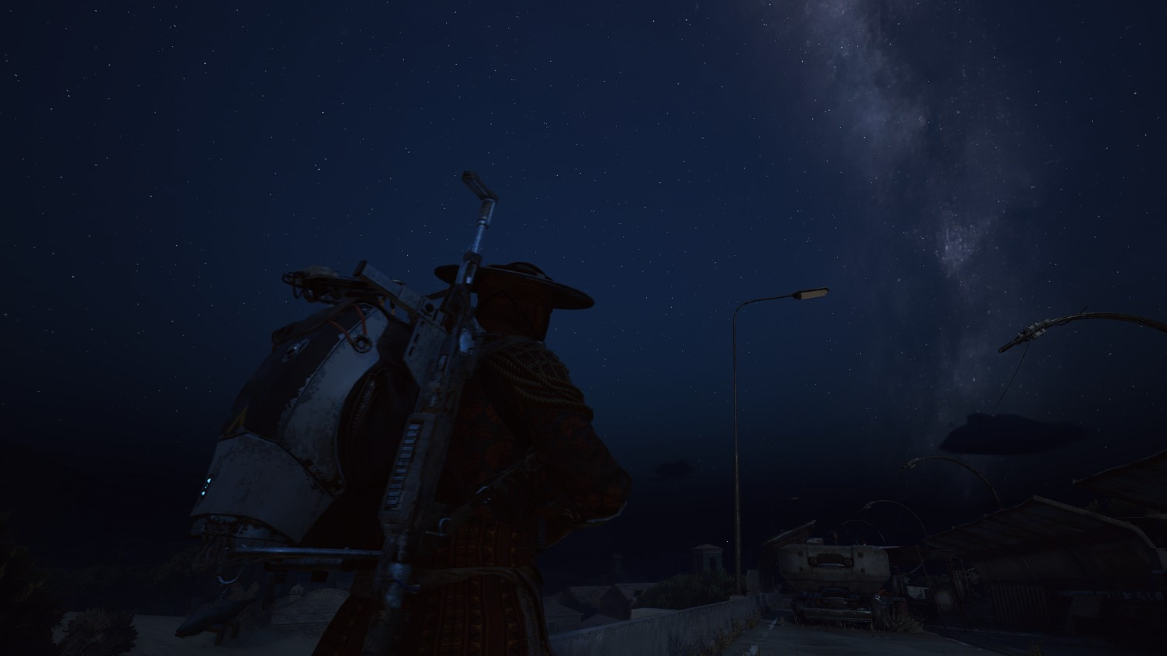
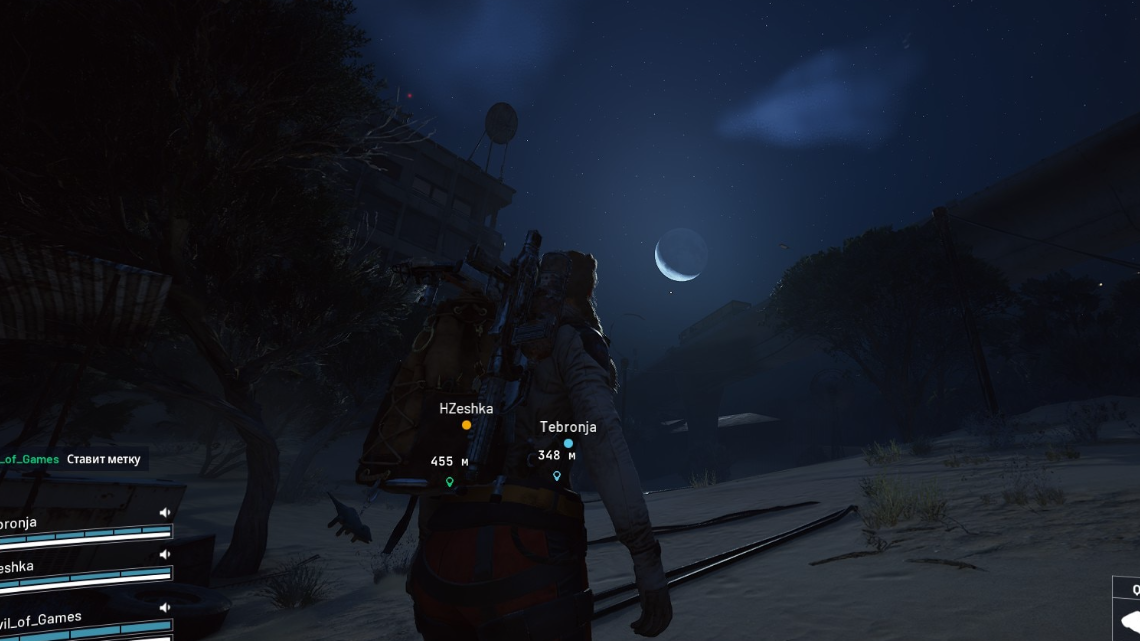
ARC Raiders leans hard on darkness, glare, and fog. Interiors on maps like Stella Montis and Buried City have deep shadows where players can sit almost invisible, while anyone stepping out of cover is silhouetted by bright doorways and windows.
Nvidia’s filters, accessed through the Nvidia App overlay, gave PC players several key advantages:
- Artificial “night vision” in raids by pushing gamma, raising shadows, and cutting haze so dark rooms looked close to mid‑gray.
- Sharper image with DLSS/FSR through Sharpen+ or similar filters, which many people used to counter softening from upscalers.
- Heavier color and vibrance to make ARC’s muted art direction look more saturated and punchy.
The impact was obvious in practice: players with tuned filters could clear “black box” corners and spot extractions campers that others simply could not see. Clips shared by the community show night raids going from murky to almost daytime with a single toggle.
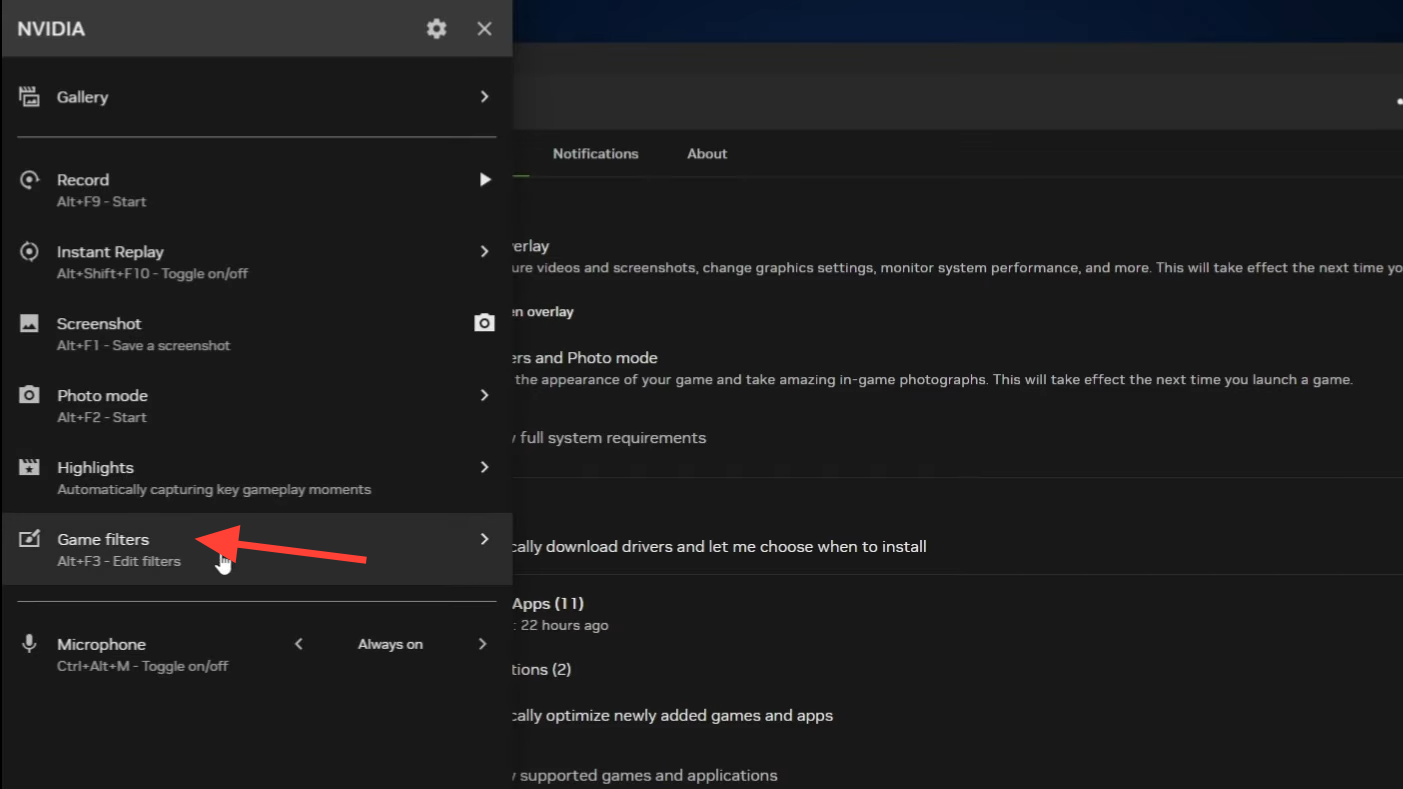
Why Nvidia Game Filters no longer work in ARC Raiders
There is no public, detailed technical breakdown from Embark or Nvidia, but the behavior is clear. ARC Raiders is now blocked from using Nvidia Game Filters, and several overlapping motives line up with that decision.
Competitive fairness. ARC Raiders treats shadows and lighting as core gameplay. If some players can flatten contrast and see into dark interiors while others cannot, visibility stops being a skill issue and becomes a hardware and software lottery. Console players and PC users on non‑Nvidia GPUs were at an inherent disadvantage, and even among Nvidia users only those who knew about Freestyle had the edge.
Exploit surface. Third‑party tools such as Nvidia Profile Inspector can attempt to force filters and Ansel into games that try to block them. ARC Raiders’ anti‑cheat now flags this behavior; players report “Blocked Application” messages and the game closing when they try to force filters this way. Treating the overlay as an untrusted path is consistent with a conservative anti‑cheat stance.
Stability and visual consistency. ARC Raiders runs on Unreal Engine 5 with aggressive post‑processing and auto‑exposure. Stacking driver‑level color and contrast manipulation on top can produce washed‑out distance detail, flickering, and strange eye‑adaptation behavior as you move between interiors and exteriors. Disabling game filters removes one major source of unpredictable post‑processing.
How the block shows up in-game
On most setups, the behavior looks the same:
- Pressing
Alt + F3opens the overlay but shows the “A supported game is required to use this feature” message. - Existing ARC Raiders filter profiles vanish or show as “0 active filters”.
- The only remaining entry for many players is the RTX HDR filter; standard color, contrast, sharpen, and gamma filters are gone.
Reinstalling the game, toggling the overlay, or rolling drivers forward and back does not reliably re‑enable support. Multiple driver versions show the same behavior, which points away from a simple regression and toward an intentional block.
Some users report partial functionality after driver changes, but this inconsistency mainly highlights that Nvidia’s App and its filter support can be updated independently of the game itself. For most players, ARC Raiders is now firmly classified as unsupported for Freestyle.
Is this “cheating” or just customization?
The removal has kicked off a predictable argument between players who leaned on filters and those who refused to touch them.
On one side, many call heavy gamma and contrast tweaks a visibility exploit in a PvP extraction shooter. Dark corners, blind entrances, and silhouettes are deliberate parts of ARC Raiders’ combat language. Flattening the lighting turns every OLED or high‑end monitor into a crude night vision device.
On the other side, plenty of players used filters to fix subjective or hardware‑specific problems. Common use cases were:
- Adding sharpness when running DLSS or FSR, which can make the image look soft.
- Boosting color on washed‑out SDR monitors.
- Offsetting very deep blacks on OLED panels that make some interiors feel pitch‑black.
There is also the accessibility angle. Players with weaker eyesight or eye strain issues describe the game’s default darkness and HDR‑less output as exhausting. For them, filters weren’t about farming kills in night raids; they were a way to keep the game legible.
Despite the nuance, ARC Raiders now treats all Nvidia Game Filters the same way: disabled. From a system point of view, there is no distinction between a slight vibrance adjustment and a full‑blown “daytime night raid” preset.
Why Alt + F3 shows “A supported game is required”
Nvidia’s overlay checks each running game against an internal list of titles that allow Game Filters. When ARC Raiders was first widely adopted, it was effectively whitelisted, so pressing Alt + F3 brought up the full filter UI.
That support has now been revoked. The overlay launches, sees ARC Raiders as unsupported, and surfaces the generic “A supported game is required to use this feature” message. There is no indication that your GPU, drivers, or OS are misconfigured; the game simply does not accept filter injection any more.
Safe ways to improve ARC Raiders’ image without Nvidia Game Filters
Even without Freestyle, there are several levers you can still pull. Some are inside ARC Raiders, some live in your monitor, and some sit in Nvidia’s traditional Control Panel. None of them restore one‑hotkey night vision, but they can make the game more legible and less muddy.
Use ARC Raiders’ own video settings
The in‑game options are limited compared to a full filter suite, but they still matter.
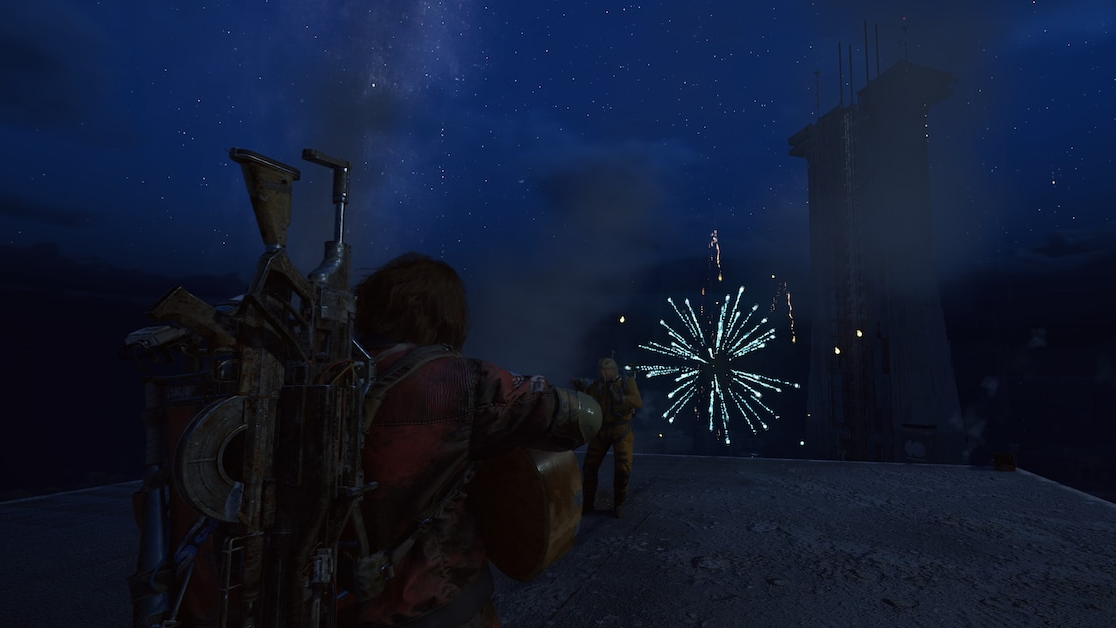
Post-processing and effects. Higher post‑processing and effects quality add extra local contrast, bloom, and tone mapping that can actually improve readability in some scenes. Dropping these too low often makes the image flatter and harder to parse.
Motion blur and film grain. Both make already busy firefights harder to read, especially in dark interiors where the game relies on subtle silhouette changes. Turning them off usually produces a cleaner, easier-to-track image without changing the balance of darkness and light.
Use monitor features like Black Equalizer and “FPS” modes
Most modern gaming monitors ship with hardware‑level picture modes designed for competitive shooters. Typical labels include “FPS”, “Black Equalizer”, “Shadow Boost”, or “Night Vision”. These work below the game and the GPU and cannot be blocked by software.
Used conservatively, they can help reveal detail in very dark corners without completely destroying contrast.
Step 1: Open your monitor’s on‑screen display using the physical buttons or joystick. Navigate to picture or gaming presets and check for any FPS or game‑focused mode. Enable it and see how ARC Raiders looks in a raid interior.
Step 2: Look for a Black Equalizer, Shadow Boost, or similarly named setting. Increase it by a single step at a time, testing in-game after each change. Stop as soon as you can reliably see texture detail in “black box” corners; pushing further quickly washes the entire image.
Step 3: If your monitor exposes a basic gamma control, nudge it one notch brighter, then retest both a night raid and a Cold Snap snowstorm. Very high gamma values can make bright scenes unpleasant or even unplayable.
Adjust Nvidia Control Panel color settings
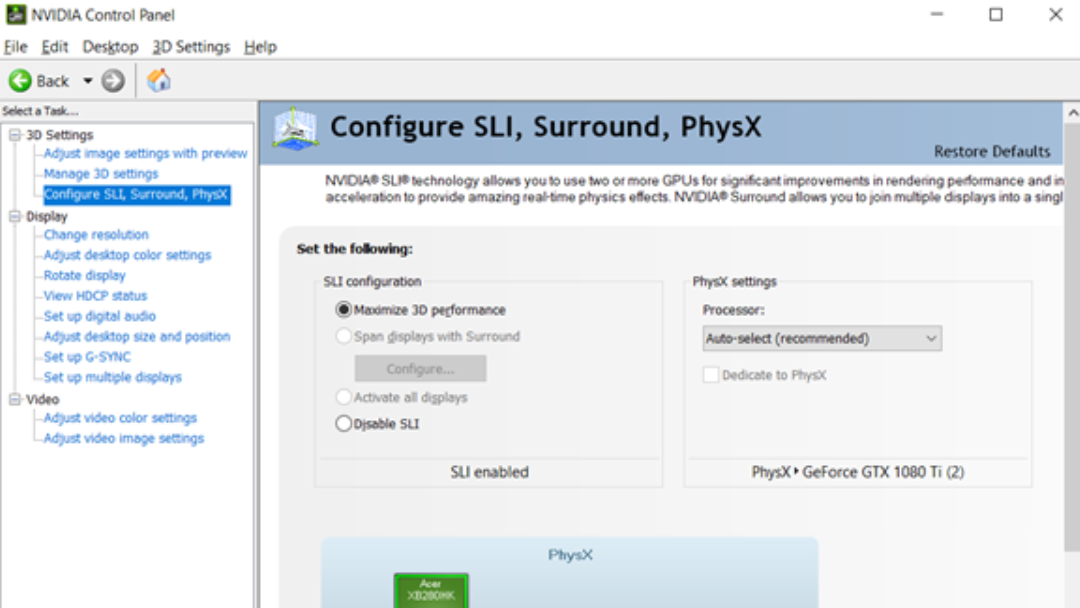
Freestyle is gone for ARC Raiders, but the classic Nvidia Control Panel is still available. It works at the desktop level and affects all content on that display until you switch it back.
Used gently, it can restore some of the clarity people miss from filters without recreating full night vision.
Step 1: Right‑click on the Windows desktop and open NVIDIA Control Panel. In the left sidebar, select Adjust desktop color settings.
Step 2: At the top, choose the display where you play ARC Raiders. Under “How do you make color adjustments?”, pick the Nvidia‑controlled option if it is not already selected.
Step 3: Increase Digital Vibrance slightly (for example, from 50% to around 60–65%). This brings back some of the saturation people liked from filters without touching brightness or gamma yet.
Step 4: Make a small gamma adjustment and test immediately in a raid. Many players land around a modest bump rather than the extreme 2.6+ values some use for pure night vision. Go too far and bright exteriors and snow maps become uncomfortable and distant shapes start to look flat.
What about third‑party tools and driver rollbacks?
Some community members mention tools like ReShade, RivaTuner, or older Nvidia driver branches as ways to bring back heavy filters. Experiences vary:
- ReShade has been reported to crash ARC Raiders for multiple users.
- Nvidia Profile Inspector and similar forcing tools trigger “Blocked Application” messages and game shutdown, indicating that ARC Raiders’ anti‑cheat treats them as unauthorized.
- Rolling back to older drivers sometimes appears to work for a subset of people, but many others see no change; Freestyle support is not guaranteed on any specific version.
Two points are clear. First, Embark is treating external attempts to manipulate the rendered image as an exploit surface. Second, using unapproved overlays and injectors against an active anti‑cheat always carries a risk of being flagged, even if the goal is “only” brightness and color tuning.
If you care about account safety, the reliable options today are in-game settings, monitor controls, and Nvidia Control Panel. Anything that injects post‑processing into ARC Raiders’ rendering pipeline beyond those paths is operating in a gray zone at best.
How this changes the feel of night raids and interiors
The most immediate shift is in how night raids and dark interiors play out:
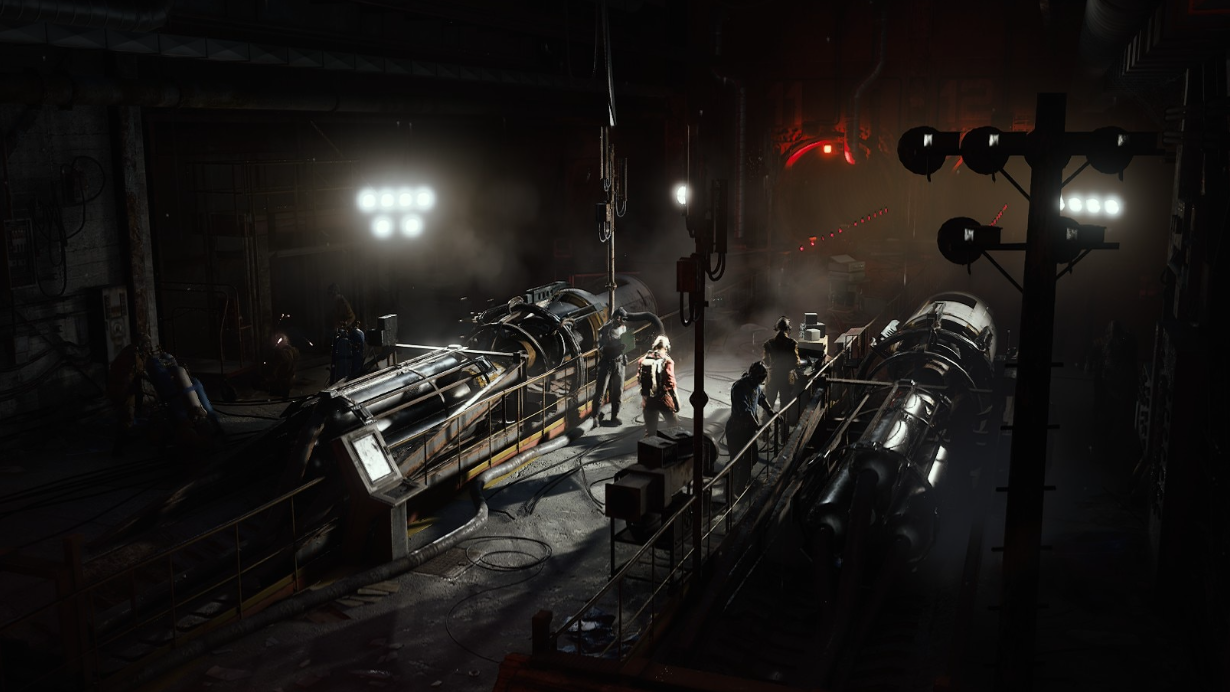
- Shadows are meaningful again. A player in a deep corner of a Buried City room is much harder to see, especially if they avoid backpack lights and weapon flashlights.
- Flashlights and glow sticks matter more on paper, though the current flashlight implementation has its own problems: short throw distance, harsh glare, and light leaking through walls that gives away position.
- OLED owners feel the extremes more. Panels with very deep blacks can make some interiors feel truly pitch‑black without any assist, while LCD owners on washed‑out displays still have more natural visibility in some cases.
The core tension here is design versus ergonomics. ARC Raiders’ art direction clearly leans into harsh contrast and moody interiors, but many players experience that as eye strain or as a visibility tax they must pay to avoid being farmed by people with tweaked displays.
Removing Nvidia Game Filters solves the most blatant visibility exploit but does not resolve the underlying complaints about lighting balance, lack of an in‑game gamma slider, and flashlight behavior. Those are design decisions Embark would need to revisit directly.
For now, the practical reality is simple. Nvidia’s Game Filters are out of ARC Raiders. The Alt + F3 presets that once turned night raids into midday are gone. If you want a clearer, more comfortable image without stepping into risky territory, the tools that remain are the game’s own video options, your monitor’s picture modes, and measured tweaks in Nvidia Control Panel.