

Arknights: Endfield is a cross-platform release on PC and mobile, and the requirements are notably higher than the original Arknights. The game targets modern mid-range hardware on all platforms and expects a large chunk of storage, especially on Windows.
Arknights: Endfield PC system requirements
On PC, Arknights: Endfield runs on 64-bit Windows and expects a dedicated GPU and solid-state storage. The client alone is around 60 GB and the installer needs extra working space while unpacking.
| Spec | Minimum (PC) | Recommended (PC) |
|---|---|---|
| OS | Windows 10 / 11 64-bit, DirectX 11.1 | Windows 10 / 11 64-bit, DirectX 11.1 or later |
| CPU | Intel Core i5-9400F or equivalent | Intel Core i7-10700K or equivalent |
| GPU | NVIDIA GeForce GTX 1060 (6 GB) | NVIDIA GeForce RTX 2060 |
| RAM | 16 GB | 32 GB |
| Storage | 60 GB on SSD | 60 GB or more on SSD |
The Windows build benefits strongly from SSD storage. Load times and streaming of open-world areas will be slower on a mechanical hard drive, and the installer needs roughly 45 GB of additional free space during unpacking on top of the final 60 GB install size.
In practice, any recent 6-core desktop CPU in the Core i5 / Ryzen 5 class paired with a GTX 1060 6 GB or similar will be enough to run the game at modest settings. The recommended tier, with an i7-10700K-class processor, RTX 2060, and 32 GB of RAM, is targeted at higher frame rates and higher visual presets, especially in busy combat scenes.
Arknights: Endfield Android system requirements
The Android client targets late-2010s flagship chipsets as the floor and much newer silicon for higher settings. HarmonyOS is supported, but HarmonyOS NEXT is explicitly not supported yet.
| Spec | Minimum (Android) | Recommended (Android) |
|---|---|---|
| OS | Android 10.0 or higher / HarmonyOS 2.0.0 or later | Android 11.0 or higher / HarmonyOS 4.0.0 or later |
| Processor | Snapdragon 855 / Dimensity 1000 / Kirin 990 or equivalent | Snapdragon 8+ Gen 1 / Dimensity 9000 / Kirin 9000S or equivalent |
| RAM | 6 GB or more | 8 GB or more |
| Storage | 28 GB free space | 28 GB free space |
These requirements mirror the second closed beta. Mid-range and older flagship devices that sit close to the minimum tier can expect to run at lower graphics presets and frame rates. For smoother performance at higher settings, especially if you aim for 60 FPS, a Snapdragon 8+ Gen 1, Dimensity 9000, Kirin 9000S, or comparable chipset with at least 8 GB of RAM is a safer baseline.
Arknights: Endfield iOS and iPadOS system requirements
On Apple devices, Arknights: Endfield expects recent iPhones and iPads with Apple A‑series chips and iOS 15 or later.
| Spec | Minimum (iOS / iPadOS) | Recommended (iOS / iPadOS) |
|---|---|---|
| Device | iPhone 11 or iPad with A13 chip or newer | iPhone 13 Pro or iPad with A15 chip or newer |
| RAM | 4 GB or more | 6 GB or more |
| OS | iOS 15.0+ / iPadOS 15.0+ | iOS 15.0+ / iPadOS 15.0+ |
| Storage | 28 GB free space | 28 GB free space |
An iPhone 11 or any iPad with at least an A13 chip covers the minimum, but devices in the iPhone 13 Pro / A15 range or newer will handle higher settings more comfortably and offer more headroom for future updates. As on Android, 28 GB of free space is required for installation and game data.
Arknights: Endfield install size on each platform
Endfield is a relatively large game on every platform, combining open-world environments, high-resolution character assets, and multiple language packs.
| Platform | Approximate install size |
|---|---|
| PC (Windows) | 60 GB |
| iOS | 28 GB |
| Android | 28 GB |
On mobile, the initial download may be larger than the long-term footprint because the client needs extra room to temporarily store install packages. After the first launch, some temporary data is removed, but future patches and voice packs can increase the total size again.
On PC, count on more than 60 GB of free capacity to manage updates and any temporary files created during patching. Running close to full on your drive can slow down installs and, in some cases, overall system performance.
How to quickly check if your device can run Arknights: Endfield
Step 1: On PC, confirm that Windows is 64‑bit and at least Windows 10, and ensure you have an SSD with more than 100 GB of free space to cover both installation and unpacking. On mobile, confirm that your OS version meets the minimum Android, HarmonyOS, iOS, or iPadOS requirement.
Step 2: Look up your CPU and GPU model. On Windows, you want something in the Intel Core i5‑9400F and GTX 1060 6 GB class or better for minimum, and an i7‑10700K and RTX 2060 class or better for recommended. On Android and iOS, compare your chipset or device name to the tables above.
Step 3: Check your RAM. The game expects 16 GB on PC, 6 GB on Android, and 4 GB on iOS as the absolute minimum. If you sit exactly at those numbers, expect to reduce background apps and browser tabs while playing to avoid interruptions.
Step 4: Free up storage. On PC, target at least 60 GB for the game plus an extra buffer for patches and other software. On Android and iOS, clear enough apps, photos, or offline media to reach at least 28 GB of space before starting the download.
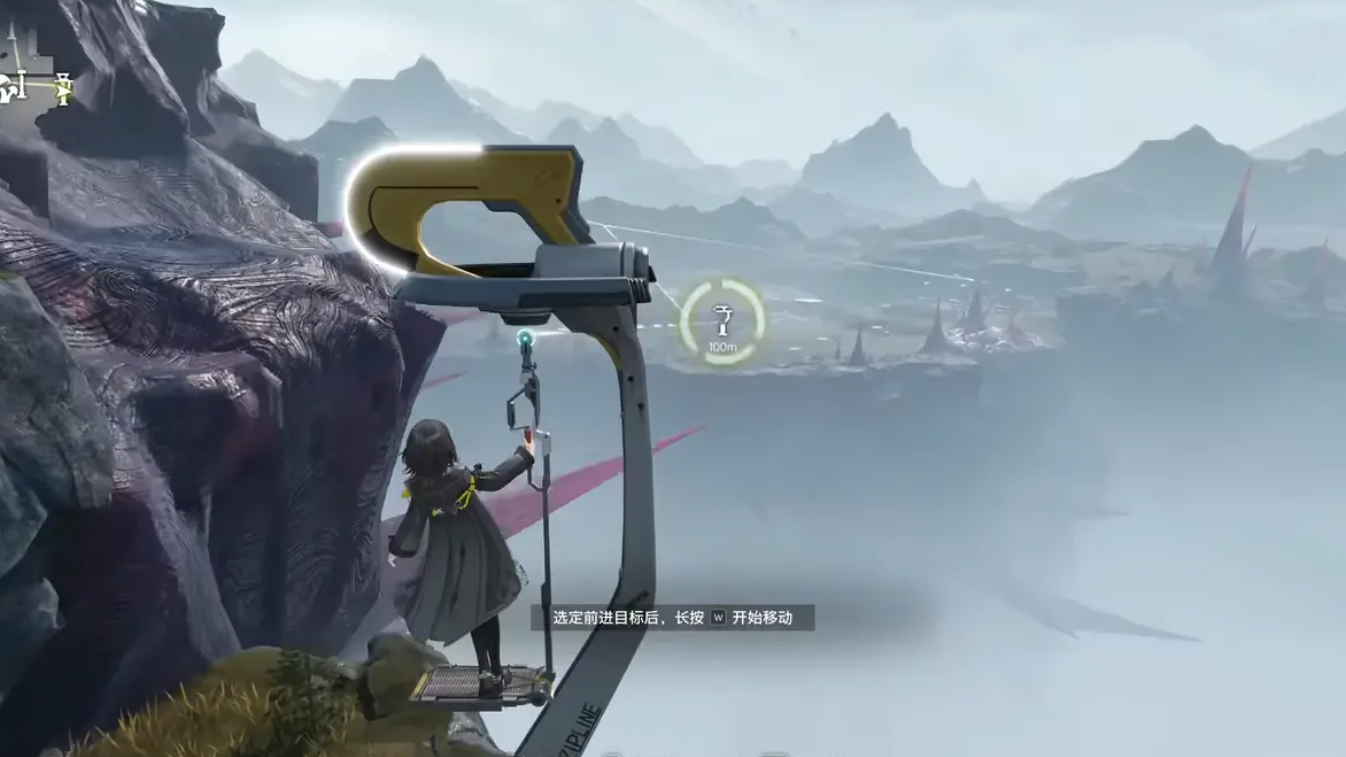
Arknights: Endfield launches globally on January 22, 2026, and is designed around relatively modern mid-range hardware on every platform. If your system is near the minimum requirements, expect to lean on lower graphics options and frame-rate caps. If you are comfortably above the recommended tier, there is enough headroom to push higher resolutions and settings while staying stable through large-scale fights and busy open areas.