

Gangs (also called Clans) in Bizarre Lineage unlock some of the game's most rewarding social features, including Gang Wars, Gang Contracts, and a dedicated Gang Shop. Creating one is straightforward in theory — open a menu, pick a name, paste a logo ID, hit Finalize — but two persistent issues are blocking players right now. The logo field rejects valid-looking Decal IDs with an "Emblem Must Be Valid" message, and the name field filters out names that contain nothing objectionable. Both problems have reliable workarounds.
Quick answer: When setting a Gang logo, paste the Image Asset ID (found under the Images tab in Roblox Creator Hub), not the Decal ID. For the name filter bug, use a simple, lowercase English-alphabet-only name with no spaces, symbols, or numbers.
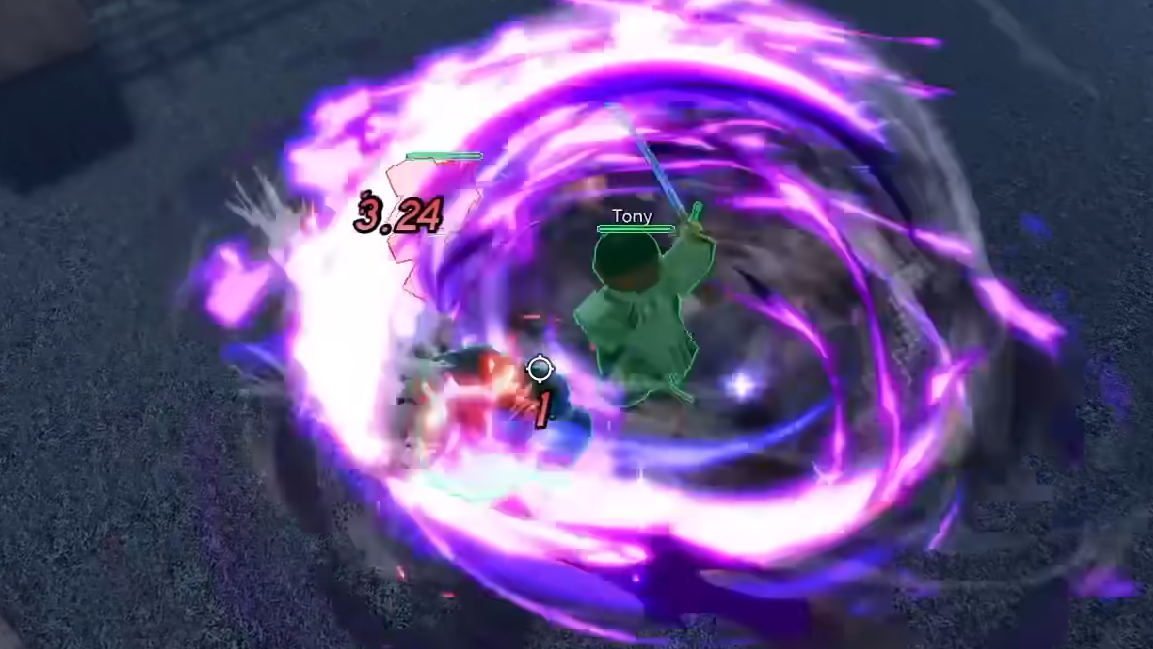
Creating a Gang in Bizarre Lineage
Step 1: Press M in-game (or tap the icon in the lower-right corner) to open the main Menu.
Step 2: Select the Gangs icon — it sits in the lower-right area of the Menu screen. The Gang creation panel will appear.
Step 3: Enter a Gang Name and paste a Logo ID into the corresponding fields. Both are required before you can proceed.
Step 4: Press Finalize to create your Gang. Once it exists, you can start inviting other players.
If either field throws an error, the Finalize button won't work. The two sections below cover the exact cause and fix for each problem.
Fix "Emblem Must Be Valid" — Image Asset ID vs. Decal ID
The single most common reason the logo field rejects your input is that you're pasting the wrong ID. Bizarre Lineage expects an Image Asset ID, but most players instinctively copy the Decal ID instead. Roblox treats these as two separate assets — when you upload a decal, the platform automatically generates a corresponding image asset with its own distinct numeric ID. The game's Gang system reads the image, not the decal wrapper.
Here is how to get the correct ID:
Step 1: Log in to the Roblox Creator Hub through a browser using the same account you play Bizarre Lineage on.
Step 2: In the left-hand menu, click Creations, then open the Development Items tab at the top of the Creations page.
Step 3: Select the Images tab within Development Items. If you haven't uploaded your logo yet, click Go to Decals first, choose Upload Asset, and upload the image you want to use. After the upload completes, navigate back to the Images tab.
Step 4: Find the image that was auto-generated from your decal upload. Click the three-dot menu next to its name and select Copy Asset ID.
Step 5: Return to Bizarre Lineage and paste that ID into the Logo ID field on the Gang creation screen.
Gang Name Filter Bug — Workaround
A separate issue is affecting the name field. Players across the official Bizarre Lineage Discord and Reddit communities have reported that the filter rejects nearly every name they attempt, including completely innocuous words. This appears to be a bug with the text-filtering system rather than an intentional restriction, since names that should pass any reasonable profanity check are still being blocked.
Until the developers patch the filter, the most reliable workaround is to keep your Gang name as simple as possible. Stick to these constraints:
- Use only lowercase English letters (a–z).
- Avoid spaces, symbols, numbers, and capital letters in the middle of words.
- Keep the name short — one or two plain words tend to pass more often than longer phrases.
This is not a guaranteed fix. Some players still hit the filter even with simple names. If nothing works, it may be worth waiting for a patch or checking the official Discord for updated guidance from the development team.
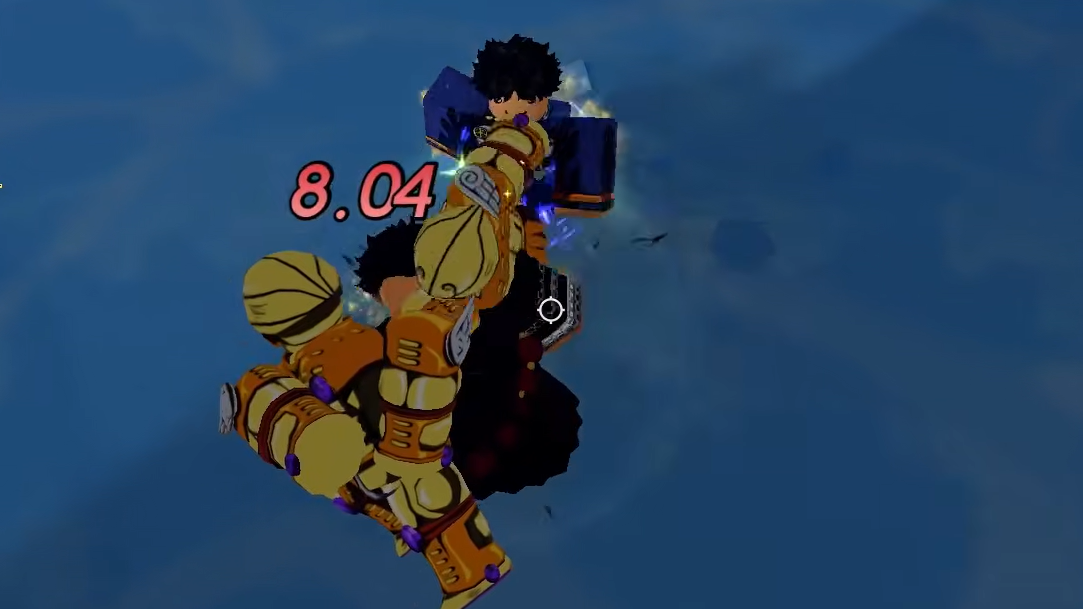
What Gangs Unlock in Bizarre Lineage
Once your Gang is up and running, several systems become available. Understanding what they offer helps you decide how to invest your time.
| Feature | How It Works |
|---|---|
| Gang Contracts | Talk to the Gang Contractor NPC to receive quests that reward Gang Points, Common Chests, and Rare Chests. |
| Gang Shop | Spend Gang Points on items like Stand Conjuration Essence, Stand Stat Essence, Stand Personality Essence, Lucky Arrow, Legendary Chest, DIO's Bone, DIO's Diary, Hammer, and Rare Chest. |
| Gang Territories | Special map zones your Gang can capture and hold. Controlling a territory generates passive income and exclusive perks. |
| Gang Fame (Rank) | An ELO-style rating calculated from overworld kills. Each kill made while you're in a Gang grants 5 Fame. |
| Gang Wars | A dedicated PvP mode where Gangs compete in organized team-based battles. |
Gang Points are the central currency that ties most of these features together. Completing Contracts is the primary way to earn them, and the Shop inventory includes some of the most sought-after items in the game — particularly Lucky Arrows and Legendary Chests.
The "Emblem Must Be Valid" error and the overly aggressive name filter are both well-known pain points right now. The logo fix is straightforward once you know to grab the Image Asset ID instead of the Decal ID, while the name filter requires patience and experimentation until a proper patch rolls out. Once you clear both hurdles, Gangs open up a significant chunk of Bizarre Lineage's endgame content.