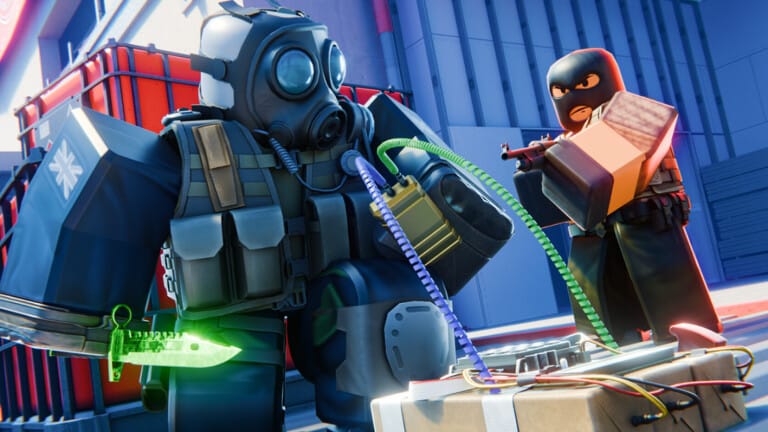
The 5v5 tactical shooter BloxStrike brings Counter-Strike-style gameplay to Roblox — objective-based rounds, a per-round cash economy, and a weapon skin market all powered by Credits. Codes skip the grind by dropping Credits directly into your account, and some also include bonus cases for unlocking weapon skins.
Working BloxStrike codes
CAPTAINTTIROB— Free Rewards (limited to 10,000 uses) NEWHELLENA— Free Rewards (limited to 10,000 uses) NEWSUPERSOAKED— 250 Credits (limited to 2,500 uses) NEWTRADINGUPDATE— 150 Credits (limited to 10,000 uses)MYFAULTYALL— 300 Credits and 3 CasesTRADINGRELEASE— 250 Credits (limited to 10,000 uses)BIRTHDAYBOYMALONI— 50 CreditsGAMEBROKE318— Free RewardsAPEXCOLLECTION— 250 Credits (limited to 5,000 uses)STILETTO— 250 Credits (limited to 2,500 uses)Missions— 250 Credits (limited to 2,500 uses)UPDATE320— 250 Credits (limited to 2,500 uses)EASTER2026— 67 Credits
Several codes above carry use-count caps and stop working for everyone once the limit is hit, regardless of any expiry date. The tightest caps — 2,500 uses — belong to SUPERSOAKED, Missions, STILETTO, and UPDATE320, so prioritise those entries before the others.
Expired BloxStrike codes
WINTER2025— 100 CreditsCHRISTMAS2025— 100 CreditsBLOXSTRIKEXMEDAL— 100 CreditsNEWYEARS2025— 100 CreditsSEASIDE— 100 Credits8KCCU— 75 Credits1MVISITS— 60 CreditsBUTTERFLYCASE— 50 CreditsWEAREBACK— 50 Credits10KCCU— 50 CreditsLIL30MINUTEDOWNTIME— 35 CreditsDUST_II25MILLIONVISITS10MVISITSBLOXSTRIKERESTARTISSUEGAMEBROKEQOLUPDATERELEASESORRYSORRYTHURSDAY
How to redeem BloxStrike codes
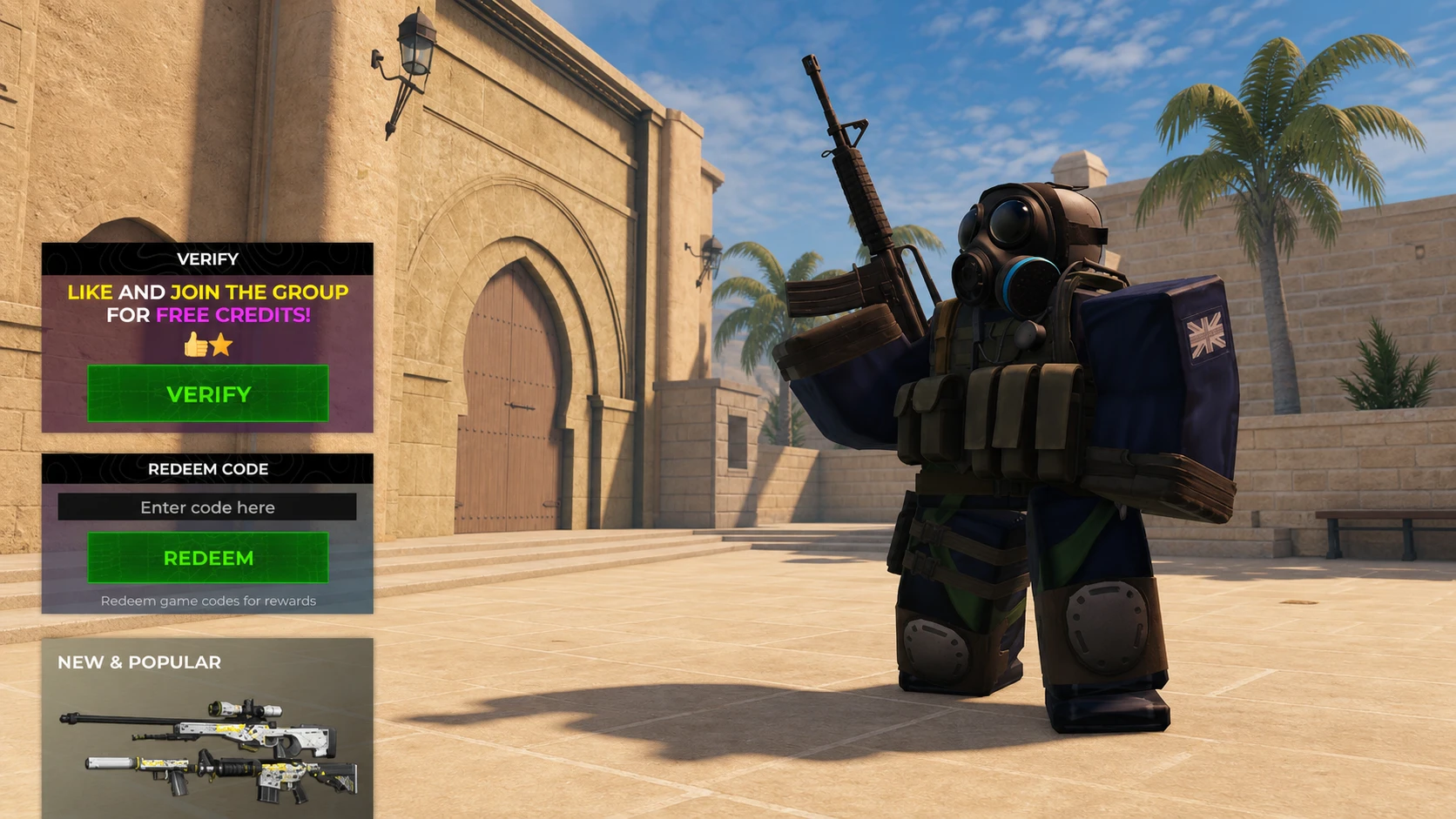
The code redemption field is locked until you reach level 5. Levels accumulate through regular match play, so a few games is enough to hit that threshold before you can start claiming free Credits.
Where to find more BloxStrike codes
New codes typically drop around major updates, visit milestones, and seasonal events. The BloxStrike Discord server is the fastest way to catch announcements directly from the development team, and the @BasedGamesRBLX YouTube channel and the official BloxStrike Roblox group are worth following for update news as well. Given that many codes carry strict use-count limits, redeeming them as soon as they appear makes a real difference.