
Category
Windows
Windows 11, Windows 10, troubleshooting, and tips for power users.
-

Windows 11 Unified Memory Setting: How IntelligentCarveout Works
What the hidden Unified memory control does, which PCs support it, and how to expose it in build 29648.
-
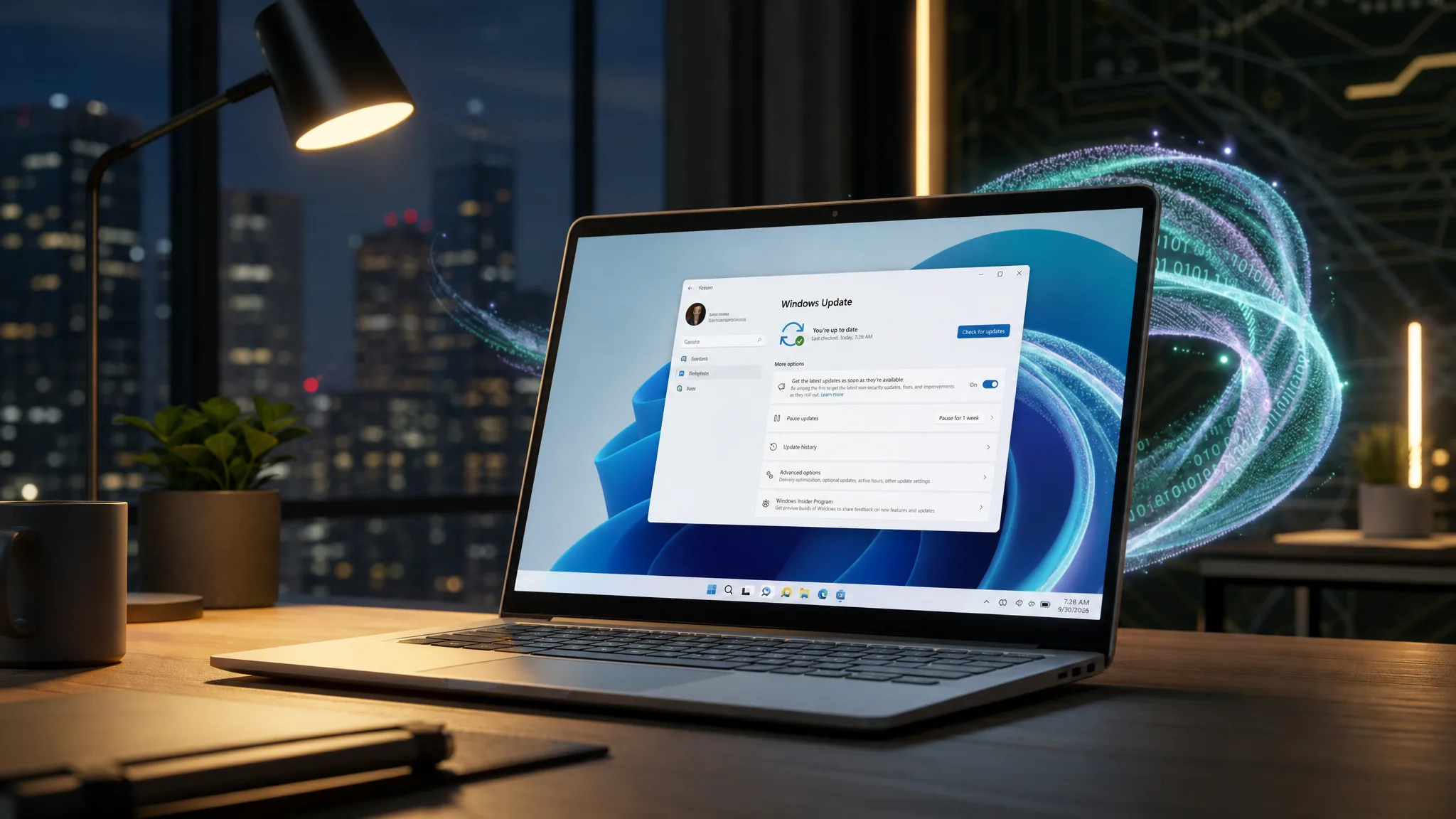
Windows 11 26H1 Build 28000.2796 (KB5120996): What KB5120996 Changes
The September 2026 update brings File Explorer units, two-character search, Voice Isolation, and Windows Hello ESS support for external fingerprint readers to ARM64 devices.
-
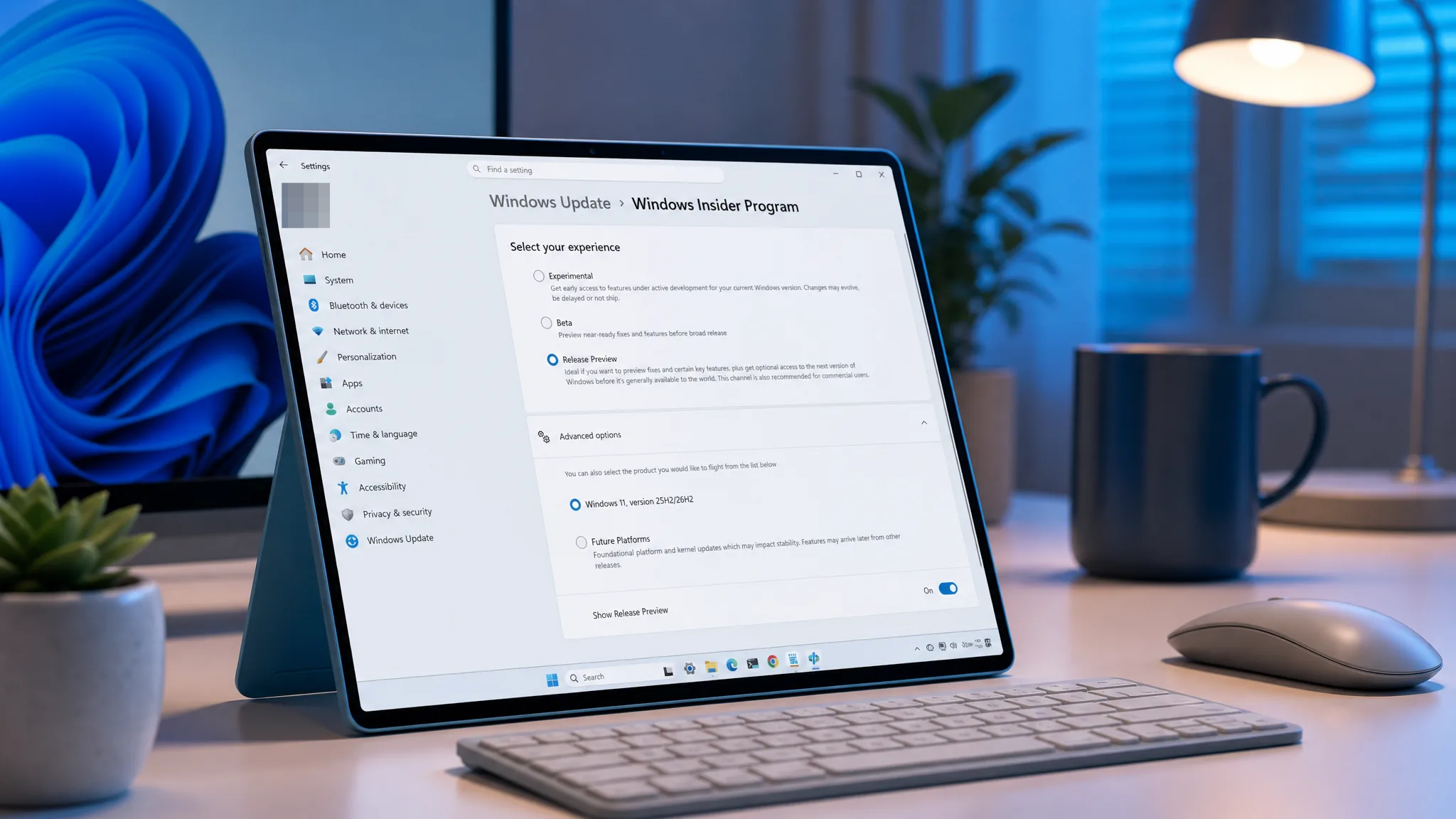
Windows 11 KB5120998: Unlock the September 2026 Update’s Hidden Features Early
Install the update, run a few ViVeTool commands, and switch on the movable Taskbar, resizable Start menu, and Search changes before Microsoft flips them…
-
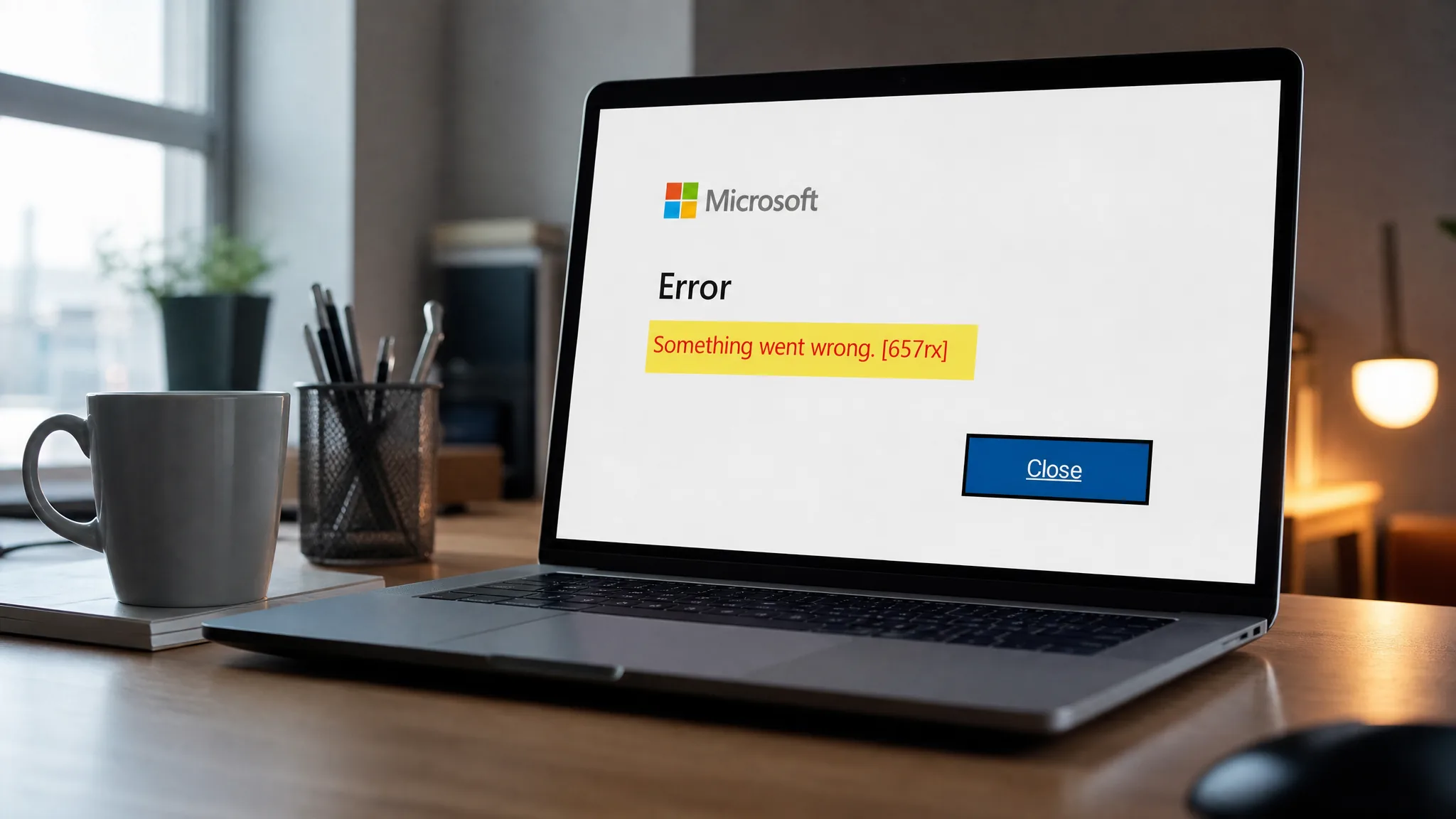
Microsoft 365 Sign-in Error 657rx: How to Fix “Something Went Wrong”
Clear the broken account tokens that block Outlook, Teams, and Office apps from signing in, and reconnect your work account.
-
Windows 10 22H2 vs Windows 11 22H2: Support, Features, and Upgrade Rules
How the two 22H2 releases differ on support status, interface, and the hardware needed to move to Windows 11.
-
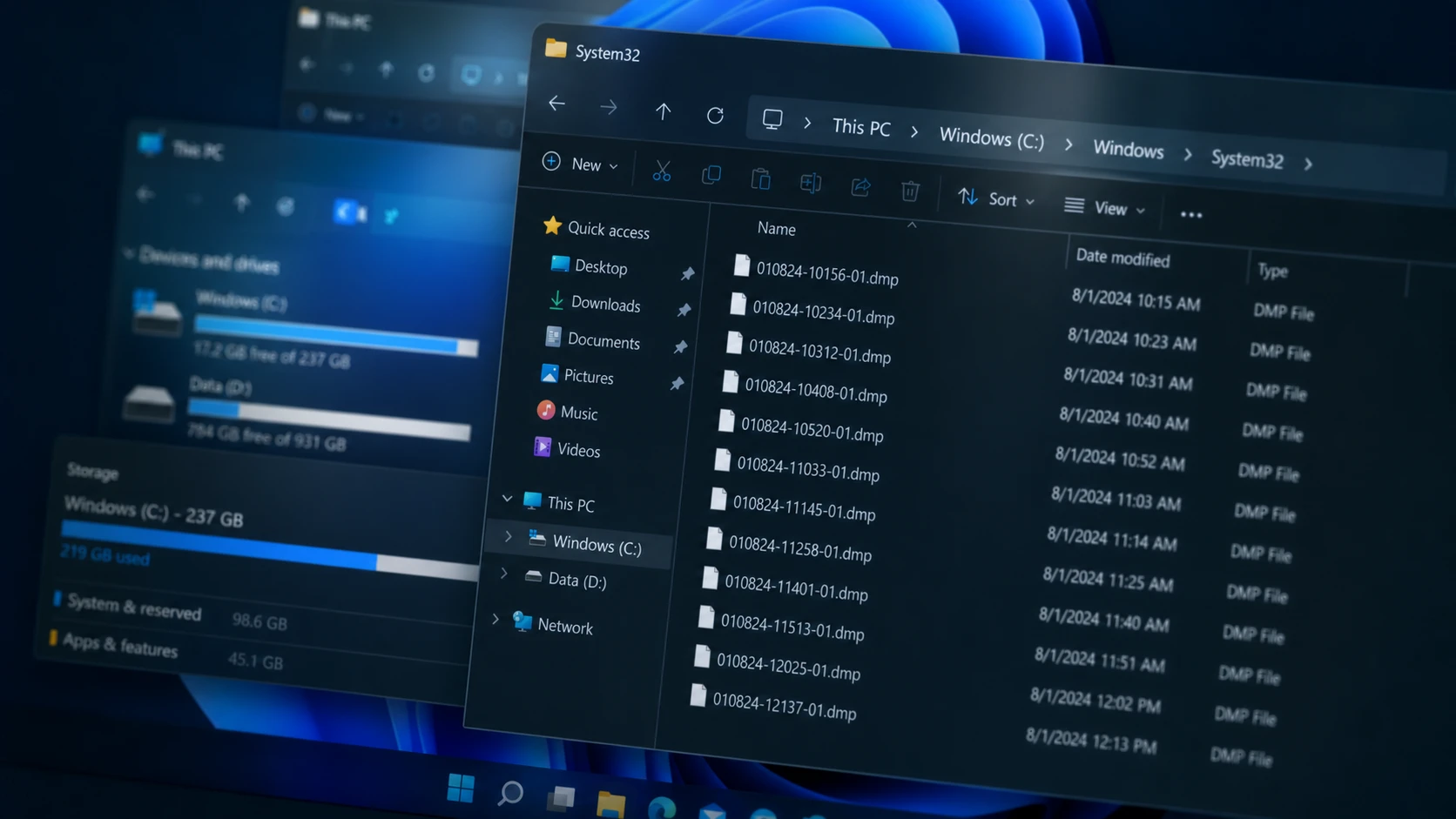
How to Fix Excessive DMP Files in the Windows 11 System32 Folder
Stop bugcheck and error-report dumps from piling up in System32, then clear the space they took.
-
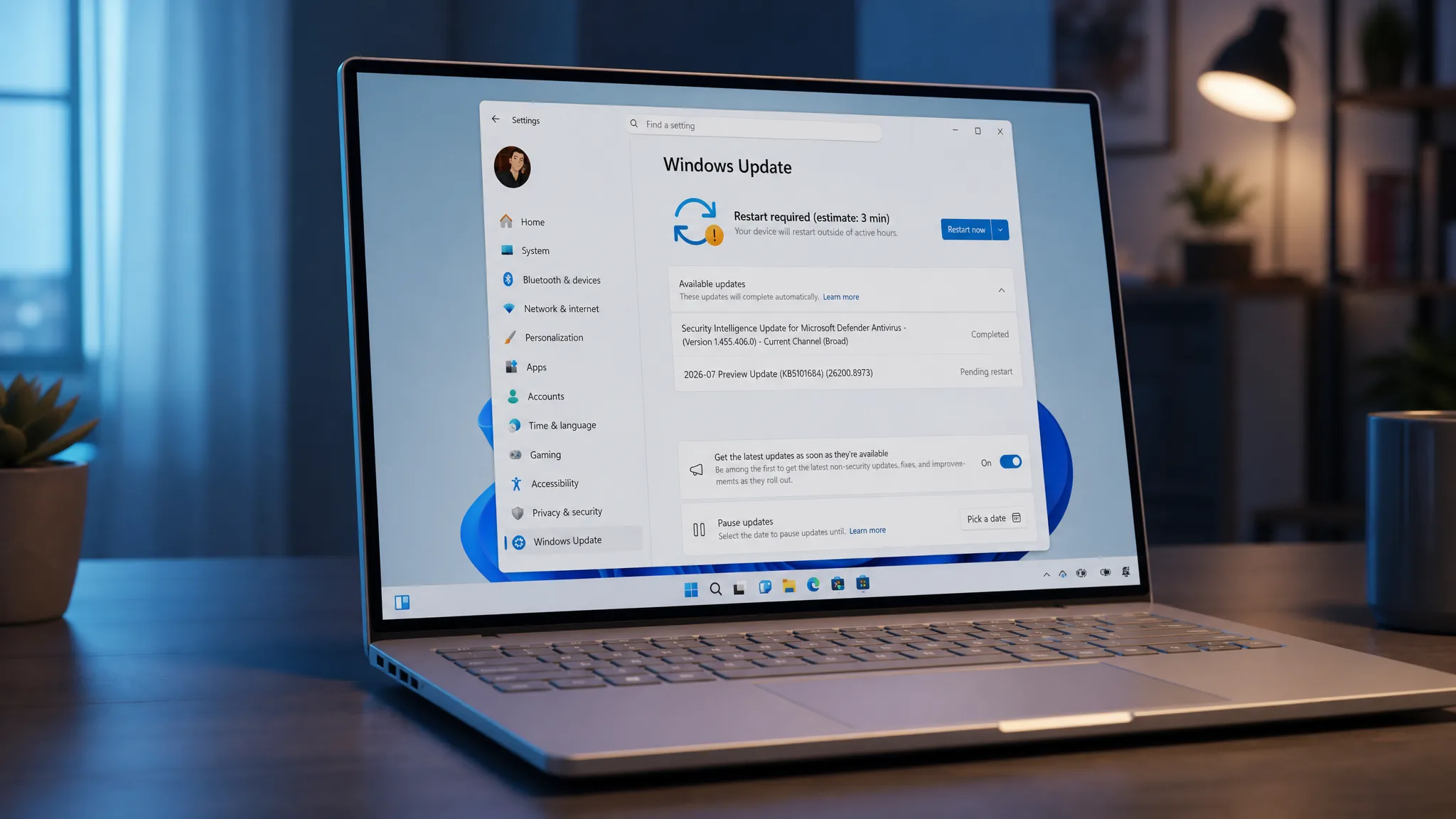
KB5101684: How to Download the Windows 11 August 2026 Preview Update
Grab the optional preview for 24H2 and 25H2 now, or wait for the automatic rollout on August 11.
-
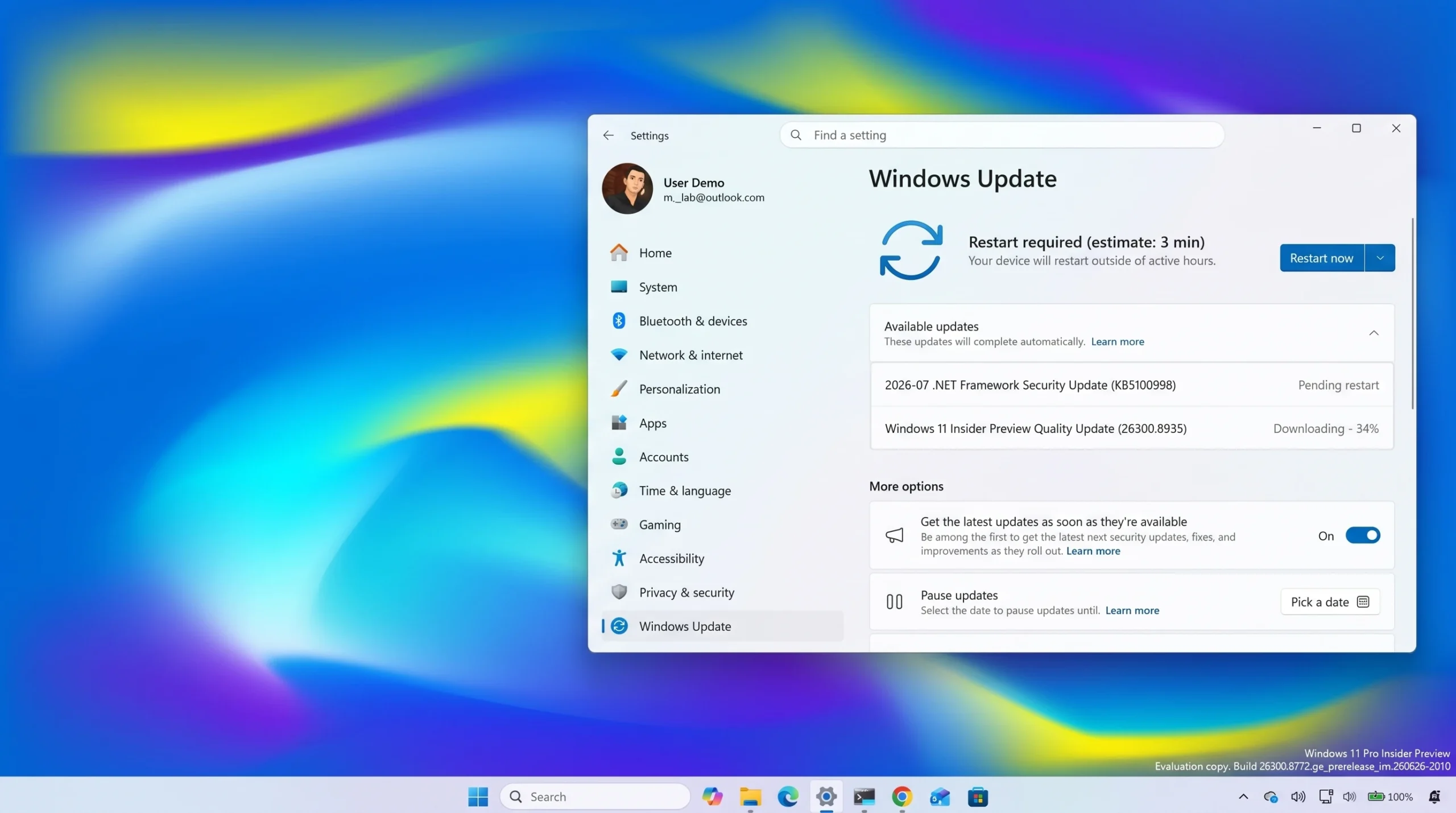
Windows 11 26H2 Build 26300.8935 Speeds Up File Explorer (Experimental Channel)
The Experimental preview trims File Explorer wait times and fixes desktop background, taskbar, and input settings that failed to stick.
-
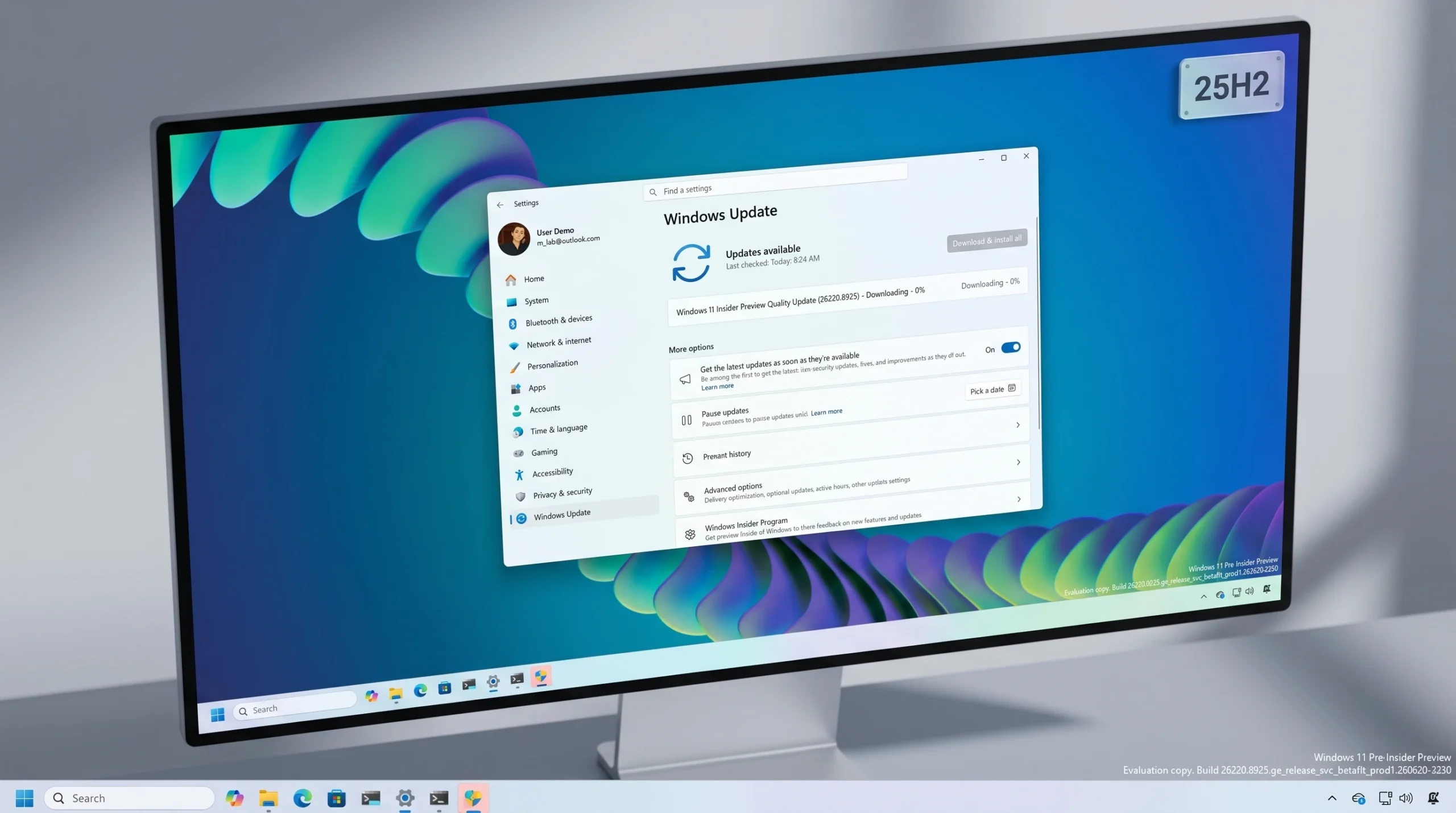
Windows 11 Build 26220.8925 Brings Start Menu Size and Section Controls
The Beta build lets you resize Start, hide Pinned, Recent, and All, and remove your name from the menu.
-
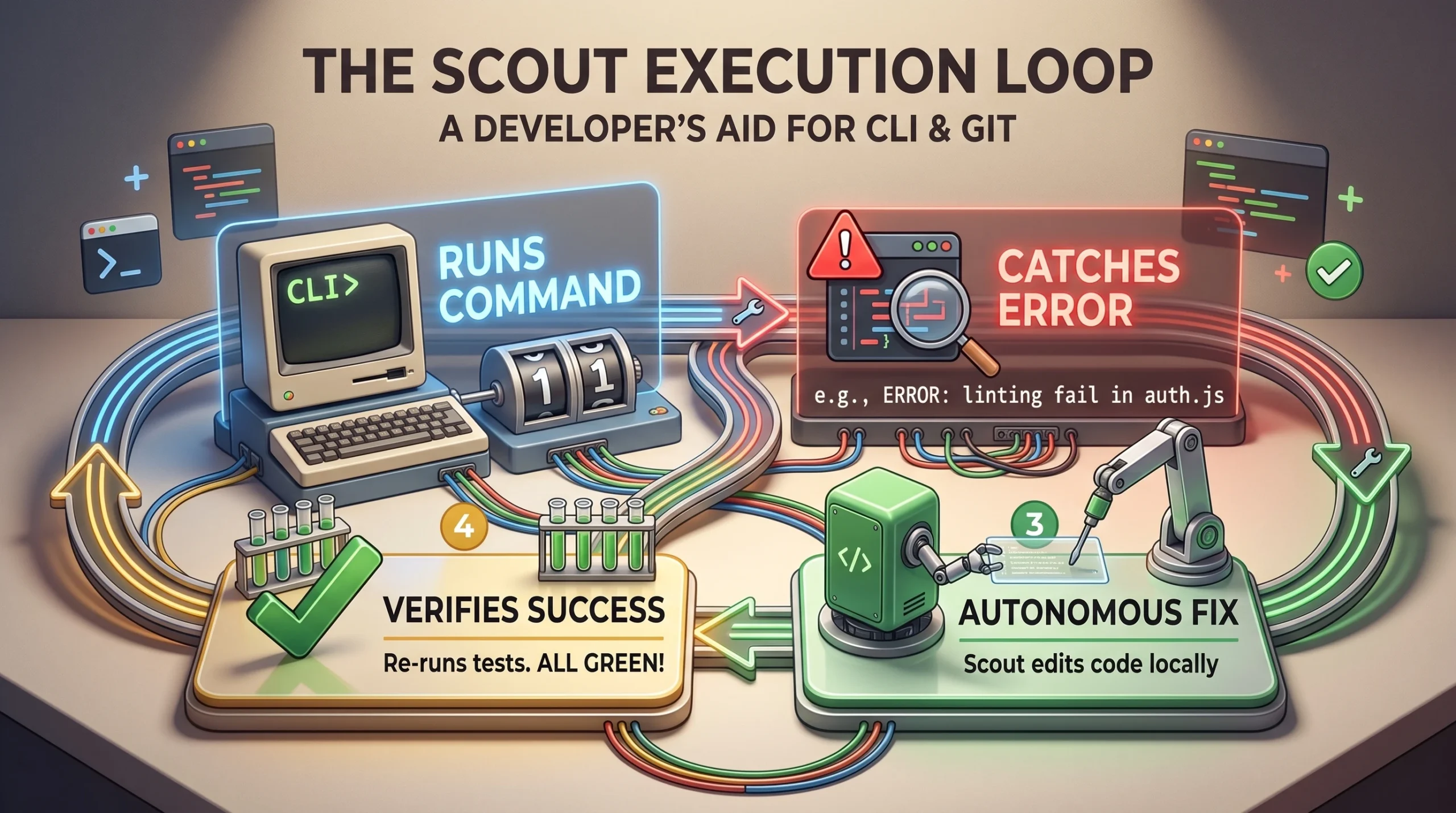
How to Run Git and Shell Commands With Microsoft Scout
Scout executes terminal commands on your machine through a three-tier permission system that decides what runs on its own and what waits for you.