

Memory sequences in Code Vein 2 can be bypassed entirely or sped up with built-in skip controls, and doing so does not change the story outcome.
Quick answer: During a memory, hold Triangle on PlayStation or Y on Xbox to skip the sequence, or tap R1/RB to advance dialogue faster.
Code Vein 2 memory skip controls
When a memory sequence is playing in Code Vein 2:
- PlayStation: hold Triangle
- Xbox: hold Y
- PlayStation fast dialog: tap R1
- Xbox fast dialog: tap RB
Holding the main skip button ends the current memory and returns you to normal gameplay. Repeatedly pressing the shoulder button only advances individual dialogue lines and does not exit the memory.
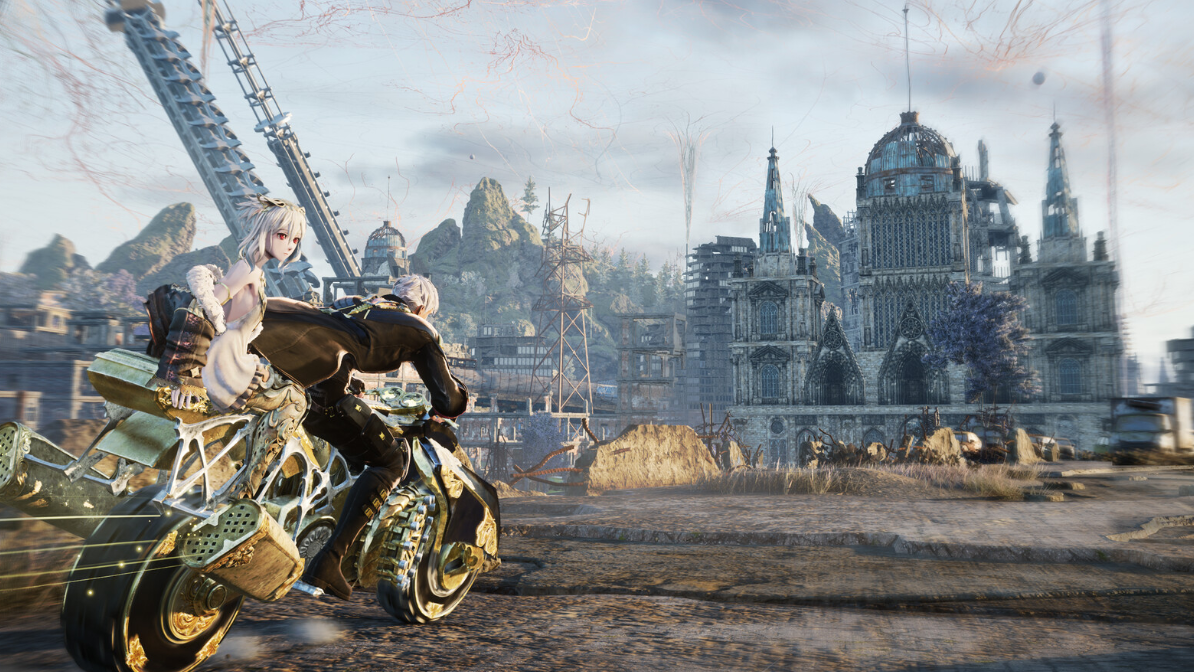
How memory replays work
Memories behave like standard cutscenes. Once unlocked, they can be viewed again from Lou’s Mind Construct at any Mistel by choosing the Talk to Lou option and opening the Archives section.
At certain main-story points, Lou’s Mind Construct is temporarily unavailable. During regular exploration, it is accessible and holds every cutscene and memory you have already unlocked.
Skipping memories and story progression
Skipping memory sequences does not block or alter the main story progression. The game advances as if you had watched the full scene.
Important plot details, explanations for Timeline Shift Decisions, and side-quest context are often delivered inside these memories, but skipping them only means you miss the narrative, not gameplay content.
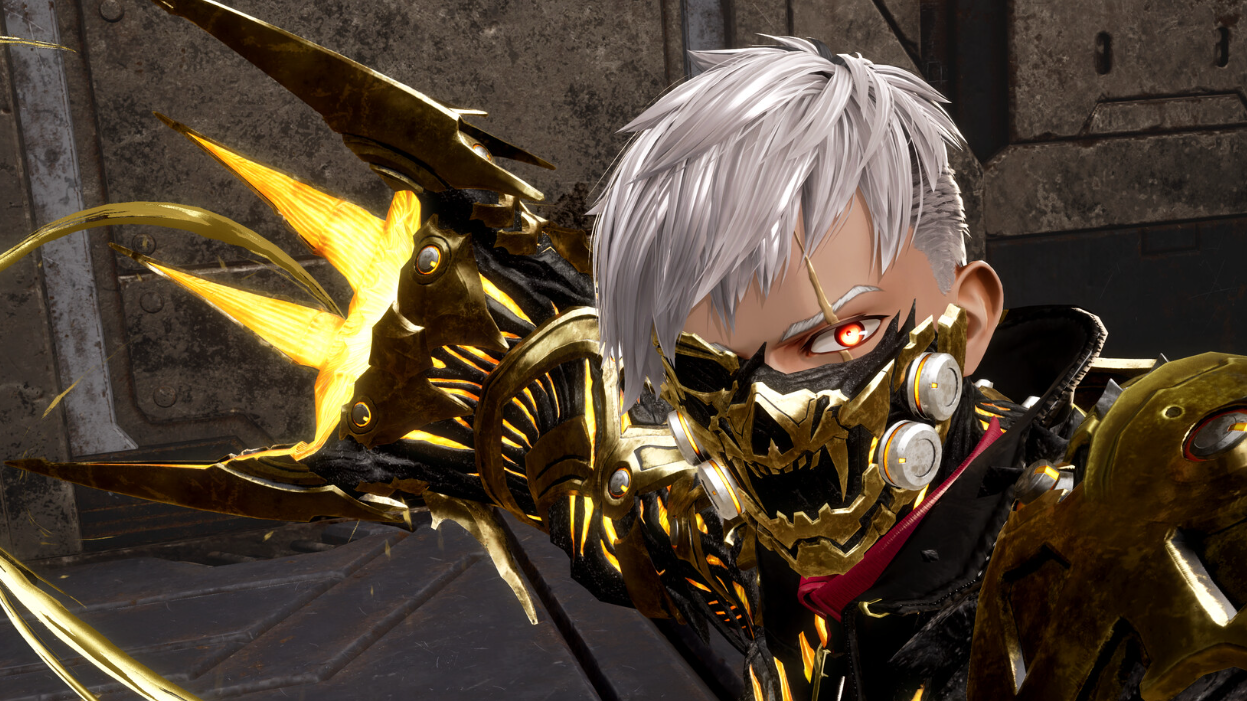
Memories in side quests and Timeline Shift Decisions
Side quests and Timeline Shift Decisions also trigger memory sequences, sometimes more than once for a single questline. Certain Timeline Shift Decisions, such as the decision involving the hero Holly, occur entirely inside a memory.
You can use the same skip and fast-dialog inputs during these sequences. Completion of the underlying quest or Timeline Shift Decision is not blocked by choosing to skip.