

Axiom Force is a telekinetic ability in Crimson Desert that lets you grab, push, and pull objects scattered throughout the world. It shows up most often during environmental puzzles, but the game's complex control scheme — combined with long stretches between quests that actually require it — means plenty of players hit a wall when they need to use it again and can't remember the buttons.
Quick answer: Hold the aiming input (Tab on PC/Mac, L3 on PS5, Left Stick on Xbox), release it to fire the Axiom Grapple claw at a target object, then use pull/push inputs to manipulate it. The ability has limited range, so stand close to the object before activating.
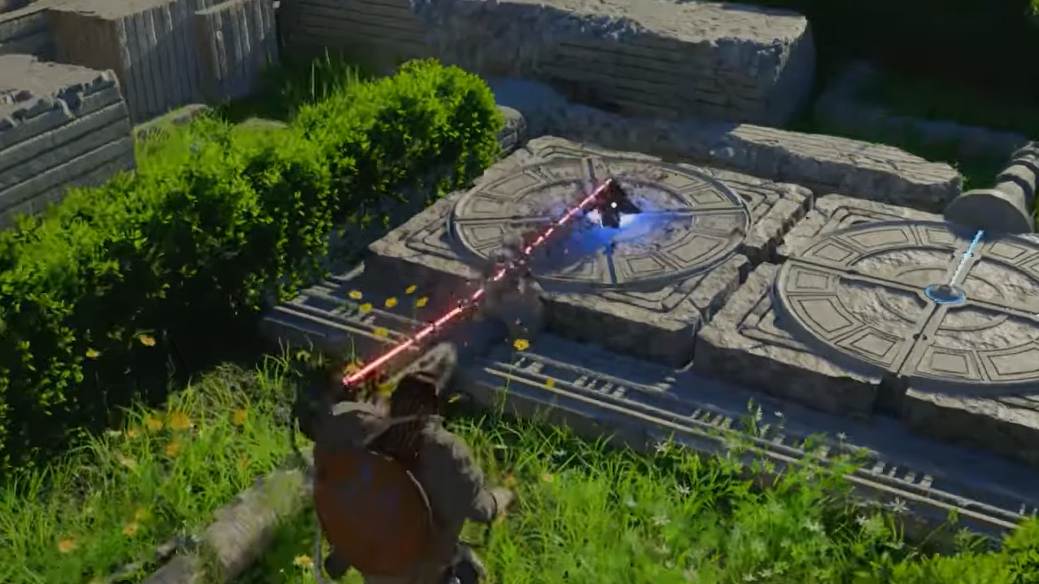
Axiom Force controls by platform
| Action | PS5 | Xbox | PC / Mac |
|---|---|---|---|
| Aim the Axiom Grapple | Hold L3 | Hold Left Stick | Hold Tab |
| Fire the claw | Release L3 | Release Left Stick | Release Tab |
| Pull an object | L2 | LT | Left Click (Q to control Force) |
| Push an object | R2 | RT | Right Click |
| Move / rotate object | Tilt right stick while holding L2 or R2 | Tilt right stick while holding LT or RT | Move mouse left / right |
| Exit Axiom Force | Press L3 or Circle | Press Left Stick or B | — |
On keyboard and mouse, the flow is slightly different from controller. After you hold and release Tab, press Q to take direct control of the Force. From there, left click pulls, and right click pushes, while moving the mouse horizontally rotates or repositions the targeted object. On console, the right stick handles all directional manipulation as long as you keep the pull or push trigger held down.
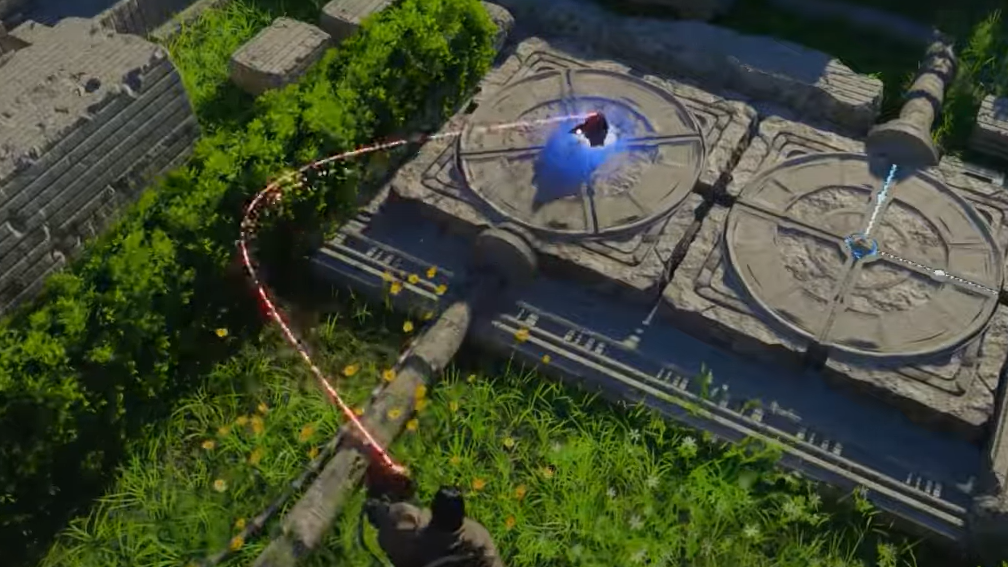
How Axiom Force activation works
The mechanic operates in two distinct phases. The first phase is aiming — holding the input, which brings up a targeting reticle on screen. You don't fire while the button is held; instead, releasing the button launches the grapple claw toward whatever the reticle is pointing at. This "hold-then-release" pattern is the opposite of how most abilities work in action games, which is a major reason players forget the sequence.
Once the claw connects, you enter a manipulation state. At this point, you choose whether to pull the object toward you or push it away, and you can tilt or rotate it using directional input. On PS5 and Xbox, you stay in this state until you explicitly exit by pressing L3 / Left Stick or Circle / B. On PC, the state ends more naturally when you stop providing input, though pressing Tab again or moving away will also break the connection.
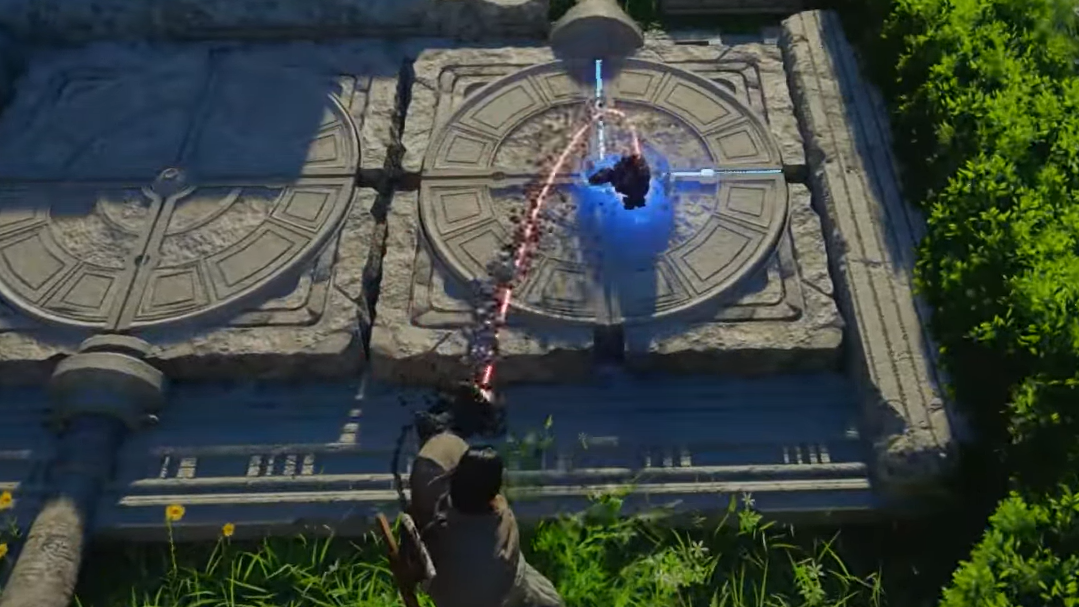
Common puzzle uses
Most Axiom Force puzzles involve repositioning large objects — stone blocks, rotating wheels, or pillars — to open paths or activate mechanisms. The push and pull distinction matters because some objects need to be drawn toward you to clear a gap, while others need to be shoved into a slot on the far side. Pay attention to the environment for visual cues like grooves in the floor or glowing markers that indicate where an object should end up.
Rotating objects is handled by tilting the right stick (controller) or moving the mouse horizontally (keyboard and mouse) while holding the pull or push input. This is easy to miss because the game's tutorial covers it quickly and doesn't revisit the mechanic for a while. If a wheel or pillar isn't responding to simple push/pull, try the rotation input instead.
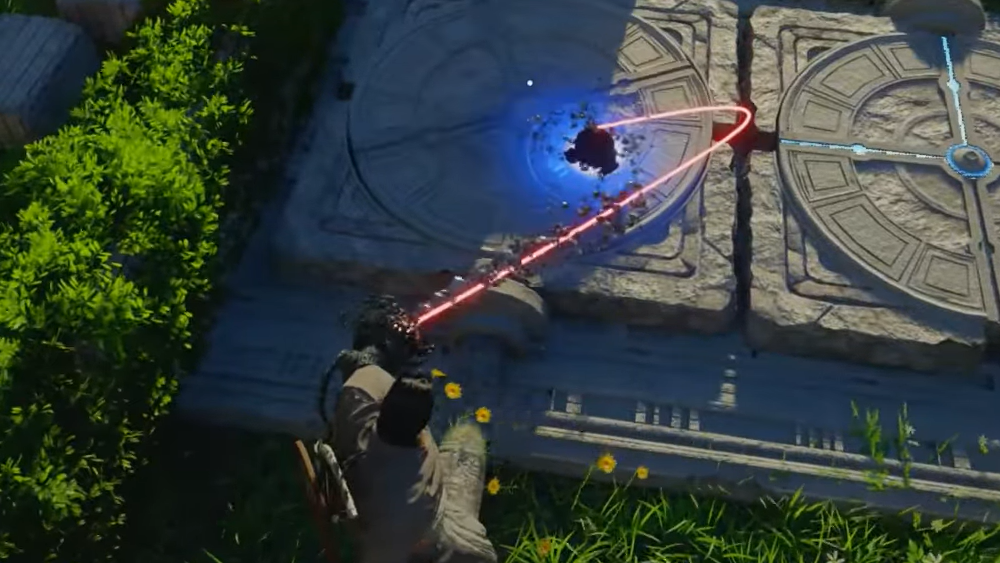
Upgrades and additional skills
Beyond basic object manipulation, Axiom Force can be expanded with the Aerial Maneuver skill, which opens up traversal options tied to the same grapple claw. Unlocking this skill extends the ability's usefulness beyond puzzles and into combat and exploration. Specific unlock conditions depend on your progression through the main quest line.
Axiom Force is one of those mechanics that feels intuitive during the tutorial but trips players up hours later when a puzzle demands it again. Keeping the hold-then-release aiming pattern in mind — and remembering that range is limited — should get you through every encounter that requires it.