

After completing the Pioneering chapter in Chapter 3 of Crimson Desert, the Greymane camp introduces a new resource management system. A set of icons appears at the top right of the screen, and players can donate items to Carl, the camp provisions keeper. These donations fuel dispatch missions, camp expansions, and passive resource generation.
Quick answer: The six camp icons represent comrades (helmet), armor/weapons (tent + armor), ore/stone (tent + rock), timber (tent + logs), provisions/food (tent + bags), and money (tent + coin). Donating items increases the corresponding category, which is required to send comrades on dispatch missions.
Camp Icons and What They Mean
Six icons appear at the top right of the screen once the camp system unlocks. From left to right:
| Icon | Category | What It Tracks |
|---|---|---|
| Helmet with number | Comrades | Number of comrades in the camp (e.g., Luke and Ronald) |
| Tent + armor | Armor/Weapons | Armor, weapons, upgrade materials (cloth, bones, unwanted gear) |
| Tent + rock | Ore/Stone | Ore, stone, and similar materials (e.g., Azurite) |
| Tent + logs | Timber | Timber and wood resources |
| Tent + bags | Provisions | Food, animals, herbs, and other consumables |
| Tent + coin | Money | Camp funds (donated silver or valuable items like rings and necklaces) |
A seventh number in the top right corner represents contribution points for House Celeste. This value increases through separate activities and is not directly tied to camp donations.
How to Donate Resources to the Camp
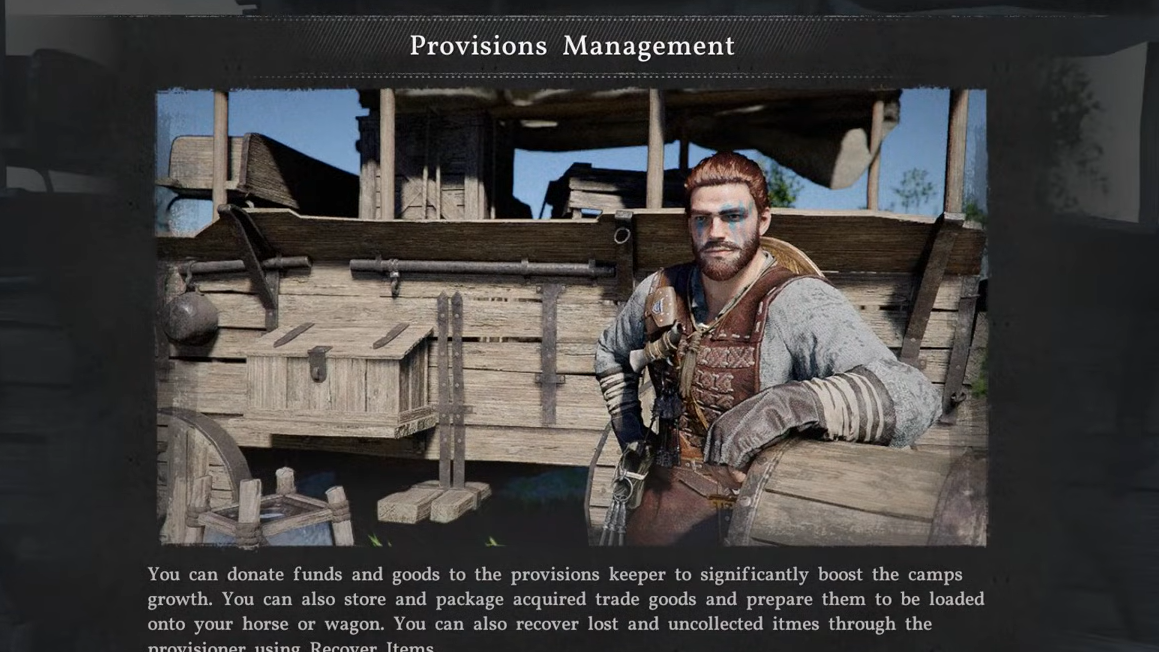
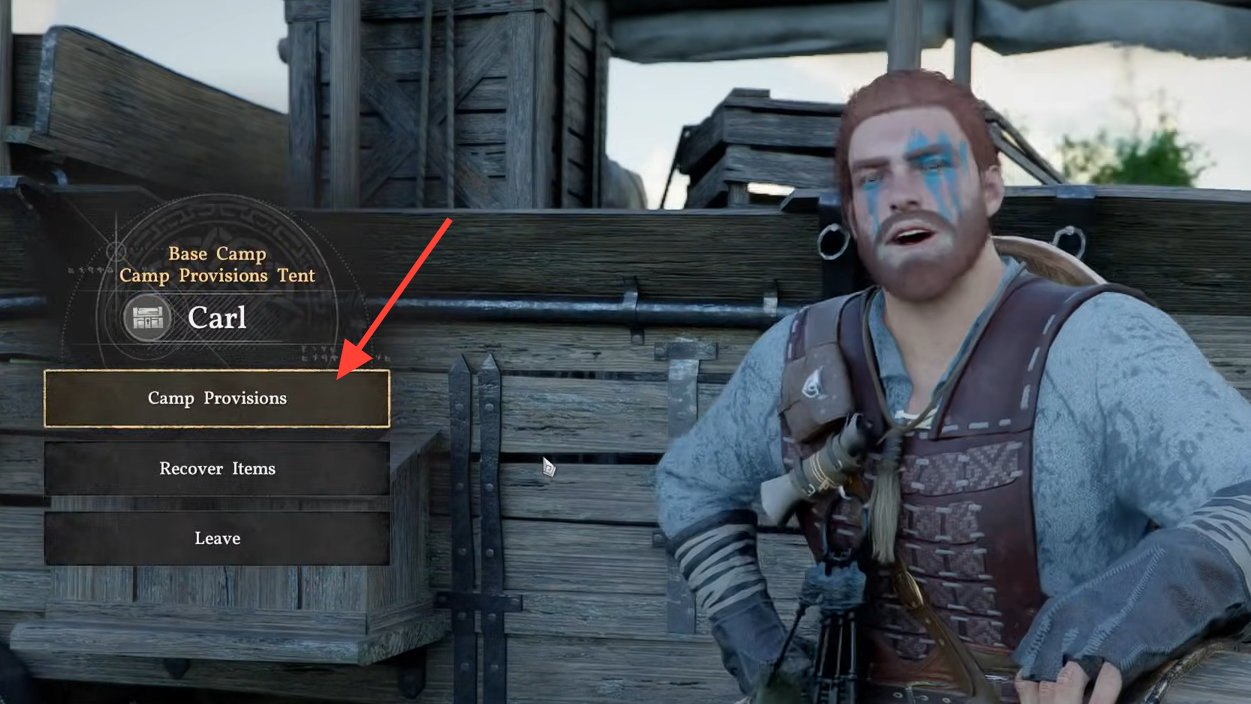
Carl, the provisions keeper, stands in the central area of the camp. Interacting with him opens the provisions menu.
Step 1: Speak with Carl and select "Manage Provisions."
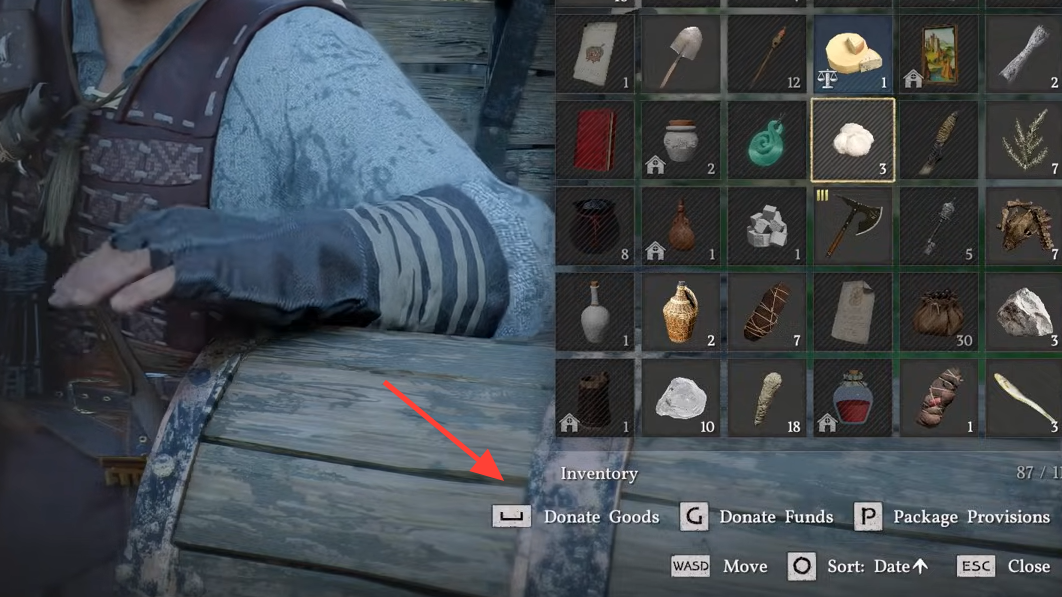
Step 2: Choose "Camp Provisions" to open your inventory. Items available for donation display a "Donation" value alongside their normal description.
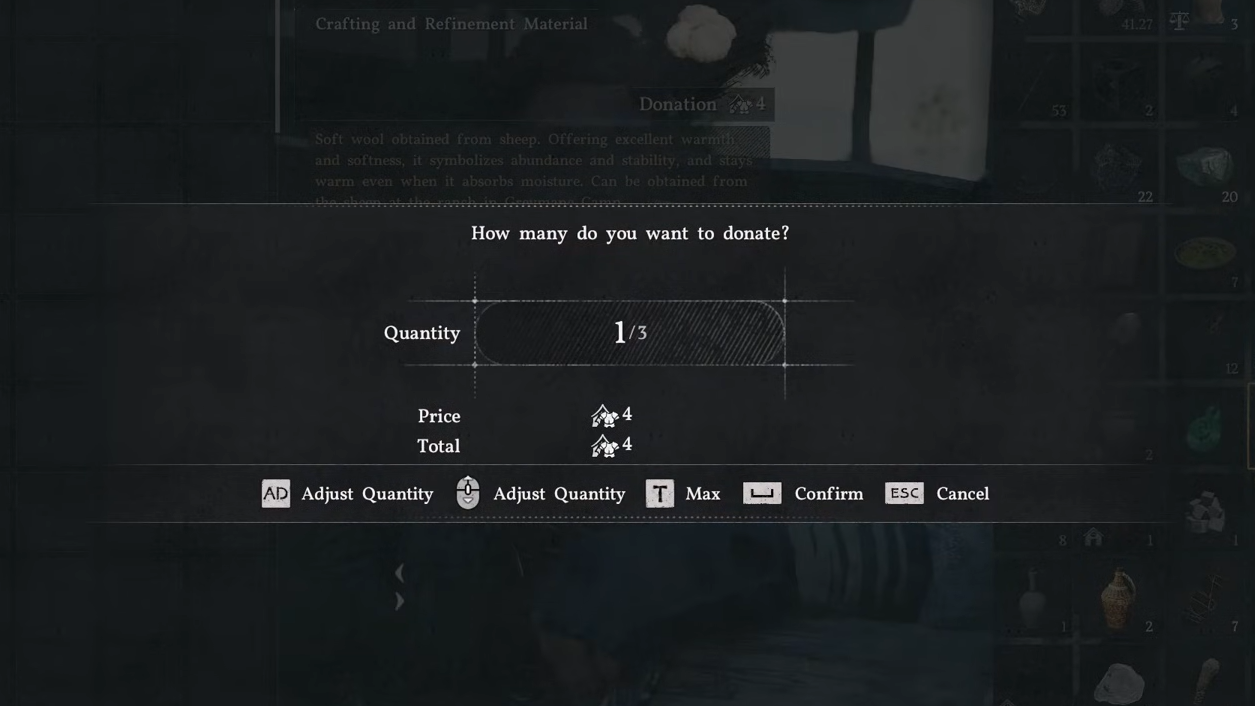
Step 3: Select an item and confirm the quantity to donate. The donation value is added to the corresponding camp category. For example, donating one Cooking Oil adds 1 to Provisions, while donating one Azurite adds 63 to Ore/Stone.
Step 4: To donate money directly, scroll to the bottom of the inventory and select "Donate Funds." Adjust the amount using the on-screen controls and confirm.
Donated items are removed from your personal inventory and converted into camp resources. Some items contribute more than their quantity suggests—one piece of cloth adds 2 to the Armor category, and a sword may add 155.
Why Donating Resources Matters
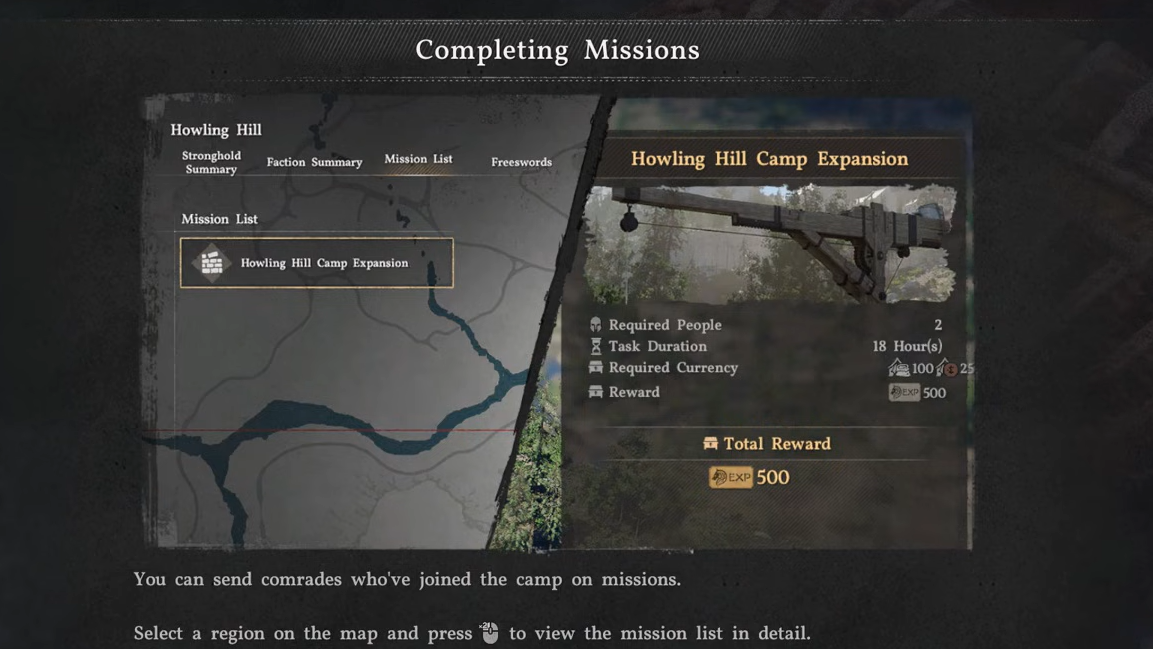
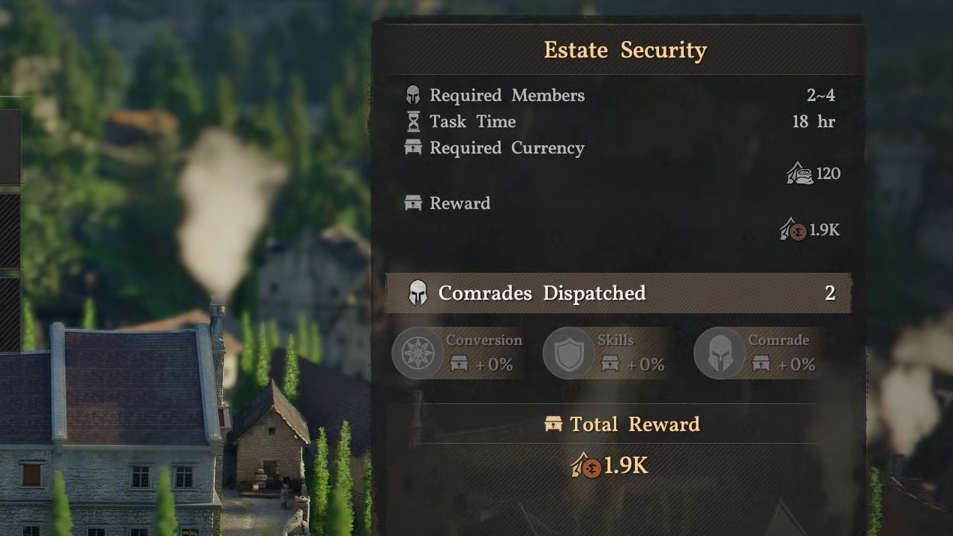
Camp resources are required to send comrades on dispatch missions. These missions generate additional resources, unlock camp expansions, and provide rewards for the player.
Dispatch missions are accessed through the Factions tab on the map. Selecting a location (such as Bloomwood Ranch) and choosing "Inspect" reveals available missions. Each mission lists a cost in one or more camp resource categories. For example, a ranching mission may require 900 camp currency, while cow milking requires 1,200.
If the camp does not have enough of the required resource, the mission cannot be started. Donating items to Carl increases the relevant category totals, unlocking more missions.
Dispatch Missions and Resource Types
Dispatch missions fall into two categories: one-time quests and repeatable resource-gathering tasks.
One-time quests typically have higher costs and unlock camp expansions or story-related content. These missions do not restart after completion. Further expansions may be locked behind main quest milestones.
Repeatable missions auto-restart once complete. Guard missions, for example, generate camp funds over time. Farming missions may place a small amount of cabbages in the player's storage chest while also increasing the camp's provisions total.
Some missions require a minimum number of comrades or a comrade with a specific skill. The camp member who manages dispatch missions becomes available later in the game. Until then, missions are organized through the Factions tab on the map.
Camp Donation Rewards
Donating resources increases the camp's donation level. Higher donation levels unlock new items placed around the camp. The type and location of rewards depend on the donation category and level.
After donating, explore the camp to find newly placed items. These rewards are separate from the resources used to fund dispatch missions.
Managing Comrades and Dispatch Availability
Some comrades have personal requests marked with quest icons in the camp. If a comrade's marker is visible but the comrade is not present, they are likely assigned to a dispatch mission. Wait for the mission to complete or cancel it early to make the comrade available again.
Balancing repeatable missions ensures passive resource growth over time. Reallocate comrades temporarily when a specific resource is needed for a one-time quest or expansion.
The camp provisions system turns excess inventory into a strategic resource. Donating items to Carl unlocks dispatch missions, camp upgrades, and passive rewards, making the camp a central hub for progression beyond the main story.