

Crimson Desert launches on March 19, 2026, and Pearl Abyss has laid out a full set of performance targets for both the standard PlayStation 5 and the PS5 Pro. The short version: the Pro gets higher ray tracing tiers, PSSR upscaling instead of FSR, and a native 4K quality mode — but both consoles share the same fundamental CPU, which means the frame rate ceiling in demanding scenes is surprisingly similar across the two machines.
Quick answer: The PS5 Pro's biggest advantages over the base PS5 are ray tracing quality (High or Ultra vs. Low), PSSR-based upscaling instead of FSR 3, and a native 4K option at 30 fps. Frame rate targets (60 / 40 / 30 fps) are identical across both consoles, and CPU-limited drops affect them nearly equally.
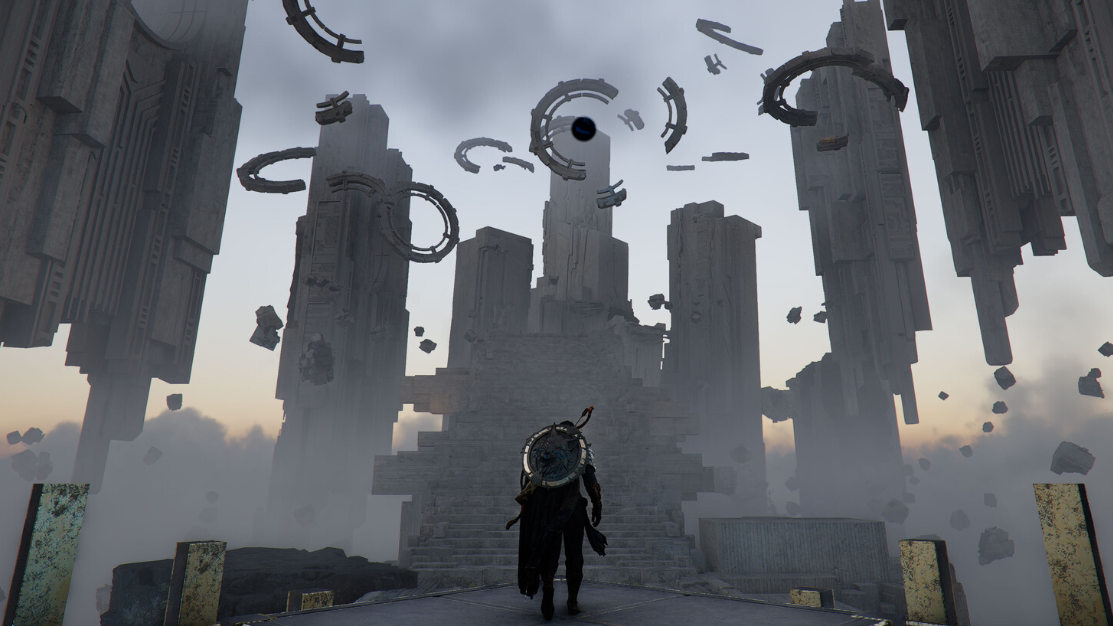
Base PS5 graphics modes
The standard PS5 ships with three presets. Performance mode renders natively at 1080p and targets 60 fps with VSync, or can push beyond 60 fps if you have a VRR-capable display. Balanced mode upscales to 4K from a 1280p base using FSR 3, locked to 40 fps. Quality mode also outputs an upscaled 4K image but starts from a 1440p internal resolution at 30 fps. Ray tracing is present in all three modes, though Performance and Balanced are limited to "Low" while Quality bumps it up to "High."
| Preset | Resolution | Target FPS | Ray Tracing |
|---|---|---|---|
| Performance | 1080p native | 60 fps (VSync) / 60+ (VRR) | Low |
| Balanced | Upscaled 4K from 1280p (FSR 3) | 40 fps (VSync) | Low |
| Quality | Upscaled 4K from 1440p (FSR 3) | 30 fps (VSync) | High |
The base PS5's Balanced mode is a solid middle ground if you want a 4K output without dropping to 30 fps. The trade-off is that FSR 3 upscaling from 1280p can look noticeably softer than the Pro's PSSR-driven equivalent at the same frame rate.
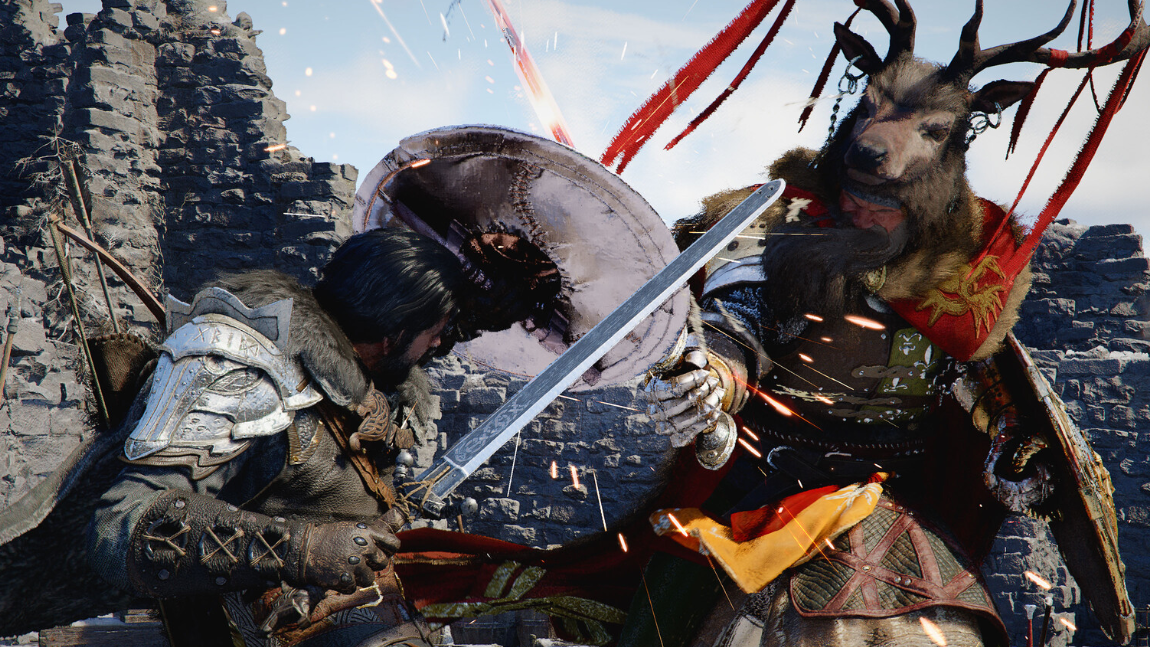
PS5 Pro graphics modes
The Pro mirrors the same three-tier structure but raises the floor on nearly every setting. Performance mode still renders from a 1080p base but upscales through the upgraded PSSR pipeline rather than FSR, targeting 60 fps with VRR support that can push into the 70s. Balanced mode starts at 1440p, upscaled to 4K via PSSR, and targets 40 fps — though VRR can push it to 48 fps or higher on compatible displays. Quality mode is the headliner: native 4K at 30 fps with ray tracing set to Ultra.
| Preset | Resolution | Target FPS | Ray Tracing |
|---|---|---|---|
| Performance | Upscaled 4K from 1080p (Upgraded PSSR) | 60 fps (VSync) / 60+ (VRR) | High |
| Balanced | Upscaled 4K from 1440p (Upgraded PSSR) | 40 fps (VSync) / 48+ (VRR) | High |
| Quality | Native 4K | 30 fps (VSync) | Ultra |
Ray tracing jumps from Low on the base PS5's Performance and Balanced modes to High on the Pro across those same tiers. The Quality preset goes further to Ultra, which is exclusive to the Pro. That native 4K output at 30 fps is something the base PS5 simply cannot match — its Quality mode still relies on upscaling from 1440p.

The CPU bottleneck both consoles share
Digital Foundry's pre-release deep dive on the PS5 Pro revealed that the 60 fps Performance mode can dip as low as the mid-30s during the most entity-heavy scenes. The specific stress test involved an area called Bug Hill, where large numbers of enemies were on screen simultaneously. These drops are CPU-bound, not GPU-bound, and that distinction matters enormously for base PS5 expectations.
The PS5 and PS5 Pro use the same AMD Zen 2 CPU. The Pro clocks it slightly higher — 3.85 GHz versus 3.5 GHz on the standard model — which translates to roughly a 10 percent speed advantage. In GPU-limited scenarios, the Pro pulls far ahead thanks to its substantially more powerful graphics hardware. But in CPU-limited moments, that 10 percent clock difference is the only gap. If the Pro drops to 36 fps in a chaotic fight, the base PS5 might drop to the low 30s in the same scene, but it won't be dramatically worse.
The 30 fps Quality mode and 40 fps Balanced mode were reported as stable on the Pro, with consistent frame pacing. Since these lower frame rate targets are far less likely to hit the CPU ceiling, they should hold steady on the base PS5 as well — though actual base PS5 testing had not been published ahead of the game's launch.

PSSR vs. FSR 3 upscaling
One of the most meaningful differences between the two consoles isn't raw resolution — it's the upscaling technology. The base PS5 uses AMD's FSR 3 to reconstruct its 4K output from lower internal resolutions. The PS5 Pro uses Sony's proprietary PSSR (PlayStation Spectral Super Resolution), a machine-learning-based upscaler that runs on the Pro's dedicated hardware.
The pre-release build tested by Digital Foundry was still running the first-generation version of PSSR, not the upgraded "PSSR 2" revision that recently shipped with Resident Evil: Requiem. The upgraded version is expected to arrive via a patch around the game's launch window. If it delivers similar improvements to what Resident Evil: Requiem showed, the Pro's Performance mode — upscaling from just 1080p — could look significantly cleaner than the first-gen results suggest. The base PS5 does not benefit from PSSR at all, so this is a Pro-exclusive visual upgrade.
Some visual artifacts were visible in the pre-release build, including flickering on jagged edges caused by the denoiser. These are the kinds of issues the upgraded PSSR is designed to mitigate.
VRR behavior and its limits
Both consoles support VRR (Variable Refresh Rate) in their Performance modes, and the Pro also enables VRR in Balanced mode. With VRR active on the Pro, frame rates in Performance mode can climb into the 70s during lighter scenes. The catch is that the PS5 family does not support Low Frame Rate Compensation (LFC). When the frame rate drops below the display's minimum VRR threshold — typically around 48 Hz on most TVs — screen tearing can appear instead of smooth frame delivery.
This means VRR is most useful when the game is hovering near or above 60 fps. In the heaviest CPU-bound scenes where frame rates plunge into the 30s, VRR won't save you from visible tearing. If you're on a display without VRR, the VSync modes lock to their target frame rates and drop frames when they can't keep up, which results in stutter rather than tearing.
Side-by-side comparison at a glance
| Feature | Base PS5 | PS5 Pro |
|---|---|---|
| Upscaling tech | FSR 3 | Upgraded PSSR |
| Native 4K option | No | Yes (Quality mode, 30 fps) |
| Max ray tracing tier | High (Quality only) | Ultra (Quality only) |
| 60 fps mode RT tier | Low | High |
| CPU | Zen 2 @ 3.5 GHz | Zen 2 @ 3.85 GHz |
| High CPU Frequency Mode | No | Yes |
| VRR support | Performance mode | Performance + Balanced modes |
Which mode to pick
On the PS5 Pro, Balanced mode is arguably the sweet spot right now. It delivers a 1440p-to-4K PSSR upscale at 40 fps with High ray tracing, and VRR can push it closer to 50 fps on a compatible display. Once the upgraded PSSR rolls out, Performance mode at 60 fps may become more attractive, since the 1080p base image should look considerably sharper after the update.
On the base PS5, the choice depends on your tolerance for lower frame rates. Balanced mode at 40 fps with FSR 3 upscaling from 1280p offers a reasonable 4K-ish experience, while Quality mode at 30 fps gives you the best image quality the standard console can produce, including High ray tracing. Performance mode at 1080p and 60 fps is the cleanest option for action-heavy gameplay, though the Low ray tracing setting means you'll lose some of the lighting finesse that makes Crimson Desert's open world stand out.
Pearl Abyss built Crimson Desert on its BlackSpace Engine, and the scaling between these two consoles reflects a thoughtful approach to optimization. The PS5 Pro clearly delivers the premium experience — native 4K, Ultra ray tracing, and PSSR upscaling are meaningful upgrades. But the base PS5 isn't left behind so much as it's tuned to hit the same frame rate targets at lower fidelity settings, with the shared CPU ensuring that the worst-case performance dips land in roughly the same ballpark on both machines.