

Crimson Desert launches on March 19th, and if you were hoping to explore the world of Pywel from your couch rather than a desktop, the picture is complicated. Pearl Abyss hasn't published Steam Deck–specific performance targets, and Valve's own store page currently lists the game's Deck compatibility as "Unknown." But the developer did release dedicated spec sheets for the ROG Ally and ROG Ally X — and since those handhelds share a similar power envelope with the Steam Deck, you can make some educated guesses about what portable play will look like.
Quick answer: Crimson Desert is not Steam Deck Verified and has no official Deck performance targets. Based on the ROG Ally specs Pearl Abyss published, the game will likely run on Steam Deck at very low settings around 720p, but expect a native frame rate in the neighborhood of 20–25 fps before any frame generation tricks — which is rough.
Crimson Desert PC minimum specs and what they mean for the Deck
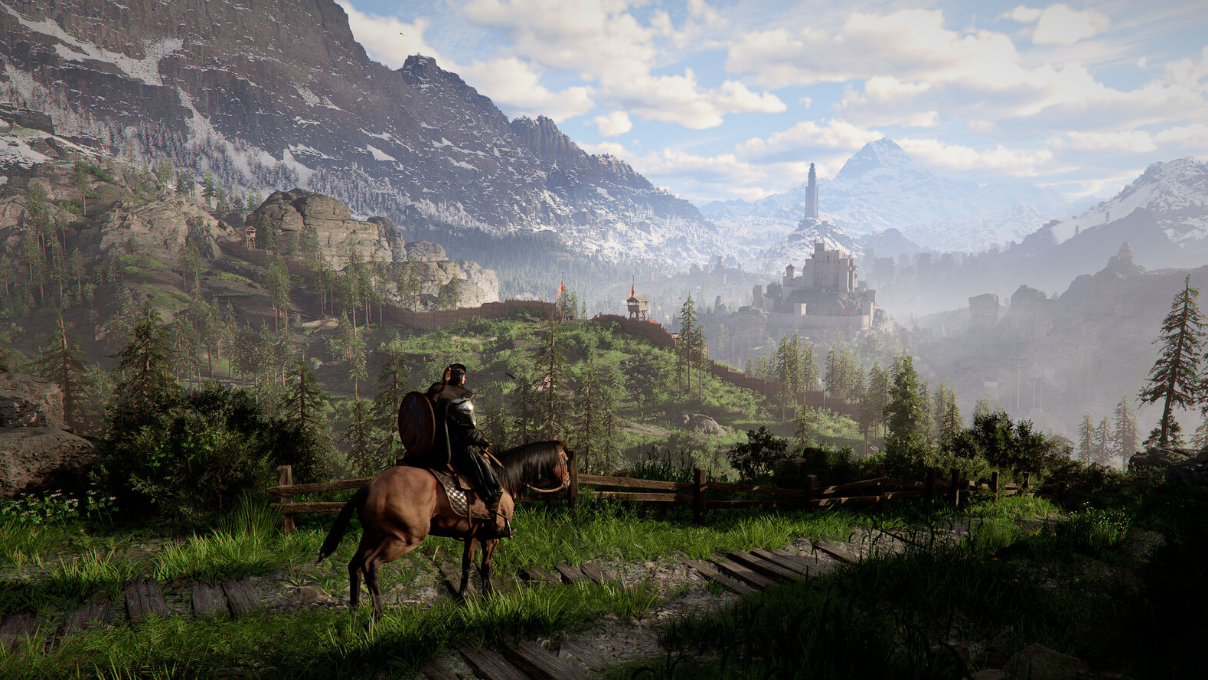
Pearl Abyss lists an Intel Core i5-8500, an Nvidia GTX 1060, and 16 GB of RAM as the minimum PC requirements. Those are relatively modest for a game this visually ambitious — roughly in line with Cyberpunk 2077's minimum spec, a title that is Steam Deck Verified. The Steam Deck's custom AMD APU trades blows with hardware in that ballpark, though it falls short in CPU core count (four Zen 2 cores versus the six-core i5-8500) and total system memory (16 GB unified versus the 16 GB spec).
The GPU side is less of a concern. The Deck's RDNA 2 graphics sit somewhere between a GTX 1050 Ti and a GTX 1650 in real-world performance, and the game's minimum GPU ask of a GTX 1060 is within striking distance — especially at the Deck's native 1280×800 resolution, which is lower than the 1080p target the PC spec sheet assumes.
The bigger worry is the CPU. Crimson Desert is built on Pearl Abyss' new BlackSpace engine, and preview impressions note large numbers of NPCs and complex world systems running simultaneously. The Deck's four slower cores could become a bottleneck that no amount of resolution scaling or frame generation can fix.
ROG Ally targets — the closest official benchmark
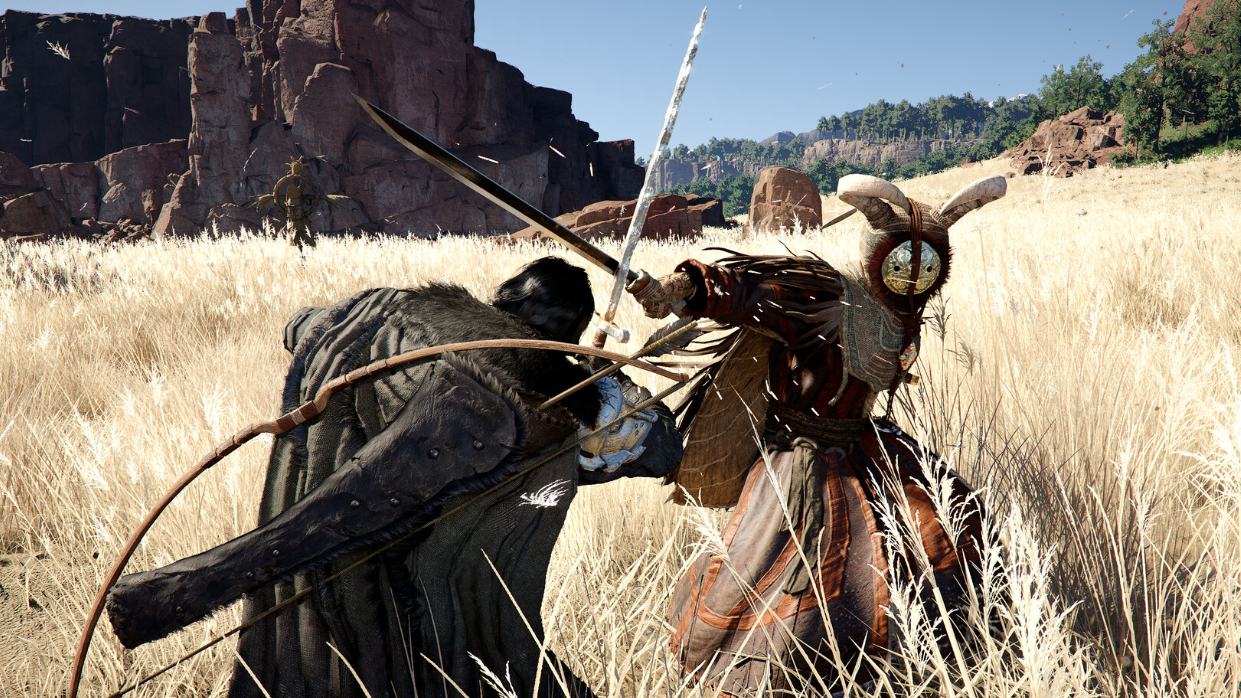
Pearl Abyss published performance targets for two ASUS handhelds, and these are the most useful reference points for Steam Deck owners. All figures assume the device is plugged in with Turbo Mode enabled.
| Device | Mode | Resolution | Target FPS | Upscaling / Frame Gen |
|---|---|---|---|---|
| ROG Ally | Performance | 720p | 40 | FSR 3 Frame Generation |
| ROG Ally | Quality | 1080p (upscaled from 720p) | 60 | FSR 3 Super Resolution + Frame Gen |
| ROG Ally X | Balanced | 1080p (upscaled from 720p) | 40 | FSR 3 |
| ROG Ally X | Quality | 1080p native | 30 | None specified |
The key number for Steam Deck owners is the base ROG Ally's Performance mode: 720p at 40 fps with FSR 3 Frame Generation. Frame generation effectively doubles the perceived frame rate by inserting interpolated frames between real ones. That means the actual rendered frame rate on the ROG Ally in this mode is closer to 20 fps. The Steam Deck's hardware is broadly comparable to the base ROG Ally, so a similar native frame rate — roughly 20–25 fps — is a reasonable expectation.

The frame generation problem
Frame generation sounds like a silver bullet, but it comes with serious trade-offs on low-power hardware. Tools like FSR 3 Frame Generation and Lossless Scaling can make a game look smoother by boosting the visual frame count, but they don't reduce input latency. At a base rate of 20 fps, every generated frame adds perceptible delay between your thumbstick input and the on-screen response. For a fast-paced action RPG with demanding combat, that lag can make the experience feel sluggish and unresponsive.
The Steam Deck also lacks variable refresh rate (VRR) on its built-in display, which means frame generation artifacts like ghosting and judder are harder to mask. Frame gen is most effective when the base frame rate is already north of 40–50 fps; at sub-30 fps base rates, the visual and input-lag penalties tend to outweigh the benefits for most players.
Storage and SSD requirements
Crimson Desert requires 150 GB of storage and an SSD. The Steam Deck's internal NVMe drive meets the SSD requirement, but 150 GB is a huge chunk of even the 512 GB model's usable space. Installing the game on a microSD card is technically possible, but the SSD requirement exists because the game streams world data aggressively — a slower storage medium could introduce hitching and longer load times that further degrade an already marginal experience.
No Steam Deck Verified badge yet
Valve's Deck Verified program assigns one of four ratings: Verified, Playable, Unsupported, or Unknown. Crimson Desert currently sits at Unknown, meaning Valve has not yet tested the game for controller support, display compatibility, launcher behavior, or Proton compatibility. That status could change around or after the March 19th launch, but there's no guarantee the game will earn a Verified or even Playable badge.
Pearl Abyss has not confirmed any Steam Deck–specific graphics presets or dedicated handheld optimization. The game runs on the studio's proprietary BlackSpace engine rather than Unreal Engine 5, so community-made performance tweaks and Proton compatibility layers are uncharted territory. Early preview impressions of the PC version have been positive regarding optimization — Digital Foundry noted the game running at native 4K/60 fps on high-end AMD hardware without upscaling — but strong desktop performance doesn't automatically translate to a smooth handheld experience.
Realistic expectations for Steam Deck play
If you're determined to play Crimson Desert on Steam Deck, here's a sober forecast. You'll likely need to run the game at 720p or lower on minimum quality settings. Native frame rates will probably hover around 20–25 fps, and while FSR 3 Frame Generation could push the visual output toward 40 fps, the input lag at that base rate will be noticeable. The experience will be comparable to running Dragon's Dogma 2 or Monster Hunter Wilds on the Deck — technically functional, but far from ideal.
An alternative worth considering is streaming the game from a capable desktop PC to your Deck using Steam Remote Play. This offloads all rendering to your main machine and sends a video stream to the handheld, sidestepping the Deck's hardware limitations entirely. The trade-off is that you need a strong local network connection and a PC powerful enough to run the game well.
Crimson Desert is priced at $69.99 and launches on March 19th. If portable play is your priority, waiting for real-world Steam Deck testing after launch is the safest move before committing.