

Crimson Desert lets you completely reset your skill tree whenever you want, at no cost and with no cooldown. If a build isn't working or you simply want to try a different combat style, you can pull back every Abyss Artifact you've invested and redistribute them immediately.
Quick answer: Open the Skill menu, look at the bottom-right corner of the screen, and press the button labeled Reset Stats. All Abyss Artifacts return to your inventory instantly, ready to be spent again.
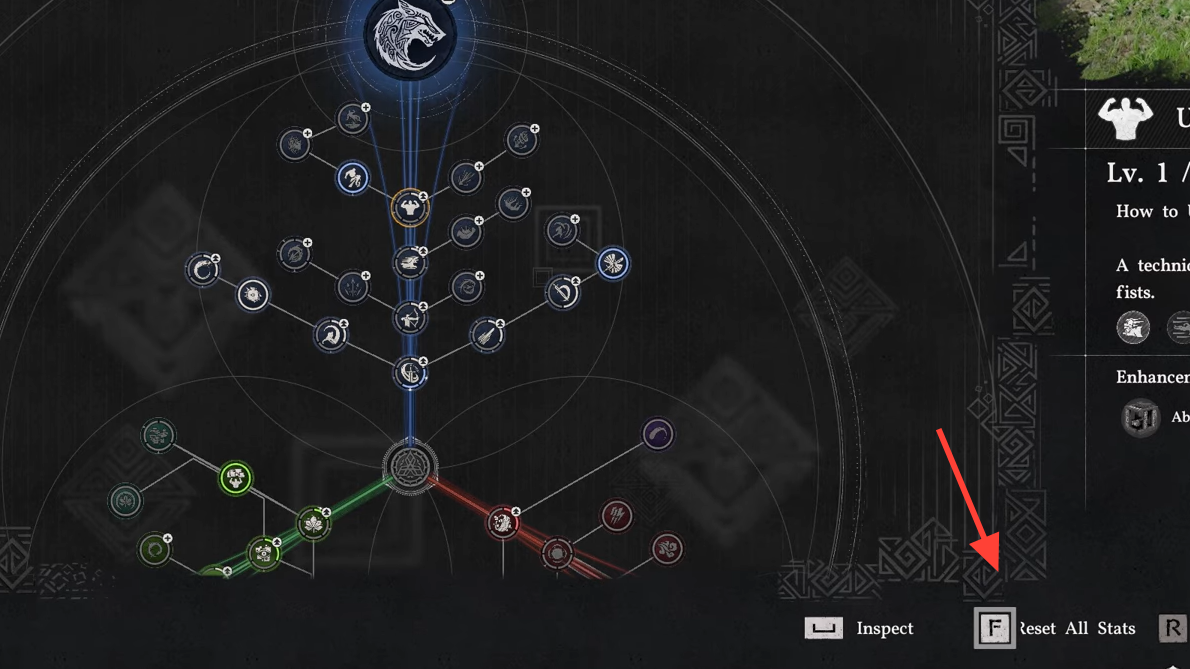
How the Reset Works
The respec option lives inside the Skill Tree screen itself — there's no NPC to visit, no consumable item to farm, and no in-game currency to spend. When you select Reset Stats, the game wipes every node you've unlocked through Abyss Artifacts and gives those artifacts back in full. You can then reinvest them into completely different skills right away.
One important distinction: the reset only affects skills that were upgraded or unlocked by spending Abyss Artifacts. Skills learned through observation — watching an NPC perform a move in the open world — are retained permanently. You do not lose observed abilities when you respec, and you do not need to re-observe them.
Step-by-Step Respec Process
Step 1: Open the Skill Tree from the pause or character menu. The full tree displays every ability available to your current character, along with the Abyss Artifacts already invested.
Step 2: Look at the bottom-right corner of the Skill Tree screen. You'll see a prompt labeled Reset Stats alongside the corresponding controller or keyboard input.
Step 3: Press the indicated button. All invested Abyss Artifacts are immediately returned, and the skill tree reverts to its base state. You can now allocate those artifacts into any skills you prefer.
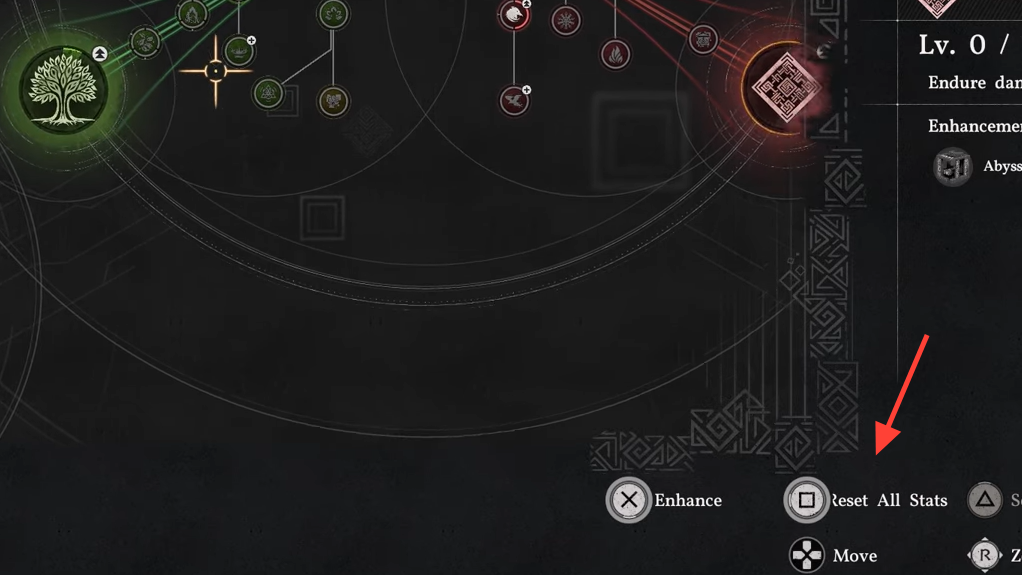
What Respeccing Does and Does Not Reset
| Affected by Reset | Not Affected by Reset |
|---|---|
| All skills unlocked or upgraded with Abyss Artifacts | Skills learned by observing NPCs in the world |
| Abyss Artifact investment (fully refunded) | Weapon mastery progress |
| Stat bonuses tied to artifact-upgraded nodes | Story or exploration progression |
Spend Abyss Artifacts Freely — Don't Hoard Them
Because respeccing is free and unlimited, there's no reason to stockpile Abyss Artifacts "just in case." Investing them immediately gives you stronger abilities for whatever content you're tackling right now. If you later observe an NPC performing a move you want to build around, you can always reset and reallocate your artifacts to complement that newly learned skill.
This design removes the anxiety that many action RPGs create around permanent skill investment. You're encouraged to experiment with different combinations of grappling, elemental enhancements like burn, freeze, and stun, counter-focused builds, or dodge-heavy playstyles without worrying about wasted resources.
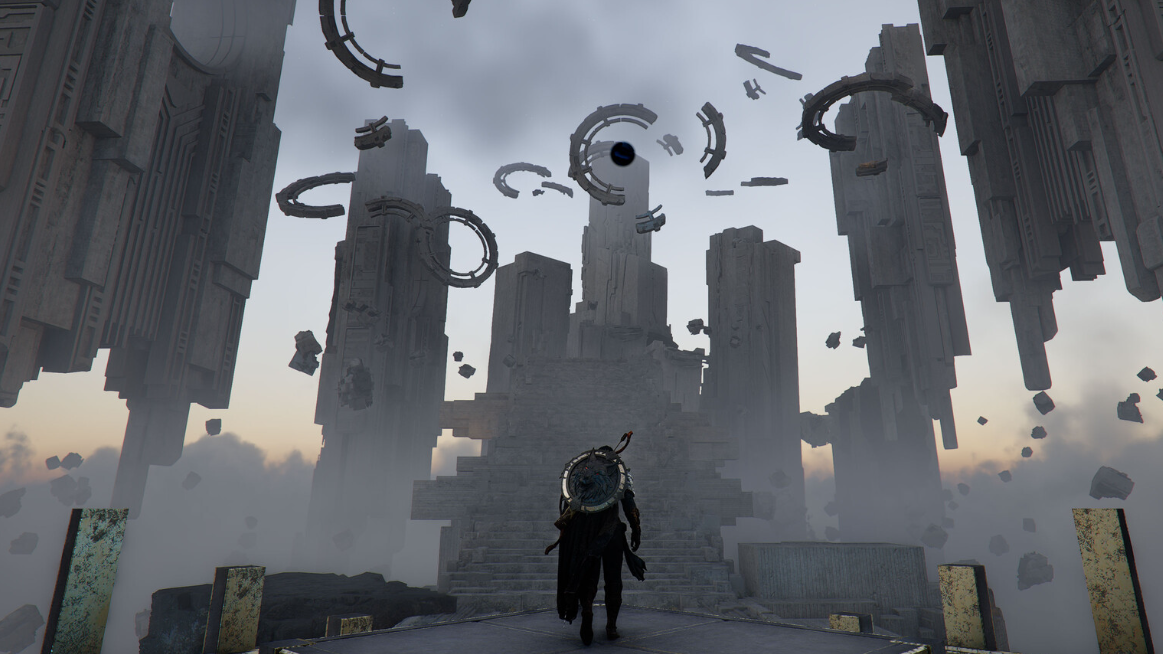
Crimson Desert's respec system is about as generous as it gets in the genre. No items, no gold, no limits — just open the Skill menu, hit Reset Stats, and rebuild from scratch whenever the mood strikes. It's a straightforward quality-of-life feature that keeps the focus on combat experimentation rather than resource management.