

Crimson Desert launches on March 19, 2026, and Pearl Abyss is running a Twitch Drops campaign that hands out an exclusive cosmetic armor set, mount equipment, and a stack of consumables. The rewards are split across two weeks, and earning every item requires a total of eight hours of watch time — five in the first week and three in the second.
Quick answer: Watch Crimson Desert streams tagged "Drops Enabled" on Twitch for the required number of hours each week, claim rewards from your Twitch Drops Inventory, then redeem them through your linked Pearl Abyss account to receive the items in-game.
All Week 1 Twitch Drop Rewards
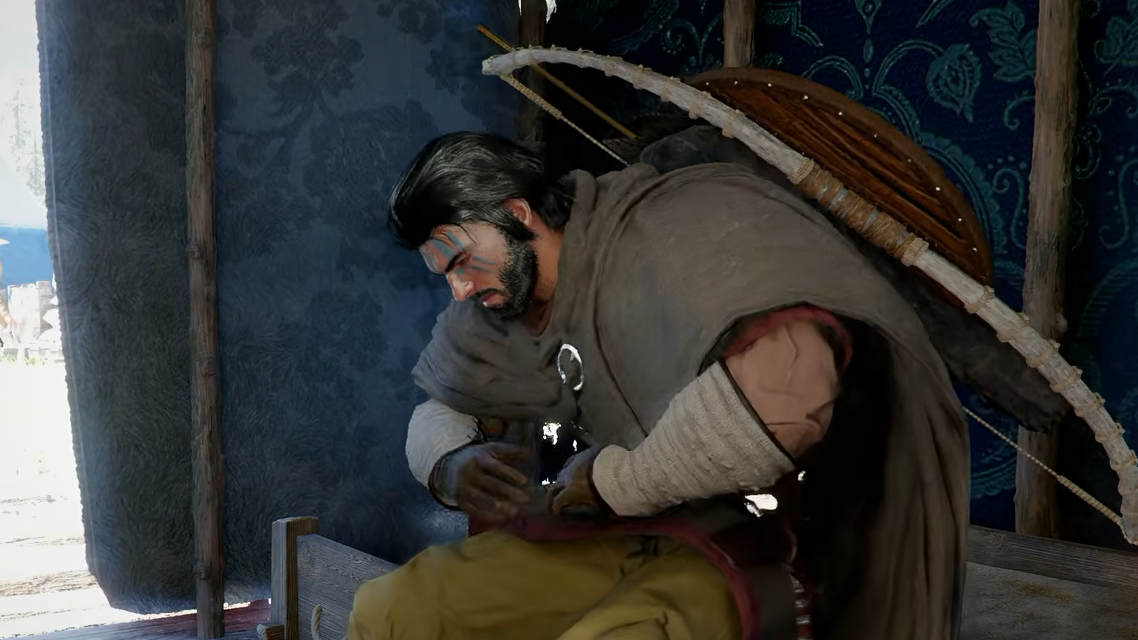
The first wave focuses on Kliff's Blue Scout equipment set along with a small bundle of food items. Watch time milestones are cumulative — hitting the five-hour mark means you unlock every tier, not just the final one.
| Watch Time | Rewards |
|---|---|
| 1 hour | Modest Braised Meat ×10, Blue Scout Lantern |
| 2 hours | Blue Scout Earring, Blue Scout Necklace, Blue Scout Ring |
| 3 hours | Blue Scout Shield |
| 5 hours | Blue Scout Cloak, Blue Scout Armor, Blue Scout Hat |
The Modest Braised Meat is a consumable that can give you a small early-game boost, while the rest of the Week 1 items are cosmetic armor and accessory pieces that equip directly to Kliff.
All Week 2 Twitch Drop Rewards
Week 2 shifts entirely to horse gear. Three hours of total watch time during this window unlocks the full set of mount cosmetics.
| Watch Time | Rewards |
|---|---|
| 1 hour | Blue Scout Stirrups |
| 2 hours | Blue Scout Champron |
| 3 hours | Blue Scout Saddle |
The Champron is a piece of horse head armor, and together with the Stirrups and Saddle it forms a matching mount set that complements the character armor from Week 1. The Blue Scout cosmetics appear to be exclusive to this Twitch campaign, so they may not be obtainable once the event ends.
Twitch Drops Event Schedule
Pearl Abyss has confirmed the Twitch Drops campaign but has not yet announced exact start and end dates. The event is expected to begin around the game's March 19 launch, with the full schedule and claiming instructions arriving later this week. The campaign will likely run for roughly two weeks total, covering both reward waves.
Crimson Desert is available on PC, PlayStation 5, and Xbox Series X|S, and the Twitch Drops event is expected to support all three platforms.
How to Set Up Account Linking
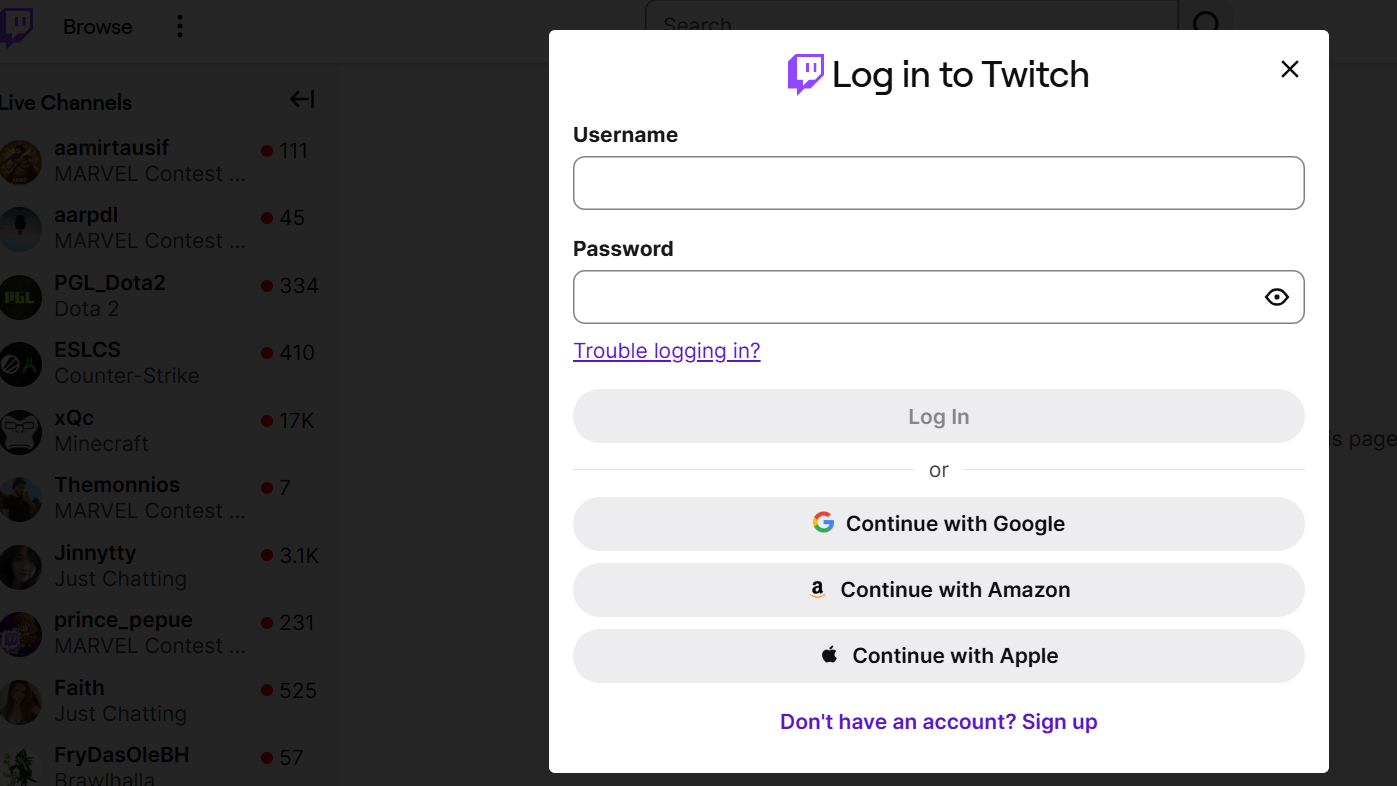
Before you can earn anything, your Twitch account needs to be connected to your Pearl Abyss account. The official linking page for Crimson Desert has not gone live yet, but the process will follow the same pattern Pearl Abyss uses for its other titles.
Step 1: Log in to your Pearl Abyss account on the official website. If you don't have one, create a free account — you'll need it regardless of whether you play on PC, PlayStation, or Xbox.
Step 2: Navigate to your account settings and look for a "Linked Accounts" or "Connections" section. Select the option to connect Twitch and authorize the link.
Step 3: Verify the connection by checking your Twitch settings. Go to Settings → Connections on Twitch and confirm that your Pearl Abyss account appears in the list.
You do not need to own Crimson Desert to earn the drops, but you will need a Pearl Abyss account to eventually claim and transfer the items to a character.
Watching Streams and Earning Progress
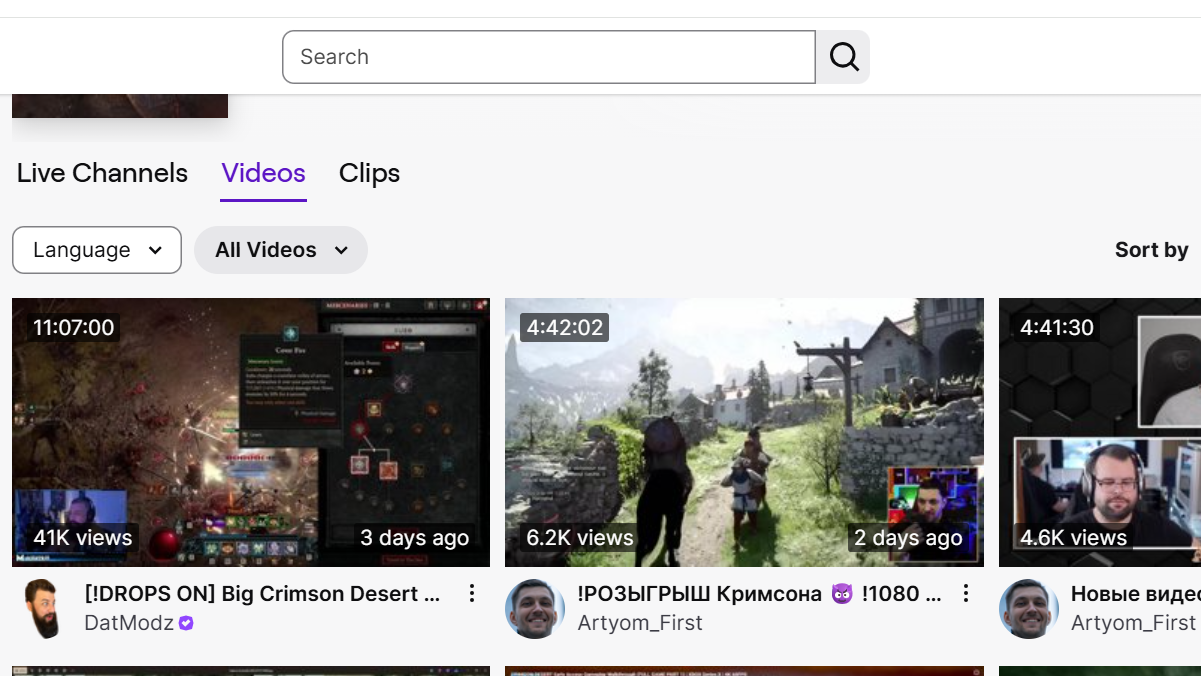
Once your accounts are linked, open Twitch and browse the Crimson Desert category. Only streams displaying the Drops Enabled tag will count toward your progress — watching a stream without that tag won't accumulate any watch time.
A few things worth knowing about how Twitch tracks progress:
- Twitch only counts watch time from one stream at a time. Having multiple Crimson Desert streams open in different tabs will not speed things up.
- You don't need to have the audio on. Muting the browser tab (not the Twitch player itself) still counts. Running the stream at a low resolution like 160p or 240p also works and saves bandwidth.
- Progress is cumulative within each weekly window. You can spread your watch time across multiple sessions and different streamers.
Claiming Rewards From Your Twitch Inventory
Step 1: When you hit a watch time milestone, Twitch will display a notification. Click the gift icon in the top-right corner of the Twitch interface, or go directly to your Twitch Drops Inventory.
Step 2: Click "Claim" on each available reward. Drops that aren't manually claimed may expire, so don't let them sit indefinitely.
Step 3: Log in to the Crimson Desert or Pearl Abyss website and send the claimed items to your character through Web Storage. The items should then appear in your in-game mailbox or inventory.
Eight hours of total watch time across two weeks is a relatively low bar for a full cosmetic set and mount gear. If you're planning to play Crimson Desert at launch, leaving a stream running in a background tab during the first couple of weeks is the easiest way to pick up the entire Blue Scout collection before it potentially disappears for good.