

Crimson Desert lets you craft a detailed character and dress them in all sorts of impressive armor, but the moment you equip a helmet with strong defensive stats, your carefully designed face disappears behind it. If you've been digging through menus hoping to find a "hide helmet" checkbox, you can stop looking.
Quick answer: No, you cannot hide your helmet in Crimson Desert. The game has no cosmetic toggle, transmog system, or appearance-override option for any armor piece. A helmet is either equipped (visible, with stats) or unequipped (invisible, without stats).
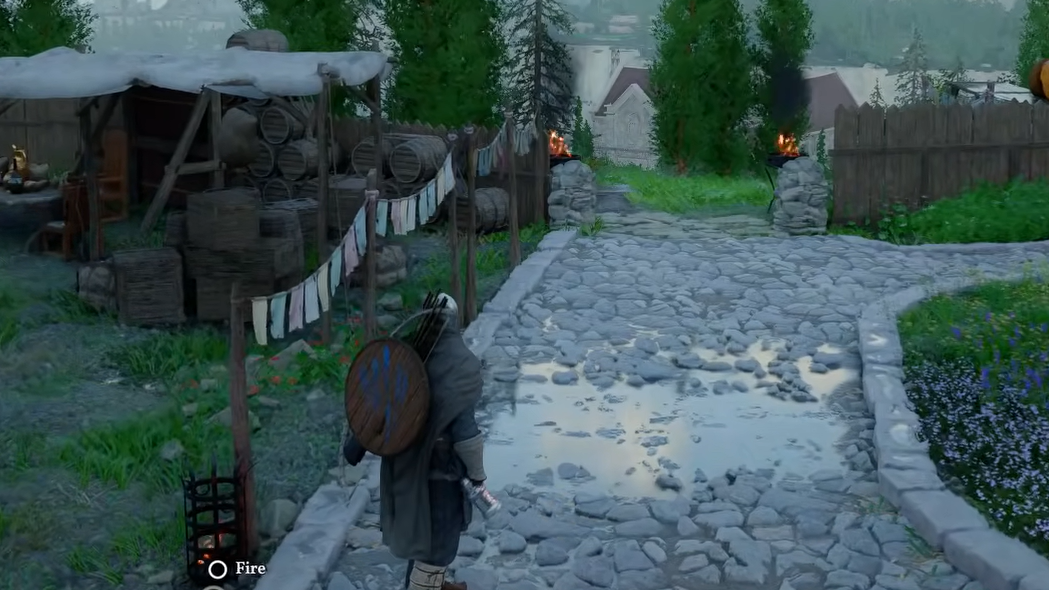
Why There's No Hide-Helmet Option
Many action RPGs ship with a setting that lets players keep an armor piece's stats while hiding its model on the character. Crimson Desert, developed by Pearl Abyss, does not include this feature at launch. There is also no transmog or glamour system that would let you overwrite one piece of gear's appearance with another. Pearl Abyss has not announced plans to add either feature in a future update, so for now the limitation is firm.
Quick-Swap Helmet Method Using the Quick Menu
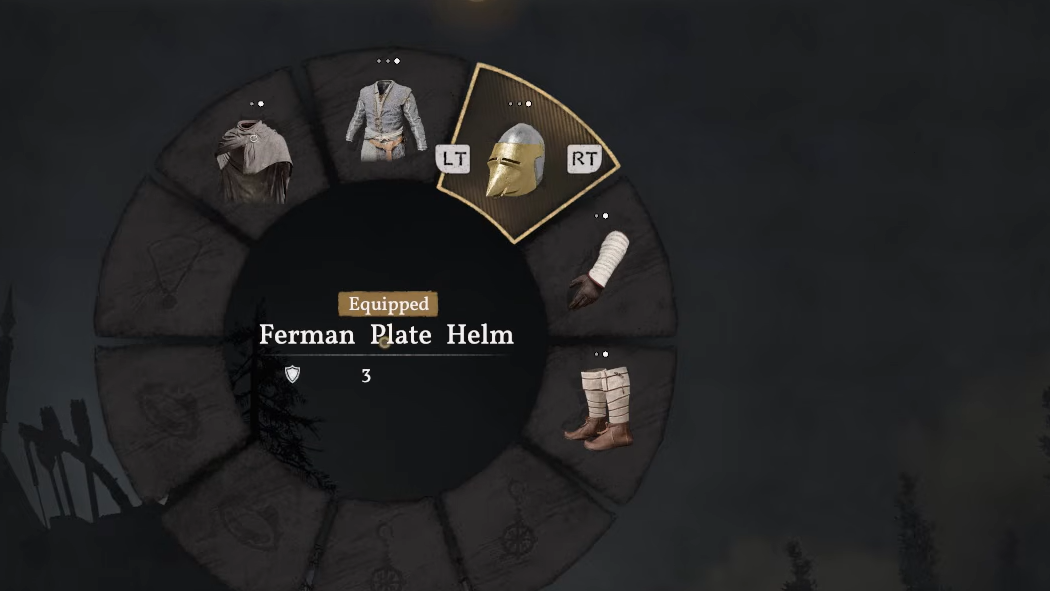
The closest thing to hiding your helmet is rapidly swapping it on and off through the game's quick action bar. Crimson Desert has a built-in mechanic for fast armor changes that doesn't require opening your full inventory, and it works well enough to keep your character bare-headed during exploration while staying protected in combat.
Step 1: Press F2 on keyboard (or open the Quick Menu on controller) to bring up the radial quick menu while in gameplay.
Step 2: Navigate to the Armor section and hover over the helmet slot. On PC, scroll the middle mouse wheel on the helmet slot to cycle through your available headgear — or scroll to an empty option to unequip the helmet entirely. On Xbox, press A on the helmet slot to toggle it.
Step 3: When a fight starts, open the Quick Menu again and scroll back to your strongest helmet to re-equip it instantly. The swap takes only a couple of seconds.
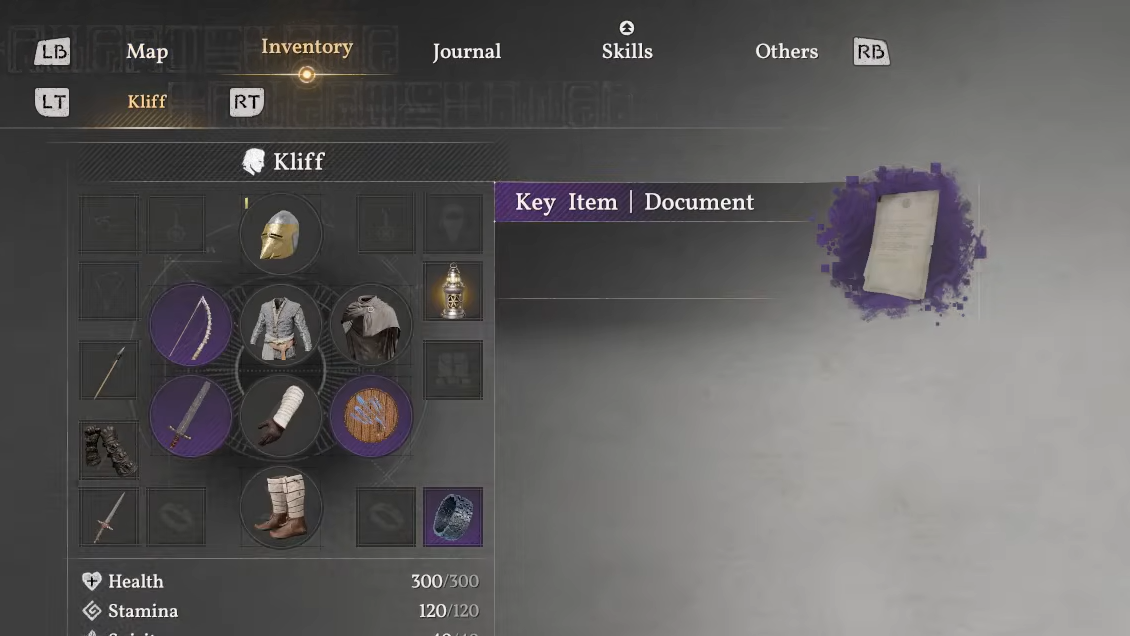
Hood Trick for Certain Helmets
There's an additional quirk worth knowing about. Some helmets in Crimson Desert that lack a face-covering component can be visually removed by toggling the character's hood. In the Quick Menu's armor section, pressing the interact button on the hood — even when no prompt appears — can cause the character to pull the hood up, which makes certain helmets disappear from view. This only works on specific headgear that doesn't have a full face covering, so results will vary depending on which helmet you have equipped.
Will Transmog or Helmet Hiding Come Later?
Pearl Abyss has not confirmed any plans to add a transmog system or a hide-helmet toggle to Crimson Desert. The studio's other title, Black Desert Online, eventually received extensive costume and appearance systems over time, so it's not unreasonable to expect similar features could arrive in future updates. For now, though, no official timeline or commitment exists, and the quick-swap method remains the only practical solution.
The lack of a hide-helmet option is one of the more common early complaints from Crimson Desert players, and it's easy to see why — the game's character customization is detailed enough that covering it all up with a bulky helmet feels like a waste. Until Pearl Abyss addresses it, mastering the Quick Menu swap is the fastest way to enjoy both your character's look and your helmet's stats without compromise.