

Crimson Desert's combat system packs dozens of combo inputs onto a standard gamepad, drawing comparisons to fighting games and Pearl Abyss's own Black Desert Online. The catch? You currently cannot remap any controller buttons in the game's settings — on any platform.
Quick answer: There is no native controller remapping option in Crimson Desert. Keyboard and mouse keybinds can be changed on PC through the Input menu, but controller layouts are fixed. PC players using a controller can install the Controller Button Remapper mod from Nexus Mods as a workaround.
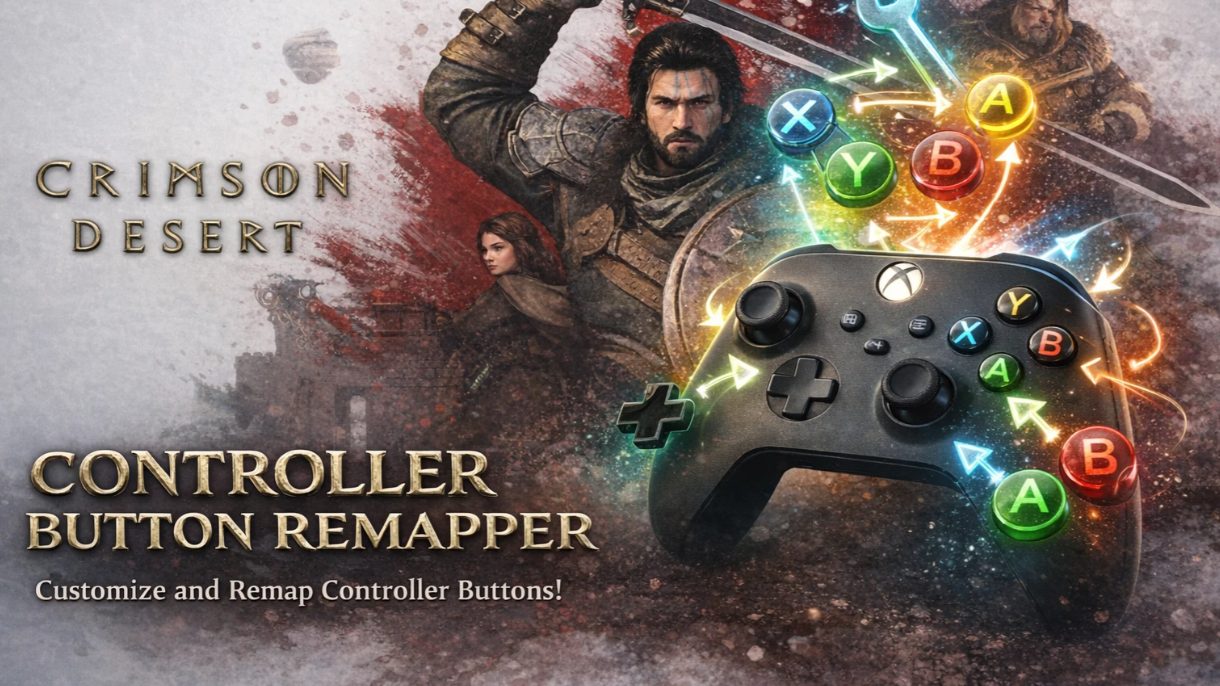
Controller remapping is not available on console or PC
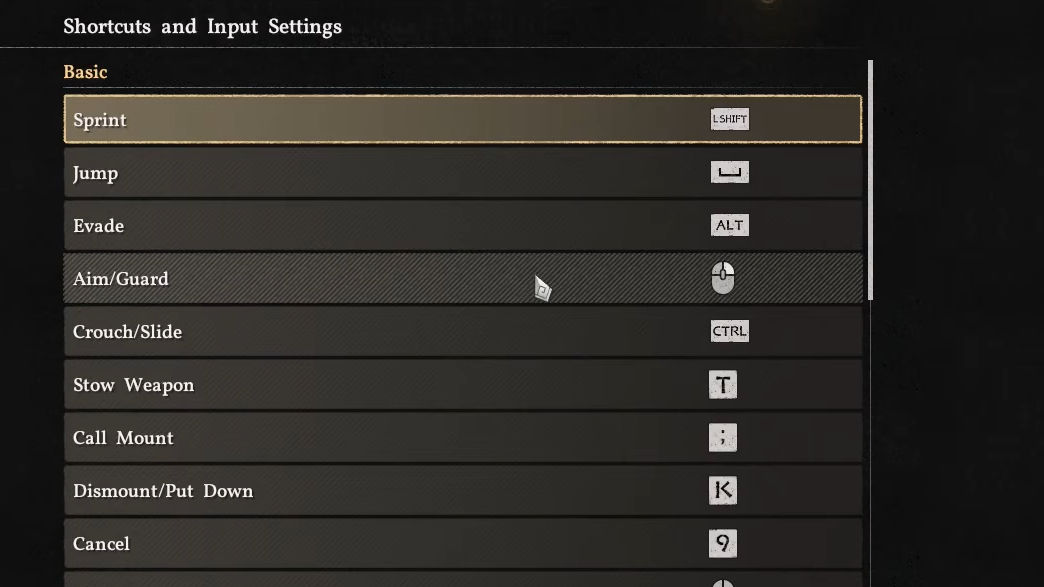
Whether you're on PlayStation, Xbox, or using a controller on PC via Steam, Crimson Desert does not expose any option to rebind controller buttons. The game's settings menu includes an Input section, but it only allows rebinding for keyboard and mouse — not gamepads. Console players on PS5 and Xbox Series X|S are entirely out of luck without platform-level accessibility remapping tools.
Will Powers, Pearl Abyss's PR and Marketing Director, acknowledged the learning curve but encouraged players to stick with the default layout. He compared the process to learning to ride a bike, suggesting it becomes natural with time. No official timeline has been confirmed for a native controller remapping feature.
PC workaround with the Controller Button Remapper mod
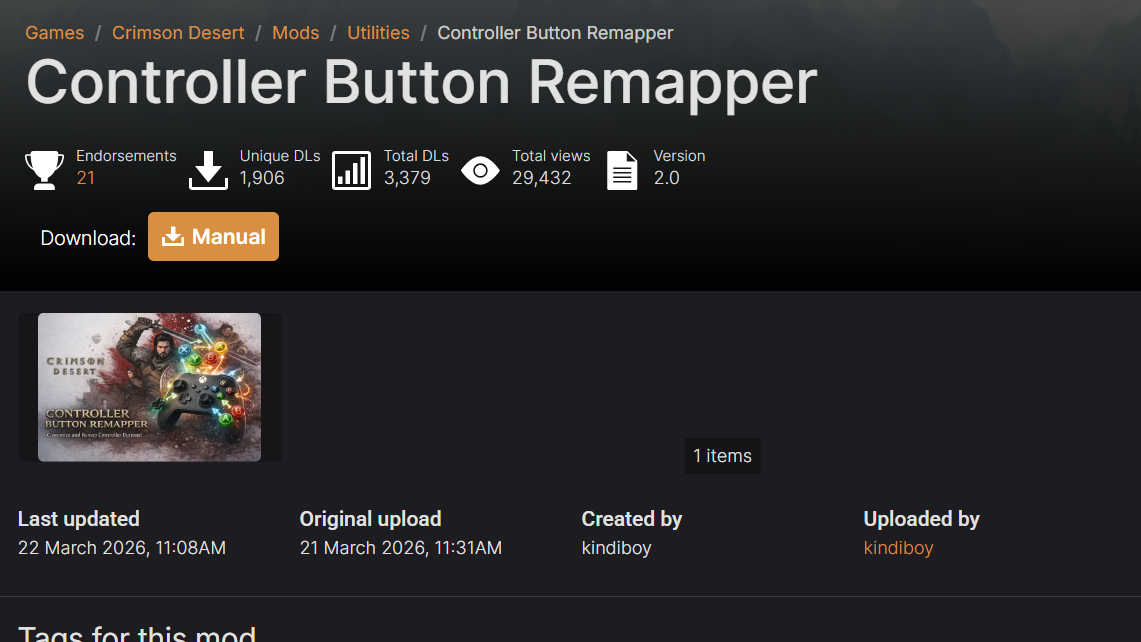
If you're playing on PC with a controller, the community has already produced a solution. The Controller Button Remapper mod on Nexus Mods lets you freely reassign controller inputs. This is the only current method to change what each button does on a gamepad.
Step 1: Download the Controller Button Remapper mod from the Crimson Desert section on Nexus Mods. You'll need a free Nexus Mods account to access the file.
Step 2: Follow the mod's installation instructions, which typically involve placing files into the game's directory. The mod page includes specific guidance for setup.
Step 3: Launch Crimson Desert and verify that your new button assignments are working in combat and traversal. Test a few combo inputs to make sure the remapping didn't create conflicts.
Steam Input as an alternative
Some players have reported experimenting with Steam Input to remap controller buttons at the system level. Steam Input lets you create custom controller profiles that intercept button presses before they reach the game. This can work for simple swaps — like moving light attack from R1/RB to a face button — but Crimson Desert's heavy reliance on simultaneous two-button combos can make Steam Input profiles tricky to configure without introducing new conflicts.
Keyboard and mouse keybind changes on PC
PC players using keyboard and mouse have significantly more flexibility. The Input menu in Crimson Desert's settings allows you to rebind keys, including two-button combination inputs. If the controller layout is a dealbreaker, switching to keyboard and mouse is a viable option — and some players have found it easier for managing the game's extensive combo list, despite the game officially recommending a controller.
Default controller layout reference
Since the layout cannot be changed natively, knowing the default bindings is essential. Below is the full combat and movement control scheme for both PlayStation and Xbox controllers.
Movement controls
| Action | PlayStation | Xbox | Input |
|---|---|---|---|
| Move | LS | LS | Tilt |
| Move Camera | RS | RS | Tilt |
| Run | X | A | Hold |
| Sprint | X | A | Double Press |
| Jump | Square | X | Press |
| Double Jump | Square | X | Press (mid-air) |
| Precision Jump | L1 + Square | LB + X | Hold + Press |
| Crouch | L3 | RS Press | Toggle |
| Slide | L3 | RS Press | While running |
| Roll | Circle | B | Press |
| Evade | Circle | B | Double Press |
| Lock-on | D-Pad Down | D-Pad Down | Press |
Combat controls
| Action | PlayStation | Xbox | Input |
|---|---|---|---|
| Light Attack | R1 | RB | Hold (not tap) |
| Heavy Attack | R2 | RT | Press repeatedly |
| Punch / Kick | Triangle | Y | Press |
| Block / Parry | L1 | LB | Press |
| Aim (Bow) | L2 | LT | Hold |
| Fire (Bow) | L2 | LT | Aim + Release |
| Focus | X | A | Press |
| Axiom Force | L3 | LS | Hold |
| Force Palm | R3 | RS | Press |
| Skill 1 | R2 + R1 | RT + RB | Combo |
| Skill 2 | R2 + L1 | RT + LB | Combo |
| Skill 3 | R2 + X | RT + A | Combo |
| Skill 4 | R1 + Circle | RB + B | Combo |
| Skill 5 | R1 + X | RB + A | Combo |
| Skill 6 | R1 + Square | RB + X | Combo |
| Skill 7 | R1 + L1 | RB + LB | Combo |
| Grapple: Throw | Triangle + R1 | Y + RB | Combo |
| Grapple: Lariat | Triangle + R2 | Y + RT | Combo |
| Enemy Vault | Square + R1 | X + RB | Combo |
Key combat tip: Hold, don't mash
One of the most common frustrations new players report is that light attacks feel sluggish or unresponsive. The fix is straightforward — hold R1 (or RB on Xbox) instead of tapping it repeatedly. Holding the button triggers an automatic combo chain that flows smoothly. You can then mix in other buttons like R2, X, or Triangle while holding R1 to weave skills and special moves into the combo. Repeatedly pressing R1 one strike at a time, as you might in a Souls-like game, works against the way Crimson Desert's combat system is designed.
Common controller pain points
Beyond the lack of remapping, a few specific bindings cause recurring issues. L3 serves double duty as both crouch and the grapple mechanic, which leads to accidental crouches mid-combat — especially for players used to L3 being sprint in most other games. The interaction button for talking to NPCs and picking up loot also feels inconsistent, sometimes requiring L2 plus another input rather than a single press. Some players have also reported occasional dropped inputs, though experiences vary widely.
Pearl Abyss has not officially confirmed whether controller remapping will be added in a future patch. Given the volume of player feedback on the topic since launch, it remains one of the most requested quality-of-life features for the game. For now, the Nexus Mods workaround on PC and platform-level accessibility settings on consoles are the only options available.