

Crimson Desert is packed with collectible materials — bugs for dyes, ores, and timber for gear upgrades, cooking ingredients, peonies for Palmer Pills — and your inventory fills up fast. The game starts you with roughly 50 slots, expandable through side quests and purchased pouches, but that ceiling still feels low once you start liberating camps and looting dozens of enemies at a time. Naturally, you'd expect the Supply Chest sitting inside your tent at Howling Hill to solve the problem. It doesn't — at least not in the way you'd think.
Quick answer: You cannot manually deposit items into the Supply Chest through its normal interface. It is a one-way container that only receives loot you missed during camp liberations and similar large-scale events. However, a community-discovered workaround lets you force items into the chest by dropping them on the ground near a campfire or cauldron and then resting or waiting.
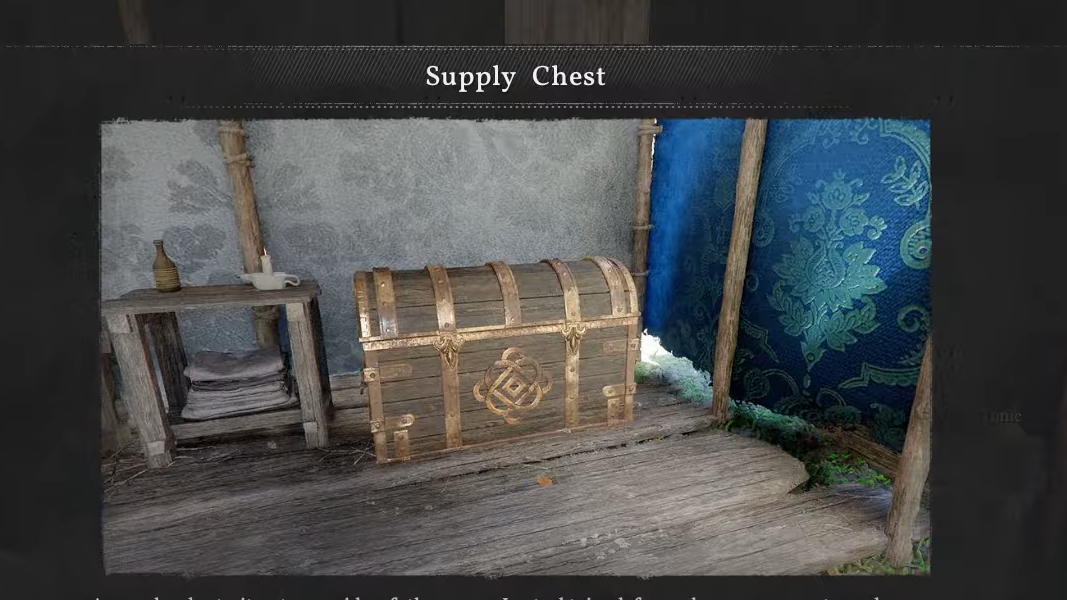
What the Supply Chest actually does
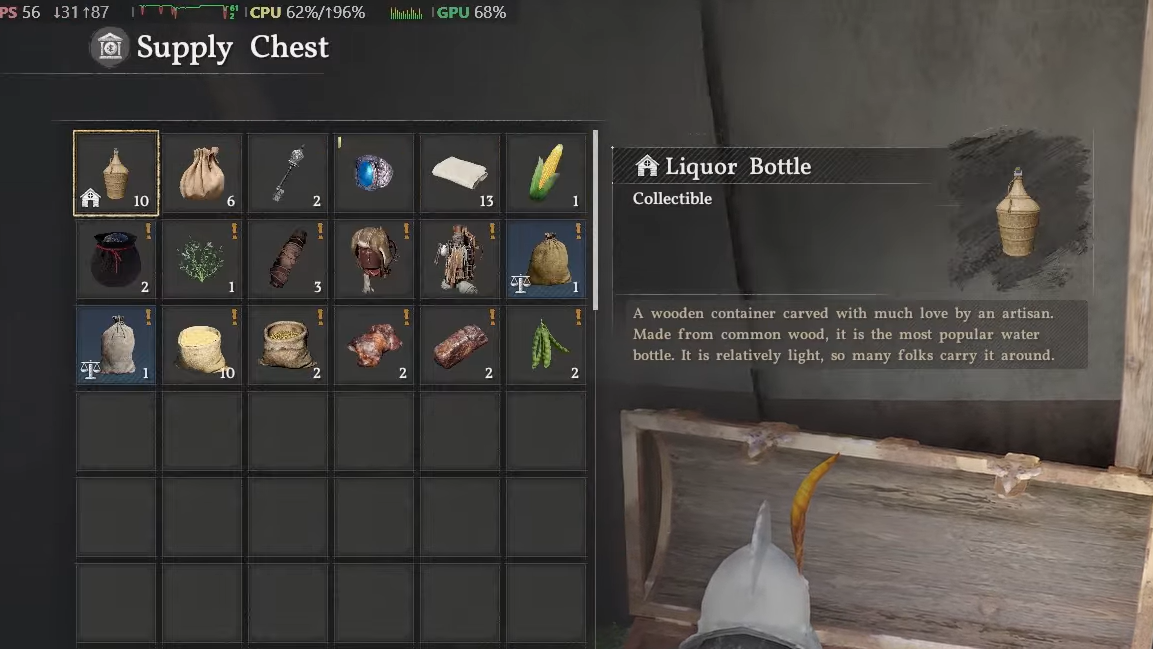
The Supply Chest at Howling Hill collects items you fail to pick up during specific events, most notably camp liberations where you defeat large groups of enemies (roughly 50–100). When enemies despawn before you can loot them, any items left behind are automatically funneled into the chest. You'll see a notification confirming that loot has been added. Regular skirmishes and small bandit encounters do not trigger this behavior — only full-scale liberations do.
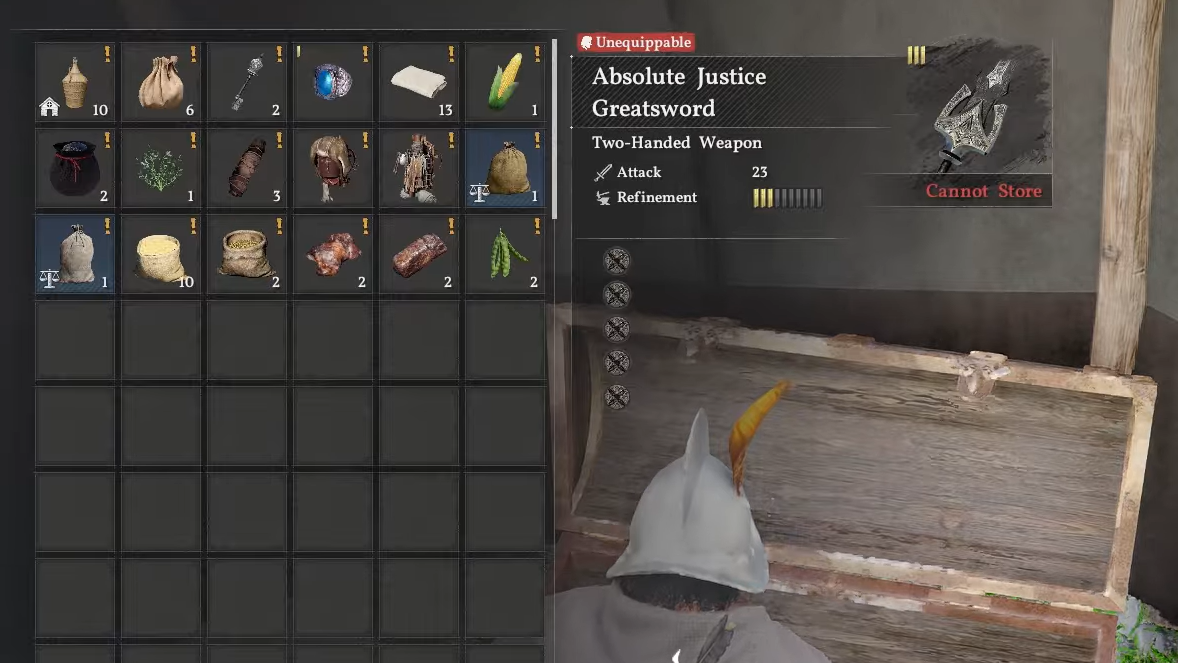
You can open the chest and withdraw items at any time, which makes it useful as a kind of passive holding area. If you spot upgrade materials or cooking ingredients sitting in there, you can leave them for later and pull them out when you need them. But the chest has no "deposit" option in its menu. Interacting with it only lets you take things out.
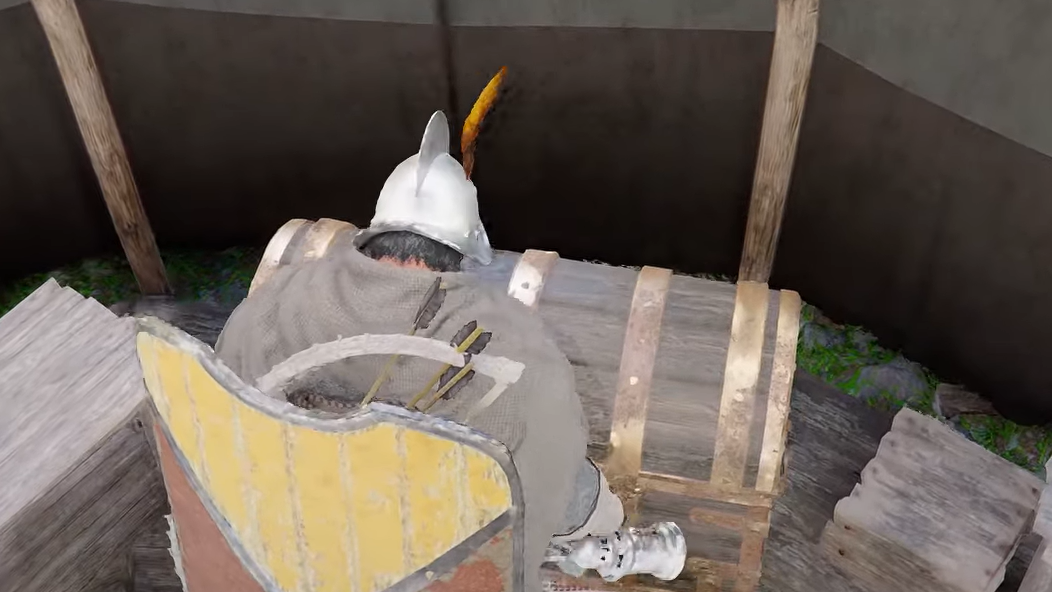
Drop-and-rest workaround to deposit items
Players have found a method that tricks the game into moving dropped items into the Supply Chest. It relies on the rest or wait mechanic at a campfire or cauldron. The results are somewhat inconsistent — some players report it works perfectly, while others have lost items in the process — so treat it as an unofficial workaround rather than a reliable feature.
Step 1: Stand directly in front of a cauldron, cooking station, or campfire. Your tent's campfire works well for this. Position yourself so you won't need to walk anywhere after dropping items.
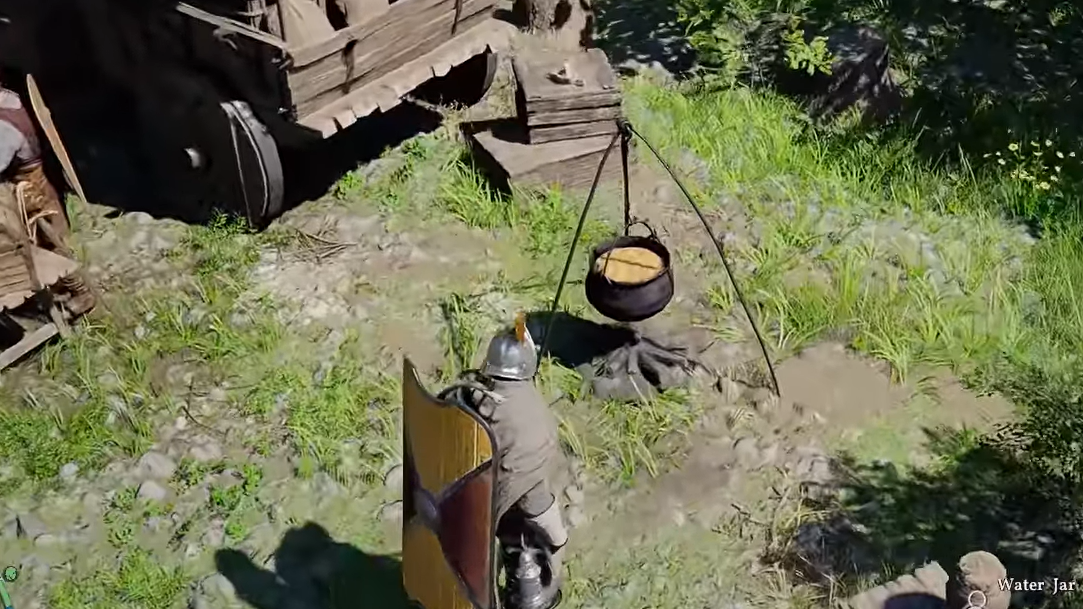
Step 2: Open your inventory and drop every item you want to store. The items will appear on the ground around you.
Step 3: Immediately interact with the campfire or cauldron (L1 on PlayStation, LB on Xbox) and choose the option to wait or rest. You need to be fatigued enough for the game to allow resting — if Kliff is fully rested, the option won't appear. Sleeping in your tent bed for a minimum of three in-game hours also works.
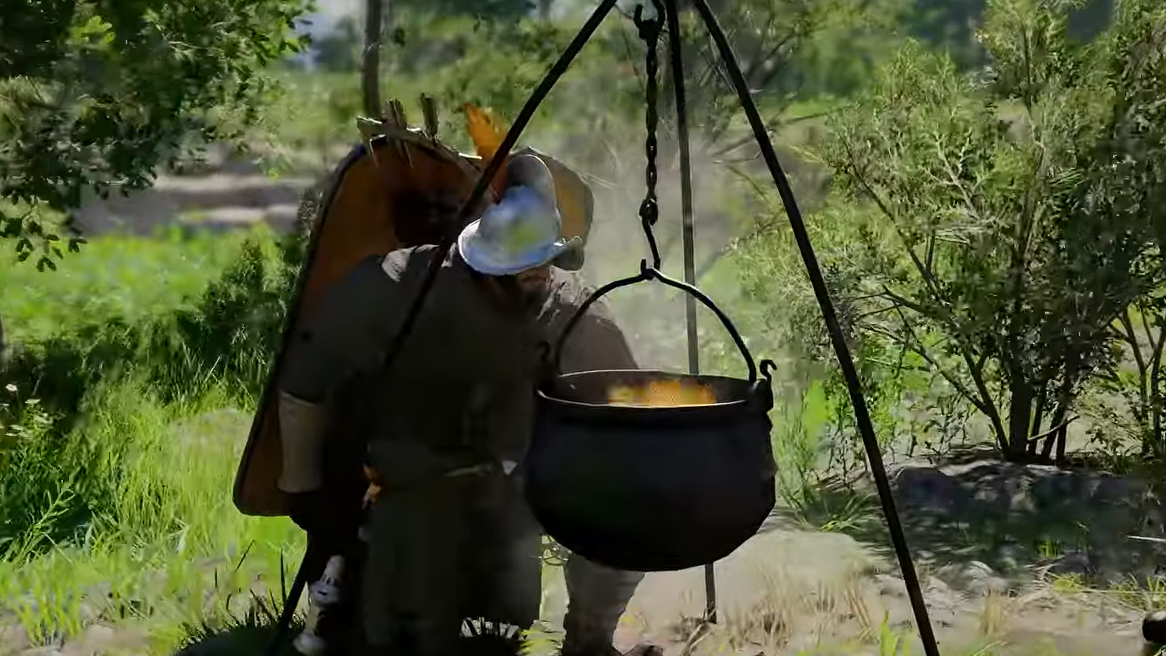
Step 4: After the rest completes, a pop-up notification should confirm that items were deposited into your Supply Chest. Open the chest to verify.
Limitations and known issues with the workaround
| Limitation | Detail |
|---|---|
| Once-per-day cap | You can only rest or wait once per in-game day, so deposits are limited to roughly one batch daily. |
| Fatigue requirement | If Kliff is fully rested, the wait/rest option is unavailable, blocking the workaround entirely. |
| Inconsistent item types | Some players report that certain items (particularly insects) don't always transfer into the chest. Results may vary. |
| NPC interference | Nearby NPCs will grab dropped items off the ground. Only attempt this in secluded locations or act immediately after dropping. |
| Partial transfers | At least some players have seen only a fraction of their dropped items end up in the chest, with the rest disappearing. |
Because of these inconsistencies, avoid dropping anything rare or hard to replace until you've tested the method with expendable items first.
Other ways to manage inventory without storage
Since true player-driven storage doesn't exist yet, inventory management comes down to discipline. A few practical approaches can keep your slots under control.
Buy inventory pouches early. Merchants throughout the world sell pouches that expand your carrying capacity. Completing side quests — especially the animal-related quest chains available early on — also rewards additional inventory slots. Players who prioritize these can reach 90 or more slots within the first few hours.
Sell aggressively. Recipes you've already learned, letters from completed side quests, and excess stacks of common materials like cloth are safe to offload at any merchant. The silver you earn funds further pouch purchases and gear upgrades.
Open pouches immediately. Loot pouches sitting in your inventory take up a slot each. Open them as soon as you get them to consolidate their contents.
Use Abyss Gear slots on spare armor. If you're holding onto armor pieces you aren't wearing, spending silver to unlock their Abyss Gear slots can free up inventory space by absorbing Gears that would otherwise sit loose in your bag.
Visit the Smithy regularly. Turning raw materials into upgrades removes those materials from your inventory and puts them to use. Frequent trips prevent buildup.
Will Pearl Abyss add proper storage?
Pearl Abyss has confirmed that a proper item storage system is planned for a future update. No specific date has been announced, and the feature was not included in the Day 1 patch. Given how vocal the community has been about inventory limitations — and the developer's track record of responding to feedback — it's reasonable to expect this will be a high-priority addition, but nothing beyond the general commitment is confirmed at this time.
Your horse also cannot hold personal items right now, only trade goods (and only once you've acquired a wagon). Houses you unlock later in the game contain cabinets and drawers, but these are purely decorative and have no storage functionality in the current build.
For now, the drop-and-rest trick is the closest thing to a deposit mechanic the game offers. It's imperfect and carries real risk of item loss, especially around NPCs, but it can help hoarders hold onto crafting materials and alchemy ingredients they'd otherwise be forced to sell. Keep an eye on patch notes for the official storage update — and in the meantime, sell early and sell often.