

Cryston Component sits in the late‑game end of Arknights: Endfield’s factory ecosystem. It’s a 3★ AIC product made from processed cryston and Origocrust, and it feeds directly into high‑rarity gear recipes. Because it is expensive to produce and needed in bulk, players lean heavily on optimized AIC blueprints rather than hand‑wiring every conveyor belt from scratch.
What Cryston Component is and why it matters
Cryston Component is classified as an AIC product in the Components category. Its description is simple: a gear component made from multiple materials that can be used for gear assembly. The in‑universe name for the item is “Biocore‑Adaptive Single‑Use Protocol Mould,” built primarily from cryston to keep it easy to deploy.
In practice, Cryston Component is one of several late‑game component items used to craft gear, sitting alongside Amethyst Component, Ferrium Component, and Xiranite Component. These components map to different gear tiers and material types, and Cryston Component is part of the pipeline toward purple level 50 equipment in Valley IV. When players start targeting that gear tier, demand for Components rises sharply, which is why fully automated Cryston farms have become a popular factory project.
How to craft Cryston Component in the AIC
Cryston Component is manufactured in a Gearing Unit with a straightforward recipe:
| End product | Facility | Inputs per craft |
|---|---|---|
| Cryston Component | Gearing Unit | Packed Origocrust ×10, Cryston Fiber ×10 |
That recipe hides a long chain of intermediate processing, especially on the Origocrust and cryston sides. You need stable lines for Origocrust mining and packing, plus farming and refining for cryston‑derived materials. A dedicated “Cryston Component Line” blueprint for Valley IV is described as requiring two Packed Origocrust inputs and two Cryston Fiber inputs, tuned so that the Gearing Unit runs continuously without clogging or downtime. That design becomes a reference point for players as they start building their own layouts or importing community blueprints.
Where Cryston Component fits in the overall AIC product list
Cryston Component sits among a wide catalog of AIC products that range from powders and bottles to batteries and high‑end components. The broader family around it includes:
- Upstream cryston items such as Cryston Fiber and Cryston Powder.
- Origocrust‑related items such as Dense Origocrust Powder and Packed Origocrust.
- Parallel component lines like Amethyst Component, Ferrium Component, and Xiranite Component.
- Energy products such as LC Wuling Battery, LC Valley Battery, SC Valley Battery, and HC Valley Battery.
This context matters because most efficient Cryston Component farms are not isolated. They typically tap into existing resource lines for Packed Origocrust, cryston‑derived intermediates, and sometimes power from battery farms. As factories reach late‑game density, players tend to standardize on reusable blocks such as dedicated seed machines, bottle lines, or battery layouts, then plug those into specialized component farms.
How blueprint codes work in Arknights: Endfield
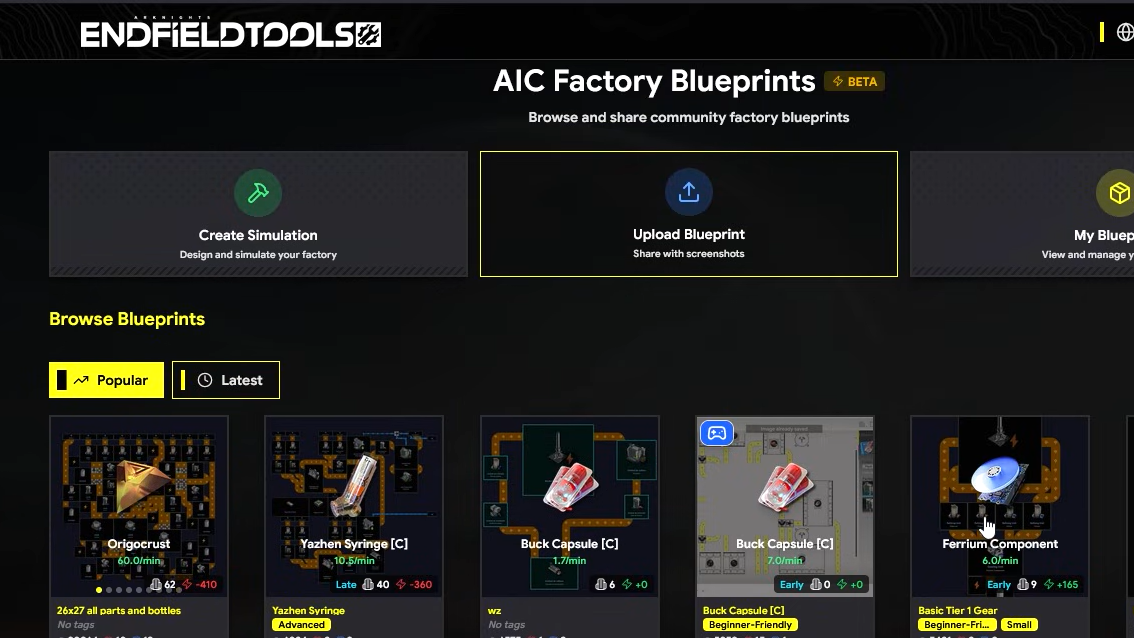
The Automated Industry Complex lets you capture an entire factory layout as an AIC blueprint. A blueprint stores building placement, conveyor routing, and logistics rules, then compresses all of that into a shareable code. Importing that code recreates the design as long as you have enough space, unlocked facilities, and the correct server region.
Blueprints are managed inside the in‑game build interface. They are grouped into personal blueprints, shared blueprints, and system‑provided templates. Players can create new blueprints from scratch, clone existing ones, or import community layouts with a share code.
How to create your own AIC blueprint
Step 1: Open any AIC outpost and enter the build view where you place factories and belts. The blueprint controls live in the lower‑right corner of that screen.
Step 2: Select the Blueprints button to open the blueprint menu. This menu lists your saved layouts and any shared or system designs you have access to.
Step 3: Choose the option to create a new blueprint. The game captures the current selection of buildings and belts as a schematic.
Step 4: Name the blueprint and add a short description. The save flow also records which AIC machines are required, so you can tell at a glance whether another outpost can support it.
Step 5: Save the layout. From this point, you can place it again in other outposts or share it by generating a code.
Blueprints are reusable, so many players maintain a small library of “standard modules” for batteries, bottles, seed processing, and late‑game components, then specialize only the final segment of a production chain.
How to import a blueprint code
Step 1: Open an AIC outpost and go into the build view.
Step 2: Open the blueprint menu and switch to the Shared Blueprints tab. This is where imported and community designs are stored.
Step 3: Select Import Blueprint. A text field appears for the share code.
Step 4: Paste or type the blueprint code exactly as given, including upper and lower case. Validate to register it to your account.
Step 5: Once the blueprint appears in the list, select it and place it on the ground like any other layout, adjusting position and rotation to fit your outpost’s terrain.
Some players note that copy‑pasting can occasionally fail while manual entry works, so if a valid‑looking code is rejected, retyping it character‑for‑character is worth trying before giving up on it.
Server regions and blueprint compatibility
Blueprint codes in Endfield can be bound to server regions. There are two main clusters: an Asia server and a combined US/EU server. A layout saved on one cluster may not import correctly on the other. When a code throws an “invalid” error despite careful typing, region mismatch is often the cause.
Players frequently share region‑specific variants of popular designs. For example, a code might be published initially on the EU/US cluster, then someone on the Asia server recreates the layout by hand and saves an Asia‑compatible version with a different code. When copying a build from other players, it helps to confirm whether the share code is labeled for Asia or for US/EU before troubleshooting.
Notable Cryston Component farm blueprints
Several dedicated Cryston Component farms have emerged as reference designs. They range from compact, self‑contained factories to sprawling late‑game platforms that combine component production with significant power output.
“Chryston Component Farm + 12 Thermal Banks” (Outpost 3)
One standout layout is a Chryston/Cryston Component farm designed to fit entirely into the third outpost. The original version was shared with the code EFO0172UAoEA7451O2Ai on the US/EU cluster and included twelve Thermal Banks integrated into the same footprint, effectively turning the farm into a dual‑purpose component and power hub.
The creator later published a small adjustment to keep the Thermal Banks in the top‑middle cluster from idling as often, assigning that refinement a new share code, EFO01U4Ai82iU5Ou7Oa8. The core of the factory stayed the same, but belt routing into that bank group changed so that throughput stayed consistent and power buildings “slept” less.
A further iteration focused on speed, trading away some Thermal Banks for a higher overall processing rate. That faster, lower‑power variant is shared as EFO016i1aEAa6e72O83e, again targeting US/EU players.
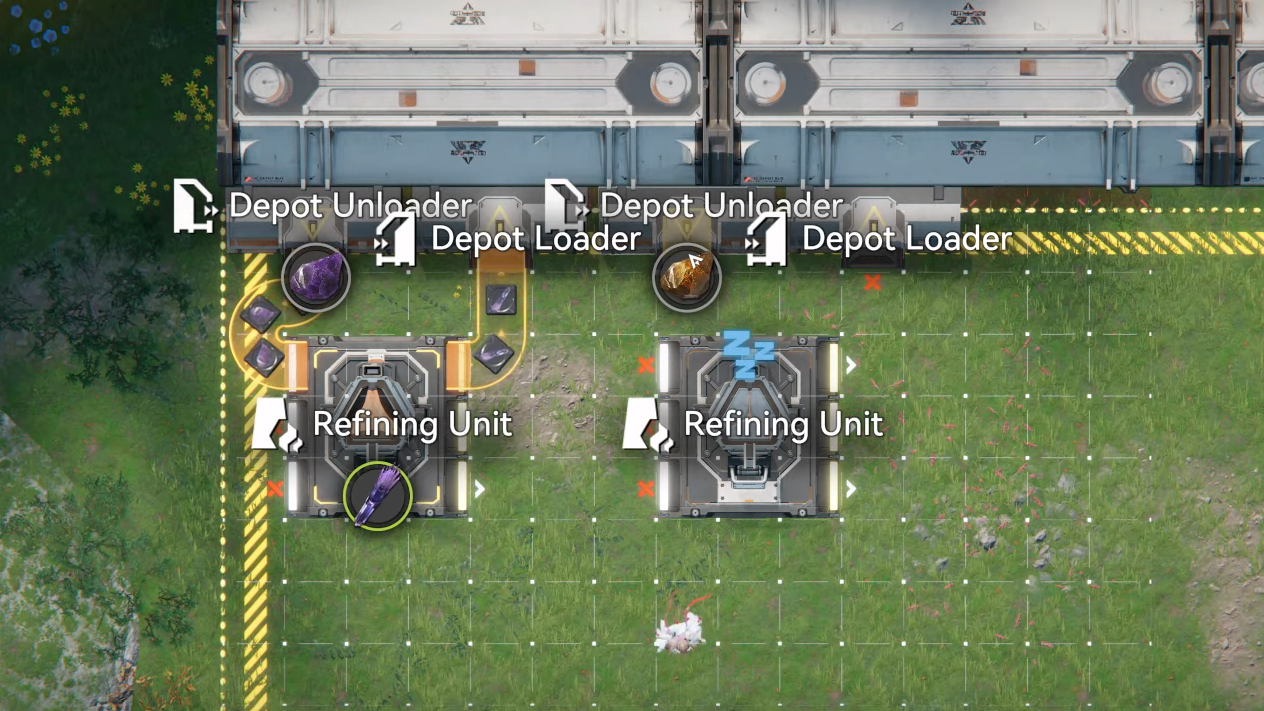
The component farm also relies on specific resource assignments at the main building: five ports output Originium, while a single port outputs Amethyst. The Amethyst line has to run through a Refining Unit first before joining the other inputs; mis‑wiring that one output is a common cause of jams when people hand‑copy the blueprint.
Because the original codes are US/EU‑centric, players on the Asia server recreated the layout and published compatible versions. One such Asia variant for the adjusted farm is EFO01602I66IuO79O83e, shared after confirming that the modified belt and splitter arrangement around the top‑left output worked as intended. Another Asia‑friendly copy of the earlier layout appears under EFO014E6iO44U83UE71A.
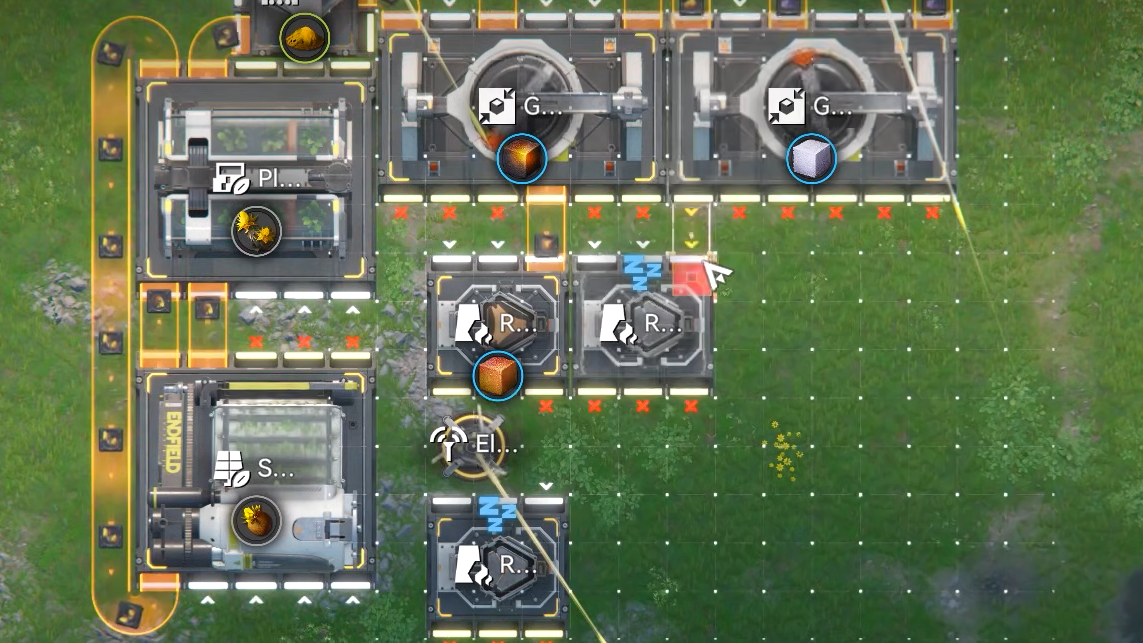
Standalone Cryston Component farm (Asia)
On the Asia server, a separate Cryston Component farm blueprint is shared with the code EFO01E50U42I90o139Ia. It is labeled as an “Arknights: Endfield Beta Test II” blueprint and marked for the Asia region with generic area compatibility.
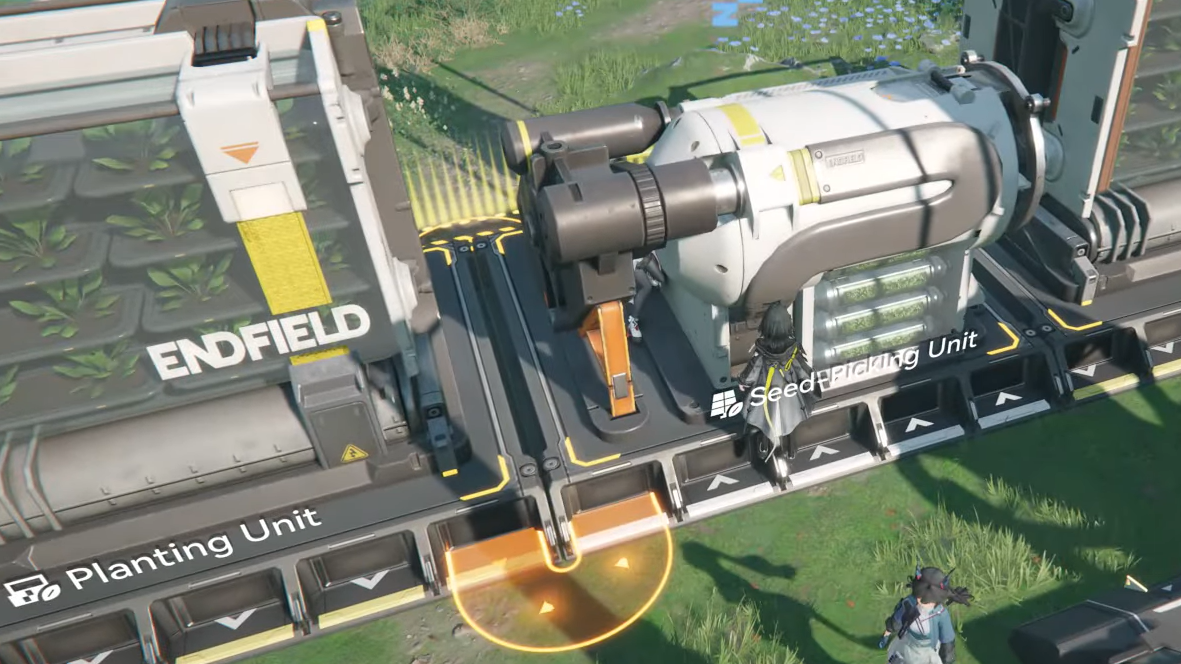
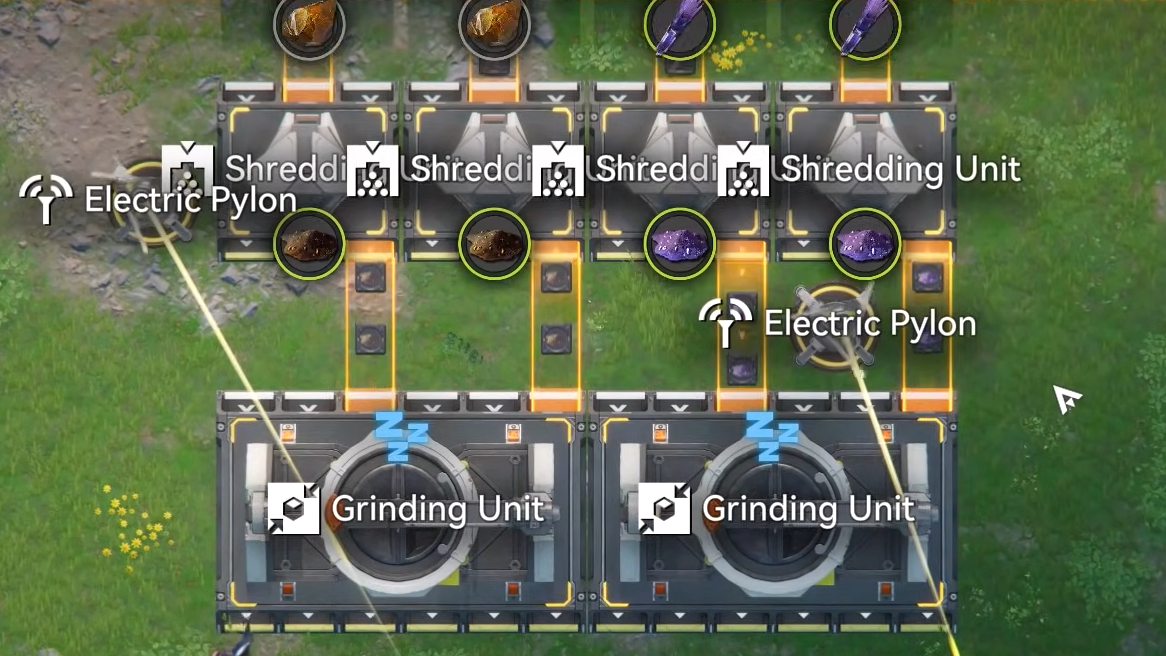
The plan focuses on producing Cryston Component rather than power. It includes cryston farming, seed picking, planting, grinding, and the final gearing stage in a single continuous line. One reported quirk is that transport belts are initially missing between some Seed‑Pickers and Planters near the Grinding unit; once those belts are manually added, the line runs correctly.
Since this blueprint is region‑bound, US/EU players who want to use it must either replicate it by hand from screenshots or wait for someone to rebuild it on their cluster and release a new code.
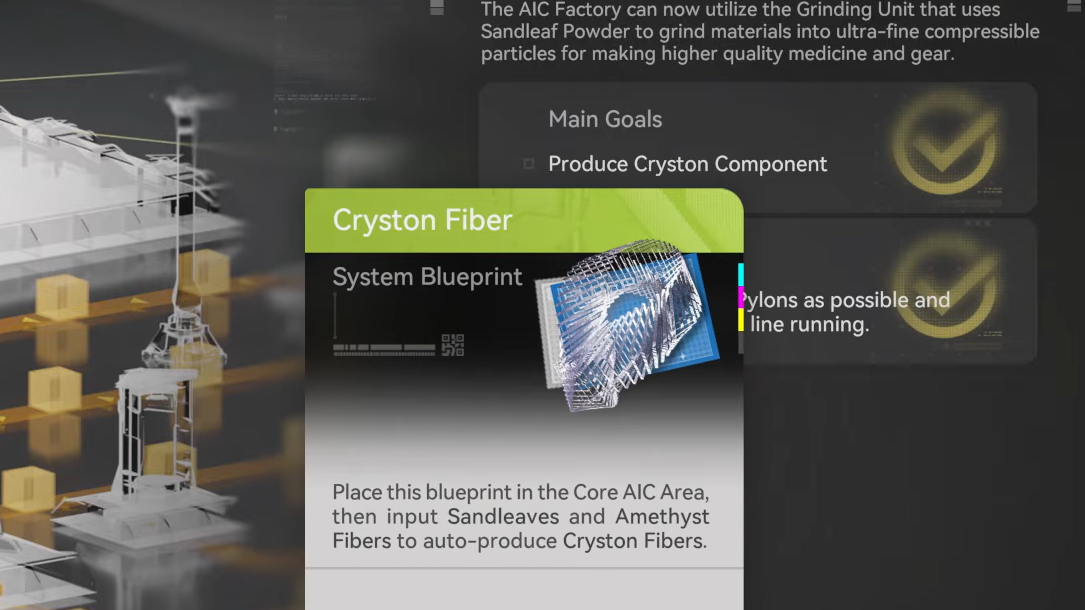
Other community layouts that support Cryston Component production
Cryston farms rarely live alone. They usually lean on upstream blueprints that mass‑produce shared intermediates. A few commonly cited layouts help feed Cryston Component lines without having to re‑engineer base resources.
Seed machine for Buckflower, Citrome, and Aketine
A “Seed machine” blueprint is designed to output Buckflower, Citrome, and Aketine, which frequently appear in AIC recipes. For North America (US/EU) the share code is EFO01Iao8151oE965o08. For Asia, a re‑saved copy uses EFO014E6iUeaAe3UE71A. These lines do not produce Cryston Component directly, but they illustrate the pattern of region‑split codes and the tendency for popular utility layouts to be mirrored across clusters.
Bottles and basic parts
A compact blueprint focused on bottles and basic parts circulates under the code EFO01E50U31O25o03oIa. It standardizes several low‑tier intermediates that many mid‑ and late‑game recipes share, making it a convenient module to drop next to more specialized builds such as Cryston or Amethyst component lines.
Battery farms used to power component lines
High‑throughput component farms draw substantial power, especially once Thermal Banks are stacked into the same footprint. Several battery factories are popular starting points:
- An LC Valley Battery blueprint produces around 800 power using four Thermal Generators, balanced for either personal power or trade.
- An HC Battery layout outputs roughly 2.4k power given inputs of Ferrium, Originium, and Leaf Flower, serving as a mid‑game backbone for heavier factories.
- Separate LC Wuling and SC Valley Battery farms are also common; players frequently reference them when talking about powering late‑game builds.
In discussions about the 12‑Thermal‑Bank Chryston farm, one player points out that it is generally more space‑efficient to build a dedicated battery factory and then run a smaller number of Thermals off batteries, instead of feeding every Thermal Bank directly with Originium. That approach also opens up the option of selling surplus batteries for credits.
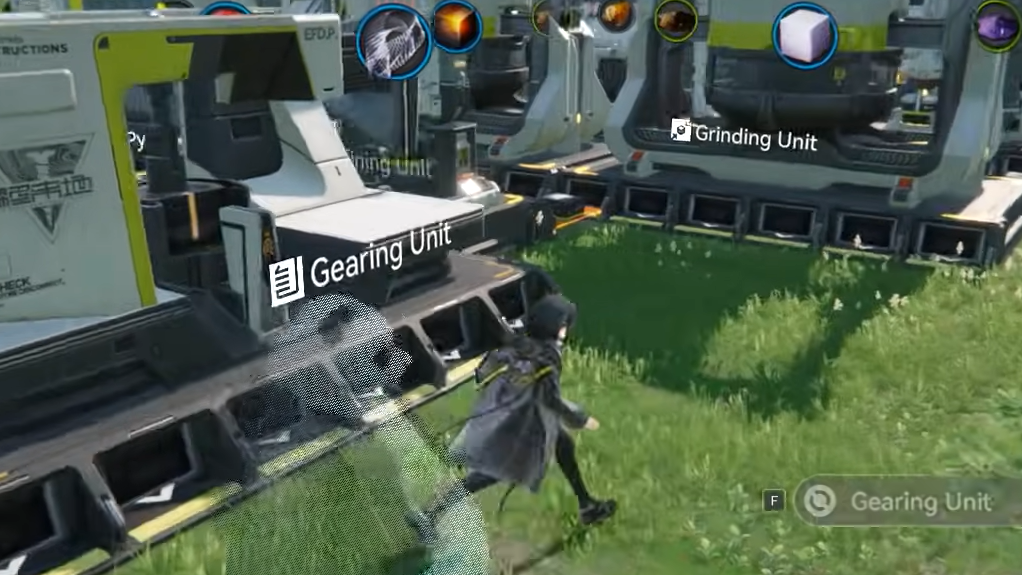
Practical tips for using Cryston Component blueprints
Blueprint codes dramatically reduce the friction of building a Cryston line, but they still demand attention to a few details.
Check facility and tech unlocks. Many Cryston farms assume that mid‑ and late‑game AIC buildings are already available. If an import fails or refuses to place, missing machines or tech upgrades are as likely as a bad code.
Watch belt directions and splitters. When copying layouts by hand, mistakes around splitters, convergers, and belt direction cause the most trouble. In the Chryston farm, a key fix involves adding a splitter at the top‑left output and routing a belt through a converger into the bottom‑left splitter of the top‑middle Thermal Bank cluster to keep those banks active.
Confirm output assignments. For buildings with multiple ports, Cryston‑related farms often depend on a specific mapping. In the 12‑Thermal Chryston build, five ports output Originium and one outputs Amethyst, and the Amethyst line must route into a Refining Unit before merging with the rest.
Match server region before debugging. If a code that others report as valid continues to throw errors after careful retyping, there is a good chance it belongs to the other region cluster. Looking for a labeled Asia or US/EU variant usually resolves the issue faster than repeated retries.
Use blueprints as templates, not rigid answers. Terrain, unlock order, and personal goals differ from player to player. Treat community Cryston Component farms as strong starting templates, then adjust belt routing, depot integration, or power hookups to match your own outpost layout and priorities.
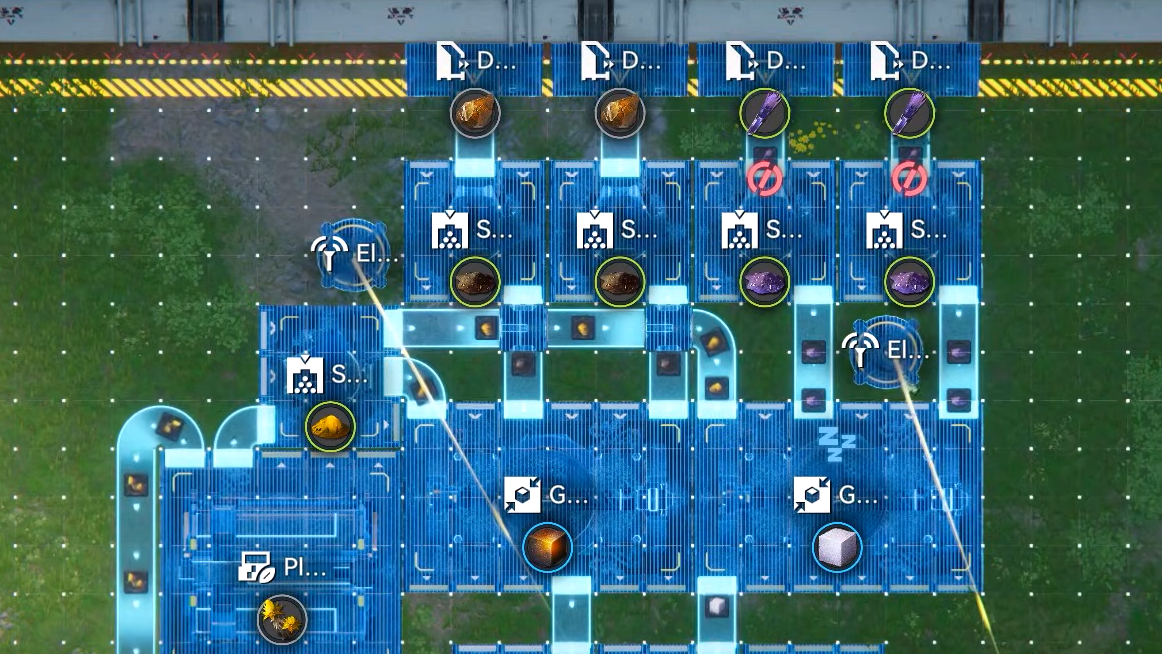
Cryston Component production is one of the first places where Endfield’s factory systems feel genuinely industrial: multiple resource types, long processing chains, heavy power draw, and tight space constraints in late‑game outposts. AIC blueprints and share codes turn that complexity into reusable modules, whether that’s a compact Asia‑server Cryston farm, a 12‑Thermal‑Bank combined power and component grid, or an upstream seed or battery layout that keeps the whole machine running.