

Fortnite is heading back to the Google Play Store with the launch of Chapter 7 Season 2 on March 19, 2026, and Epic Games is marking the occasion with a free cosmetic. The Yeddy skin — a character whose design is clearly inspired by the Android mascot — can be unlocked at no cost by completing a short set of mobile-specific quests.
Quick answer: Download Fortnite from the Google Play Store once Chapter 7 Season 2 goes live on March 19, 2026, then complete the in-game mobile quests to unlock the Yeddy skin for free.
What is the Yeddy skin?
Yeddy is a brand-new outfit that nods directly to Android's robot iconography. The character sports a rounded, bot-like silhouette and a screen-style face display, fitting for a skin built to celebrate Fortnite's return to Google's storefront. Prominent Fortnite leakers HYPEX and ShiinaBR shared the first look at the outfit on March 17, 2026, and Epic confirmed it shortly after.
The skin is tied exclusively to Fortnite's mobile relaunch on Google Play. After years away from the platform — a fallout that left Android players stranded on Chapter 2 Season 3 — Epic is using Yeddy as a goodwill gesture for anyone willing to jump back in on a mobile device.
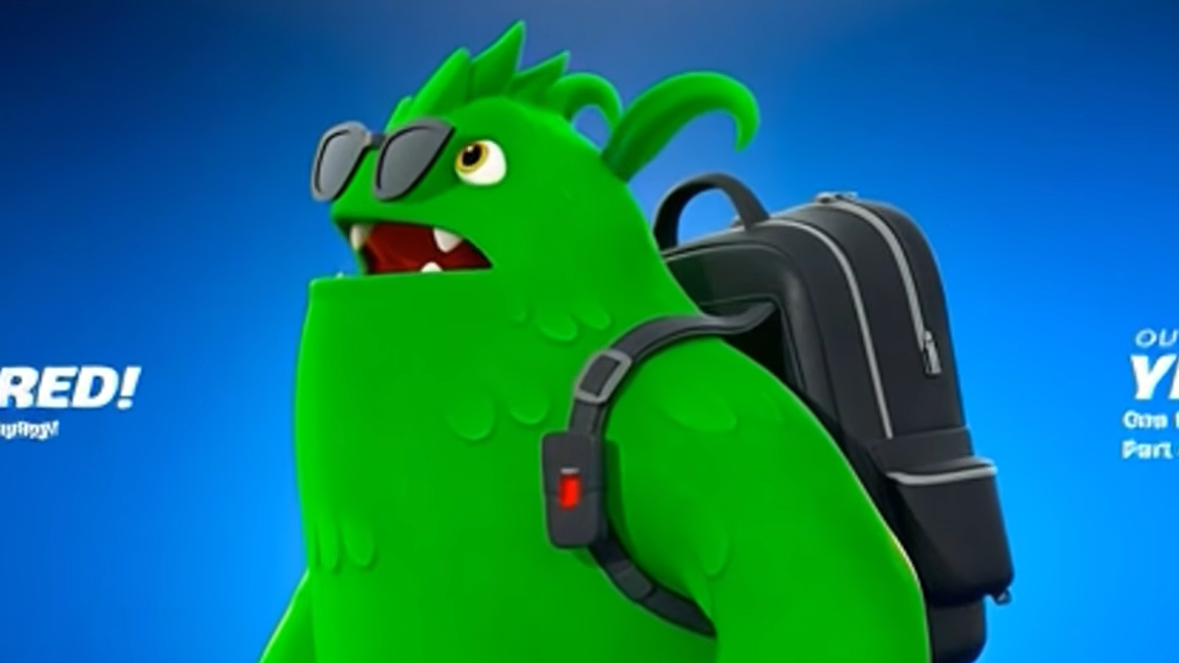
Requirements to unlock Yeddy for free
| Requirement | Details |
|---|---|
| Platform | Any Android device with access to the Google Play Store |
| Store | Must download or update Fortnite through Google Play — not the Galaxy Store, Epic Games app sideload, or iOS App Store |
| Availability | March 19, 2026, when Chapter 7 Season 2 launches |
| Quests | Complete the mobile-specific quest chain that appears in-game on eligible devices |
How to download Fortnite from Google Play and start the quests
Step 1: Open the Google Play Store on your Android phone or tablet. Search for "Fortnite" and tap the official listing from Epic Games. If you previously had the game installed through a different method, you may need to uninstall that version first.
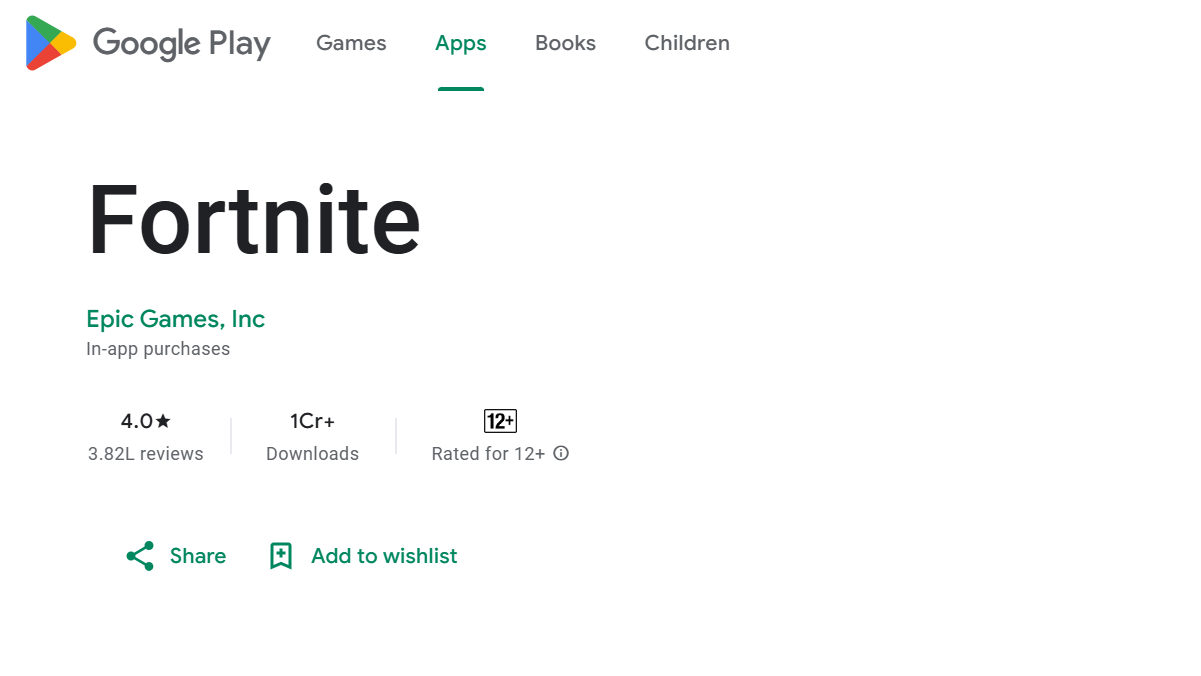
Step 2: Install or update the app. You will be prompted to sign in through the Epic Games launcher. Complete two-factor authentication if your account requires it, then log in with your existing Epic account.
Step 3: Once you're in the game, look for the mobile quest chain in your quest log. The quests are expected to involve two main activities: using the "Invite a Friend" button on the mobile sidebar to recruit another player, and leveling up by playing matches on the Fortnite mobile app.
Step 4: Complete every quest in the chain. Once finished, the Yeddy outfit will be added to your locker and can be used on any platform tied to your Epic account — not just mobile.

Can you get Yeddy without a mobile device?
Right now, no alternative path has been confirmed. The quests are explicitly tied to playing on a mobile device through the Google Play Store. There is no indication that Yeddy will be added to the Fortnite Item Shop for V-Bucks purchase, though Epic has not ruled it out either. If you don't own a compatible Android device, some players have reported success using Android emulators on PC, but Epic has not officially endorsed that method for this promotion.
Does Yeddy work across all platforms?
Yes. Like every other Fortnite cosmetic, once Yeddy is unlocked on your Epic account it becomes available on every platform you play on — PC, PlayStation, Xbox, Nintendo Switch, and mobile. You only need to complete the quests on an Android device through Google Play; after that, the skin is yours everywhere.
Fortnite's mobile comeback is a significant moment for the game, and Yeddy is a clever way to drive players back to the platform. If you have access to any Android device with Google Play, it's worth the effort — free skins in Fortnite don't come around often, and there's no guarantee this one will be obtainable once the promotion window closes.