

Fortnite Chapter 7 Season 2 landed on the overhauled Golden Coast island with a fresh batch of weapons and gadgets, and the Skyline Deployer stands out as one of the most useful new movement tools in the loot pool. It functions as a portable zipline launcher that lets you create aerial paths on the fly, giving you instant vertical mobility and a quick escape route when fights go sideways. It also happens to be tied to a Week 1 quest that rewards 20,000 XP, so you'll want to track one down early.
Quick answer: The Skyline Deployer is a Blue (Rare) rarity item found in regular chests, floor loot, supply drops, and vending machines. Equip it, aim at open space or a structure, and press Fire — your character launches into the air and rides a zipline automatically.
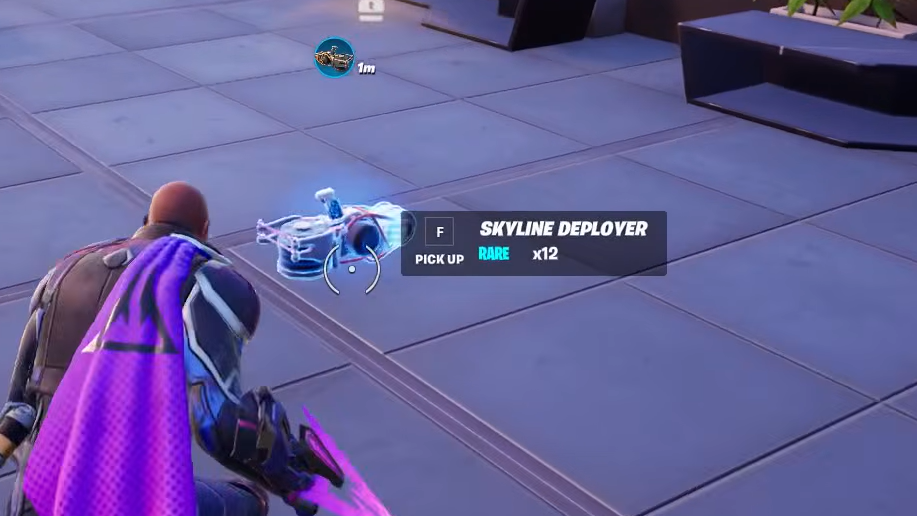
Where to Find the Skyline Deployer
Because the Skyline Deployer sits at Blue rarity, it shows up frequently in the standard loot pool. You do not need to defeat a boss, crack open a vault, or visit any specific landmark. Ordinary looting will surface one without much trouble.
| Loot Source | Notes |
|---|---|
| Chests | Most reliable method — open chests as normal during any match |
| Floor loot | Can spawn on the ground in buildings and open areas |
| Supply drops | Less common opportunity, but worth checking when nearby |
| Vending machines | Available for purchase if one spawns with it in stock |
| Eliminated players | Many players carry one for the Week 1 quest — check every loot pile |
The item comes with multiple charges, so a single pickup is enough to complete the weekly quest and still have uses left over for actual combat situations. You won't need to hunt for a second one mid-match.
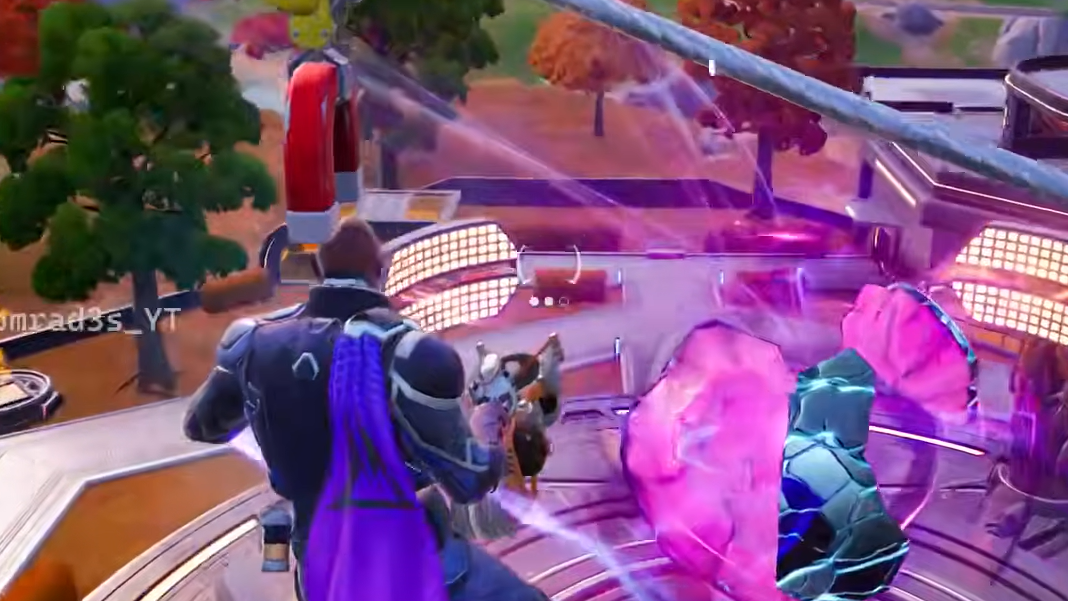
How to Use the Skyline Deployer
Step 1: Open your inventory and equip the Skyline Deployer. It occupies a standard inventory slot like any other utility item.
Step 2: Aim toward open space in front of you. You can point it at a building, a hillside, or straight into the sky — the device works in all directions. Angling upward gives you more height.
Step 3: Press the Fire button. The Skyline Deployer launches a projectile that creates a tethered zipline with a balloon at the far end. Your character automatically jumps onto the line and travels along it at speed.
Step 4: Press Jump at any point during the ride to detach from the zipline. A low-gravity effect kicks in when you leave the line, and glider redeploy activates, letting you glide to safety or reposition before touching the ground.
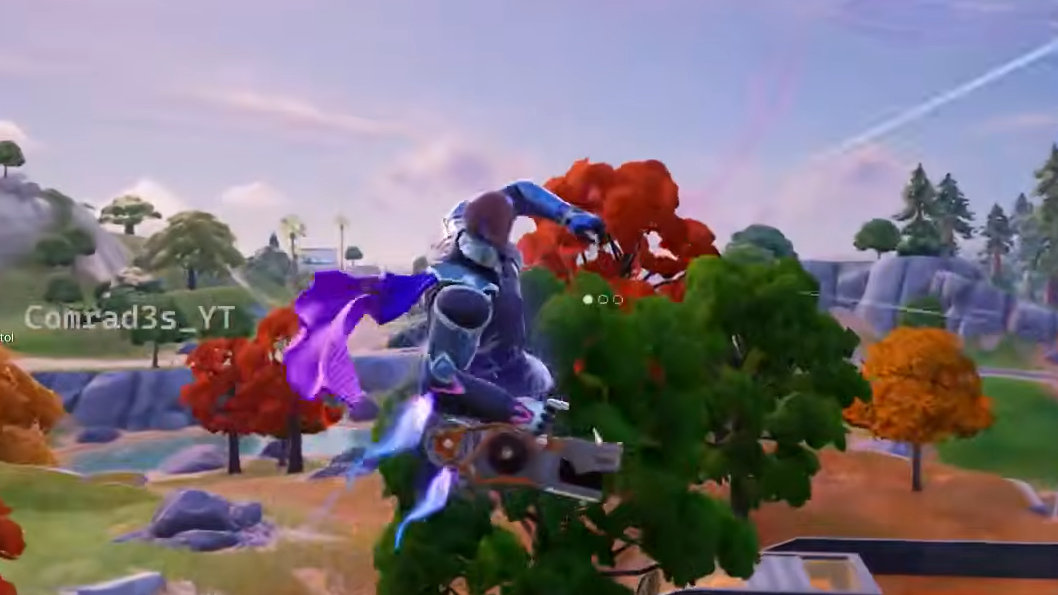
Key Mechanics to Keep in Mind
The zipline stays active after you deploy it. It does not disappear once you hop off — it remains in the world until another player destroys it or the Storm consumes it. That persistence is a double-edged sword. Teammates can use your line to follow you to high ground, but enemies can ride it too. If you deploy a zipline during a retreat, an aggressive opponent can chase you along the same cable.
Glider redeploy makes the Skyline Deployer especially strong for escaping the Storm. Fire it toward the safe zone, ride the line to gain altitude, then glide the remaining distance. The combination of horizontal speed on the line and vertical glide distance covers ground faster than sprinting.
Vertical mobility is the other major strength. Aiming the device upward lets you reach rooftops and elevated terrain that would normally require building ramps or finding a launch pad. In a build fight, that kind of instant height advantage can flip an engagement.
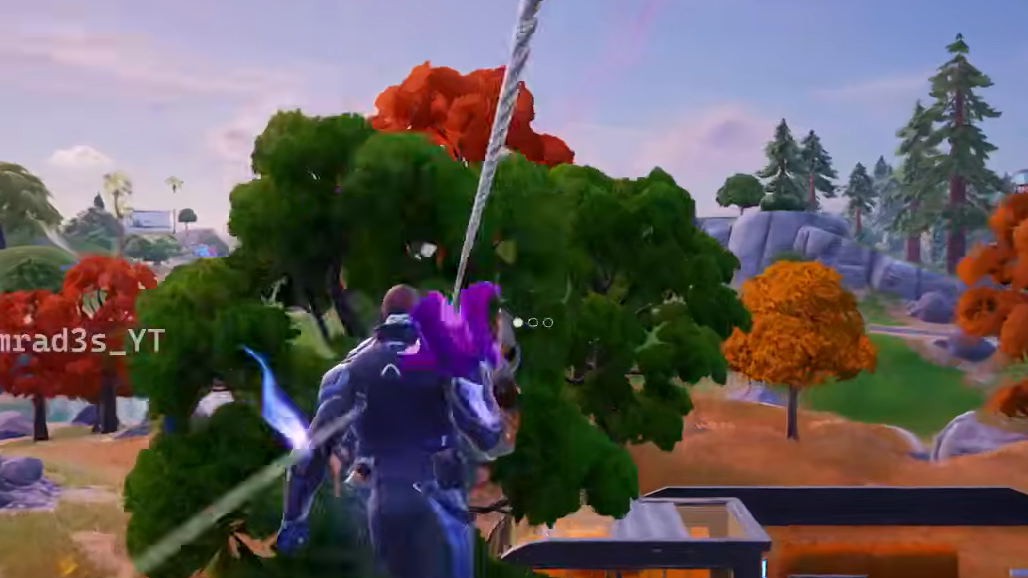
Completing the Week 1 Quest
The Chapter 7 Season 2 Week 1 quest asks you to use the Skyline Deployer three times. Each activation counts as one use, and the quest tracks progress across multiple matches if needed — though finishing it in a single game is straightforward since the item has multiple charges.
You do not need to be in combat or hit an enemy for a use to count. Find a clearing, fire the device, ride the line, and repeat two more times. Completing the quest awards 20,000 XP instantly.
The Skyline Deployer is worth holding onto even after the quest is finished. Its combination of rapid repositioning, glider redeploy, and persistent ziplines makes it one of the more versatile utility items on the Golden Coast map — especially in late-game circles where high ground and fast rotations decide fights.