

Weather in Garden Horizons isn't just cosmetic. Every few minutes, the sky can shift to bring rain, fog, storms, or something rarer — and each weather type carries a chance to apply specific mutations to your growing fruits. Some of these mutations can massively increase a fruit's sale value, while certain weather events also speed up plant growth. Knowing what each weather does and when it resets is the fastest way to stack high-value mutations on your crops.
Quick answer: Weather resets every 5 minutes, tied directly to the Seed Shop restock timer. Each event lasts 5 minutes and can apply mutations to actively growing fruits.
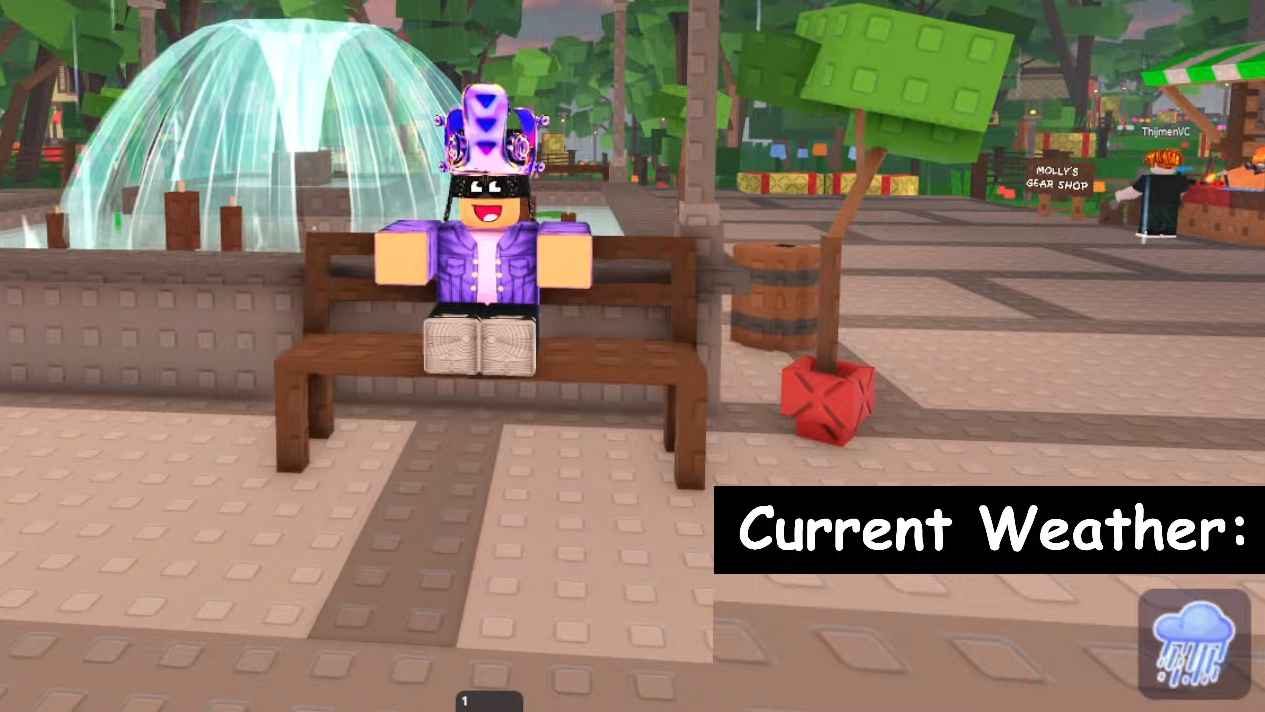
All Garden Horizons Weather Events and Their Effects
Garden Horizons currently has six known weather events. Each one changes the map's appearance and audio, and most carry a chance to apply one or more mutations to random fruits in your garden. Three of the six also provide a growth speed bonus.
| Weather | Visual Appearance | Effects |
|---|---|---|
| Foggy | Thick fog blankets the entire map | Chance to apply the Foggy mutation to random fruits |
| Rain | Dark clouds, rain across the map, game music stops | +25% Growth Speed. Chance to apply Flooded and Soaked mutations |
| Storm | Heavy rain with occasional thunder | +50% Growth Speed. Chance to apply Shocked mutation |
| Snow | Light fog with snowflakes falling | Chance to apply Snowy and Chilled mutations |
| Sandstorm | Sandstorm takes over the map | +20% Growth Speed. Chance to apply Sandy mutation |
| Starfall | Sky turns blue, shooting stars fall | Chance to apply Starstruck mutation |
Storm offers the largest growth speed bonus at +50%, making it particularly useful if you're trying to harvest quickly. Starfall doesn't boost growth at all, but the Starstruck mutation is one of the more sought-after effects for increasing fruit value.
How Weather Reset Timers Work
Weather changes in Garden Horizons are directly linked to the Seed Shop's restock cycle. Every five minutes, when the Seed Shop refreshes its inventory, the weather has a chance to change. That's the keyword — chance. A restock doesn't guarantee a new weather event will begin.
If no weather event is active when the shop restocks, the game might stay clear. If Rain is currently falling, it could easily continue for another five-minute cycle after the restock. The system is random, so there's no way to predict or force a specific weather type.
Each weather event lasts exactly five minutes, matching the Seed Shop timer. You can watch the shop's countdown to know precisely when the next potential weather shift will happen. This makes it straightforward to plan your planting around weather windows — if you see a Storm active, you have roughly five minutes to take advantage of that +50% growth speed and the chance for a Shocked mutation.
How Mutations Apply During Weather
Weather mutations only affect fruits that are actively growing during the event window. If a crop is already fully grown before the weather starts, it won't receive any new mutations from that event. This is an important distinction — you want seeds in the ground and growing when valuable weather hits, not sitting there fully mature.
Fruits can accumulate mutations from multiple weather cycles. If a fruit is still growing when Rain shifts to Storm, that fruit could potentially pick up both Flooded/Soaked mutations from the Rain and a Shocked mutation from the Storm. This stacking mechanic is how players build high-value mutation combinations like Shocked plus Starstruck on a single fruit.
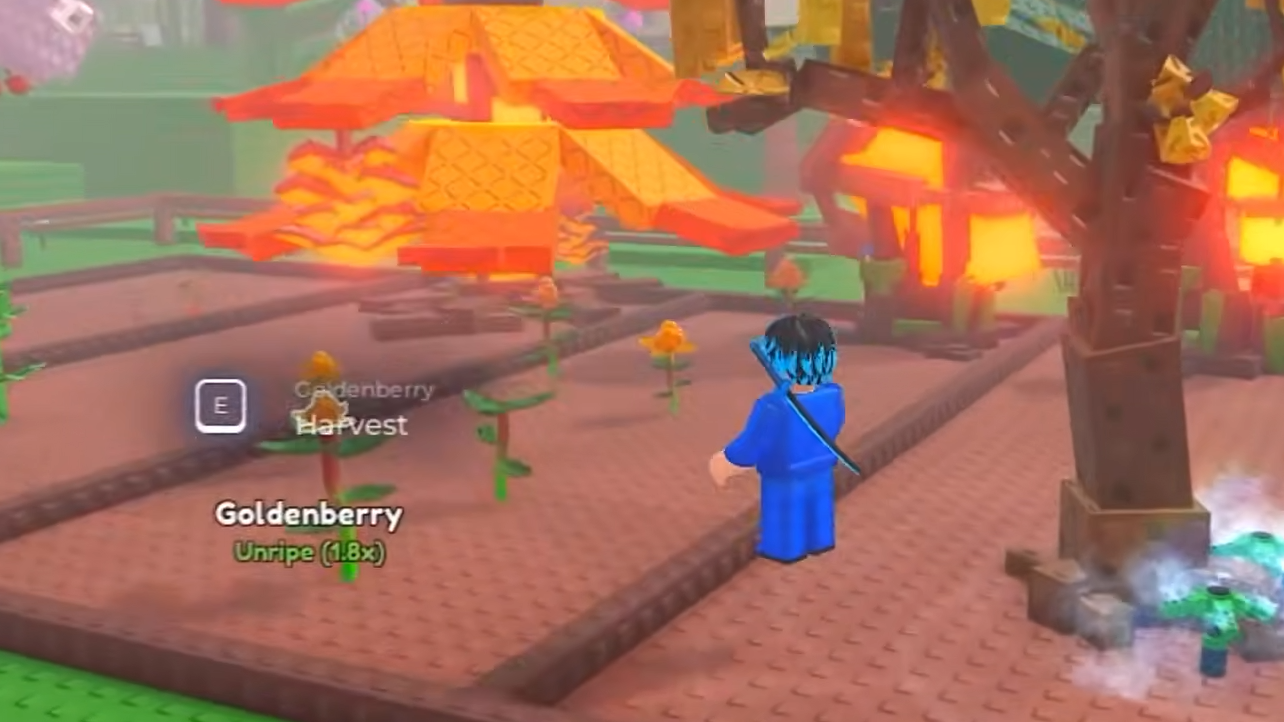
Tips for Maximizing Weather Value
Since weather is tied to the Seed Shop timer, keep an eye on the countdown. When you see it approaching zero, have seeds ready to plant. If a growth-boosting weather like Storm or Rain is active, planting immediately lets you capture the full five-minute window of accelerated growth plus mutation chances.
If you're specifically targeting a rare mutation like Starstruck, the strategy is patience. Plant your seeds and let them grow across multiple weather cycles. The longer a fruit stays in its growth phase, the more weather events it can potentially absorb mutations from. Faster-growing fruits have fewer opportunities to catch rare weather, while slower-growing ones naturally span more cycles.
The growth speed bonuses stack with the mutation chances in a practical way. Storm's +50% growth speed means your plants finish faster, but it also means a shorter window for that specific weather's mutation to land. There's a natural tension between speed and mutation opportunity that's worth considering depending on whether you're farming for volume or hunting for specific high-value mutation combos.
Garden Horizons is still relatively new, and more weather events may be added over time. For now, these six cover the full range of what you'll encounter, and understanding their effects and timing puts you in a much better position to grow valuable, mutation-stacked fruits consistently.