

Highguard’s launch Twitch Drops are live for a limited time, letting you unlock two cosmetic rewards simply by watching the game on Twitch once your accounts are linked.
Quick answer: Link your Twitch account to your Highguard Portal account, watch Drops-enabled Highguard streams for up to two hours between January 26 and February 9, 2026, then claim the rewards in your Twitch Drops Inventory so they appear in your in-game Collection.
Highguard Twitch Drops schedule (January 26–February 9, 2026)
The first Highguard Twitch Drops campaign runs for two weeks.
- Start: January 26, 2026
- End: February 9, 2026 (campaign ends and unclaimed rewards can no longer be claimed)
Any watch time and claiming must happen within this window. After the end date, you cannot claim or retroactively unlock these specific drops.
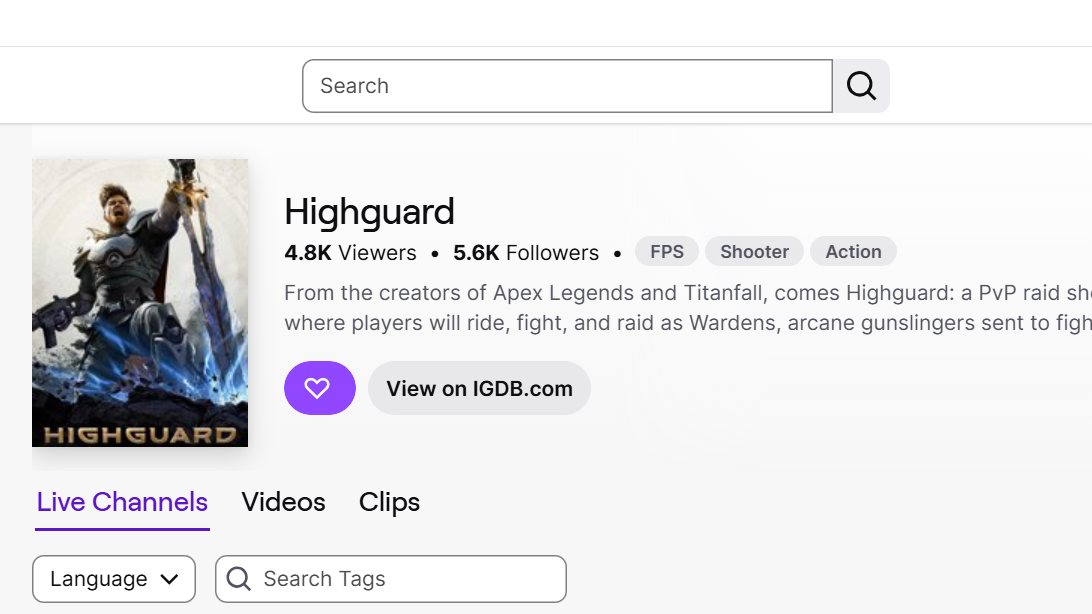
All Highguard Twitch Drop rewards and watch time requirements
The campaign includes two cosmetics tied directly to total watch time on eligible Highguard streams.
| Reward | Type | Total watch time required |
|---|---|---|
| Sky Voyager Banner | Banner cosmetic | 60 minutes (1 hour) |
| Highland Tiger | Mount cosmetic | 120 minutes (2 hours total) |
Watch time is cumulative across qualifying streams. Once the first 60 minutes are reached, you become eligible to claim the Sky Voyager Banner; hitting 120 total minutes unlocks the Highland Tiger.
How to link Twitch and Highguard accounts
Account linking is mandatory. Without it, Twitch will not flag your watch time for Highguard, and the rewards will not reach your game.
Linking through the Highguard Portal
- Open the official Highguard Portal sign-in page.
- Sign in using the platform you play on (Steam, PlayStation Network, or Xbox).
- Once signed in, go to the Linked Accounts section in the left-hand navigation.
- Find the Twitch entry and select the option to link.
- Authorize the connection in the Twitch window that opens, confirming the correct Twitch account.
After this, your Twitch and Highguard accounts are associated, and any progress from eligible Twitch Drops campaigns can be sent to your in-game Collection.
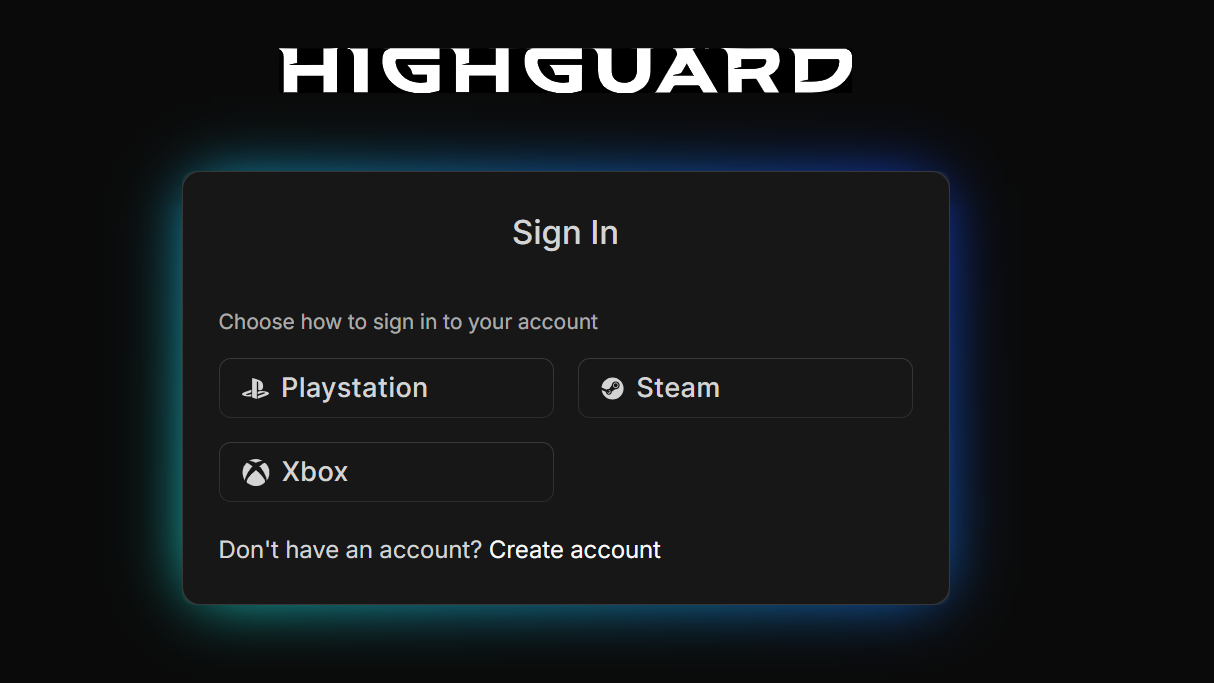
How to earn watch-time progress for Highguard Twitch Drops
With accounts linked, you now need watch time in the Highguard category on Twitch with Drops enabled.
Choosing the right Highguard streams
- Open the Highguard category on Twitch (for example, through the Highguard directory with the Drops filter applied).
- Pick streams that explicitly show Drops Enabled for Highguard.
- Only streams with Drops enabled will contribute toward the Sky Voyager Banner and Highland Tiger requirements.
You can switch between different Drops-enabled Highguard channels and still keep your progress. Watch time accumulates across channels, as long as each stream has Drops turned on.
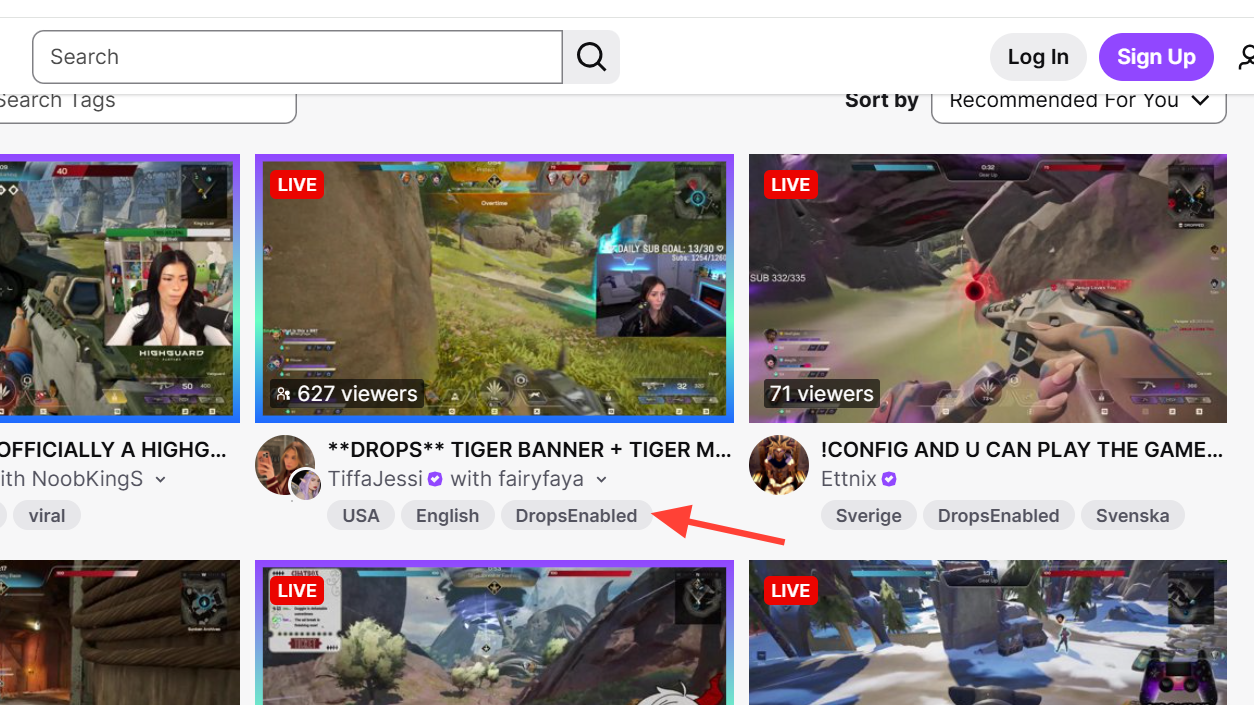
How Twitch counts watch time
- Progress counts only while you are watching a single qualifying stream at a time.
- Having multiple Highguard streams open simultaneously does not stack watch time; Twitch only tracks one stream.
- Once the thresholds are met (60 minutes and 120 minutes), the corresponding rewards become claimable in your Twitch Drops Inventory.
How to track and claim Highguard Twitch Drops
Finishing the watch-time requirement is not enough on its own. You must claim each drop on Twitch before the campaign ends.
Tracking progress in Twitch
- While logged into Twitch, open your Drops & Rewards or Drops Inventory page.
- Locate the Highguard campaign to view your progress bar for each reward.
- Continue watching Drops-enabled Highguard streams until the bar for each item reaches 100%.
Claiming rewards on Twitch
- Once a reward hits 100% progress, it will show a Claim or Claim Now button in your Drops Inventory.
- Select that button for Sky Voyager Banner after 1 hour and Highland Tiger after 2 hours total.
- All claiming must happen before February 9, 2026, while the Highguard campaign is still active.
If you do not press Claim on Twitch before the event end, the rewards will not transfer to your game even if the watch-time requirements were met.
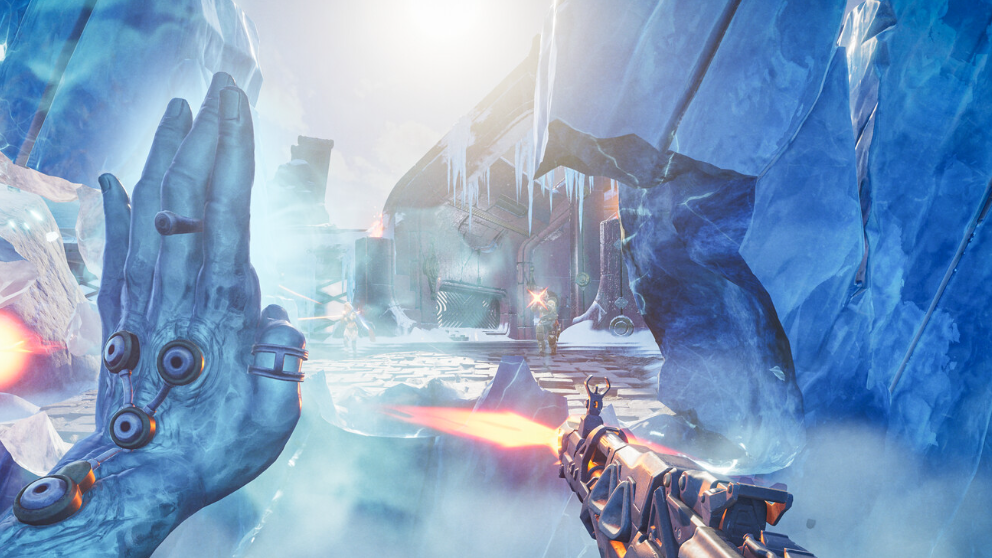
Where Highguard Twitch Drops appear in-game
After claiming on Twitch, the rewards are delivered to the linked Highguard account.
- Launch Highguard on the platform you linked through the Highguard Portal.
- Allow a short time for the game to sync your account with the Drops information.
- Open your in-game Collection or inventory menus:
- Equip the Sky Voyager Banner as your banner cosmetic.
- Equip the Highland Tiger as a mount cosmetic.
Both items are purely cosmetic and do not affect gameplay. They sit alongside other banners, mounts, and the first War Chest rewards available in Highguard.
Key rules and common questions
Do you need to watch the same channel?
No. You can move freely between different Highguard channels during the campaign. As long as each stream has Drops enabled, your total watch time continues building toward the 1-hour and 2-hour thresholds.
Can you claim the drops after February 9, 2026?
No. Claiming must happen before the campaign window ends on February 9, 2026. After that, unclaimed drops for Sky Voyager Banner and Highland Tiger are no longer obtainable from this event.
Do you need to subscribe to streamers?
No. Highguard’s Twitch Drops are tied only to linked accounts and total watch time on Drops-enabled streams. Subscriptions and paid support for streamers are not required for progress or claiming.
Why are rewards missing in-game after claiming?
- Confirm that the correct Twitch account is linked to the platform you play on through the Highguard Portal.
- Check that each reward shows as successfully claimed in your Twitch Drops Inventory, not just at 100% progress.
- Fully restart Highguard to force a new connection to your account data if the cosmetics do not appear immediately.