

Highguard is a free-to-play, always-online multiplayer first-person shooter built on Unreal Engine 5, specifically engine build 5.3.2. On PC it uses a Direct3D 12 renderer, Easy Anti-Cheat at kernel level, and a backend stack that includes Epic Online Services and Nakama for networking and game services.
Quick answer: Highguard uses Unreal Engine 5.3.2 on all platforms, renders through DirectX 12 on Windows, and relies on Easy Anti-Cheat plus a Nakama/Epic Online Services backend for its always-online PvP raid structure.
Highguard’s core engine (Unreal Engine 5.3.2)
The game is built on Unreal Engine 5, with the engine version identified as 5.3.2. That determines the rendering features, scalability options, and many of the graphical behaviors players see in the settings menu.
| Component | Value |
|---|---|
| Engine family | Unreal Engine 5 |
| Engine build | 5.3.2 |
| Primary PC graphics API | Direct3D 12 |
| Platform support (engine level) | Windows PC, PlayStation 5, Xbox Series |
On Windows, the executable runs as a 64‑bit DirectX 12 application. The game exposes Unreal’s usual scalability buckets for textures, anti-aliasing, global illumination, and post-processing, and uses the engine’s Temporal Super Resolution (TSR) plus NVIDIA DLSS 4 as its high-fidelity upscalers.

Graphics stack and performance-relevant features
Highguard’s engine configuration enables most of Unreal Engine 5’s modern rendering features, with several details that matter directly for performance and image clarity.
| Graphics feature | Support in Highguard | Notes |
|---|---|---|
| Resolution and displays | Widescreen, ultra‑wide, 4K | Standard fullscreen and borderless modes are available. |
| Field of view | Adjustable | Slider range from 70° to 110°. |
| Anisotropic filtering | Up to 4× | Tied to the Textures quality setting (Low, Medium, High). |
| Anti-aliasing | Configurable | Quality scales with the Anti-aliasing Quality setting (Low, Medium, High). |
| Upscaling | TSR, DLSS 4 | AMD FSR and Intel XeSS are not exposed; TSR is the standard UE5 solution. |
| Frame rate | Unlocked with caps | Optional Max FPS caps at 60, 120, 144, and 240 FPS. |
| HDR output | Engine-capable | HDR can be driven through Unreal Engine 5’s HDR support. |
| Ray tracing | Enabled for some features | Global illumination settings can invoke ray-traced or Lumen-style lighting. |
The game has drawn criticism for poor optimization on PC, despite the high-end engine capabilities. Players report low frame rates even on hardware above the recommended specification, along with unusually high CPU load for a 3v3 shooter. A significant part of the performance discussion centers on:
- Global illumination quality still engaging costly lighting methods even at “Medium”, which can heavily impact frame rate.
- Upscaling behavior limited to TSR and DLSS 4, with no FSR or XeSS path for non-NVIDIA GPUs.
- Post-processing quality silently lowering the internal render resolution when set below “High”, which produces a blurry image.
These behaviors come directly from how the Unreal Engine 5 renderer and its scalability variables are wired in this project, rather than from any separate proprietary engine layer.
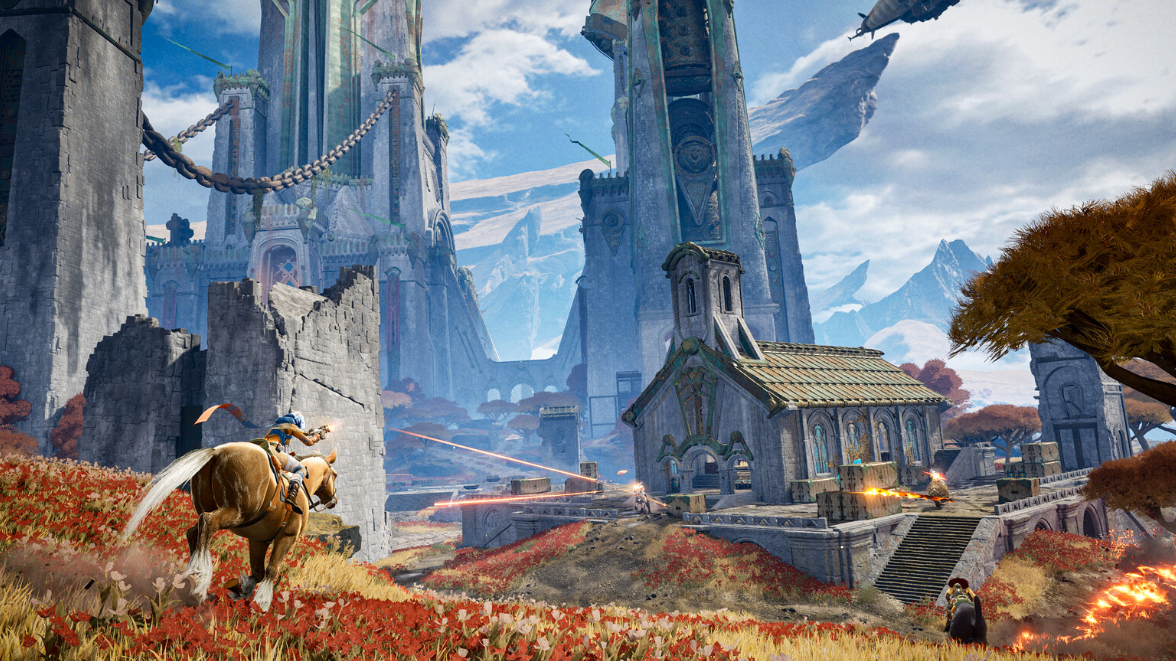
How resolution and post‑processing interact
Highguard ties its internal rendering resolution to the post-processing quality setting, rather than exposing a clear render scale slider. Lowering post-processing below its highest level reduces the game’s internal target resolution below the display resolution, even when the resolution option suggests a higher value.
| Post-processing quality | Internal resolution (example with 1920×1080 selected) |
|---|---|
| Low | Approx. 1536×864 |
| Medium | Approx. 1728×972 |
| High | Matches selected resolution (e.g., 1920×1080) |
This design leads to the two most visible issues:
- Perceived blur when post-processing is set to Low or Medium, since the game is effectively upscaling from a lower internal resolution while still reporting a higher screen resolution.
- Confusing performance tuning, because adjusting what looks like a purely visual-effects setting is silently changing render scale.
The underlying behavior is driven by Unreal Engine 5’s flexibility to bind resolution to scalability groups and is not inherent to the engine itself. Highguard’s configuration simply chooses to couple these values in a non-transparent way.
Online architecture and backend services
Beyond the rendering engine, Highguard relies on a modern service stack to support its always‑online, cross-play PvP design.
| Layer | Technology | Purpose |
|---|---|---|
| Multiplayer services | Epic Online Services | Session handling, crossplay support across Windows, PlayStation 5, and Xbox Series. |
| Game backend | Nakama | Authoritative game logic, progression, and other backend functionality. |
| Voice and comms | Vivox | In‑game voice chat and related audio routing. |
| Audio pipeline | Wwise | Sound effects, music, and mix control integrated with Unreal. |
| Cutscene playback | Bink Video 2 | Pre‑rendered video handling. |
The game requires a constant internet connection for all modes. Progression data is stored server‑side, which means there are no local save files controlling unlocks or character state. Networked play is handled through online matchmaking, with support for crossplay between PC and current-generation consoles.
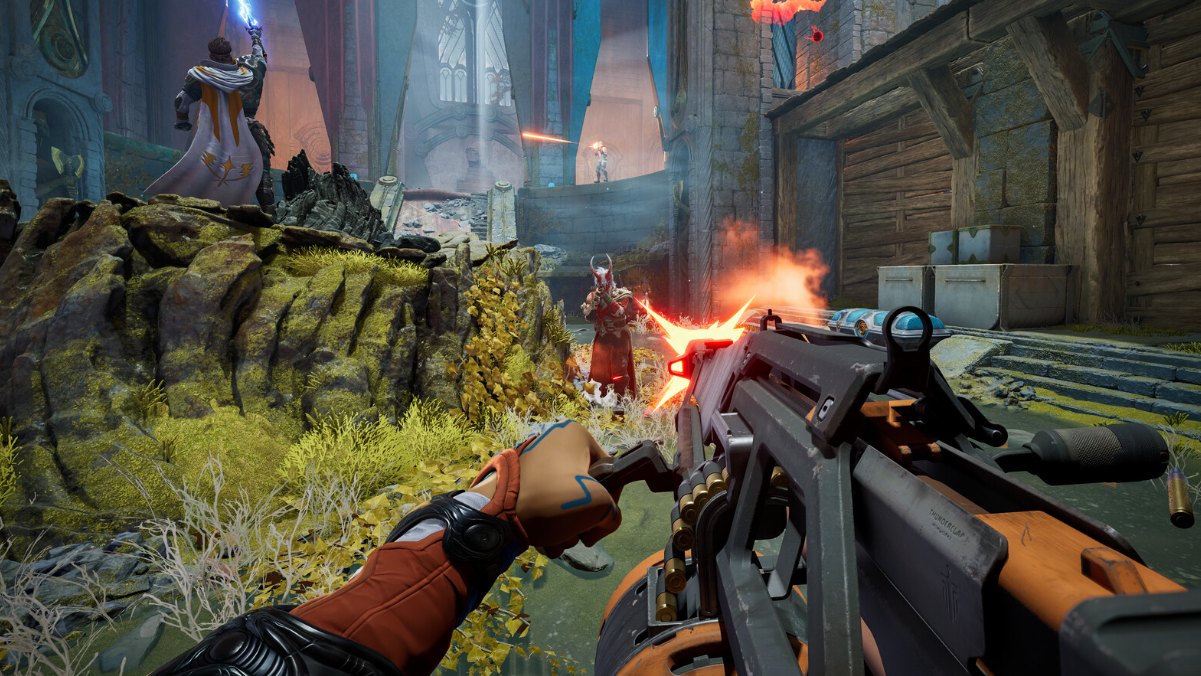
Anti‑cheat, security requirements, and system prerequisites
Highguard uses Easy Anti‑Cheat in kernel‑mode configuration. On Windows, it also enforces platform‑level protections:
- Secure Boot must be enabled in the system firmware.
- TPM 2.0 support is required.
The Steam store listing explicitly notes that Easy Anti‑Cheat requires manual removal if uninstalled and that the game’s boot protection layer depends on both Secure Boot and TPM 2.0. These requirements apply on top of the standard 64‑bit OS and hardware expectations in the system requirements table.
| Category | Minimum | Recommended |
|---|---|---|
| Operating system | Windows 10 (64‑bit) | Windows 11 (64‑bit) |
| CPU | Intel Core i5‑6600K / AMD Ryzen R5 1600 | Intel Core i5‑9600K / AMD Ryzen 5 3600 |
| RAM | 8 GB | 12 GB |
| Storage | 25 GB SSD | 25 GB NVMe SSD |
| GPU | GeForce GTX 1060 / Radeon RX 580 (6–8 GB VRAM) | GeForce RTX 2080 / Radeon RX 6650 XT (8 GB VRAM) |
| Platform security | Secure Boot and TPM 2.0 support required | |
On Steam, Highguard is marked as using kernel‑level anti‑cheat. That configuration blocks compatibility layers such as Proton in practice and is also why some PCs with misconfigured or disabled Secure Boot/TPM cannot launch the game until those firmware settings are changed.
Network model and session structure
Highguard’s engine and backend choices support a specific kind of match structure: small‑team online raids with always‑authoritative servers.
| Network aspect | Behavior |
|---|---|
| Player count | 3v3 online play (6 players total per match) |
| Connectivity | Constant internet connection required for all play |
| Crossplay | Enabled between Windows, PlayStation 5, and Xbox Series |
| Hosting | No self‑hosting or direct IP; sessions use managed servers |
The game does not expose LAN, local, or direct IP options. All sessions route through the online services layer, which is consistent with its progression being stored server‑side and its use of Easy Anti‑Cheat. From the engine’s point of view, this means networked gameplay is always running in a fully online, server‑authoritative context rather than supporting peer‑to‑peer or offline simulation modes.

In practical terms, when players ask what engine Highguard uses, the full answer is a stack: Unreal Engine 5.3.2 for rendering and gameplay, DirectX 12 on Windows, Easy Anti‑Cheat with Secure Boot and TPM 2.0 enforced on PC, and a Nakama and Epic Online Services backend that keeps the game always online and cross‑platform.