

The Honkai: Star Rail Version 4.2 anniversary livestream introduces a set of limited-time redeem codes distributed during the broadcast. These codes typically grant Stellar Jade, Traveler’s Guide, Credits, and other upgrade materials, and they are only active for a short window after release.
Release time: April 10, 2026, at 7:30 PM (UTC+8)

Honkai Star Rail 4.2 livestream codes release timing
The Version 4.2 special program, titled “So Laughed the Masses,” begins on April 10, 2026, at 7:30 PM (UTC+8). The redeem codes are distributed during the livestream itself rather than all at once.
The first code usually appears shortly after the opening segment and trailer showcase. Two additional codes follow at different points in the broadcast. All three must be redeemed quickly, as they expire within hours of the stream ending.
Expected rewards from livestream codes
Each anniversary livestream provides three codes, and together they typically include:
- Stellar Jade (around 300 total)
- Traveler’s Guide
- Credits
- Additional minor upgrade materials
The exact contents may vary slightly, but the overall reward structure remains consistent across special programs.
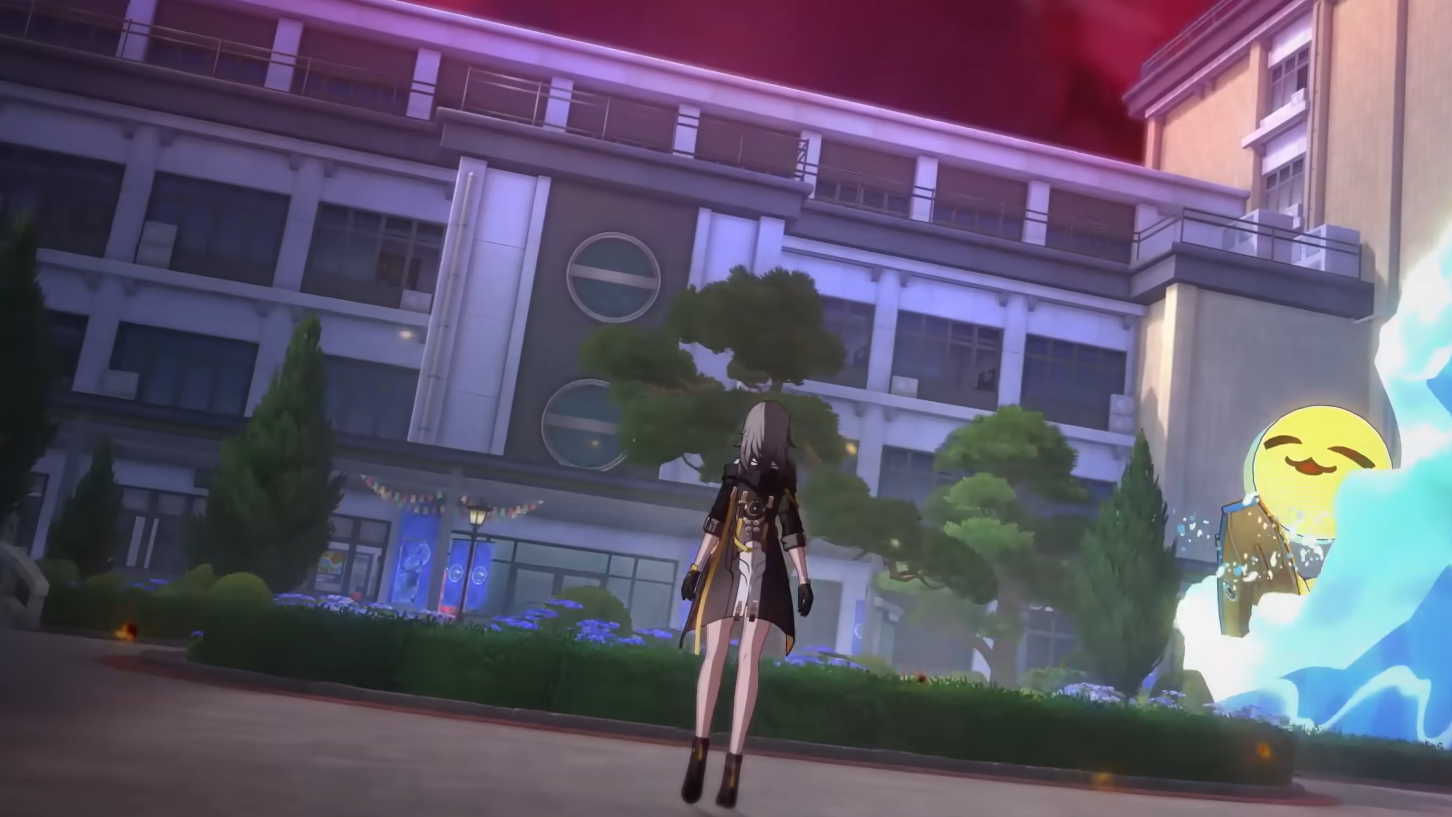
Where the codes appear during the broadcast
The codes are shown directly on screen during the livestream segments. They are also shared shortly after on the official social channels as part of a recap post, allowing a second chance to copy them before expiration.
The broadcast is streamed simultaneously worldwide on YouTube and Twitch, with region-specific start times adjusted to local time zones.
How to redeem Honkai Star Rail codes
Step 1: Open the game and pause to access the main menu. Tap the three-dot icon next to your username to open additional options.
Step 2: Select the “Redemption Code” option from the menu. This opens the input field.
Step 3: Paste the code exactly as shown during the livestream, then confirm to submit it.
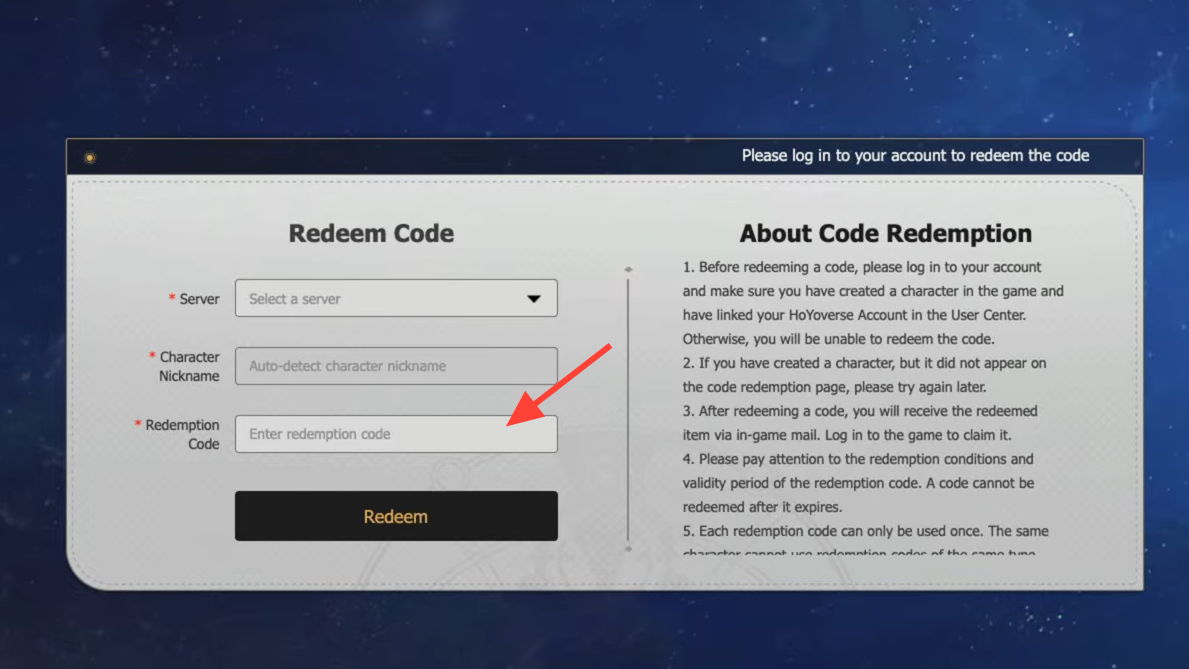
Step 4: Check your in-game mailbox. Rewards are delivered there immediately after successful redemption.
Step 1: Alternatively, open the official HoYoverse gift redemption page in a browser and sign in to your account.
Step 2: Select your server and character automatically after login.
Step 3: Enter the code in the “Redemption Code” field and confirm.
Step 4: Launch the game and collect the rewards from your mailbox.
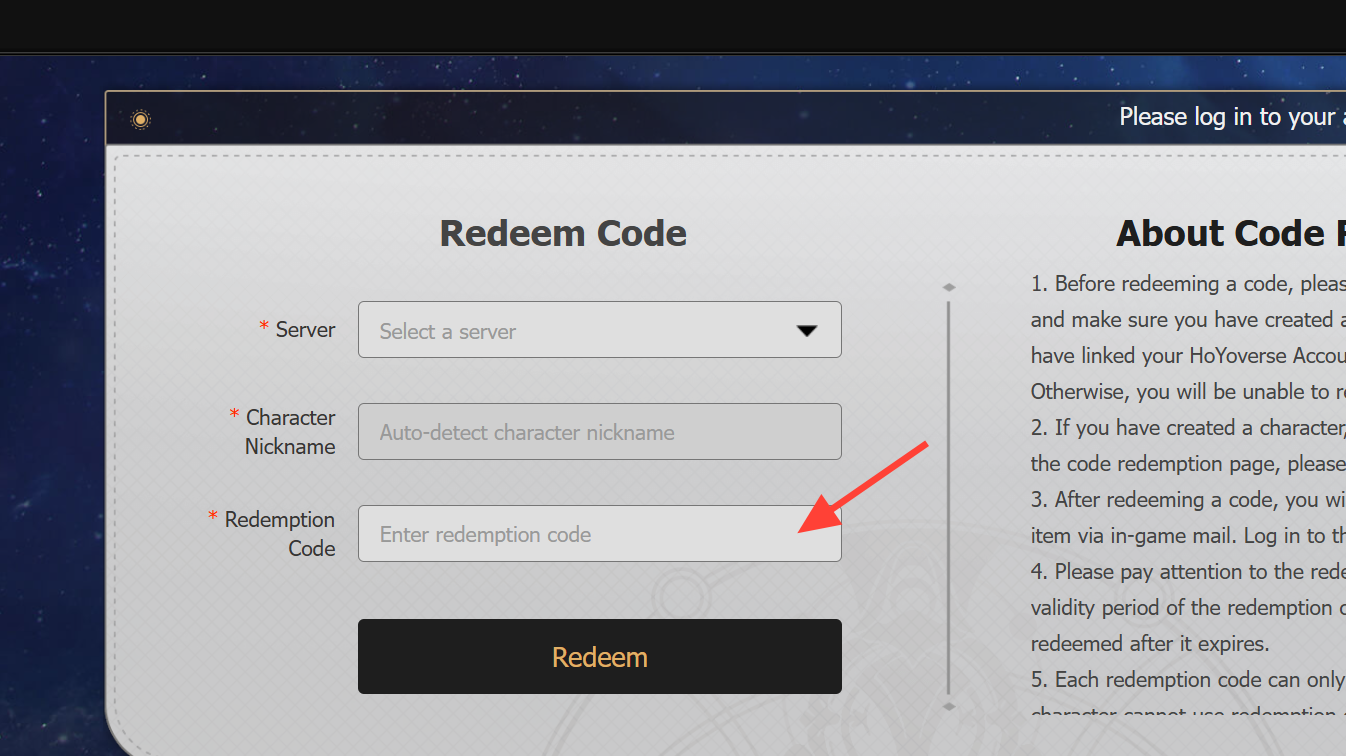
Once redeemed successfully, the rewards appear in your mailbox with no delay, confirming the code has been accepted. Each code can be used once per account.