

ARC Raiders players have turned a bit of environmental dressing on the Blue Gate map into a spectacle: improvised, spinning “tornadoes” made out of mines and gadgets. It’s not a combat strategy and it won’t help you clear quests faster, but it is a clever way to push the game’s physics and visual effects into something that looks completely unintended.
Where the ARC Raiders tornado trick works
The tornado effect only works on Blue Gate. Other maps, such as Dam Battleground, Buried City, Stella Montis, and Spaceport, have no equivalent setup, so trying the same steps elsewhere will just waste gear.
The key feature on Blue Gate is the Airshaft. Each Airshaft is a hatch in the ground that, when called in, opens to reveal four large blades. There are four Airshafts spread across the map, and any of them can be used for this trick.
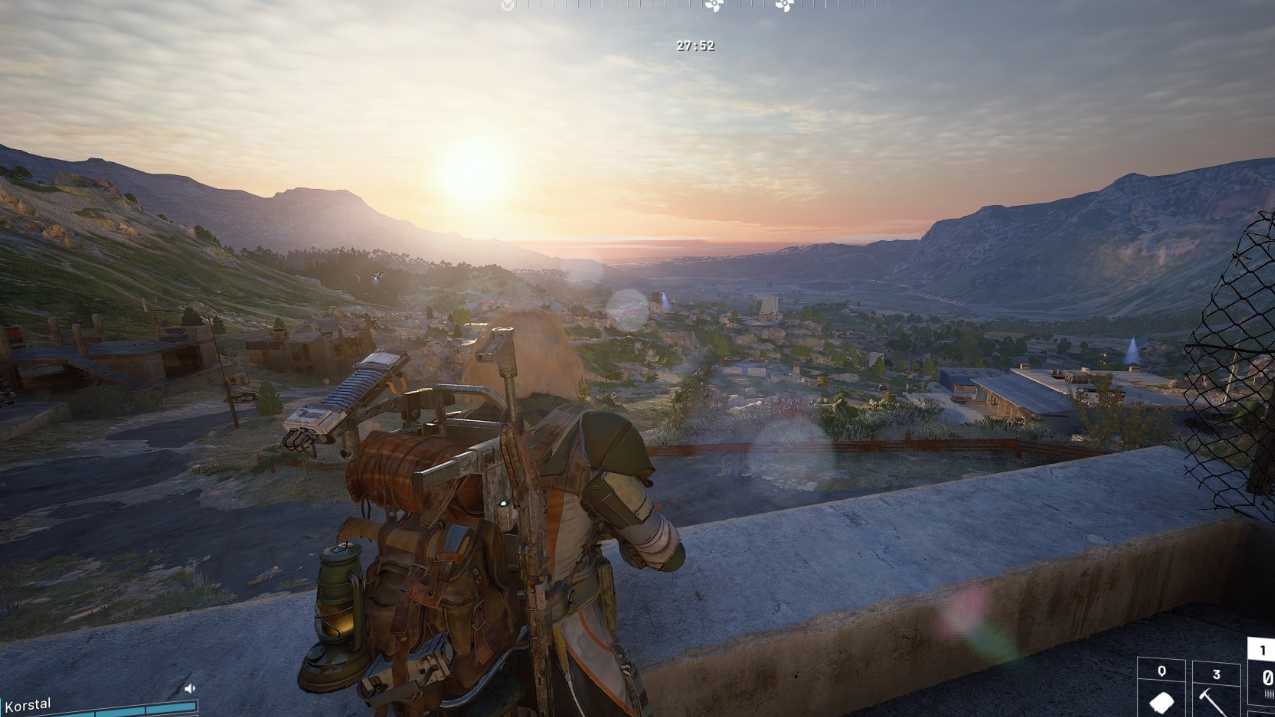
Items you need for the tornado setup
The effect relies on gadgets that can be stuck to surfaces and to each other, then spun around by the Airshaft blades. You need three things:
- Remote Raider Flare – A gadget you can deploy onto surfaces; here it acts as the rotating “spine” of the tornado.
- Stickable mines – Any mine that adheres to surfaces and other mines works. ARC Raiders includes variants such as Explosive Mines, Gas Mines, Jolt Mines, Pulse Mines, and Deadline Mines.
- Trigger Grenades – Optional, but they also stick in place and add more geometry and color to the spinning stack.
Because mines can stick to other mines, and Remote Raider Flares can be stacked vertically, you can build surprisingly tall structures before the hatch closes.
How to create a tornado in ARC Raiders on Blue Gate
Step 1: Queue into a match on Blue Gate and make your way to one of the four Airshafts. They appear as call-in hatches with a circular cover.
Step 2: Call in the Airshaft. When the hatch opens, it reveals four metal blades arranged like a fan. Wait for the blades to stop moving so you have time to place your gadgets precisely.
Step 3: Place a Remote Raider Flare directly on one of the blades. Treat the flare as the base anchor for the tornado. If you want extra height, stack additional Remote Raider Flares on top of the first one while the hatch remains open.
Step 4: Start attaching mines to the Remote Raider Flare stack. Because the mines are stickable, you can layer them onto the flare and onto one another, creating a column. Mix types if you want different colors or particle effects when they spin.
Step 5: Optionally, stick Trigger Grenades onto the structure as well. These add more shapes and can change how dense the visual spiral looks once it’s rotating.
Step 6: Back away and wait for the hatch to close. When it shuts, the Airshaft blades spin up quickly. The blade with your gadget stack begins to whirl at high speed, carrying the entire tower of flares, mines, and grenades with it. From a distance, the blurred trail of gadgets forms a tornado-like visual column.
The exact shape of the tornado depends on how tall you made the stack, how far the gadgets extend from the blade, and whether you used more than one blade.

Techniques for more dramatic tornado effects
The basic version uses a single blade, a single flare, and a few mines. Players quickly discovered that the system allows much more elaborate builds.
- Stack multiple flares on a blade before you add mines. A taller spine gives the spinning structure more vertical reach, strengthening the impression of a narrow tornado funnel.
- Exploit mine-to-mine sticking. Because mines adhere to each other, you can build out sideways from the flare stack, then up again, creating spirals, cages, or offset clusters that blur together during rotation.
- Use all four blades. Repeating the setup on each blade with slightly different stacks produces four separate tornado arms spinning in sync. From certain angles, they overlap into a chaotic, hurricane-like swirl.
- Mix mine types. Combining Explosive, Gas, Jolt, Pulse, and Deadline Mines changes the colors and subtle VFX as the stack spins. Even without detonating anything, the silhouettes and textures create more complex patterns.
Because the Airshaft keeps the blades moving, the tornado persists as long as the structure remains intact. The effect ends only when the mines or grenades detonate, or the match situation forces you to leave.
Managing the risks: enemies, Arcs, and accidental detonations
All of the items involved are live explosives, so there is a real risk that someone or something will trigger them before you finish building your tornado.
Arcs patrolling near the Airshaft can easily step into the mine radius, set off the whole stack, and erase your work. Enemy players may do the same, either deliberately to deny you the spectacle or simply because they are trying to fight in the area. Any stray shot or explosion in the airflow path can also set everything off.
To improve your odds, players typically:
- Build with a squad, assigning one or two players to watch for threats while the others handle placement.
- Clear local Arcs first so wandering enemies are less likely to wander into the minefield.
- Avoid placing the tornado near active PvP hotspots such as high-value loot spawns or common extraction routes.
Even with good preparation, there is always a chance the mines detonate unexpectedly, either ending the tornado early or taking you down with it.
Why the tornado is purely cosmetic
The tornado is a visual flourish built from existing gadgets and physics. It does not change movement speeds, pull enemies in, or act as a persistent damage source in the way a true in-game weather event or ability might.
Each mine and Trigger Grenade still behaves like a normal explosive. The Airshaft blades only provide rotation; they do not add damage or new mechanics. Once detonated, the gadgets disappear as usual, and the Airshaft returns to its standard state.
That limitation is why the tornado is treated as a creative trick rather than a meta-defining build. It is closer to a player-made art piece or stunt than a tactical setup.
Why players are fascinated by storms and tornadoes in ARC Raiders
ARC Raiders already leans heavily on weather as part of its atmosphere, with conditions like storms and Cold Snap runs affecting visibility and danger. Players often talk about being caught in heavy rain, thunder, or snow and compare it to being inside a hurricane.
There is also interest in even harsher conditions. Community discussions around potential high-wind, hurricane, or tornado weather variants imagine mechanics where wind direction changes movement speed, debris becomes a hazard, and players risk being blown off edges or into danger zones. Some players go further, picturing fire tornado scenarios that would fling loot and Arcs alike through the air.
The Blue Gate tornado trick taps into that same fascination but in a playful, self-made way. It shows how much room there is in ARC Raiders for emergent behaviors when map props, gadgets, and physics intersect in unexpected ways.
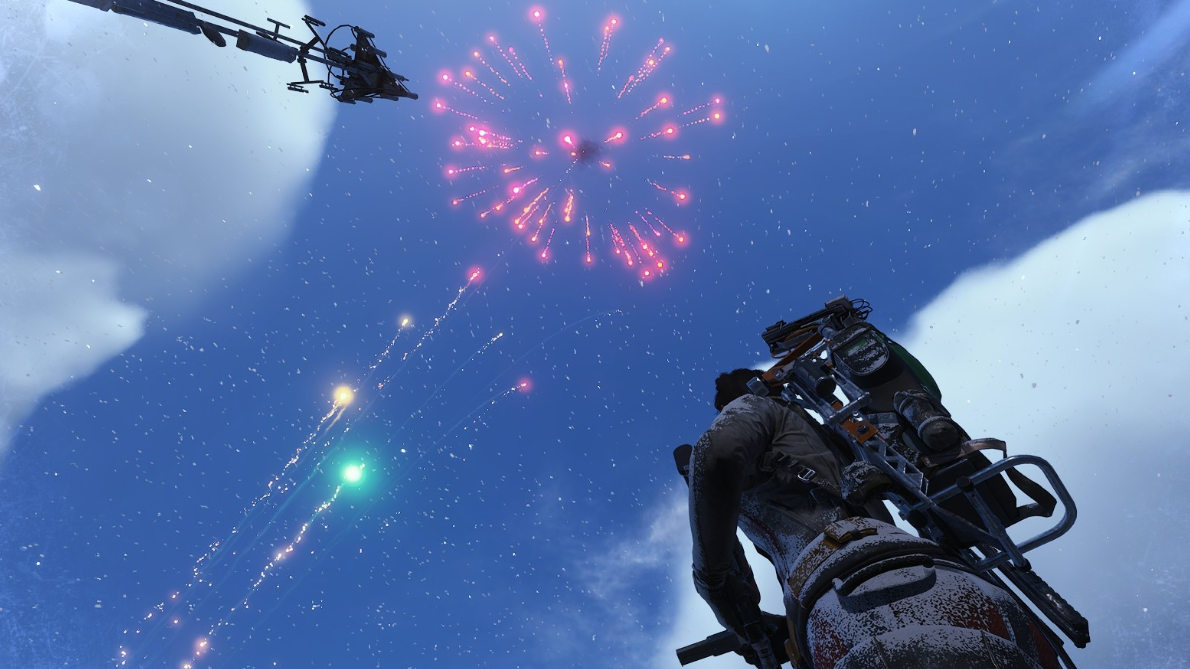
Right now, the tornado remains a niche experiment: something to build with friends on Blue Gate once you are comfortable spending mines and flares on spectacle instead of combat. For players who enjoy stretching a system to see what it can do, watching a custom-built vortex spin above an Airshaft is part engineering challenge, part shared joke, and a reminder that not every clever use of a gadget needs to be about getting more loot.