

Depot Nodes sit at the intersection of exploration, regional development, and factory automation in Arknights: Endfield. They raise storage limits, open delivery jobs that pay Stock Bills, and, through the AIC side, tie your production lines into shared depots.
What a Depot Node does in Arknights: Endfield
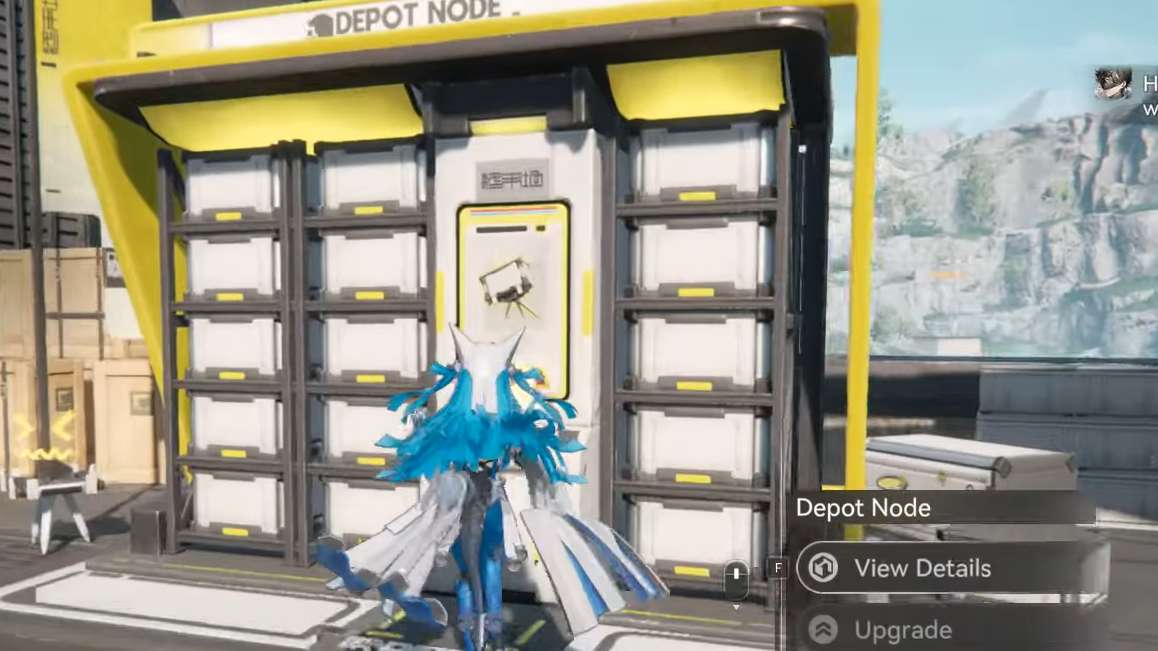
On the overworld side, each Depot Node represents a regional warehouse. Upgrading it increases how many units of each item can sit in that region’s depot and unlocks the ability to pack and deliver surplus materials to NPCs.
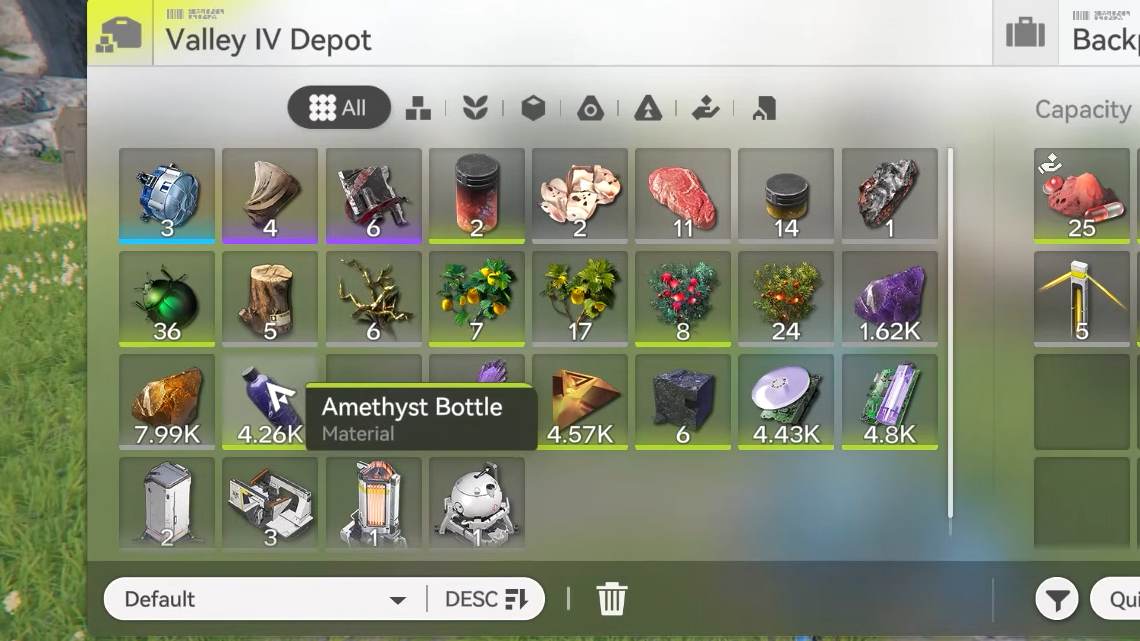
On the AIC factory side, the depot is the central storage that all factories in the same region read from and write to. Production lines send crafted items into depot storage, and a limited number of outputs (PAC ports and the Depot Bus) pull items back out for further processing or trade goods.
Because of that dual role, depot progression directly affects:
- How large each item stack can be in a region.
- How much freedom you have to automate long production chains without hitting storage caps.
- How efficiently you can generate Stock Bills through deliveries and outpost trades.
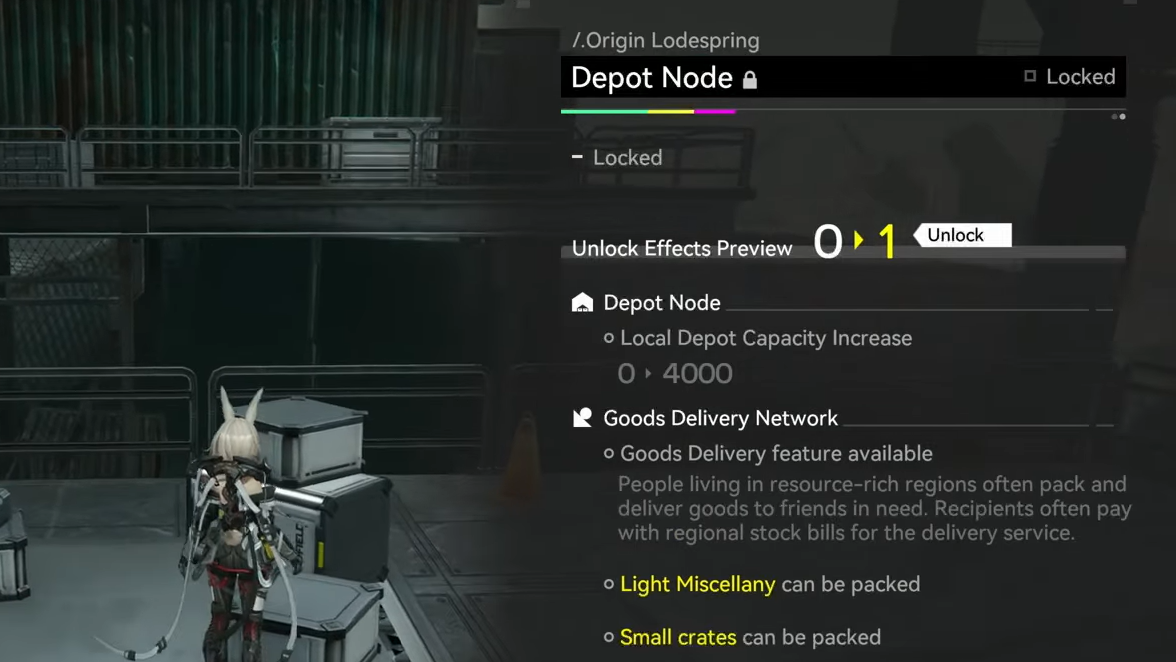
Depot Node locations in Valley IV
Valley IV is where depot gameplay really starts. Three key Depot Nodes are tied to exploration there.
| Region | Depot Node location | Notes |
|---|---|---|
| Originium Science Park | Inside the Science Park, tied to the “Depot Node 1” quest | Story-critical; used as the tutorial depot |
| Power Plateau | Plateau Trunkway, just outside the Originium Power Plant walls, north of a mineral node | Second regional depot in Valley IV |
| Origin Lodespring | Mines Cable Car Station, on an elevated path near cargo containers | Third Depot Node; also supports later delivery content |
All factory areas in a given region share this same depot access. Outposts like Originium Science Park and Power Plateau each grant their own AIC build zone, but they all read and write to the same regional depot for Valley IV.
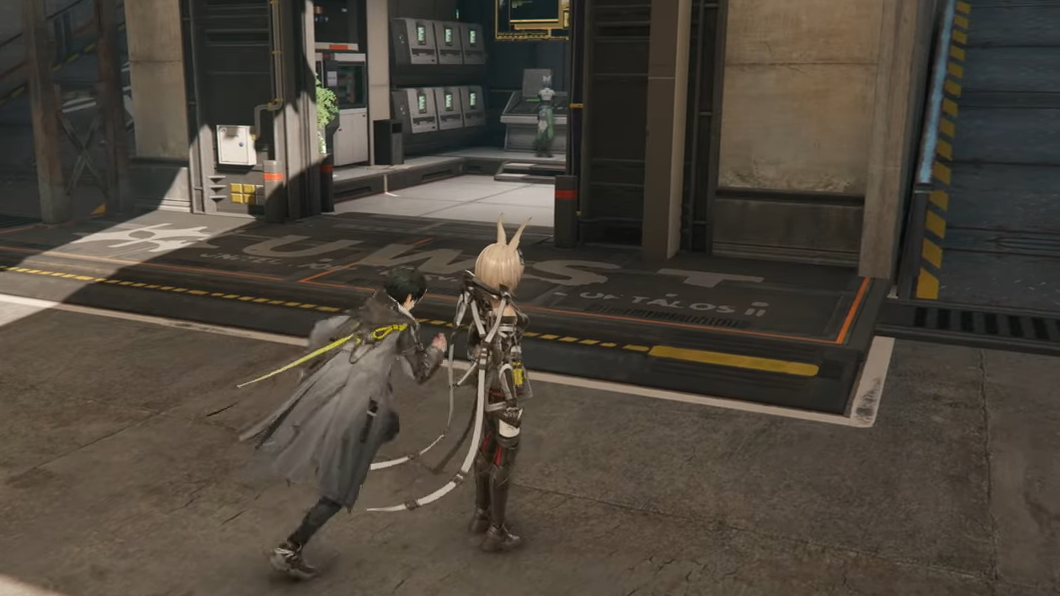
How to unlock Depot Nodes and higher depot stacks
The first time the game introduces depot stacking limits is when you start using the AIC system. Items cap at 8,000 units per stack by default, which quickly becomes restrictive once you start mass-producing low-value trade goods. Depot Nodes are the intended way to push those limits higher.
Unlocking the first Depot Node feature
Step 1: Progress the main story until you reach Valley IV’s Originium Science Park. As you approach the park entrance, an NPC in yellow appears on the right side of the road, surrounded by enemies. Clear the fight to start the Depot Node questline there.
Step 2: Complete the Depot Node 1 quest in Originium Science Park. Finishing this unlocks Depot Nodes as a system and enables the basic local storage upgrade for that depot.
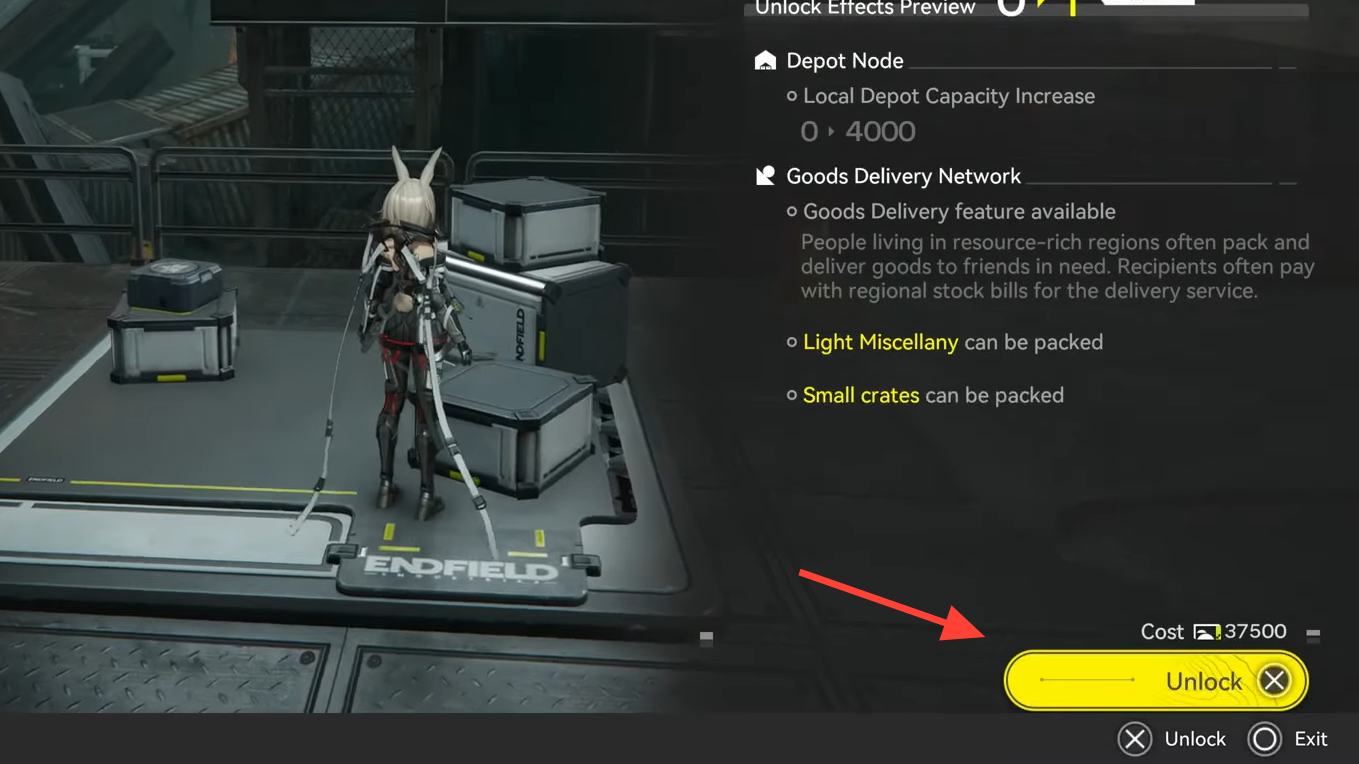
Unlocking all Depot Node functions (including deliveries)
Step 1: After Depot Node 1, take on the immediately available Depot Node 2 quest in the same area. This follow-up is designed to walk you through upgrading the depot and using its expanded features.
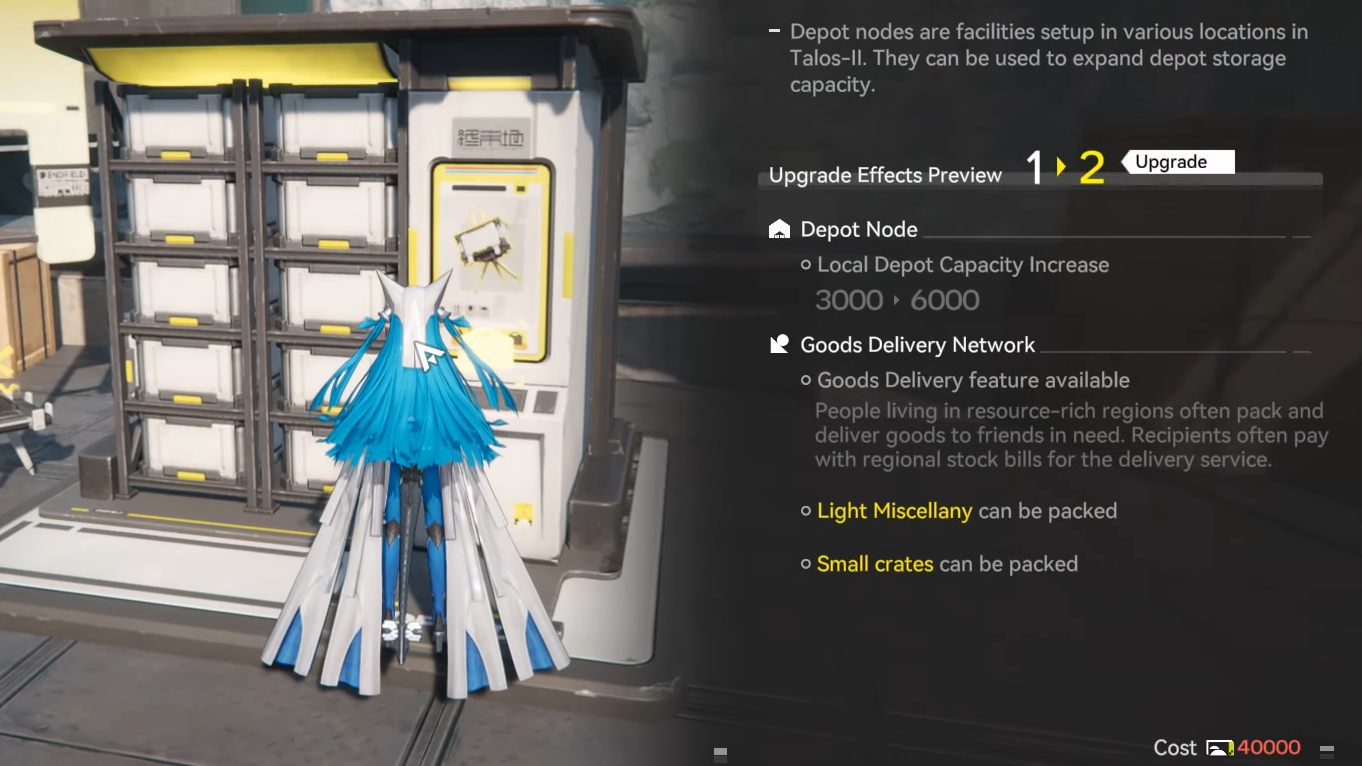
Step 2: Upgrade the Originium Science Park Depot Node along its early levels. The upgrade path looks like this:
| Depot level | Stock Bill cost | Key benefits |
|---|---|---|
| 0 → 1 | 4,500 Valley Stock | Raises local depot capacity by 3,000 |
| 1 → 2 | 40,000 Valley Stock | Raises capacity by 6,000, unlocks Goods Delivery, enables packing Light Miscellany and Small Crates |
| 2 → 3 | 240,000 Valley Stock | Raises capacity by 12,000, allows packing Raw Materials and Medium Crates |
Once Goods Delivery is unlocked at level 2, that Depot Node can host delivery missions and tap into the Pack Goods interface.
How depot storage and AIC depots interact
Each region’s depot is shared between its outposts and AIC factories. When you craft something in a factory and send it back via depot loaders or Protocol Stash, that stack lives in the same depot that the Depot Node UI shows.
The AIC system introduces several constraints around depot access:
- The PAC structure offers a limited number of output ports (six in total) that can pull items from the depot into transport belts.
- The Depot Bus upgrade in the AIC Factory Plan’s Power branch unlocks Depot Unloaders on a bus line, providing additional outputs from the same depot.
- Returning items to the depot is easier than pulling them out; Protocol Stash structures can send outputs back to depot without using precious bus slots.
Higher depot stack caps from Depot Nodes therefore do two things at once: they let you store more materials for deliveries and Stock Bill trades, and they prevent your AIC lines from stalling because a common material hit its 8,000-unit ceiling.
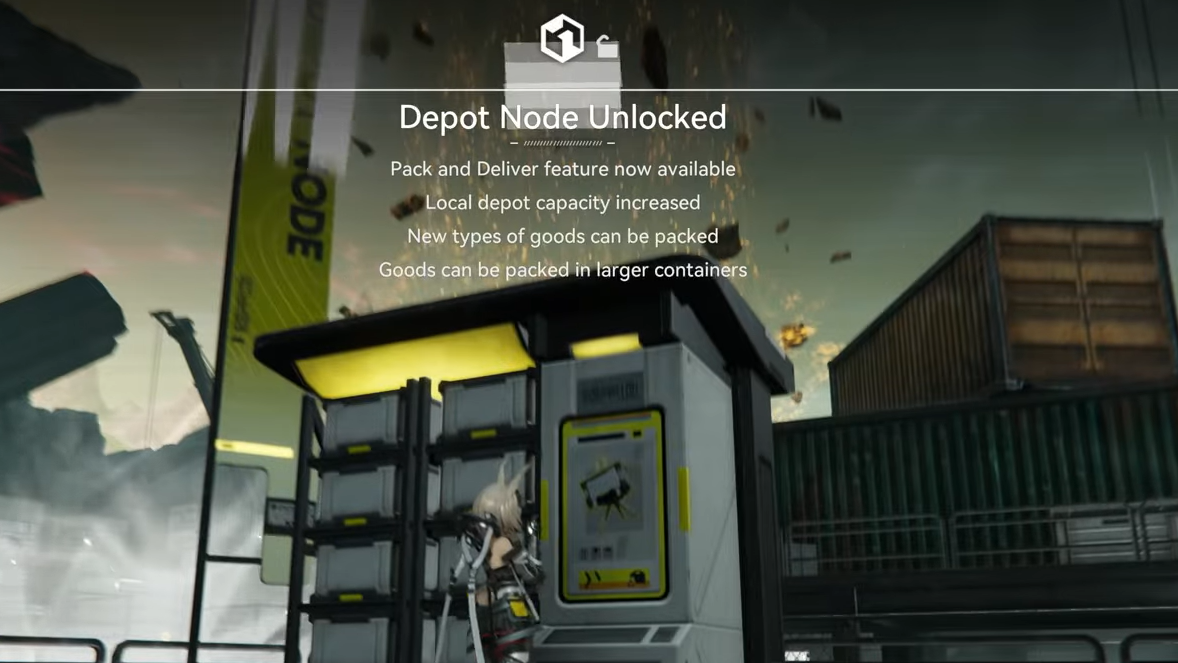
How to use Depot Nodes to pack and deliver goods
Once you have a depot upgraded to at least level 2 and Depot Node 2 is complete, you can start using it for deliveries.
Starting a delivery from a Depot Node
Step 1: Travel to a Depot Node that has Goods Delivery unlocked (for example, the upgraded Originium Science Park depot).
Step 2: Interact with the node and choose the Pack Goods option. This opens a selection screen listing characters or facilities that currently need resources, along with the goods types they accept (such as Light Miscellany, Small Crates, Raw Materials, or Medium Crates, depending on your depot level).
Step 3: Select a request you want to fulfill. This creates a supply mission and marks the pickup point on your map.
Step 4: Go to the indicated Depot Node pickup location on your map and collect the packed supplies before heading toward the delivery point.
Delivering goods intact for full rewards
Step 1: After picking up the shipment, follow the navigation to the highlighted Delivery Point. The game treats the goods as fragile cargo that must remain intact for full payout.
Step 2: Use traversal that keeps the cargo safe. Ziplines are safe; teleport points (TP Points) are risky and can slash your rewards. Plan a route that leans on ziplines and normal traversal rather than teleporting.
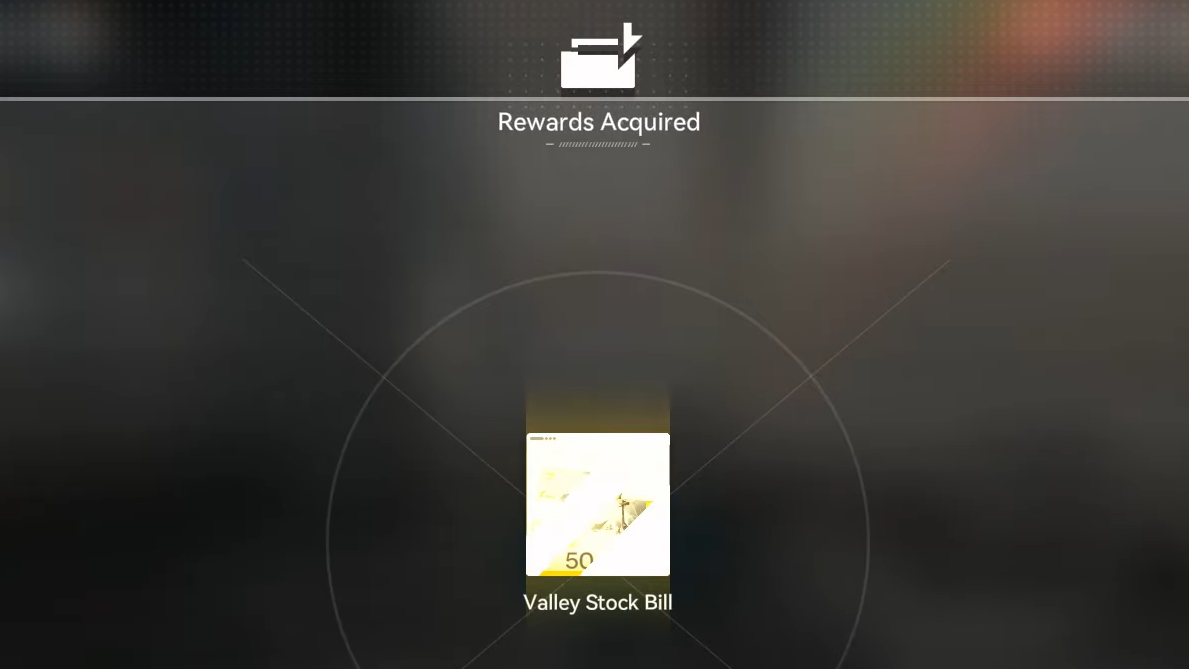
Step 3: Reach the Delivery Point and hand off the cargo to complete the mission and receive your reward.
Delivery rewards and why Stock Bills matter
Every successful delivery pays out the regional currency called Stock Bills. These are central to Regional Development Management (RDM) because they are spent on:
- Upgrading Depot Nodes themselves.
- Unlocking and expanding additional AIC factory areas in a region.
- Trading with outposts through the Stock Redistribution system.
Deliveries are one of several ways to earn Stock Bills, alongside outpost trades and other regional activities. Because Depot Node upgrades become progressively expensive in Valley Stock/Stock Bills, routing surplus factory production into deliveries provides a direct loop from automation into regional progression.
How Depot Nodes increase outpost and factory throughput
Outposts in Valley IV, such as Valley Pass, Originium Science Park, and Power Plateau, each grant a new AIC build area once you complete their outpost quests. All of these areas share the same depot, but each AIC site must unlock its own Depot Bus and sizing upgrades with Stock Bills.
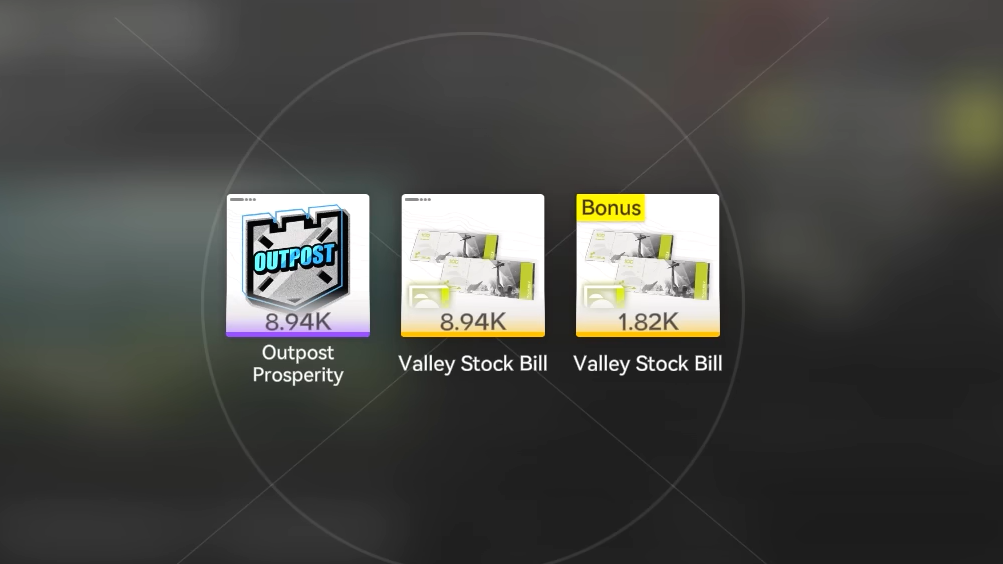
As you trade items with an outpost, you:
- Spend stored depot goods to meet outpost demand.
- Gain Stock Bills and raise that outpost’s prosperity level by the same amount.
- Unlock additional tradeable goods when prosperity hits certain thresholds.
Depot Nodes support this loop by raising storage caps so you can hold more of the high-frequency items that outposts ask for, and by unlocking delivery missions that provide another Stock Bill income stream between trade cycles.
Depot nodes inside the AIC factory: Depot Bus and loaders
Within the AIC Factory Plan, the depot appears again, this time as the core logistics hub for your automation networks.
Key AIC tech for depot connectivity
| Tech node | Role | Dependency |
|---|---|---|
| Expansion I | Opens up basic Depot Bus functionality | Consumes AIC Index from Protocol Dataloggers |
| Depot Bus | Enables Bus Loaders and Bus Unloaders for extra depot inputs/outputs | Requires Expansion I |
| Power I | Raises available power to support more facilities and buses | Early Power branch upgrade |
Protocol Dataloggers scattered on the map feed AIC Index into this tech tree. Unlocking Depot Bus is a major inflection point, because it gives you more ways to pull from and push to the shared depot without being limited to the PAC structure’s six ports.
Example: simple Origocrust depot line
A basic, depot-centric line for Origocrust illustrates how the pieces connect:
- Originium Ore nodes feed into a Refining Unit.
- The Refining Unit outputs Origocrust into a Depot Unloader or a Protocol Stash feeding depot.
- Depot Loaders (via PAC ports or Depot Bus) pull Origocrust back out where needed, for example into Packaging Units for trade goods or further processing.
Once this pattern is in place, any surplus crafting capacity automatically refills depot stocks, which can later be consumed by deliveries or outpost trades.
Advanced depot chains: multi-input items and power support
More complex recipes, such as Buck Capsule [C], make heavy use of depot nodes to merge multiple input streams:
- Buckflowers are shredded into Buckflower Powder, then stored in depot.
- Amethyst Ore is refined into fibers, moulded into bottles, and fitted into Amethyst Bottles, then stored in depot.
- Both stored lines are pulled from depot into a Filling Unit to craft Buck Capsule [C] as the final product.
This structure decouples the two input chains so that a temporary imbalance in flower or ore farming does not stall the entire production line, as long as depot capacity and output bandwidth are sufficient.
Power buildings support these networks. LC Valley Batteries, crafted through a chain involving Originium Powder and Amethyst Parts, feed Thermal Banks that generate electricity at a consistent rate. Each Thermal Bank output relies on a steady stream of batteries, so depot-backed battery lines benefit from the same storage and connectivity upgrades.
Fixing common depot problems
Several issues tend to show up once depots and Depot Bus are in play.
- No item movement. Check that all involved buildings have power, belts are correctly snapped to depot interfaces, and the target depot stack is not full.
- Frequent facility idling. Mismatched craft times between Refining, Moulding, and downstream units create bottlenecks. Doubling up on slower stages or adding parallel units balances throughput.
- Depot nearly full. When a stack sits near capacity constantly, either raise depot level where possible, divert some output into higher-tier recipes or trade goods, or reduce that item’s upstream production.
Depot Nodes tie together almost every long-term system in Arknights: Endfield. Upgrading them raises storage caps, unlocking safer high-volume automation. Delivery missions then turn those reserves into Stock Bills, which fund more depot and outpost upgrades. On the AIC side, the same depot, accessed via PAC ports and Depot Bus, becomes the backbone that lets multi-zone factories behave like a single, connected industrial network.