

Character fashion in Where Winds Meet looks generous on the surface and expensive the moment you open the dye menu. Clothes, hair, and accessories all tap into different dye systems, and some of them are quietly tied to gacha currencies that are easy to waste.
Everything revolves around two ideas: basic versus advanced color ranges, and free versus premium currencies. Once those are clear, the whole system becomes much easier to plan around.
Outfit dyes: Softweave vs. Rosycloud
Outfit recolors use two consumable items:
| Dye item | Color range | Typical use | Relative cost |
|---|---|---|---|
| Softweave Dye Powder | Basic, more muted colors | Most everyday outfit recolors | Cheap, widely obtainable |
| Rosycloud Dye Powder | Brighter, more saturated colors | Premium “advanced” outfits and strong colors | Expensive, tightly limited |
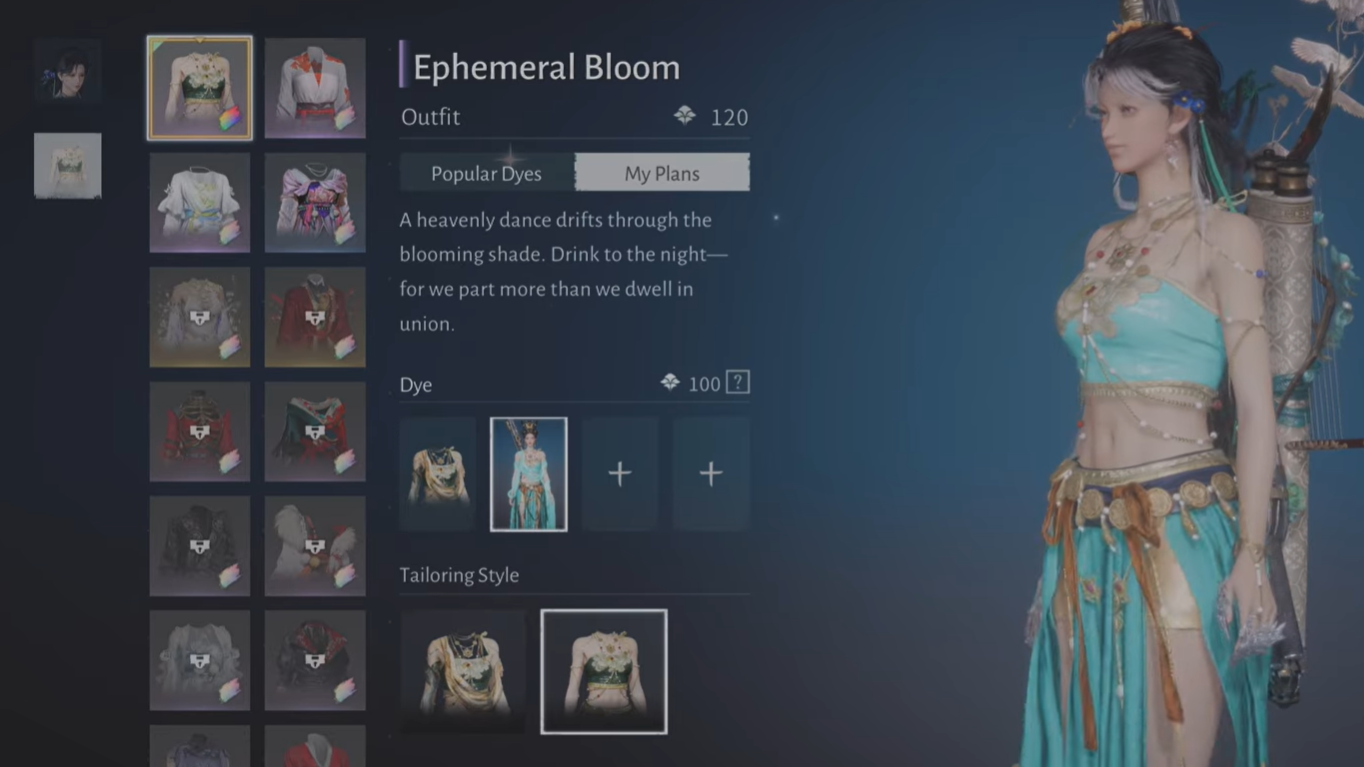
Any outfit that can be recolored shows a small rainbow icon on its thumbnail in the Appearance menu. Only those pieces accept dyes at all. Within that subset, the game splits dyes into two modes.
Basic dyes consume Softweave Dye Powder and cover a smaller section of the color grid. You still get solid variation, but extremes like very bright whites and neon-adjacent shades sit outside this zone.
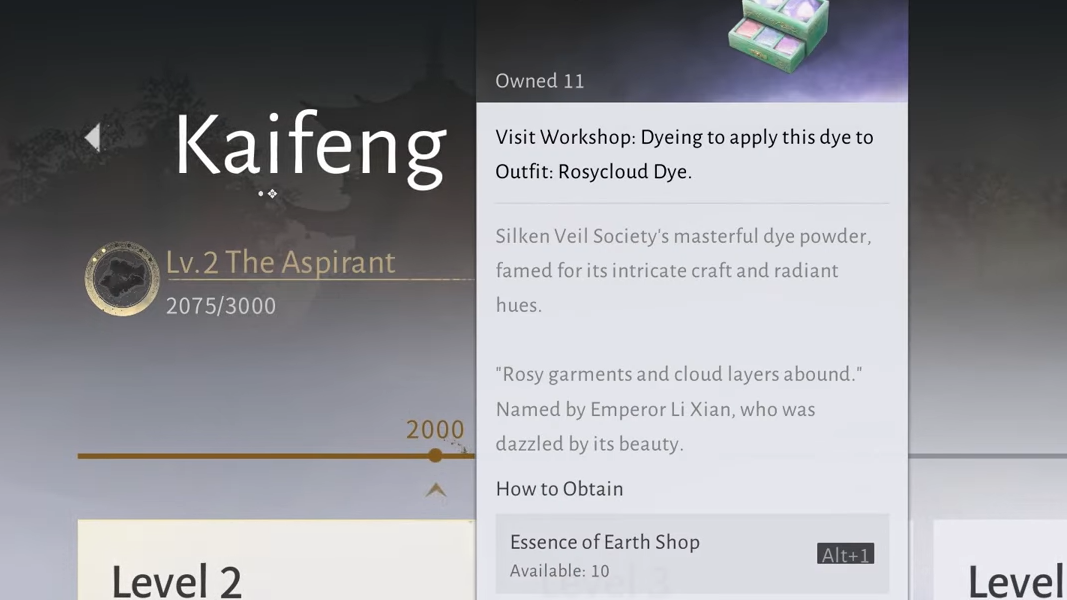
Advanced dyes unlock the rest of the grid and lean on Rosycloud Dye Powder. Early on, the cost can feel brutal: the system often asks for 10 units per finished recolor, which is exactly what frustrated players are running into when they see “10 blue items” tied to a large pile of premium currency.
Both Softweave and Rosycloud are obtainable for free by playing, but Rosycloud is always the bottleneck. Treat it like a luxury item: only spend it on outfits and shades that you know you’ll keep wearing.
How to dye outfits in Where Winds Meet
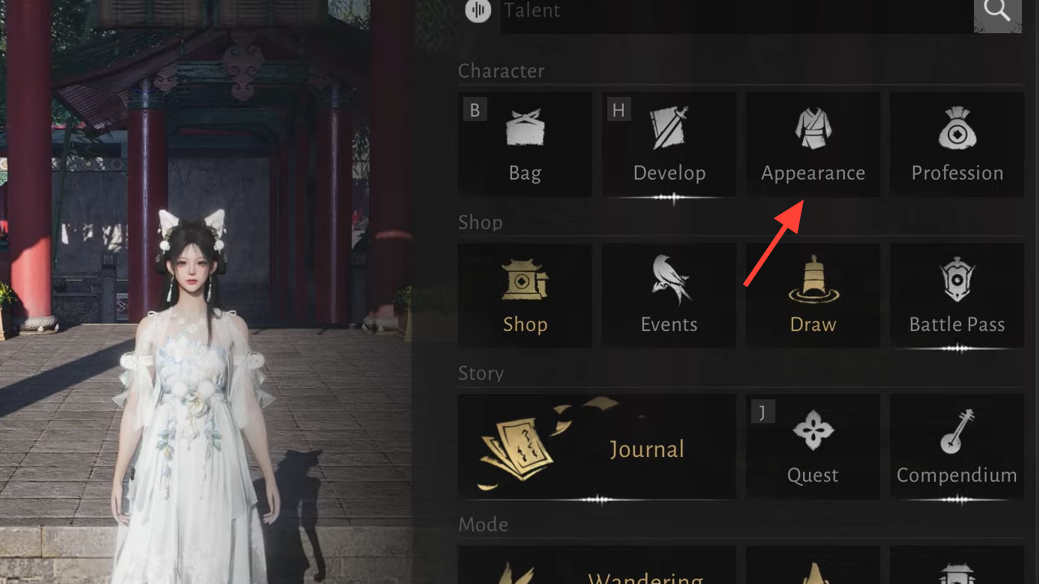
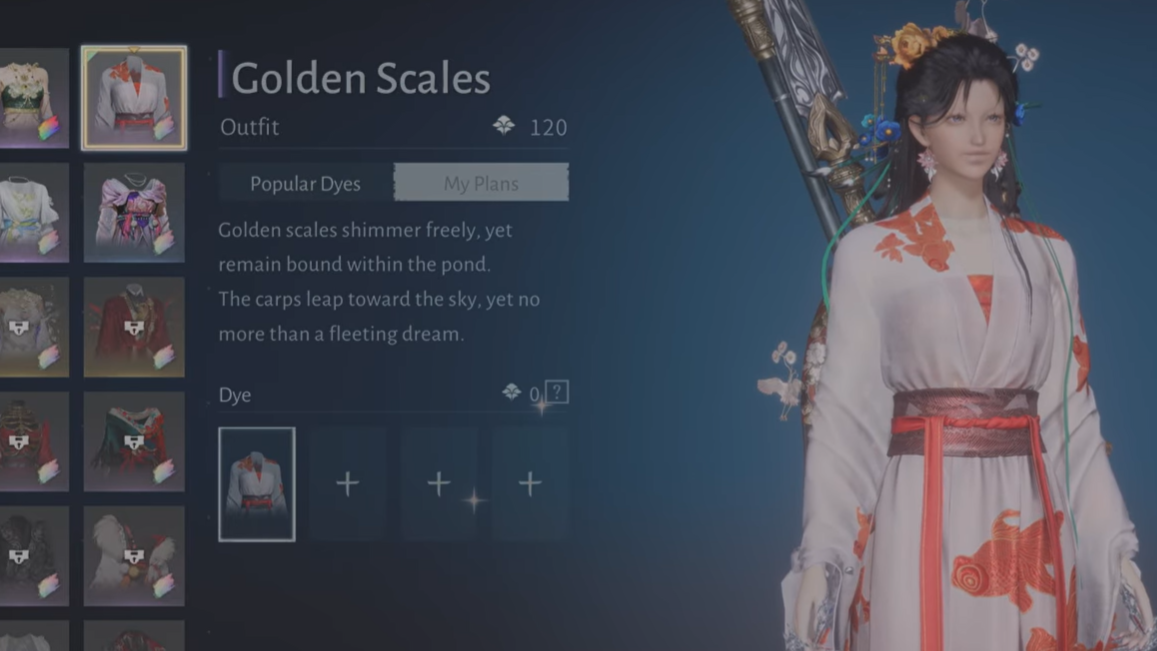
Step 1: Open the main menu and go to Appearance, then switch to the tab that shows your outfits. Scroll until you find a piece with a rainbow icon on the bottom-right of its thumbnail.
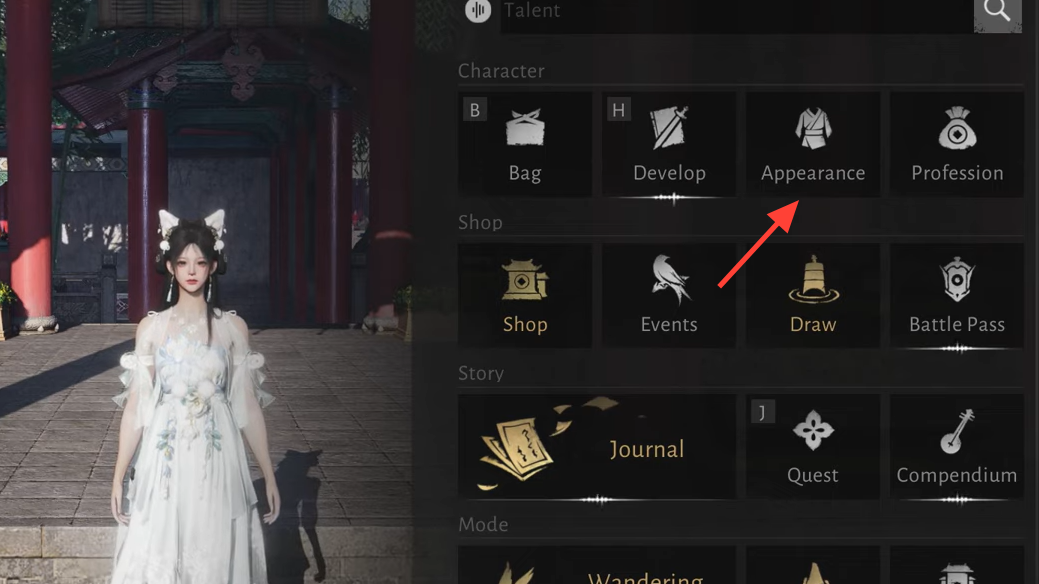
Step 2: Equip that outfit if it is not already on your character, then hit the Dye button that appears at the bottom of the screen.
Step 3: Choose whether you want to work in the Basic (Softweave) or Advanced (Rosycloud) dye mode. Watch the small currency indicators in the UI; they update live as you move the color sliders.
Step 4: Decide what you are recoloring. You can tint the whole outfit at once, limit changes to a fabric section, or target accessories and embroideries separately. The top slot usually affects everything; sub‑slots fine‑tune specific panels or trims.
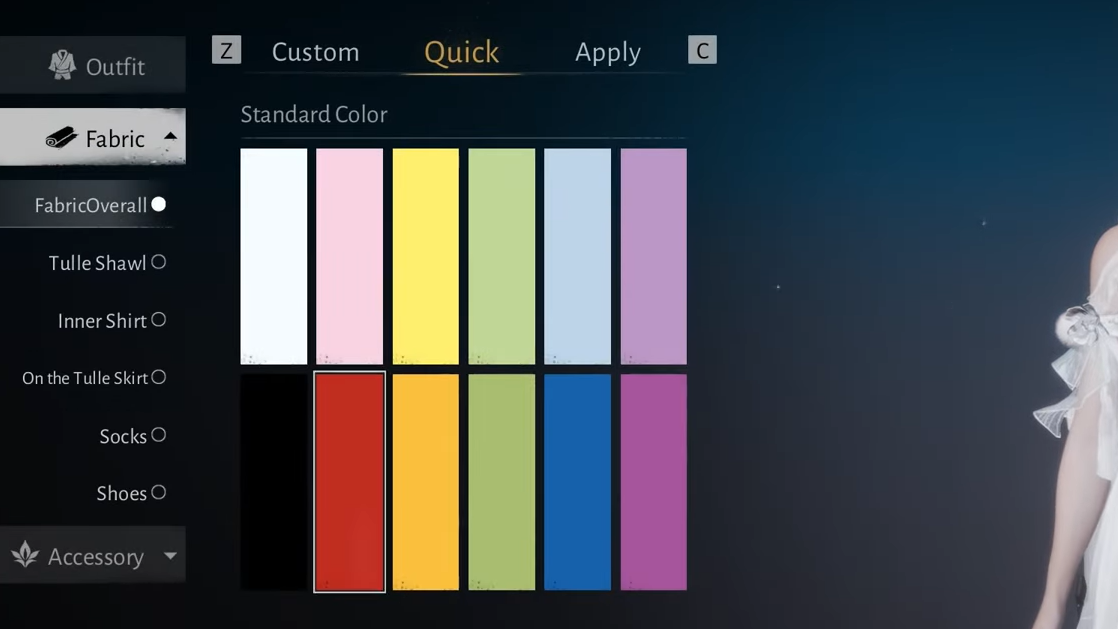
Step 5: Adjust color using either the slider or the quick preset swatches. The game shows the total Softweave or Rosycloud cost for the current design near the confirmation button.
Step 6: When the preview looks right and the cost is acceptable, confirm to consume the dye items and save the new colorway.
How to get Softweave Dye Powder without paying
Softweave is intentionally common. The game expects you to use it frequently, and it sits in almost every long‑term shop or progression system.
Main free sources include:
- Battle pass shop: Monthly tokens can be exchanged for several Softweave units; five monthly per currency is a typical cap.
- Faction-style shops: Sworn cohort, disciple, and partnership shops all sell Softweave in exchange for their own progression tokens once you reach level one with each group.
- Guild Red Gold Boutique: Guild activity generates treasure tokens that can be traded for a small bundle of Softweave every month.
- Sin Leaf Exchange: Sin Leafs can be converted to Softweave with a monthly stock limit.
- Commerce Coin vendors: Fang’s trade hall in Kiang sells Softweave for Commerce Coins with a monthly cap.
- Draw currency exchanges: Essence of Heaven and Essence of Earth earned from Draws can be down‑converted into large quantities of Softweave.
Softweave also drops from general play, events, and exploration. Veteran players often end up sitting on more than they can realistically use, which is why the common recommendation is to avoid buying Softweave with premium currency at all.
How to get Rosycloud Dye Powder and why it feels scarce
Rosycloud Dye Powder sits at the top of the outfit-dye economy. It is technically obtainable for free, but almost every route asks for either luck in gacha pulls or long‑term currency grinding.
Key acquisition routes include:
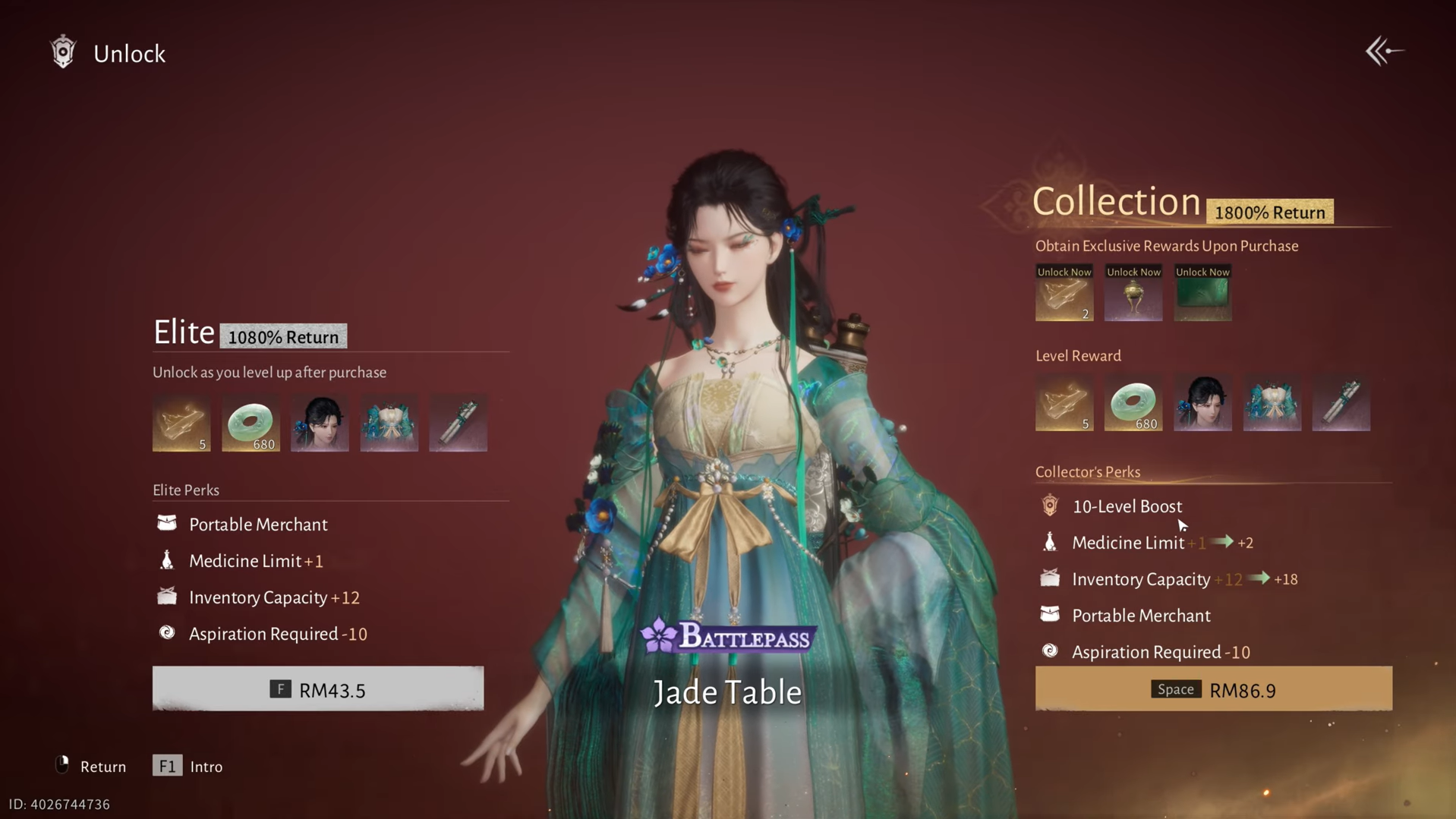
- Battle pass shop: Free battle pass tokens can be traded for a small number of Rosycloud powders each month. With a 10‑powder cost per outfit recolor, this alone takes time.
- Essence of Heaven Shop: Essence of Heaven comes from Celestial Echo Draws. Ten Essence of Heaven can be exchanged for one Rosycloud Dye Powder. Celestial Echo pulls themselves cost Echo Beads, the premium gacha currency.
- Essence of Earth Shop: Essence of Earth comes from Solemn Echo Draws. This shop also sells Rosycloud with a weekly limit, again at ten Essence of Earth per powder.
- Treasure shop: Some treasure‑focused stores let you trade large piles of generic dye powder or other currencies for Rosycloud.
The important pattern is that Rosycloud often appears at the end of chains that start with Echo Beads or Echo Jades. That is why a single outfit recolor can translate into a surprisingly high real‑money value if you push the system only through premium currencies.
To keep that in check, many players save Rosycloud exclusively for outfits that do not look good in the basic color range, or for rare pieces and “main” glamour sets that they will keep for months.
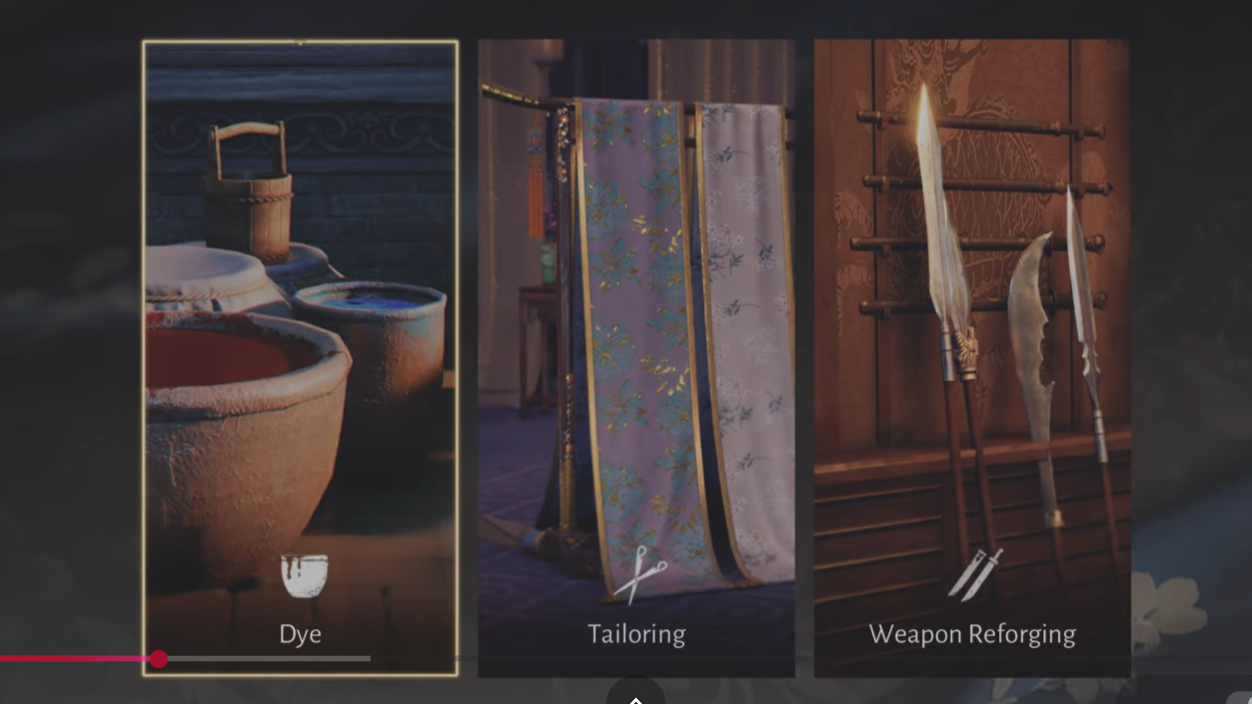
Where Softweave and Rosycloud sit inside the broader economy
The dye system is tightly woven into almost every long‑term currency:
- Echo Jades buy Resonating Melodies for Solemn Echo Draws, feeding Essence of Earth.
- Echo Beads power Celestial Echo Draws, which occasionally yield Harmonic Cores or straight Essence of Heaven.
- Essence of Earth and Essence of Heaven then convert down into Softweave or, at higher rates, Rosycloud.
- Social and progression currencies (guild tokens, cohort points, Sin Leafs, Harmony Charms, Commerce Coins) all offer Softweave, and in some cases more Rosycloud.
This structure is deliberate. Fashion is used as a sink for currencies that would otherwise sit unused, and as an extra incentive to engage with Draws even after collecting core gameplay upgrades.
Practical implication: if you care about combat progression, avoid funneling Echo Jades into dye-related Draws early on. Wait until vital systems like Inner Ways are in a comfortable place, then start turning surplus into fashion.
Hair color dyes: Inkshade and Timeless Hairdye
Hair works on a parallel track with its own items and currencies. Beard and eyebrow color are flexible and can be changed freely, but hair color is locked behind two specific items:
| Hair dye item | Effect | Where it shines |
|---|---|---|
| Inkshade Hairdye | Unlocks basic, muted hair colors | Natural blacks, browns, and softer tones |
| Timeless Hairdye | Unlocks bright, bolder hair colors | White, silver, vibrant fantasy shades |
Both items are obtained through the Draw Shop:
- Inkshade Hairdye is bought directly with Essence of Earth, at five Essence of Earth per unit.
- Timeless Hairdye comes in bundles of five from Hairdye Giftboxes, each costing one Harmonic Core.
Harmonic Cores themselves sit behind Celestial Echo Draws and have a low drop chance, which is why premium hair recolors are widely seen as expensive. Standard hair dyes sometimes appear in events or the battle pass, but the more flexible Timeless tier leans heavily on the gacha side.
How to draw for Essence of Earth, Essence of Heaven, and Harmonic Cores
Hair and outfit currencies both start in the same Draw menu.
Step 1: Open the main menu and choose Draw. Make sure your character is at least level 3; that is the minimum level needed to use the system.
Step 2: Pick between Solemn Echo Draws and Celestial Echo Draws. Solemn pulls always grant at least one Essence of Earth and consume Resonating Melodies purchased with Echo Jades. Celestial pulls consume Echo Beads and can yield Essence of Heaven and, at a low chance, Harmonic Cores.
Step 3: After pulling, go to the relevant exchange shops tied to Essence of Earth or Essence of Heaven. From there, convert those currencies down into Softweave, Rosycloud, Inkshade Hairdye, Timeless Hairdye Giftboxes, or other cosmetics.
How to change hair color in Where Winds Meet
Dyeing hair shares the same Appearance hub, but with its own menu path and limits on which hairstyles can be recolored.
Step 1: Open Appearance from the main menu and switch to the Workshop tab.
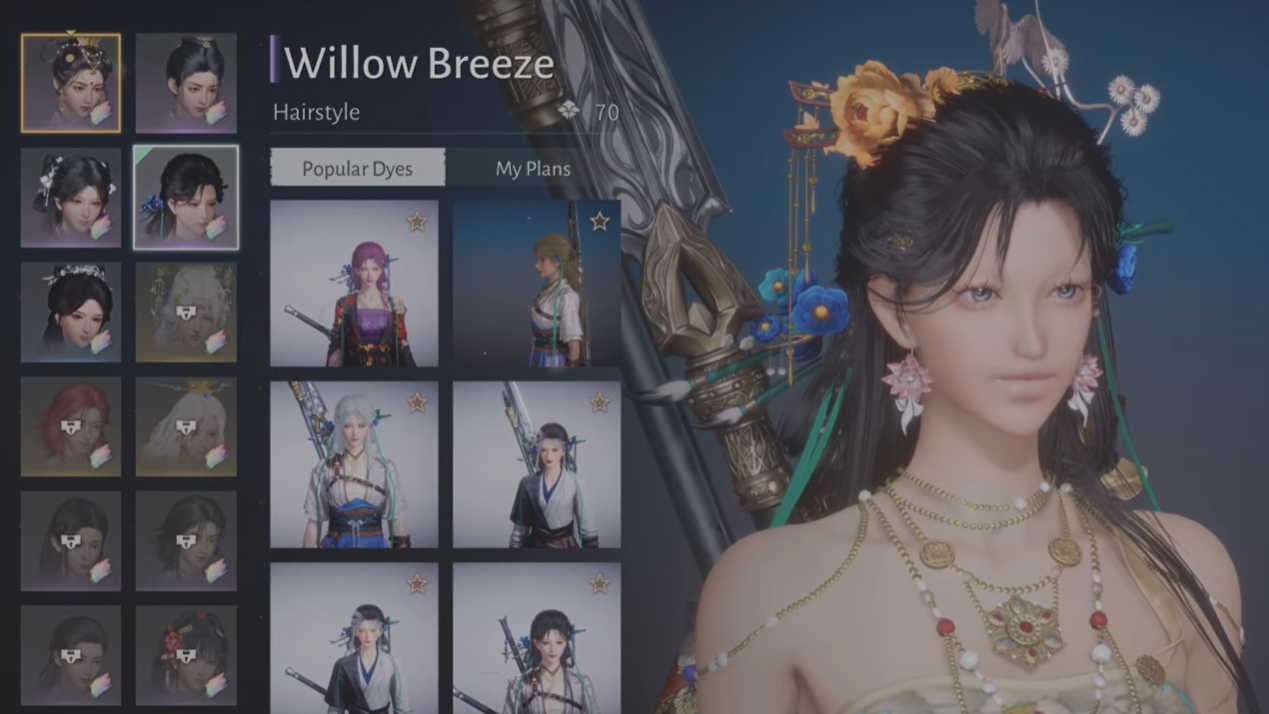
Step 2: Select Dye under the hair section. The game shows your available hairstyles. Look for a small multicolored icon on the bottom-right of a hair thumbnail; those are the styles that accept dye.
Step 3: Choose a dyeable hairstyle, then pick whether you want to use Basic Hair Dye (Inkshade Hairdye) or Advanced Hair Dye (Timeless Hairdye).
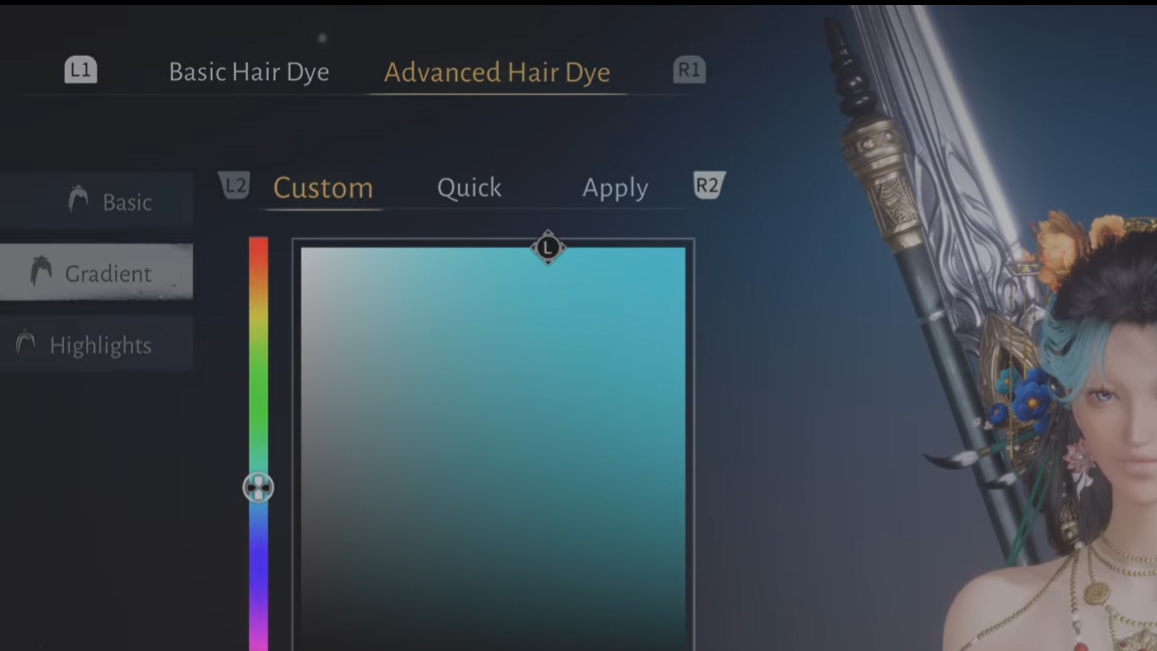
Step 4: Adjust the three color layers: base color, gradient, and highlights. The UI reflects how many Inkshade or Timeless charges the current design will consume.
Step 5: When satisfied, confirm to lock in the new hair color and spend the dye item.
Not every hairstyle in the game supports dye, including some starter options and certain premium outfits with fixed hair. Always check for the multicolored icon before investing in Hairdye for a specific look.
Free appearance changes vs. paid appearance currencies
Not every part of your character is monetized. The system splits appearance into three rough zones:
- Free to change: Makeup, skin tone, eye color, lips, and similar cosmetic details can be adjusted in the appearance menu without consuming tickets.
- Limited by tickets: Broad appearance overhauls use appearance tickets, with at least one granted for free as you progress through the main story and defeat the early bosses.
- Gated by Jade items: More structural facial changes and extra facial accessory slots require Jade currencies. The appearance interface clearly shows the Jade cost before confirmation and lets you preview changes.
If you simply want a new hair color or a different lipstick, you do not need to touch appearance tickets or Jades. Those are better saved for large‑scale face redesigns or unlocking additional makeup/accessory slots later.
How to stop overspending on dyes
The game’s cosmetic economy pushes in many directions at once, and it is easy to convert hard‑earned currencies into a single outfit recolor without realizing the opportunity cost. A few practical habits keep that under control:
- Hover items in the inventory or dye UI. The tooltip lists every acquisition route for that item, including free shops and event rewards, which helps you avoid buying it in the most expensive place.
- Reserve Rosycloud and Timeless Hairdye for long‑term looks. Use Softweave and Inkshade for experimentation, then switch to premium dyes only when you know you will not change the piece for a while.
- Spend social currencies first. Guild, cohort, disciple, partnership, and Sin Leaf shops refill monthly and do not compete directly with combat power. Use these to bulk up Softweave before dipping into Draw-related resources.
- Delay fashion pulls until progression is stable. Echo Jades and Echo Beads fuel both power and cosmetics. Early on, prioritize systems that affect gameplay, then redirect surplus toward dyes.
- Aim for incremental changes. Often a slightly less vivid shade keeps you inside the Softweave or Inkshade zones instead of jumping into Rosycloud or Timeless costs.
Handled this way, Where Winds Meet’s dye system turns from a surprise bill into a long‑term side project. You can keep your character’s look evolving while still saving the rarest currencies for the pieces and palettes that truly matter.