

Where Winds Meet splits progression across several overlapping systems: your Solo Mode level (with its time-gated caps), a Stored EXP bank that refunds some of the XP you “overcap,” and a separate layer of shared progression for certain co‑op activities. If any of this feels opaque, it’s because the game does very little to explain how these systems interact.
This breakdown focuses on two things players usually conflate: how to use Stored EXP for your own character, and how to make sure friends in co‑op actually get quest progress and rewards instead of acting as underpaid muscle.
Stored EXP in Where Winds Meet
Stored EXP is the game’s answer to time-gated level caps. Your account can only climb so far until the next Solo Mode Level cap unlocks, but you can keep playing, and the game quietly tracks some of that “excess” XP for later.
- When you are below the current level cap, all EXP goes straight into leveling as normal.
- Once you hit the level cap, any further EXP you earn is converted into Stored EXP.
- Stored EXP sits in a separate pool until your maximum level increases via a Solo Mode Level Breakthrough.
Think of this as a banked bonus, not a second XP bar that levels you on its own.
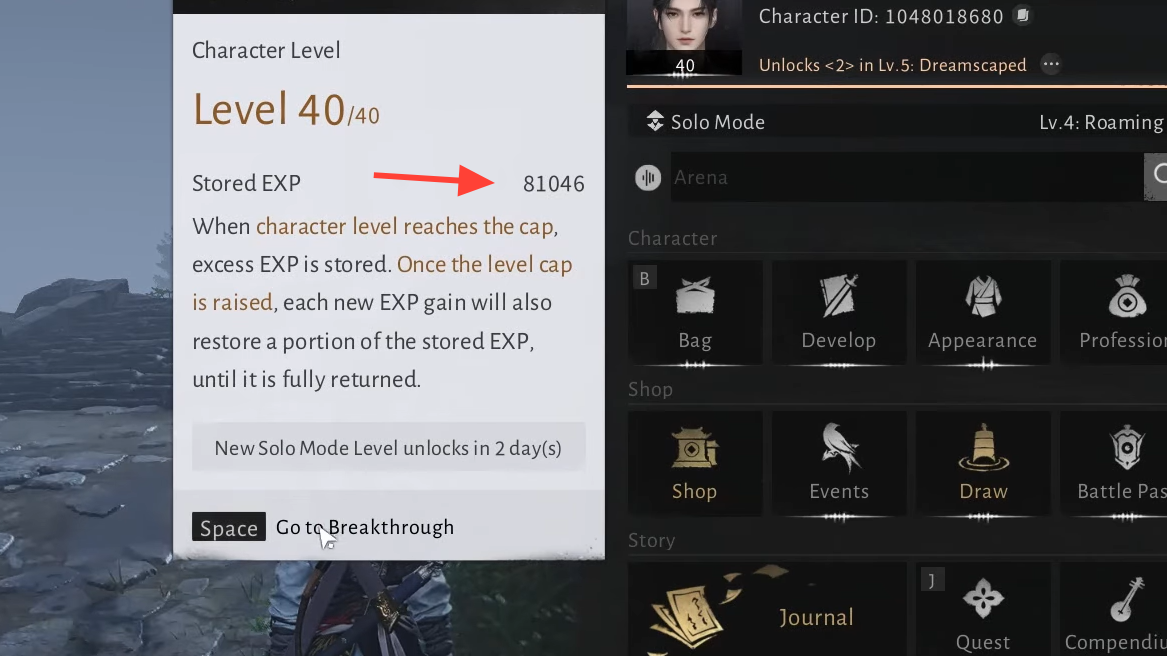
How to check your Stored EXP
Step 1: Open the main menu so you can see your character’s EXP bar at the bottom of the screen.
Step 2: Click or select the small icon or three-dot symbol directly above the EXP bar.
Step 3: A pop-up will show your current level and the total amount of Stored EXP you’ve accumulated.
This number is not a lump-sum payout. It represents how much “fuel” you have for a temporary XP bonus once the cap moves again.
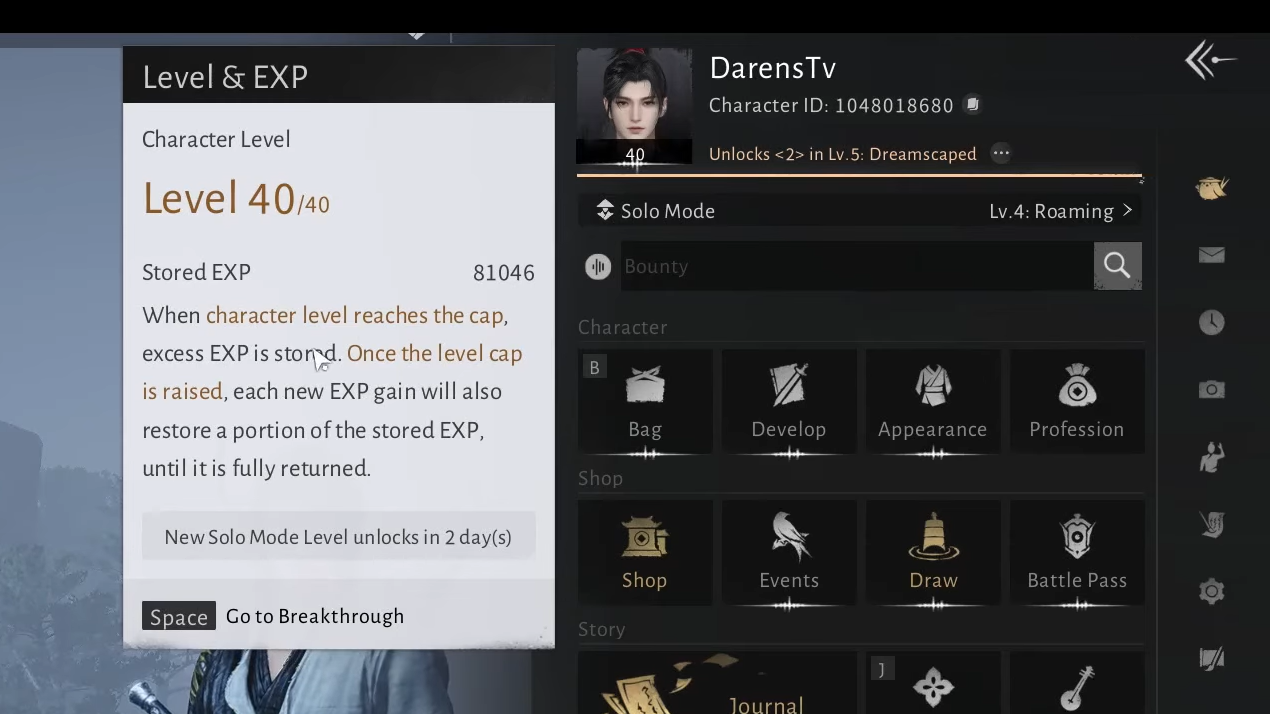
How Stored EXP is earned and spent
While you are capped, every activity that would normally grant EXP also generates Stored EXP at the same base rate. That includes:
- Story and side quests
- Campaigns and Jianghu Legacy quests
- Exploration XP from chests, puzzles, and encounters
- Boss kills, dungeons, and world activities that award EXP
When your Solo Mode Level increases and the level cap rises, Stored EXP starts to pay out as a flat 50 percent bonus on top of whatever base EXP you earn, until the bank is empty.
| State | What happens to EXP you earn | Effect on Stored EXP |
|---|---|---|
| Below cap | All EXP fills your normal level bar | Stored EXP unchanged |
| At cap | Normal EXP gain stops | All EXP is converted 1:1 into Stored EXP |
| After new cap unlocked | You gain Base EXP + 50% bonus (while Stored EXP remains) | Stored EXP is consumed to fund the 50% bonus |
Mathematically, while you have Stored EXP available:
Total EXP gained from an activity = Base EXP + (0.5 × Base EXP)Stored EXP is the resource that makes that extra 0.5 × Base EXP possible. Once the Stored EXP pool runs out, you’re back to earning only Base EXP.
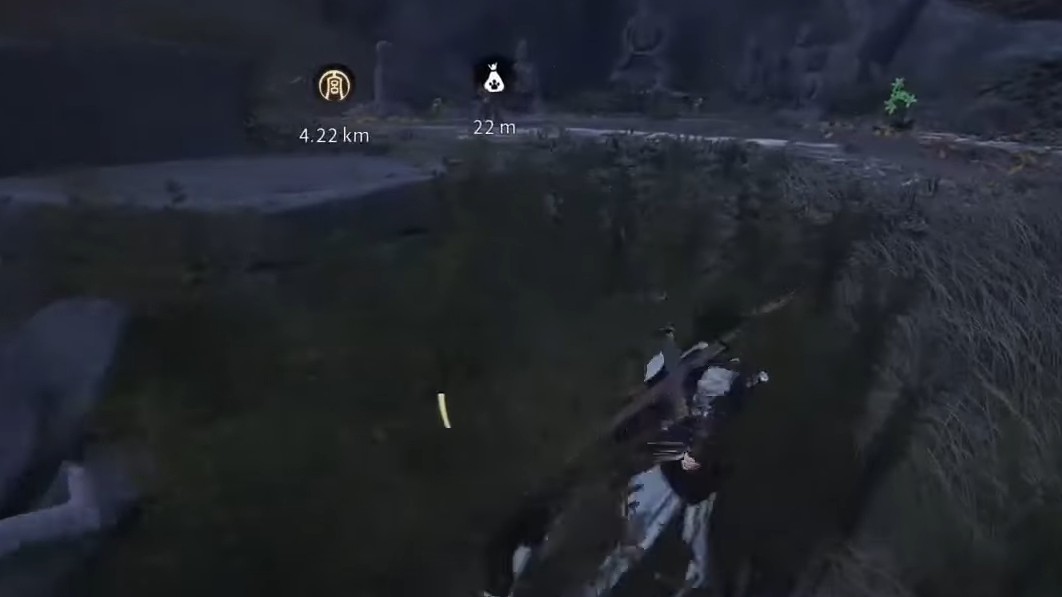
How to trigger Solo Mode Level Breakthrough
To turn your Stored EXP into actual progress, you need to raise your Solo Mode Level, which lifts the hard level cap.
Step 1: Check that you have reached the current maximum character level shown under your Solo Mode Level.
Step 2: Start the Solo Mode Level Breakthrough event from the progression menu when it becomes available.
Step 3: Complete the required Breakthrough activity. Higher Breakthrough tiers also require the account to have been active for a minimum number of days, so some jumps are time-gated.
Step 4: After a successful Breakthrough, keep playing normally. Every EXP-granting action now pulls extra EXP from your Stored EXP pool until that pool is depleted.
You never have to manually “spend” Stored EXP. The game pulls from it automatically as a bonus modifier.
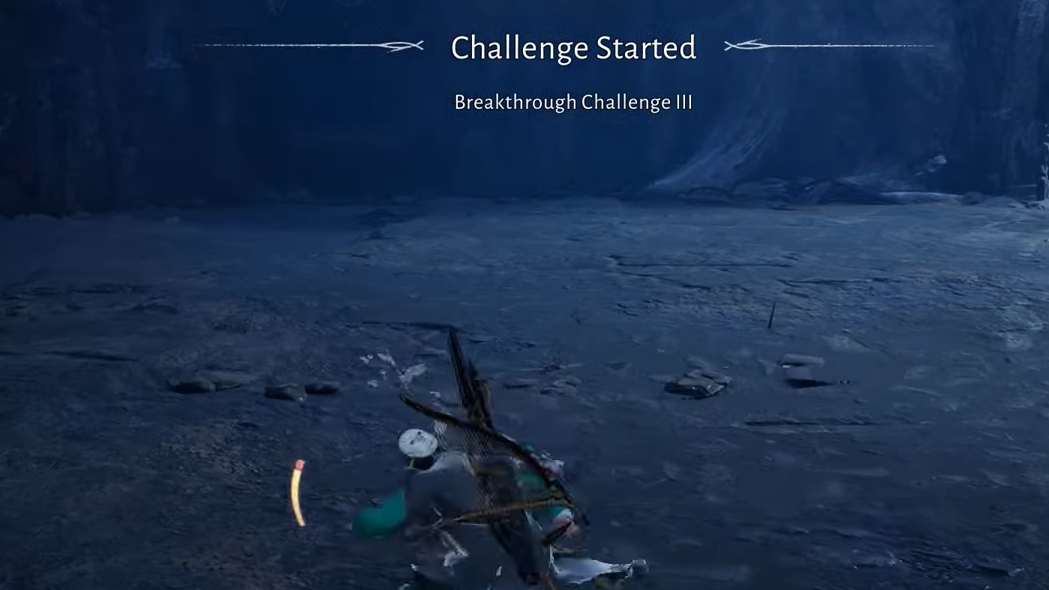
Should you stop playing when you’re capped?
Hitting the cap can make it feel like playing is “wasting” EXP, but in practice that’s not how the game is structured.
- You reach caps quickly just by following the story and normal content.
- Exploration, puzzles, daily activities, and boss runs all continue to progress account systems, unlock gear, and reveal mystic skills, even if they don’t move your level number immediately.
- The Stored EXP bank partially compensates you later with a 50 percent bonus when the cap moves.
The main trade-off is psychological rather than mechanical: you’re front-loading some of the grind before the UI shows the payoff.
What “shared” means in Where Winds Meet co‑op
Co‑op in Where Winds Meet splits into two broad modes:
- Basic co‑op assist: You invite another player into your world and run around freely. In this mode, the host gets quest progression and rewards; guests are mainly there for combat support and general drops.
- Shared-progression co‑op: Certain activities can be launched as dedicated co‑op stages. When started correctly, both host and guests get quest progression, rewards, and full participation in cutscenes and interactions.
Shared EXP in the sense players usually ask about—“do we both get the XP and unlocks?”—only happens in that second category.

Which activities support shared progression
Shared progression is not a blanket setting. It is tied to specific activity types and marked quests:
- Campaign quests (not the main story chapters)
- Several Jianghu Legacy quests, especially in Qinghe
- Outposts
- World bosses
These show a distinct co‑op symbol on the map or in the quest list. That symbol is the game’s way of saying this activity can be turned into a shared progression stage if you start it properly.
Main story quests remain strictly single-player; you cannot share their progression in co‑op, even if someone is helping you as a guest.
How to start a shared-progression co‑op quest
Inviting a friend to your world and then walking into a compatible quest marker is not enough. You need to create a “co‑op room” tied to that specific quest or stage.
Method 1: From the map icon
Step 1: Open the world map and locate a quest or activity that shows the co‑op symbol.
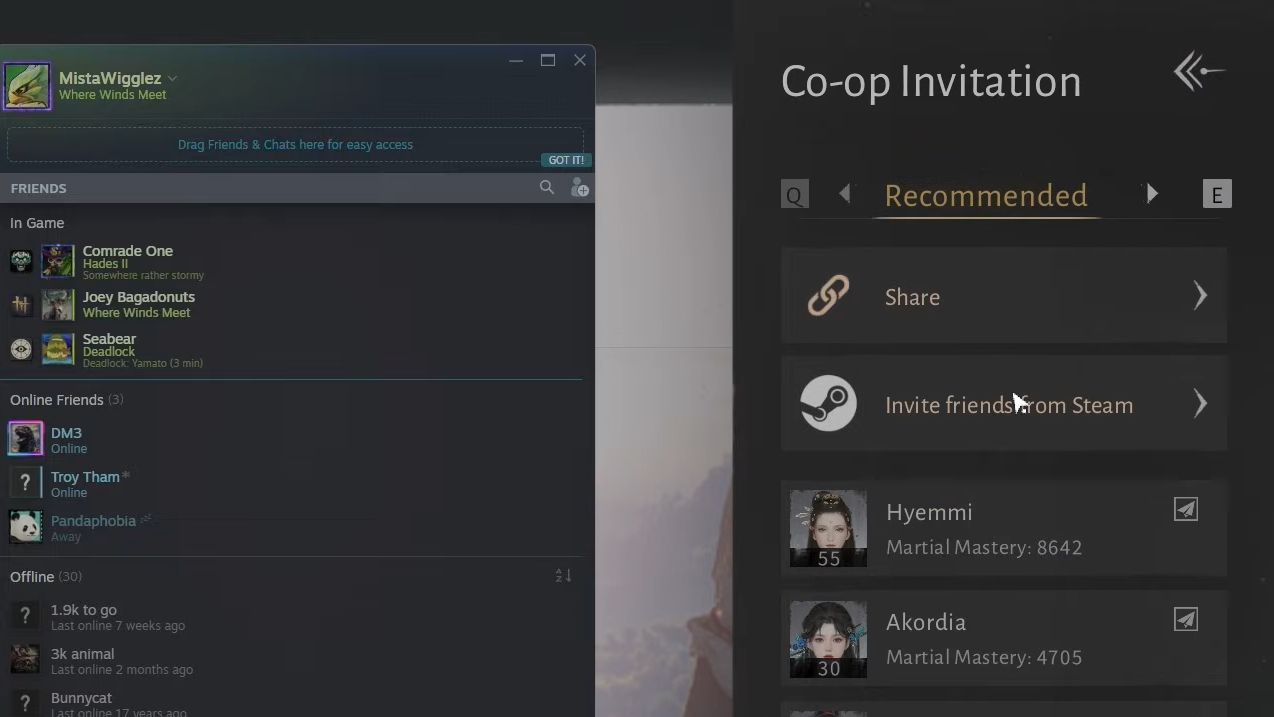
Step 2: On PC, hover over or click the co‑op symbol on that quest entry to bring up co‑op options.
Step 3: Select the option to invite a friend to a co‑op room for that quest.
Step 4: Once your friend accepts, start the stage from the same interface. The quest now runs in shared-progression mode: both players see cutscenes, follow instructions, interact with objects, and receive completion rewards.
Method 2: Using “Start stage” after they join your world
Step 1: First, invite your friend into your world through the usual co‑op/online menu.
Step 2: Open the map or quest menu and highlight a quest or activity with the co‑op symbol.
Step 3: Use the “Start stage” option shown for that quest. This converts the existing session into a dedicated co‑op stage for that activity.
Step 4: Confirm that both players are in the stage instance before progressing. From here, the quest behaves like Method 1 in terms of shared progression.
If you skip these steps and just run into the quest as the host, the game treats your partner as a standard helper. They can fight and loot, but they won’t receive the quest’s progression rewards, EXP, or unlocks.
What guests can earn in shared co‑op
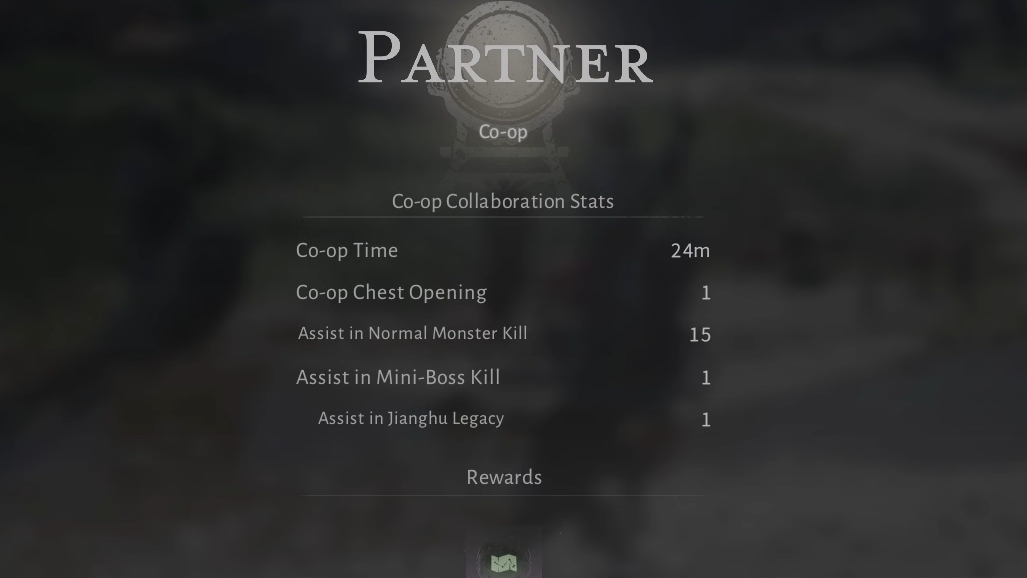
When an activity is started as a proper co‑op stage with shared progression enabled, guests receive more than just EXP.
- Quest progression: The quest is marked complete on both players’ logs when cleared.
- Loot and EXP: Guests receive EXP and item rewards from the stage, including any contribution to their Stored EXP if they’re at cap.
- Unlocks: Guests can receive abilities and martial arts tied to that quest. For example, both players can obtain the Touch of Death mystic art from a compatible co‑op quest when run as a shared stage.
This makes co‑op a viable way for friends at similar progression points to unlock key combat tools together, instead of having one player repeat the content later in solo.
Limits and quirks of co‑op progression
There are several important constraints that can block shared rewards, even when a quest shows the right icon.
- Main story is solo-only: Campaigns and side content can share progression; the main story chapters cannot.
- Legend difficulty doesn’t support co‑op progression: Shared-progression co‑op does not function in Legend difficulty. To play these quests together with full rewards, the host needs to switch down from Legend.
- Co‑op button inconsistencies: Some co‑op-eligible quests occasionally fail to display the “invite to co‑op room” button. On PC, the co‑op option can still appear when hovering directly over the co‑op symbol, but behavior can be inconsistent, especially with controllers.
- “Co‑op assist mode” is not shared progression: If one player shows as being in a generic assist mode instead of a specific co‑op stage, that player will not receive quest progression rewards even if they help complete the objective.
When in doubt, check three things before committing to a long run: that the quest has the co‑op icon, that you used the invite/Start stage flow, and that both players see the same stage name and objectives at the top of the screen.
How EXP and Stored EXP work in co‑op stages
Once a co‑op stage is set up correctly, EXP behaves the same way it does in solo, with the shared-progression layer stacked on top.
- If you are below cap, you gain normal EXP (and any active Stored EXP bonus) from the quest.
- If you are at cap, the EXP portion of the rewards is converted into Stored EXP.
- Your friend’s EXP is calculated independently: if they are below cap, they gain normal and bonus EXP; if they are capped, they fill their own Stored EXP pool.
Running co‑op is, therefore, a valid way for both players to build up Stored EXP while stuck at a time gate, as long as the activity itself supports rewards for guests.
Used together, Stored EXP and shared-progression co‑op let you smooth out the game’s time gates and grind with friends without constantly worrying about who is “wasting” runs. Treat Stored EXP as a slow-burn 50 percent XP boost for your post-cap sessions, and treat the co‑op symbol on quests as a hard requirement if you want everyone in the party to walk away with the same progress and unlocks.