

Night in Hytale is dangerous, and a solid door is one of the first defenses between your shelter and whatever roams outside. The Simple Wooden Door is the early-game answer: cheap to craft, quick to place, and reusable if you break it by mistake.
Requirements to craft a Simple Wooden Door in Hytale
Before a door shows up as a crafting option, you need two things: a Builder's Workbench and suitable wood.
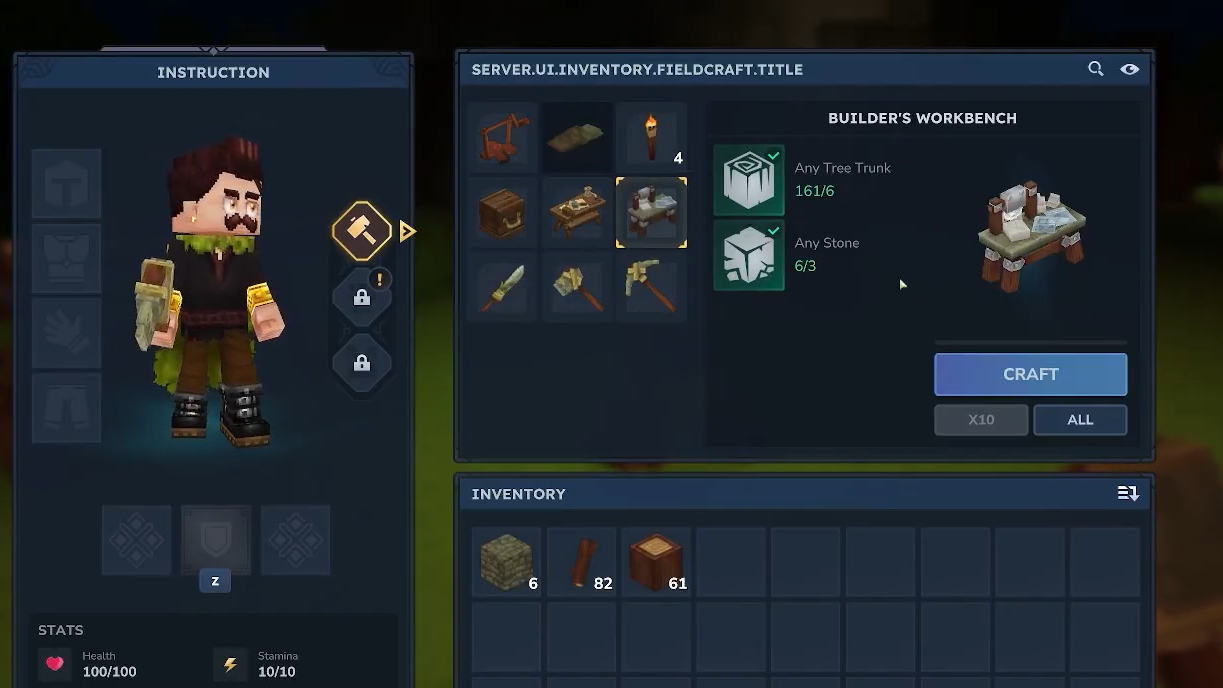
Materials for the Builder's Workbench
- 3× stone (any stone type works)
- 6× wood (any wood type works here)
Using a Crude Pickaxe speeds up stone collection, while a Crude Hatchet does the same for wood, but they are not strictly required if you are willing to mine and chop more slowly.
Materials for the Simple Wooden Door
- 2× Hardwood blocks, used at a Builder's Workbench
The Simple Wooden Door is internally referenced in game data as Furniture_Village_Door, but you only see its normal name while crafting and building.
Build a Builder's Workbench
Step 1: Gather at least 3 stone. Mine nearby rock with your hands or, more efficiently, with a Crude Pickaxe until you meet this minimum.
Step 2: Chop trees or wooden structures until you have at least 6 pieces of wood. A Crude Hatchet speeds up this step considerably.
Step 3: Press Tab to open the Inventory menu and look for the Builder's Workbench under the Pocket Crafting options.
Step 4: Craft the Builder's Workbench using your 3 stone and 6 wood, then place it in the world where you want your small building area to live.
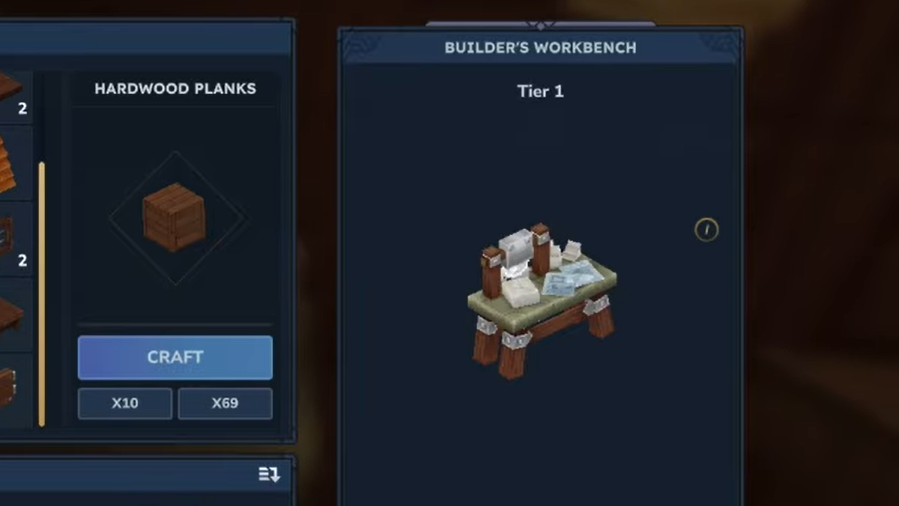
Step 5: Walk up to the placed Builder's Workbench and interact with it to open its crafting interface.
Craft a Simple Wooden Door at the Builder's Workbench
Once the workbench is ready, the door itself is a single recipe tied to hardwood.
Step 1: Make or obtain at least 2 blocks of Hardwood. These are distinct from softer wood blocks that tend to produce crude building parts.
Step 2: Interact with the Builder's Workbench to bring up its crafting UI.
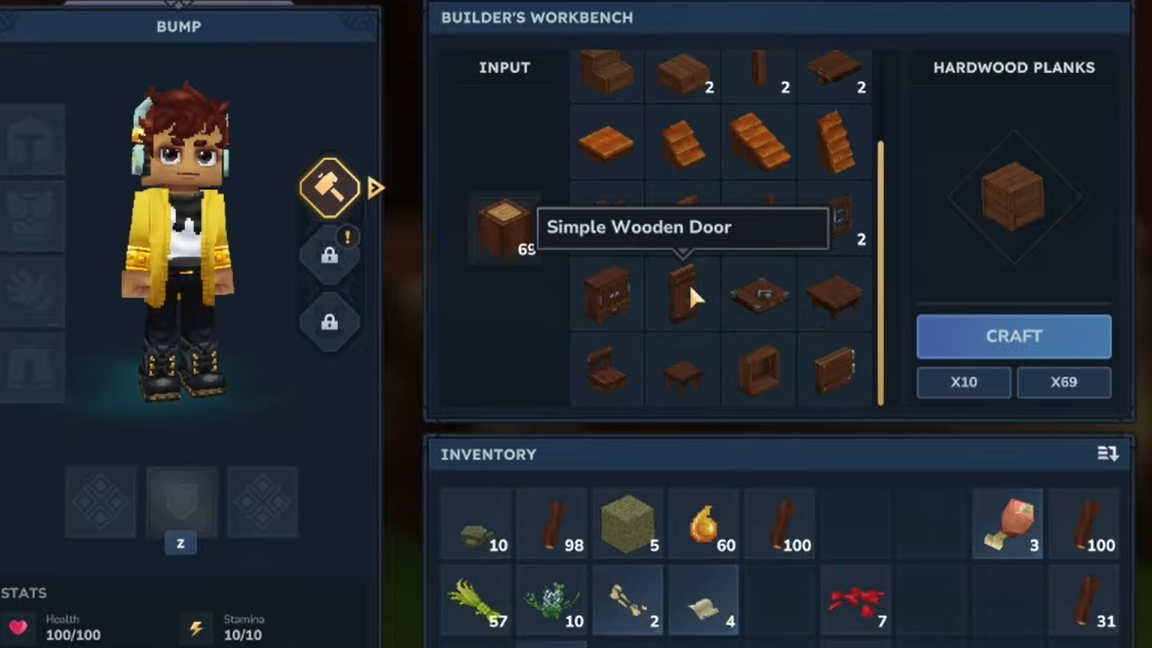
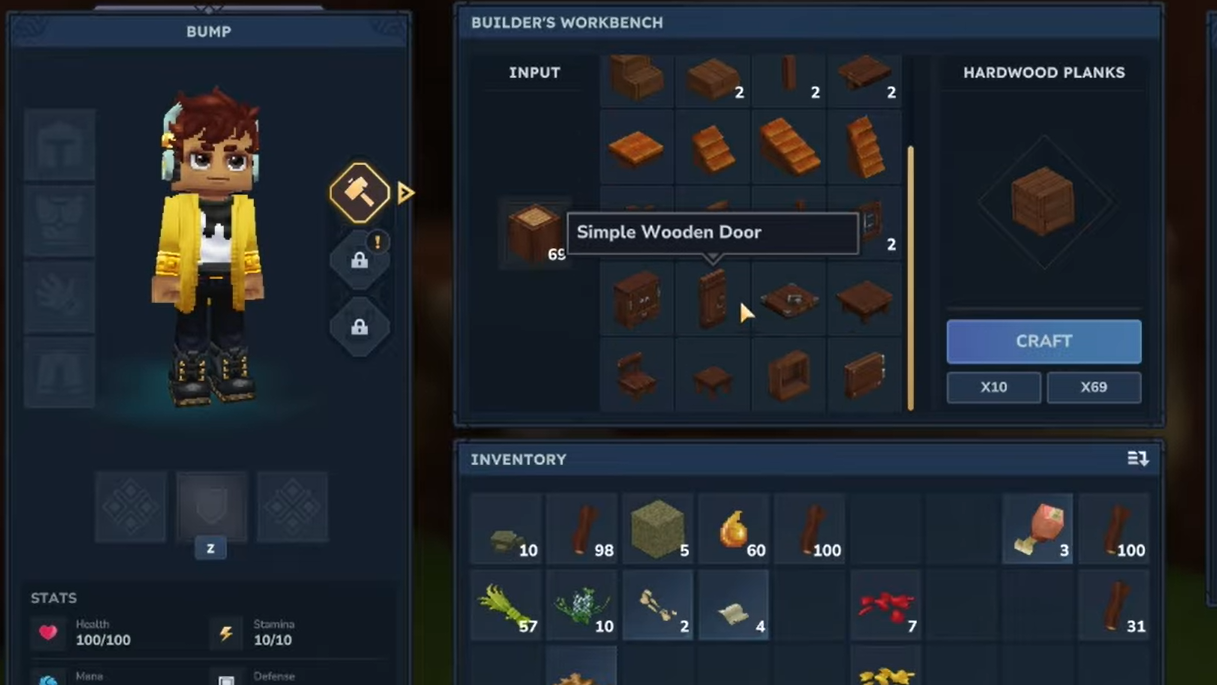
Step 3: Drag one of your hardwood blocks into the workbench’s input slot. This populates a list of items that can be crafted from that specific block type.
Step 4: In the list of outputs, select Simple Wooden Door. Ignore other decorative or crude options for now if you only want the door.
Step 5: Press the craft button to create the door. One Simple Wooden Door will be produced and sent to an empty slot on your hotbar when possible; otherwise, it goes into your main inventory.
Place, move, and replace your wooden door
Once crafted, the door behaves like other placeable building pieces, with a few extra interactions.
Step 1: If the door landed in your main inventory, drag it into a free slot on your hotbar so you can select it quickly.
Step 2: Stand in front of the block gap where you want the doorway. Highlight the door on your hotbar, so it becomes your active item.
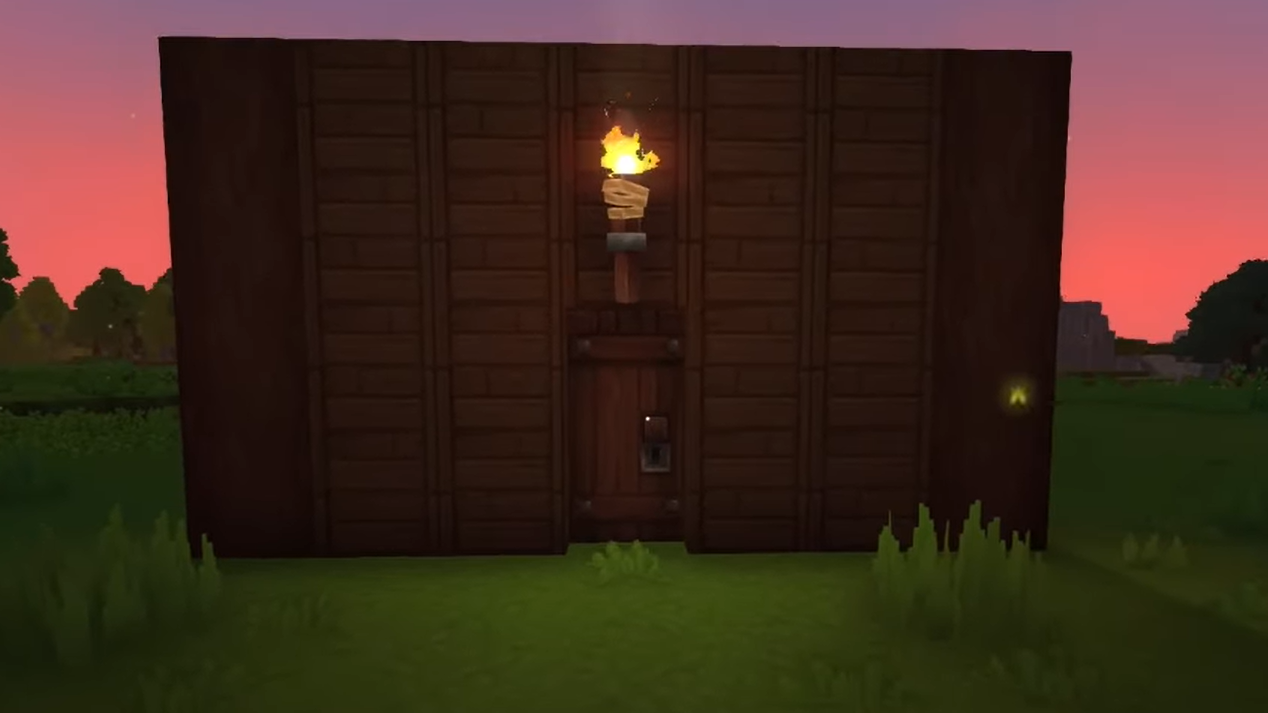
Step 3: Aim at the target location and press the right mouse button to place the Simple Wooden Door. It snaps into the space like a normal block but functions as an opening panel.
Step 4: Test the door by interacting with it to open and close it, making sure it swings the way you expect and fits your wall layout.
Step 5: If the position or orientation feels wrong, equip a hatchet and break the placed door. It drops as an item so you can pick it up and place it again without losing materials.
Why the Simple Wooden Door sometimes disappears from crafting
Many players run into a situation where they could craft a “normal” wooden door earlier in their play session, but later, the Builder's Workbench only offers crude blocks or basic shapes. This usually comes down to wood type and not a bug or progression lock.
The key detail is that Hardwood and softwood behave differently in the Builder's Workbench. Hardwood in the input slot brings up recipes like the Simple Wooden Door, while softwood tends to focus on crude, rough building pieces. If you switch from a hardwood log to a more basic softwood log without noticing, the door vanishes from the list and is replaced by crude variants.
To restore the door recipe, make sure the block you drag into the input is explicitly classified as hardwood. As soon as you swap to the correct wood, the Simple Wooden Door appears again as a craftable option, using 2× Hardwood at the Builder's Workbench.
A Simple Wooden Door is easy to overlook next to more complex building pieces, but it solves several early problems at once: it seals your shelter at night, lets you move in and out without rebuilding walls, and can be moved freely as you redesign your base. Once you understand that the recipe lives on the Builder's Workbench and depends on hardwood rather than any random log, it becomes a reliable part of your early Hytale toolkit.