

Where Winds Meet does not make horse dismounting as obvious as most open-world games. The game ties it to martial arts inputs, and immersive HUD settings can hide the on-screen prompts, so it is very common to get stuck on the saddle at first.
Where Winds Meet dismount controls (quick reference)
| Platform / input | Standard dismount (stop and get off) | Moving dismount / stylish hop off |
|---|---|---|
| PC – keyboard & mouse | Q (Martial Arts Skill by default) |
Tab (Dual-Weapon Skill by default) |
| PC – controller | Hold L2 (or LT) + face button (Square / X) depending on layout |
Hold L2 (or LT) + X (jump-style hop) |
| PS5 (native) | Hold L2 + Square |
Hold L2 + X |
Both types of dismount use the same logic: the game treats getting off your horse as either a Martial Arts Skill (standard dismount) or a Dual-Weapon Skill (leaping dismount), mapped to those inputs.
How to dismount on PC with keyboard and mouse
Step 1: Bring your horse to a stop or slow trot so you have time to input the command. The game will still let you dismount while moving, but stopping reduces the chance of mis-pressing combat keys.
Step 2: For a simple, grounded dismount, press Q once. On the default keybinds, Q is your Martial Arts Skill, and while mounted, it is repurposed as the dismount action.
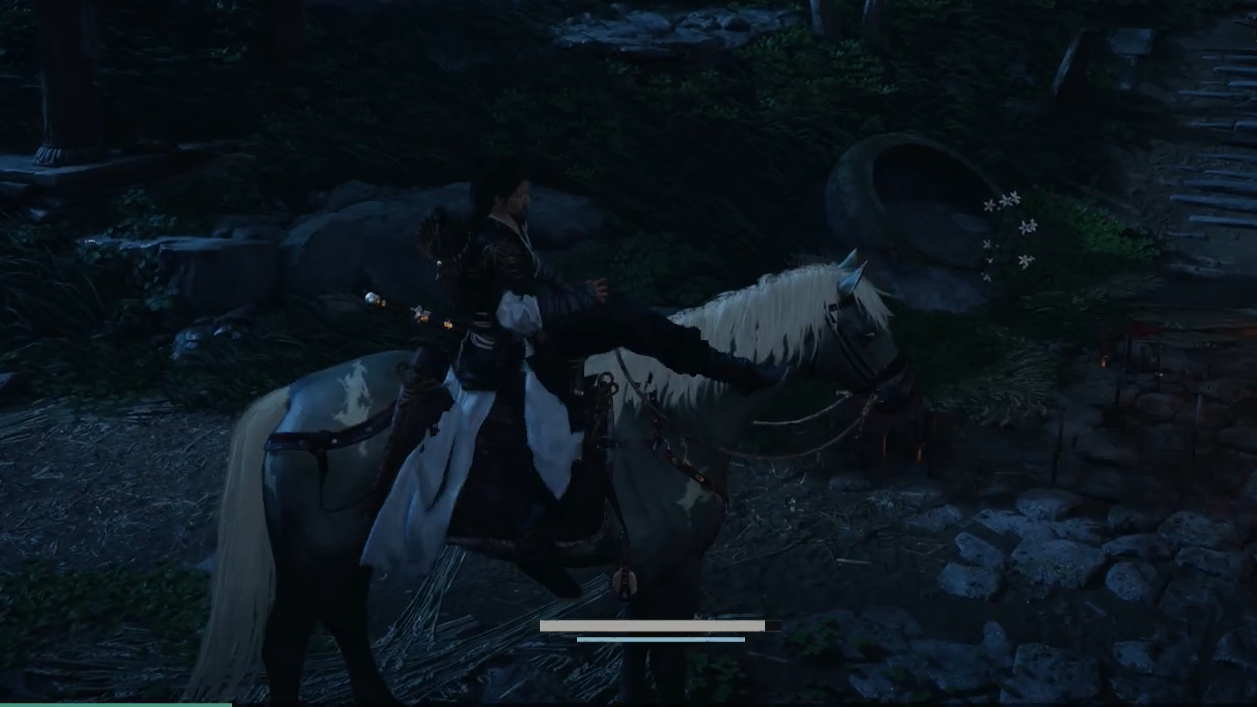
Step 3: If you want to perform a moving hop off the horse instead, press Tab. Tab is the Dual-Weapon Skill key by default; when you are on horseback, it acts as a more dynamic dismount, letting you jump clear while the mount is still in motion.
Q or Tab does not work, open the controls screen and confirm you have not rebound Martial Arts Skill or Dual-Weapon Skill to different keys. Whatever keys those actions use will also be your dismount inputs while mounted.How to dismount with a controller on PC
On PC with a gamepad, horse controls piggyback on the same modifier system used for combat skills.
Step 1: While mounted, hold the left trigger (LT on Xbox-style pads or L2 on DualSense). This brings up the contextual skill icons in the lower right corner when the HUD is visible.
Step 2: For a basic dismount, keep holding LT/L2 and press the light-attack button for your layout (typically X on Xbox controllers or Square on a PlayStation layout). The character will swing down off the horse.
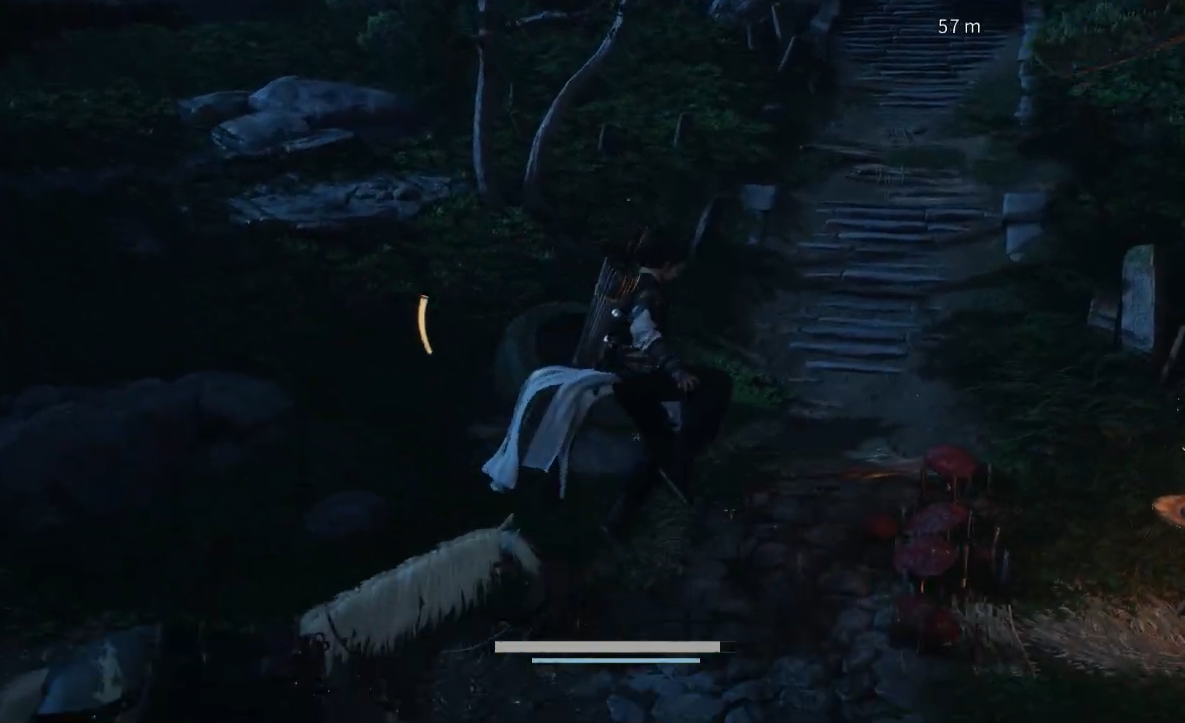
Step 3: To hop off in motion, hold LT/L2 and press the jump button (A on Xbox, X on PlayStation layout). This uses the same slot as the Dual-Weapon Skill and gives a more acrobatic dismount while the horse is still running.
How to dismount on PS5
The native PS5 version uses a fixed layout that mirrors the PC controller scheme but with PlayStation labels.
Step 1: While on horseback, hold L2. This acts as the defense modifier in combat and the context modifier for horse skills.
Step 2: For a standard, stationary dismount, press Square while continuing to hold L2. Your character will simply step down from the saddle.
Step 3: For a more dynamic dismount, hold L2 and press X instead. This triggers a hop-style dismount that lets you bail out while moving.
Square or X depending on whether you want a basic or moving dismount.Why the HUD setting makes dismounting confusing
Where Winds Meet offers two broad HUD styles: a standard layout with full prompts and an Immersive option that strips down on-screen elements so the world can take center stage. Immersive mode can hide the context icons in the lower right corner, including the horse-related prompts that appear when you hold L2/LT on a controller.
With Immersive mode enabled, you still use the same dismount buttons, but the game no longer flashes the “hold trigger + button” hint when you mount up. If you forget the combination, it can feel like there is no way to get off the horse, especially during the first hours when the control scheme is still new.
Tip: If you plan to keep Immersive mode on, it helps to memorize just two things:
- On keyboard, dismount =
Q, stylish hop =Tab. - On the controller, hold the left trigger, then press
Square/Xfor a basic get-off orX(PS) /A(Xbox) for a hop.
Checking or changing your dismount keybinds
Where Winds Meet lets you rebind many inputs, so if the defaults are not working, the dismount controls may have moved with the related combat skills.
Step 1: Open the main menu, then go to the controls or keybindings section.
Step 2: On the keyboard, look for these actions:
- Dismount – default
Qunder Basic Moves. - Martial Arts Skill – also default
Qunder Combat. - Dual-Weapon Skill – default
Tabunder Combat.
Step 3: On controller layouts, look at the skills section. The important entries are:
- Prepare Skill / Skill Preparation – the left trigger (
LT/L2). - Martial Arts Skill – triggered by
LT/L2+ a face button (usually light attack). - Dual-Weapon Skill or similar – triggered by
LT/L2+ the jump face button.
Step 4: If you rebind these combat skills, remember that the mount dismount actions follow them. The key or button you assign to Martial Arts Skill becomes your basic dismount while on horseback, and the Dual-Weapon Skill input becomes your moving hop-off.
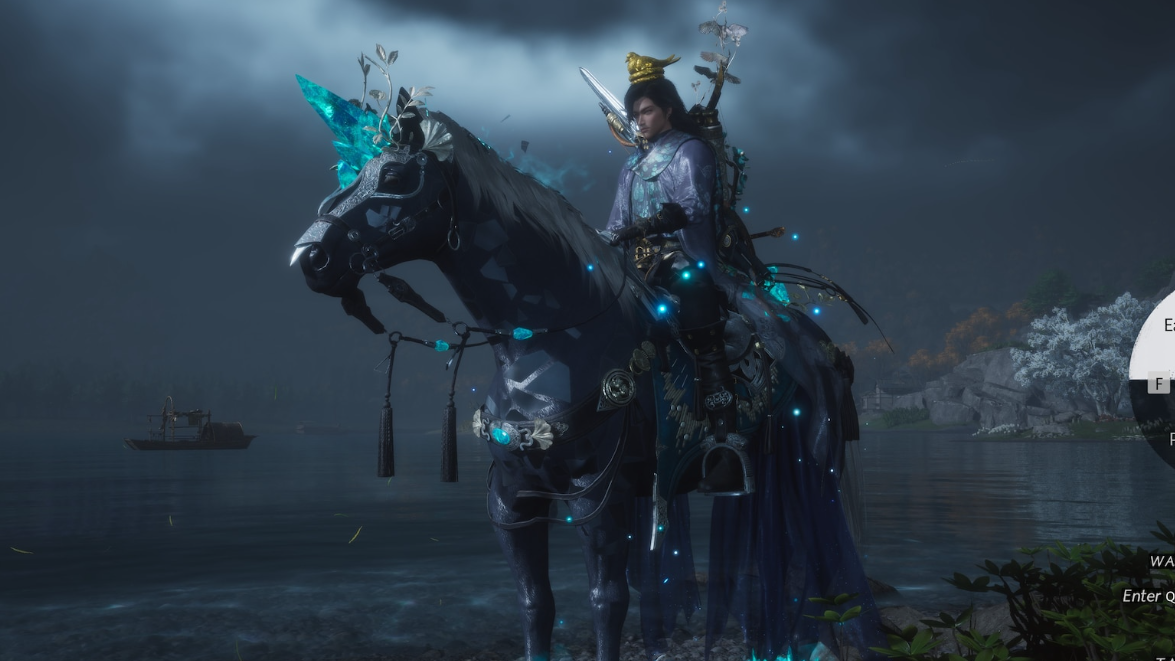
Once the mapping is clear, getting off your horse in Where Winds Meet is just another part of the martial arts toolkit. Treat it like any other skill: modifier plus the right button on a controller, or Q and Tab on a keyboard, and the frustration of being locked to the saddle disappears.