

ARC Raiders' Flashpoint update brought a Twitch Drops campaign that hands out two free cosmetic rewards to anyone willing to leave a stream running. The event is live right now and runs until April 28, 2026, at 4:29 PM GMT, so there's still time — but not unlimited time — to grab both items.
Quick answer: Link your Twitch account to your Embark account, watch any Drops-enabled ARC Raiders stream for a total of two hours, then manually claim each reward from your Twitch Drops inventory.
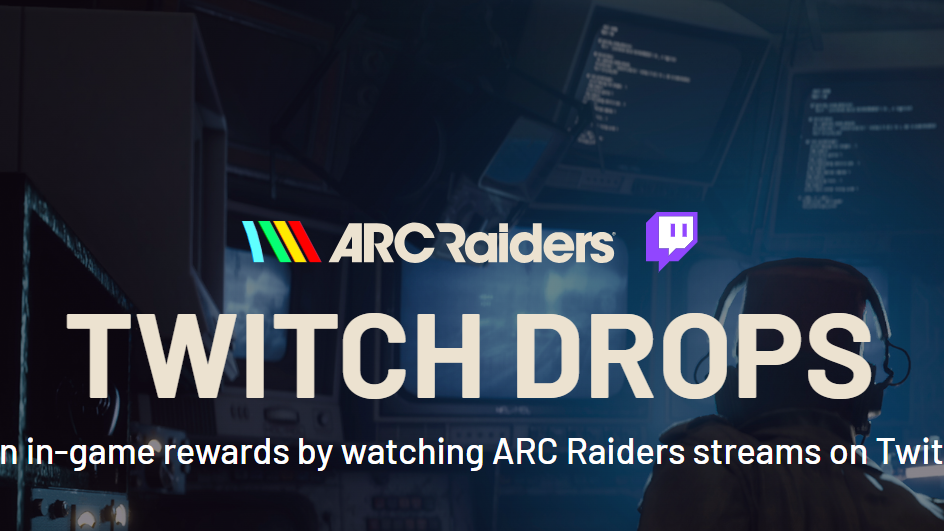
Flashpoint Twitch Drops rewards
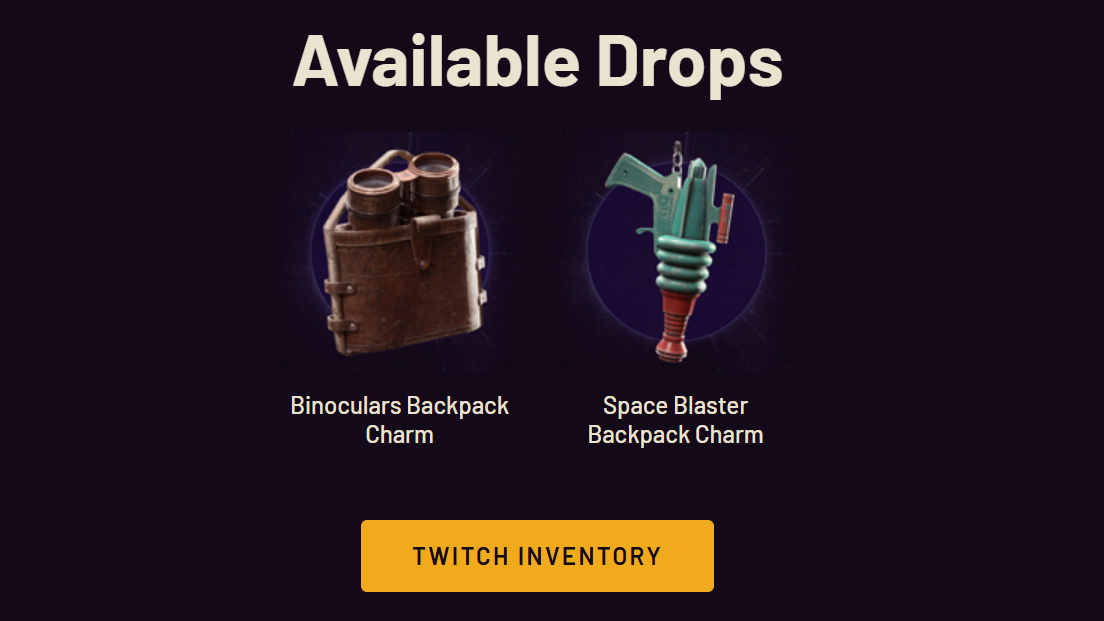
The Flashpoint campaign offers two cosmetic bag tags (backpack charms). Neither one affects gameplay — they're purely visual customization items attached to your character's backpack.
| Reward | Type | Watch Time Required |
|---|---|---|
| Binoculars Backpack Charm | Bag Tag | 1 hour |
| Space Blaster Backpack Charm | Bag Tag | 2 hours (cumulative) |
The watch time is cumulative, not per-item. Once you hit one hour, the Binoculars charm unlocks. Continue to two total hours, and the Space Blaster charm becomes available. You do not need to watch in a single sitting — progress carries across multiple sessions.
Event schedule
The Twitch Drops campaign launched on March 31, 2026, at 4:30 PM GMT alongside the Flashpoint update. It closes on April 28, 2026, at 4:29 PM GMT. That gives you roughly four weeks from launch, but finishing early removes any risk of missing the deadline.
Link your Twitch and Embark accounts
Before any watch time counts, your Twitch account must be connected to your Embark Studios (ARC Raiders) account. Without this link, progress simply won't track — no matter how many hours you watch.
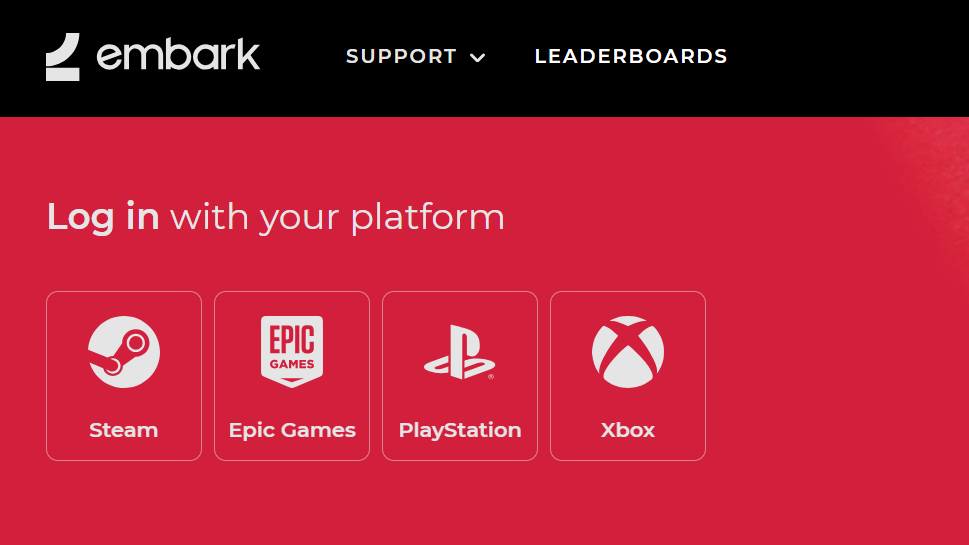
Step 1: Head to the Embark Studios sign-in page and log in with whatever platform you use to play ARC Raiders. If you don't have an Embark account yet, create one here.
Step 2: Navigate to the Connected Platforms section of your Embark account settings and link Twitch. Once the connection is confirmed, you're set to start earning drops.
Watch eligible streams and track progress
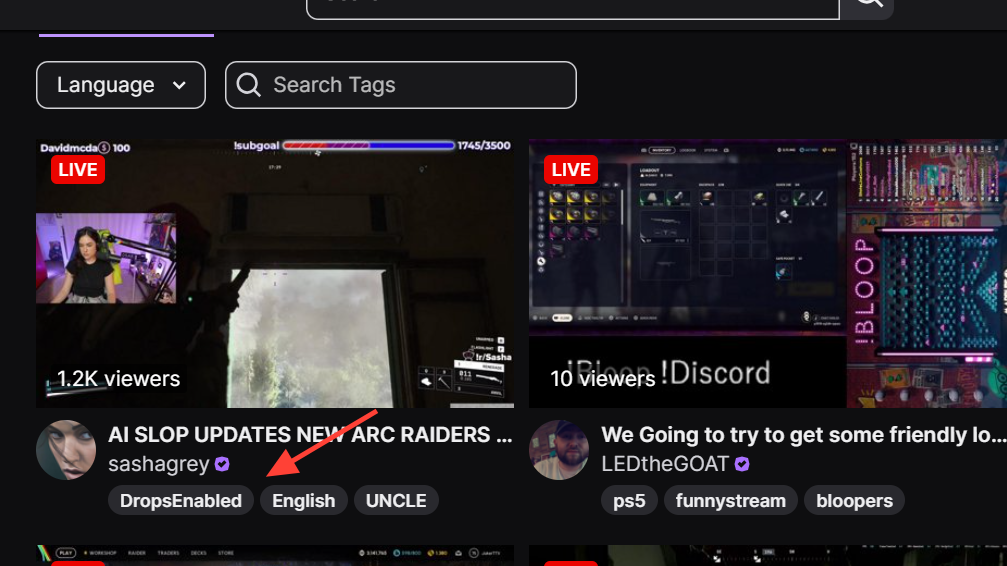
Step 1: Open Twitch and browse the ARC Raiders category. Look for streams that display a "Drops Enabled" tag — only these channels count toward your progress. Not every ARC Raiders stream qualifies, so double-check before parking on a channel.
Step 2: Let the stream play. You don't need to actively watch; running it in a background tab while you do other things works fine. The stream does need to remain playing (not paused or muted at the browser level in a way that stops playback).
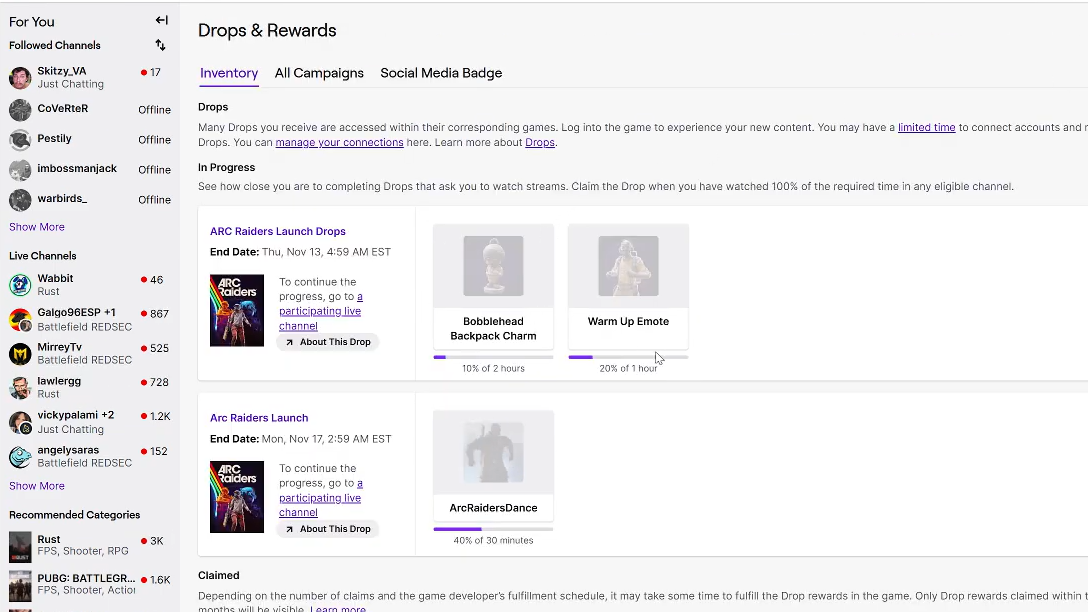
Step 3: Check your progress periodically by visiting your Twitch Drops inventory. You'll see a progress bar for each reward filling up as your watch time accumulates.
Claim rewards and verify in-game
This is where many players trip up. Reaching the required watch time does not automatically deliver the items. You must manually claim each reward, or it will sit uncollected.
Step 1: Once a reward's progress bar is full, go to your Twitch Drops inventory and click the "Claim" button next to it. Do this for each charm individually.
Step 2: Launch ARC Raiders and open the Customization page. Both bag tags should appear in your inventory. If they don't show up immediately, try restarting the game.
Common reasons drops don't work
| Problem | Cause | Fix |
|---|---|---|
| No progress after watching | Twitch and Embark accounts aren't linked | Link them via the Embark Connected Platforms page, then resume watching |
| Progress stuck or slow | Stream doesn't have Drops Enabled | Switch to a channel that shows the Drops Enabled tag |
| Watched enough but no reward | Reward not manually claimed on Twitch | Visit Twitch Drops inventory and click Claim |
| Claimed but items missing in-game | Game needs a restart to sync | Close and relaunch ARC Raiders, then check Customization |
Two hours of background stream time for two exclusive cosmetics is a low-effort deal. The main pitfalls are forgetting to link accounts beforehand and neglecting to manually claim rewards afterward. Handle both of those steps, and the charms will be waiting in your inventory well before the April 28 deadline.