

Crimson Desert players often encounter situations where an NPC needed for a quest or camp activity cannot be found at their usual location. The most common reason is that the character has been sent on a dispatch mission and is temporarily unavailable.
Quick answer: Open the map, select your camp location, press the inspect button (Triangle on PlayStation, equivalent on other platforms), choose "Manage Comrades," find the missing NPC, and cancel their active mission if they are marked as "Dispatched."
Check Dispatch Status at Camp
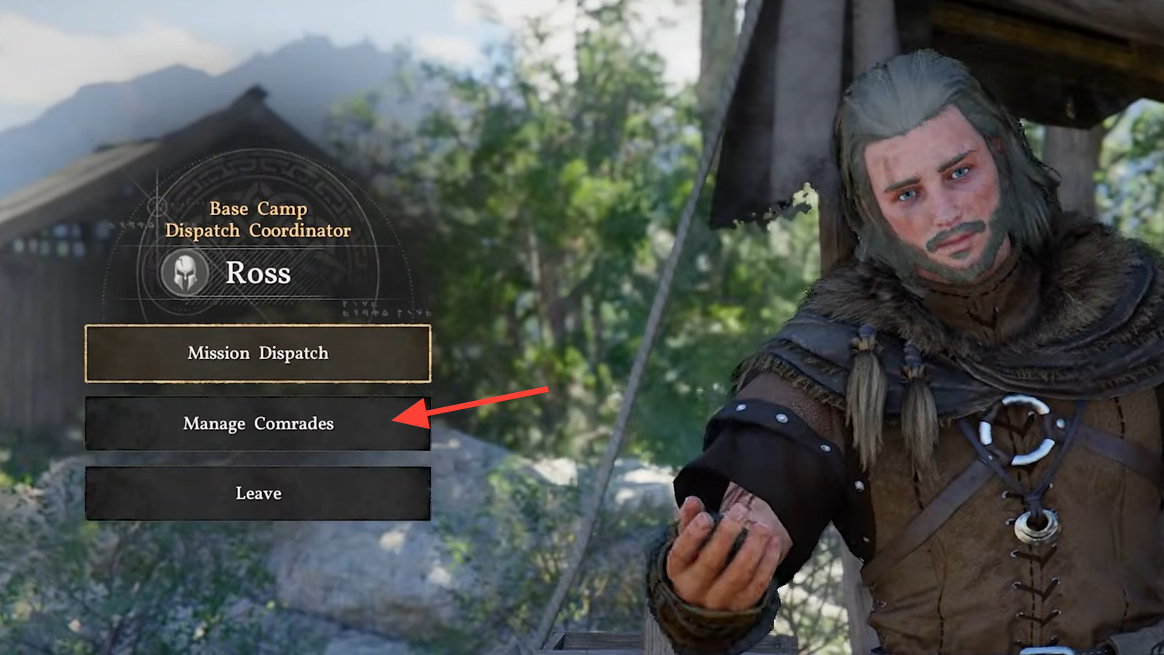
When an NPC is missing from camp, they are likely assigned to an ongoing expedition. To verify this, locate Ross, the Base Camp Dispatch Coordinator, who manages all mission assignments. Ross can be found near the camp's central area where dispatch operations are handled.
Step 1: Approach Ross and interact with him to open the dispatch menu. You will see three options: Mission Dispatch, Manage Comrades, and Leave.
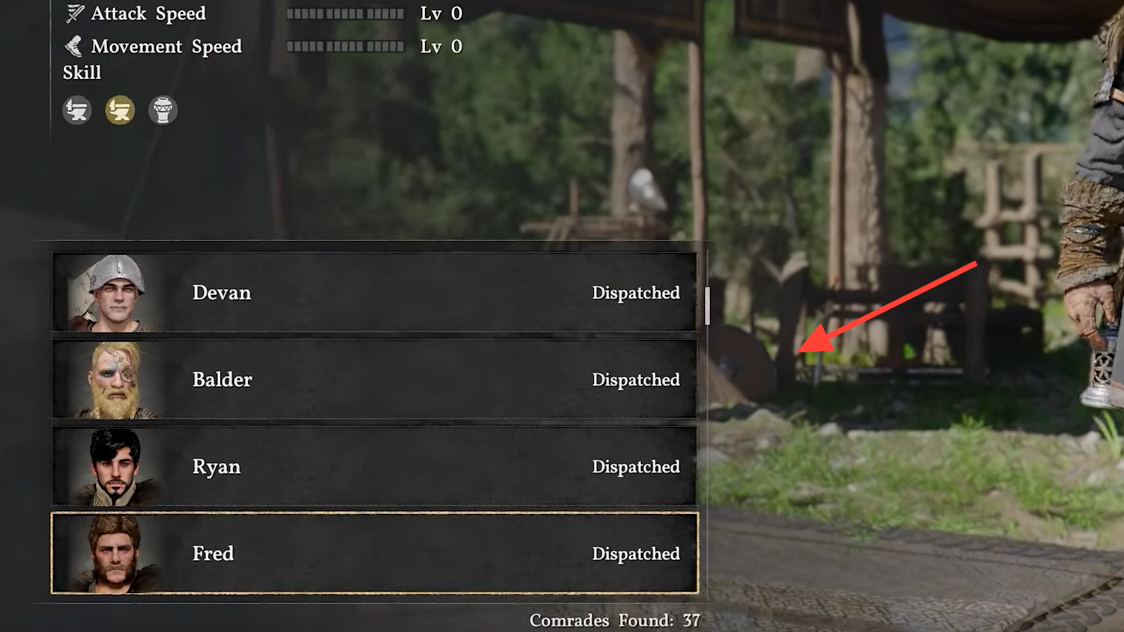
Step 2: Select "Manage Comrades" to view a complete list of all available characters. Scroll through the list to find the missing NPC. Next to their name, you will see their current status—either "Available" or "Dispatched."
Step 3: If the NPC shows as "Dispatched," they are currently assigned to an active mission and cannot be interacted with until that mission is canceled or completed.
Cancel Active Missions to Retrieve NPCs
To make a dispatched NPC available again, you must cancel the mission they are assigned to. This process is straightforward but results in the loss of mission progress.
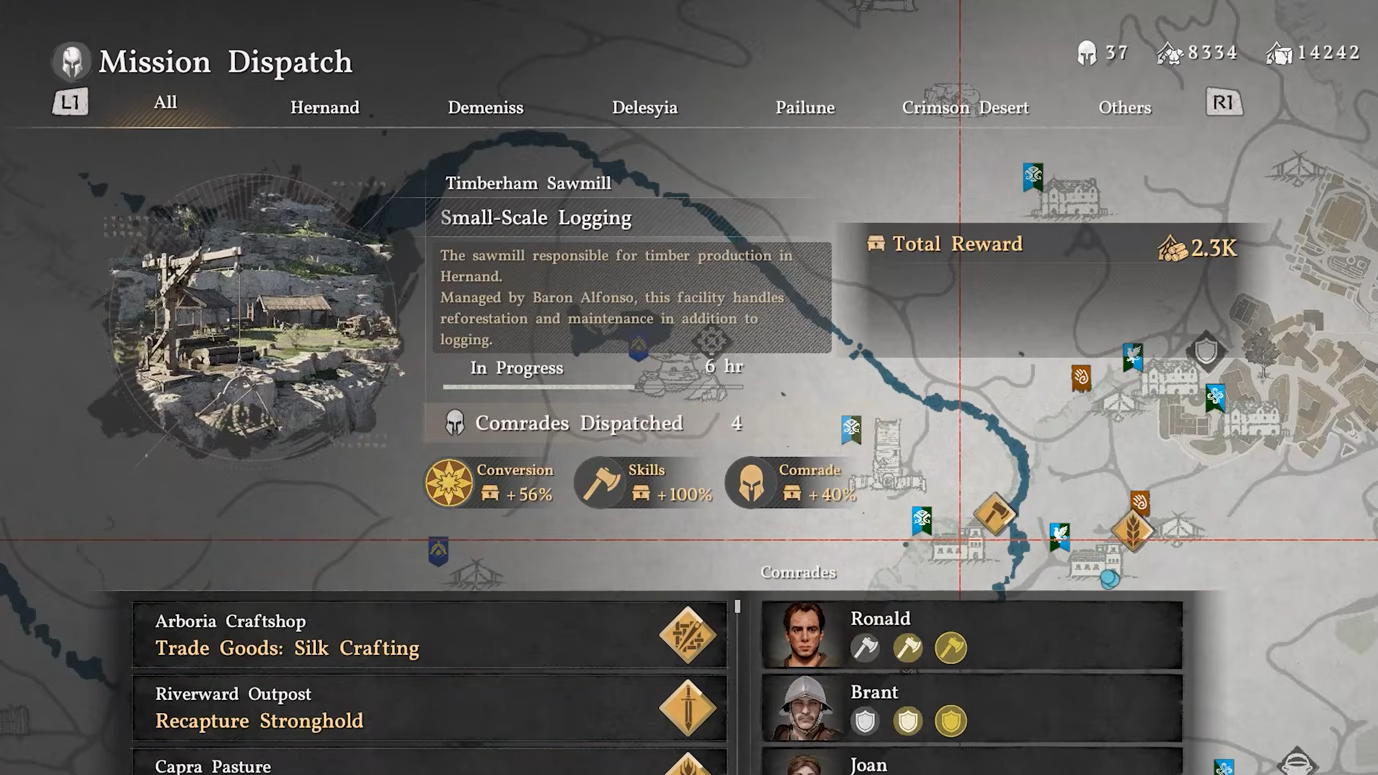
Step 1: Return to Ross and select "Mission Dispatch" from the menu. A map screen will open displaying all active and available missions.
Step 2: Review the list of missions on the left side of the screen. Select the mission that includes the missing NPC. The mission details will show which comrades are dispatched, including the character you need.
Step 3: Choose the option to cancel the mission. A confirmation prompt will appear with the message: "Upon canceling an ongoing mission, all mission progress will be lost, and you will only receive resources spent. Would you like to cancel the mission?" Select "Confirm" to proceed.
Step 4: A notification will confirm the cancellation, such as "Mission Canceled: Canceling the mission in Oakenshield Manor." The NPC's status in the Manage Comrades menu will immediately update to "Available."
Alternative Method: Map-Based Dispatch Access
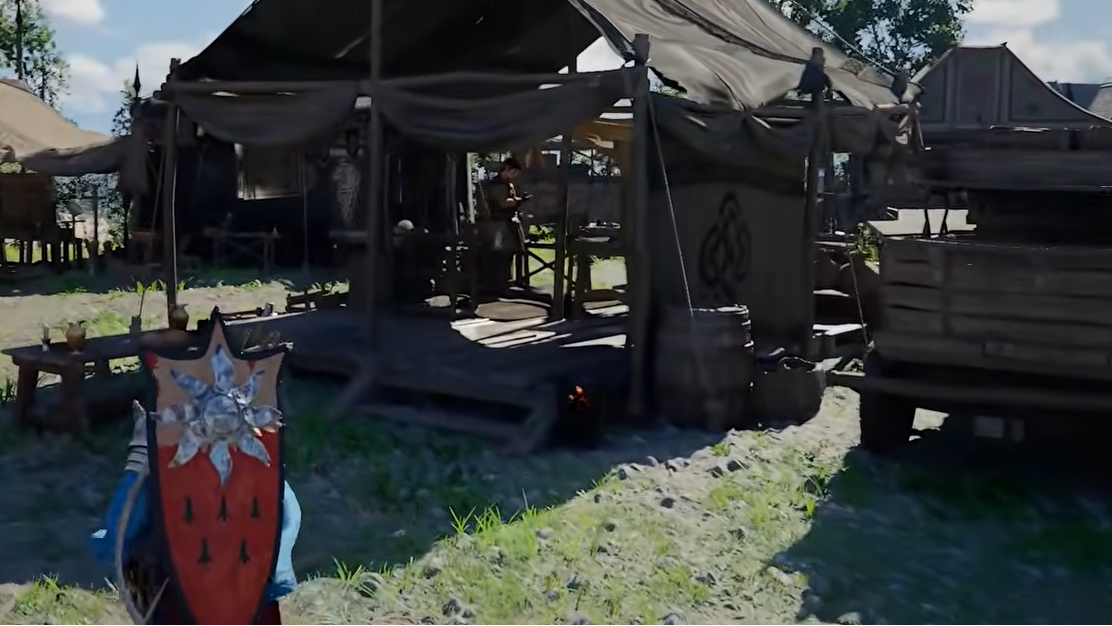
If Ross is not accessible or you prefer a faster route, you can manage dispatch missions directly from the world map without visiting the camp.
Step 1: Open your map and navigate to the Howling Hill camp location or whichever camp the NPC belongs to.
Step 2: Hover over the camp icon. A button prompt will appear at the bottom of the screen—on PlayStation 5, this is the Triangle button labeled "Inspect."
Step 3: Press the inspect button to open the expedition menu. From here, you can access Mission Dispatch and Manage Comrades options without physically traveling to the camp or finding Ross.
Verify NPC Availability After Cancellation
Once you have canceled the mission, the NPC should return to their designated location in camp. Travel to the spot where the quest or interaction is supposed to occur. The NPC will appear with an interaction prompt, such as "Listen to Request" or the relevant quest action.
If the NPC still does not appear after cancellation, check the Manage Comrades menu again to confirm their status is "Available" and not assigned to another mission. In rare cases, reloading the area or restarting the game may be necessary to refresh NPC positions.
Recruit Additional Camp Members
If you need more companions for dispatch missions or camp activities, additional NPCs can be recruited through specific quests. Marius, a character who uses a crutch, provides leads for recruiting new members. These quests are tracked in the Journal under Factions, then Greymanes, where you will find objectives related to following rumors and liberating individuals.
Progressing through the main story, particularly defeating major enemies like the Reed Devil, unlocks additional recruitment quests. Completing these objectives expands your roster of available comrades for both dispatch missions and camp interactions.
Managing dispatch missions carefully prevents NPCs from being unavailable when needed for quests. Always check the Manage Comrades menu before starting new missions to ensure critical characters remain accessible for story progression and camp activities.