

Every world in Hytale grows from a single numeric value called a seed. That integer drives the entire procedural generation pipeline — terrain shape, biome placement, cave networks, structure locations, creature spawns, and even the scattering of small props like rocks and flowers. Two players who enter the same seed will always get the same world, with identical mountains, rivers, and villages at the same coordinates. That reproducibility is what makes seeds worth finding, sharing, and deliberately choosing.
Quick answer: In singleplayer, run /op self then /world config seed to display your current seed. To create a new world with a specific seed, you need to edit the world's config.json file on disk — there is no built-in UI field for it during early access.
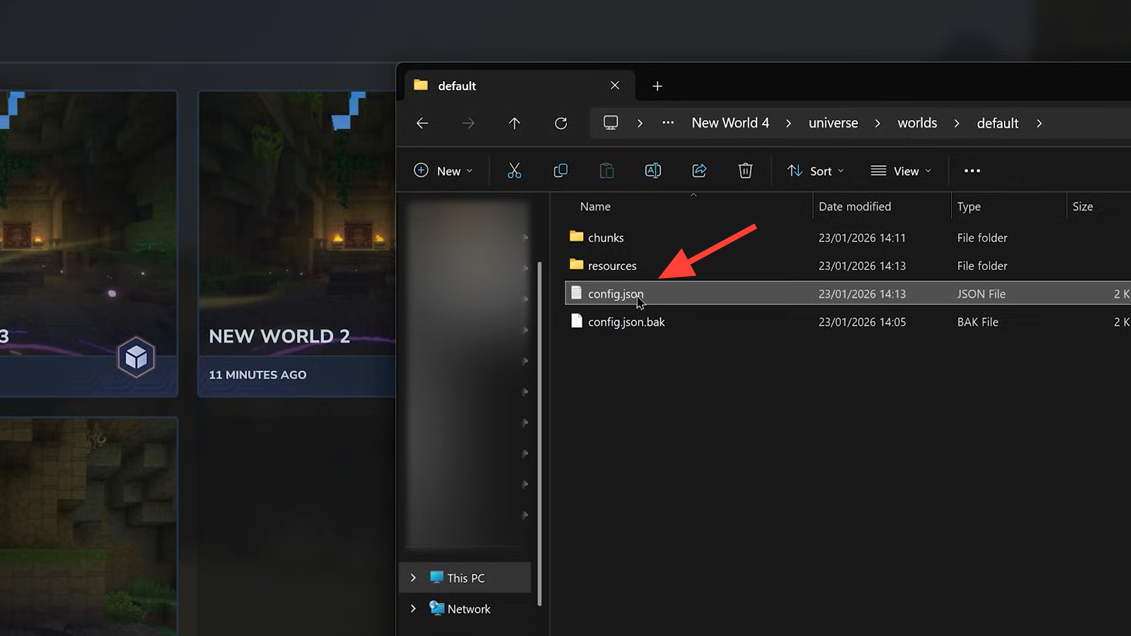
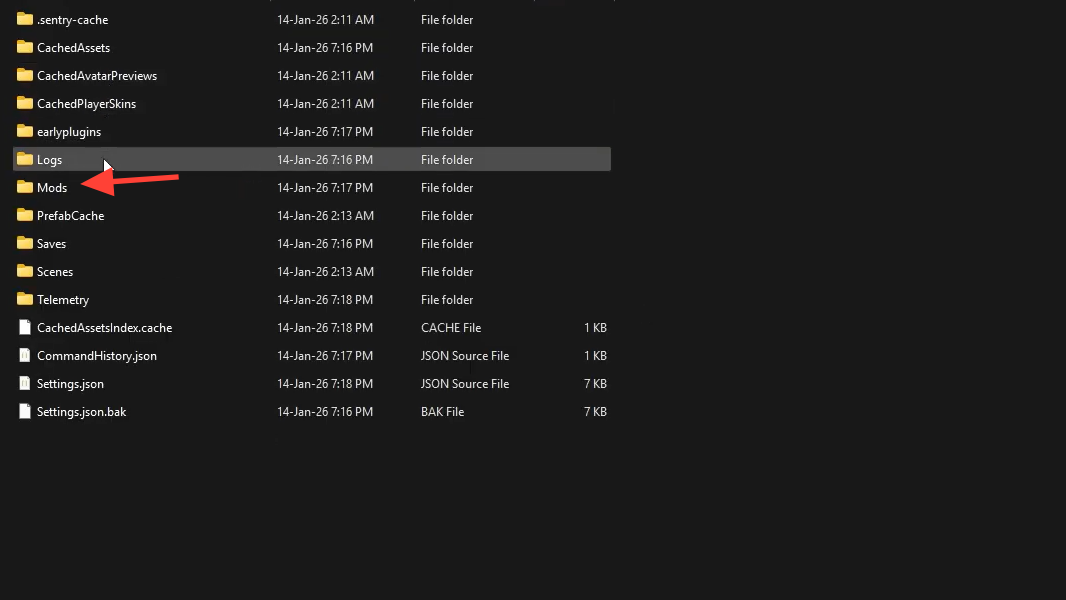
config.json file on disk | Image credit: Hypixel Studios (via YouTube/@04AM)How Hytale world generation uses the seed
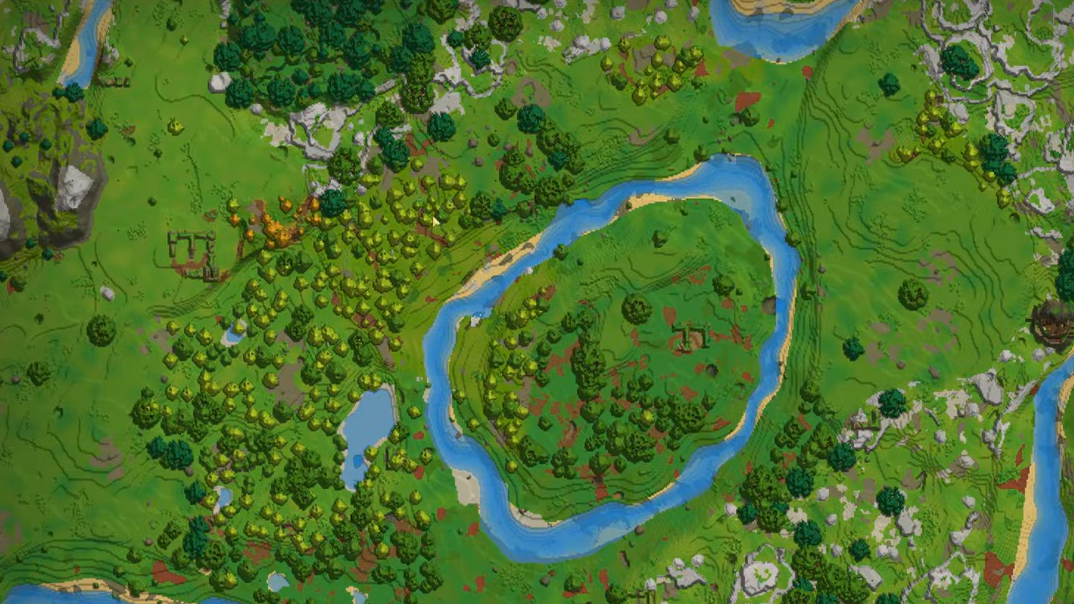
Hytale's generator runs through multiple stages, each one reading the seed to produce deterministic output. First, it lays out zones — the broad continental regions. Then it distributes temperature and humidity values that decide which biomes appear where: forests, deserts, tundras, swamps, and so on. Density functions sculpt the 3D terrain into mountains, valleys, and cliffs, while a separate pass carves underground caverns and ravines.
After the landscape exists, material providers assign block types (dirt, stone, ores) based on depth and biome. The generator then places prefabs — pre-built structures like villages, ruins, ziggurats, and dungeons — at positions the seed dictates. Smaller details, such as vegetation and decorative rocks, come next, and finally, the seed influences where creatures and NPCs can spawn. Because every stage feeds off the same starting number, the result is fully reproducible.
Finding your current world seed
Hytale does not surface the seed in any menu during early access, so you need to use a console command. The process takes about ten seconds.
Step 1: Open the in-game chat and grant yourself operator permissions by typing /op self. In singleplayer, this works immediately; on a server, you need to already be opped or have access to the server console.
Step 2: Run /world config seed. The game will print the numeric seed for the world you are currently in.
If you also want your exact coordinates — useful for sharing points of interest — run /debugplayerposition. It returns full position data including X, Y, and Z values.
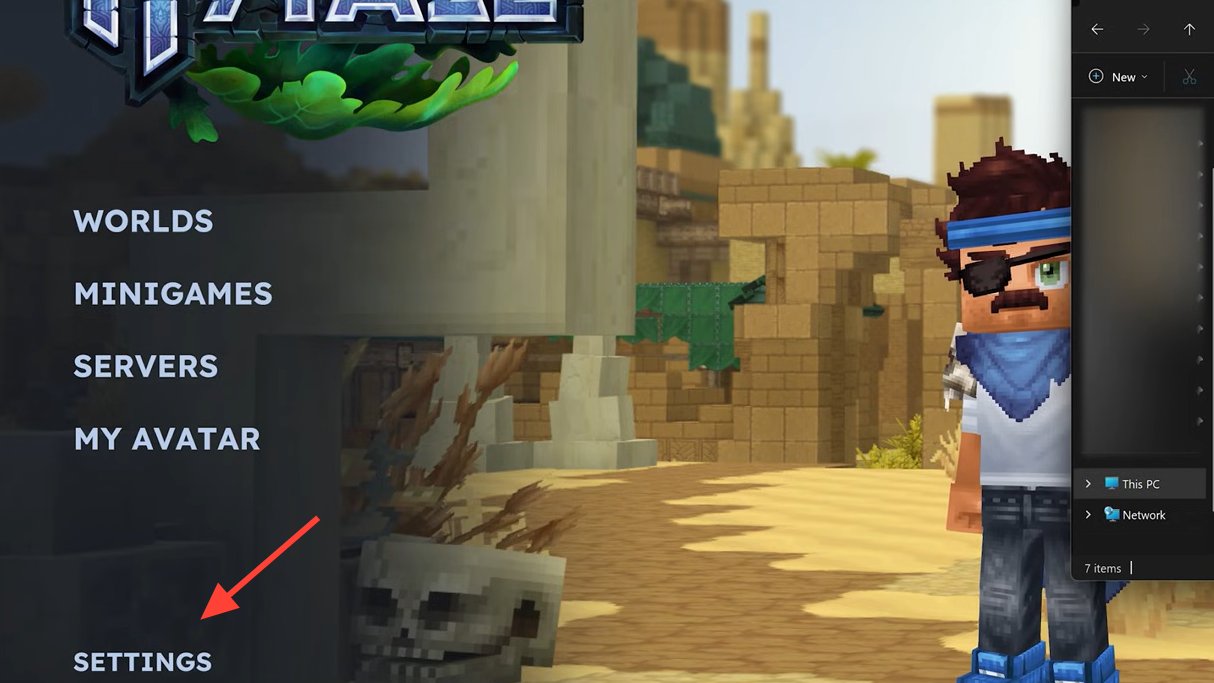
For dedicated servers hosted through a panel like Nodecraft, the seed is visible in the Game Settings → World tab. Each saved world displays its seed directly beneath its name, and clicking Settings on a world box reveals it as well.
Creating a new world with a specific seed
Hytale's world-creation screen does not yet include a seed input field. The workaround involves editing a configuration file before the world generates for the first time.
Step 1: Navigate to your Hytale installation's world storage. Each world has its own config.json located at universe/worlds/<world_name>/default/config.json.
Step 2: Open that file in any text editor and find the "Seed" parameter. Replace its value with the integer you want to use.
Step 3: Save the file and launch the world. Hytale will generate terrain from the seed you specified. If you leave the field empty or at its default, the game assigns a random seed automatically.
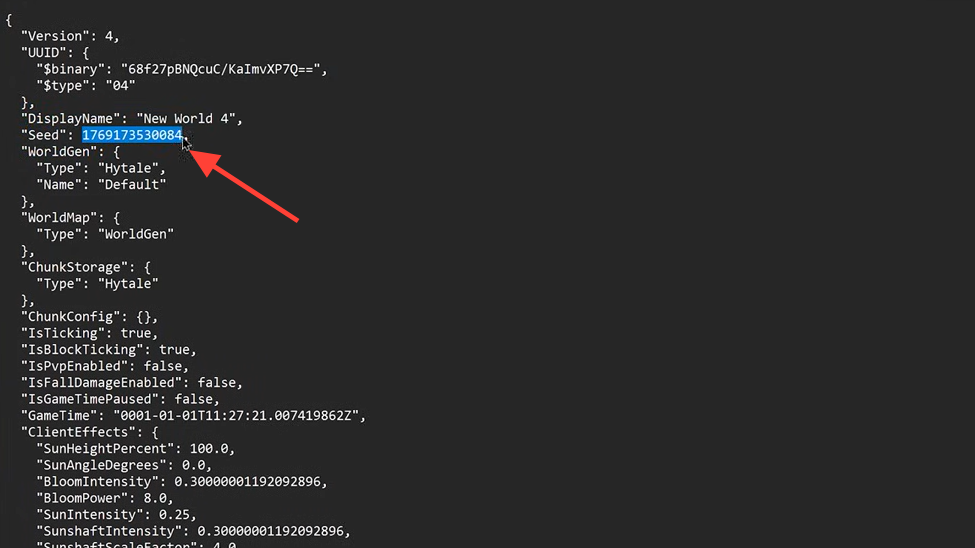
On a hosted server, the same file path applies. Edit config.json through your hosting panel's file manager or via FTP, set the seed, then restart the server so it generates a fresh world with that value. Community members have noted that a more direct in-game method would be welcome, and it may arrive in a future update.
Hytale's zones and what seeds control in each
The world of Orbis is divided into distinct zones, and a seed determines the layout within all of them. Understanding the zones helps when you are hunting for a seed with specific features.
| Zone | Environment | Notable seed-driven features |
|---|---|---|
| Emerald Grove (Zone 1) | Forests, plains, cherry blossoms, swamps | Kweebec villages, rivers, cave systems |
| Howling Sands (Zone 2) | Deserts, oases, mesas | Ziggurats, desert temples, gold deposits |
| Borea (Zone 3) | Snowy plains, ice caves, pine forests | Thorium deposits, Outland villages, yeti spawns |
| Devastated Lands (Zone 4) | Volcanic and corrupted terrain | Rare biomes, hostile structures |
| The Nexus (Zone 5) | End-game region | Unique generation tied to late-game content |
| The Underground | Caverns beneath all zones | Ore veins, large cave networks, ravines |
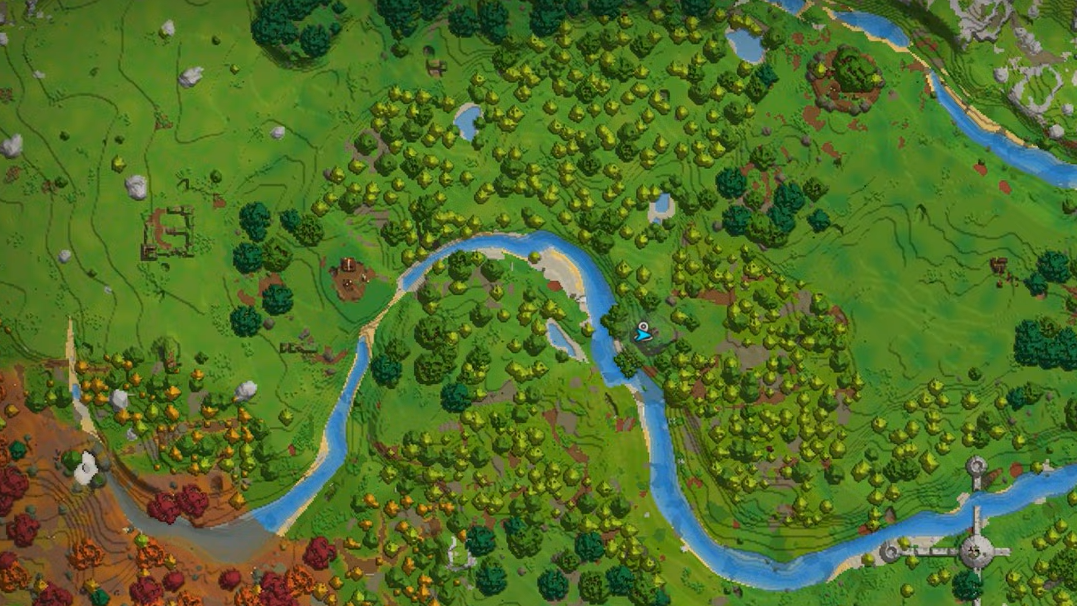
Not every seed produces all four surface zones on the main continent. Some players have reported that their initial seed lacked a savannah biome or had fewer azure forests, while a different seed placed multiple rare biomes close together. Rerolling seeds — or borrowing a community-tested one — is the fastest way to get the starting conditions you want.
Community-shared seeds worth trying
A growing community of seed hunters is cataloging standout worlds. Below are a few popular seeds that have circulated during early access, along with what makes them interesting.
| Seed | Biomes near spawn | Highlights |
|---|---|---|
HYTALE2026 | Forest, plains, mountains | Large cave system, village near spawn, river crossing |
ORBIS123 | Desert, oasis, mesa | Multiple ziggurats, gold deposits, desert temple |
KWEEBEC42 | Cherry blossom, swamp, autumn forest | Kweebec village at spawn, scenic landscape, easy start |
BOREA999 | Snowy plains, ice caves, pine forest | Thorium nearby, Outland village, yeti spawn |
ADVENTURE | Plains, forest, mountains | Balanced resources, multiple dungeons, central location |
Community-driven seed databases have also appeared, letting players browse, submit, and vote on seeds with screenshots and coordinates. Featured discoveries include canyon seeds, massive mountain ranges, wrap-around rivers at spawn, and icy landscapes. If you find something remarkable, submitting it with your seed number, coordinates, and a screenshot helps other players replicate the experience.
Viewing your world in a browser with EasyWebMap
If you run a dedicated server and want a visual overview of what your seed produced, the EasyWebMap mod renders a live map in any web browser. It uses Hytale's native map rendering, updates terrain automatically as players build or explore, and tracks player positions in real time via WebSocket. The mod also exposes a REST API for fetching player locations and tile images, which is useful for Discord bots or stream overlays.
Installation is straightforward: drop the jar into your server's mods folder, restart, and open http://localhost:8080. By default, only chunks that players have already explored are rendered, which prevents abuse from users scrolling into unexplored territory and triggering heavy generation. A disk cache persists tiles across restarts, so the map loads instantly for repeat visitors.
Why seeds matter for more than just exploration
Sharing a seed lets friends experience the exact same world, which is ideal for cooperative challenges or adventure maps. Modders and world designers rely on known seeds to test creations in a controlled environment — if a prefab placement breaks on a particular seed, they can reproduce the bug every time. Server administrators use seeds to guarantee consistent starting conditions across resets, and speedrunners hunt for seeds with optimal spawn locations and resource proximity.
Hytale is still in early access, and the tooling around seeds will almost certainly improve. For now, the combination of a console command, a config file edit, and a growing library of community seeds gives you solid control over the world you play in.