

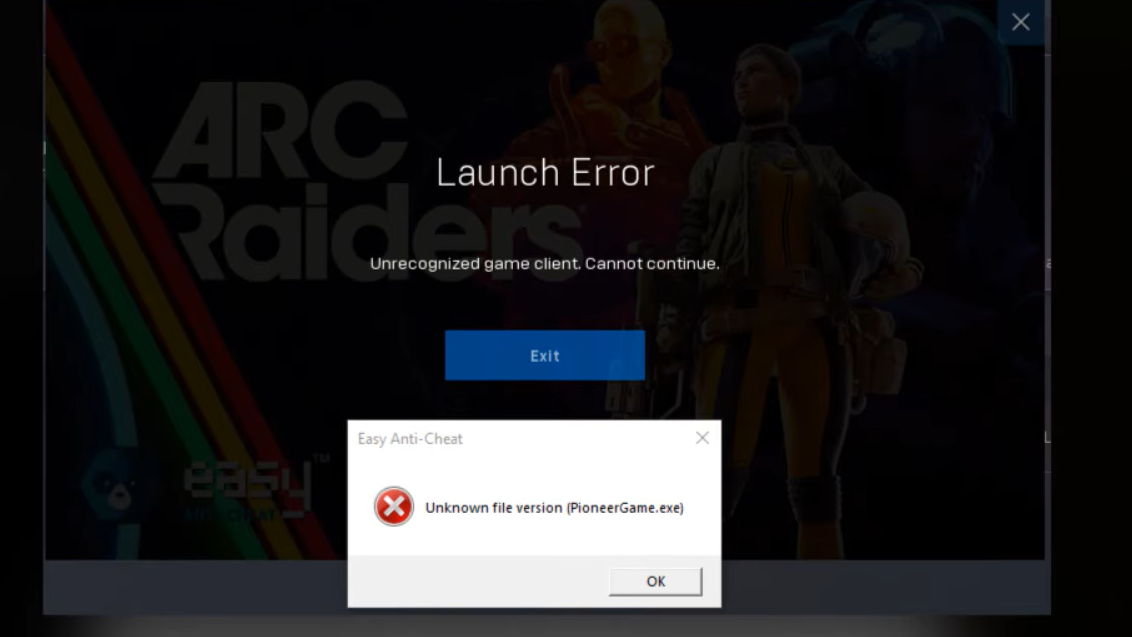
The "Outdated Game Client" error in ARC Raiders appears when your installed version of the game falls behind the version running on Embark Studios' servers. It locks you out of Speranza and the Rust Belt entirely, and it prevents you from joining friends in cross-play sessions until your client catches up.
Quick answer: Manually trigger an update for ARC Raiders on your platform. On Steam Deck, verify game file integrity. On PlayStation 5, press Options on the game icon and select "Check for Updates." On Xbox Series X|S, open "Manage Games and Add-ons" and check the Updates tab. If no update is available yet, the patch for your platform may still be rolling out — wait and try again shortly.
Why the error appears
ARC Raiders enforces strict version matching between your local client and the game servers. When Embark Studios pushes a patch — whether it's a major content update or a small hotfix measured in kilobytes — the servers move to the new version immediately. Any client still running the old version gets rejected with this error. It exists to prevent crashes, desyncs, and gameplay inconsistencies that would occur if mismatched versions tried to communicate.
Three specific situations trigger it. The most common is a standard patch deployment where the servers update before your console or PC has downloaded the new files. The second is a mid-session update: you might keep playing solo after a patch drops, but attempting to join a friend who has already updated will fail. The third, and most frustrating, involves platform-specific rollout delays.
Platform-specific fix steps
Steam Deck and PC (Steam)
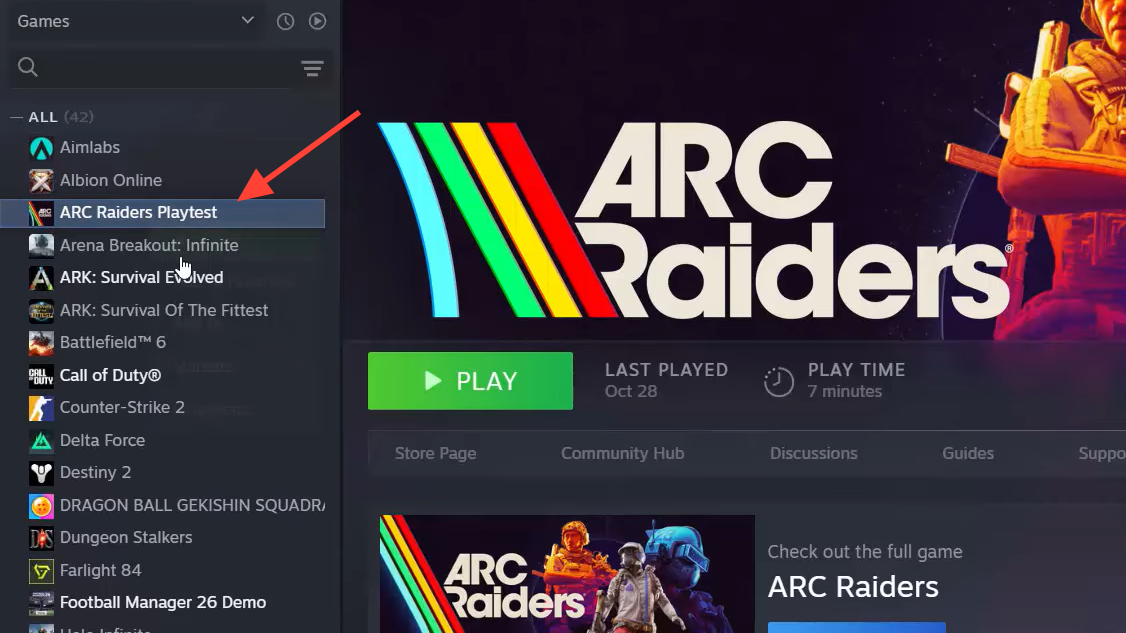
Step 1: Open your Steam library and navigate to ARC Raiders. Select the game to open its detail page.
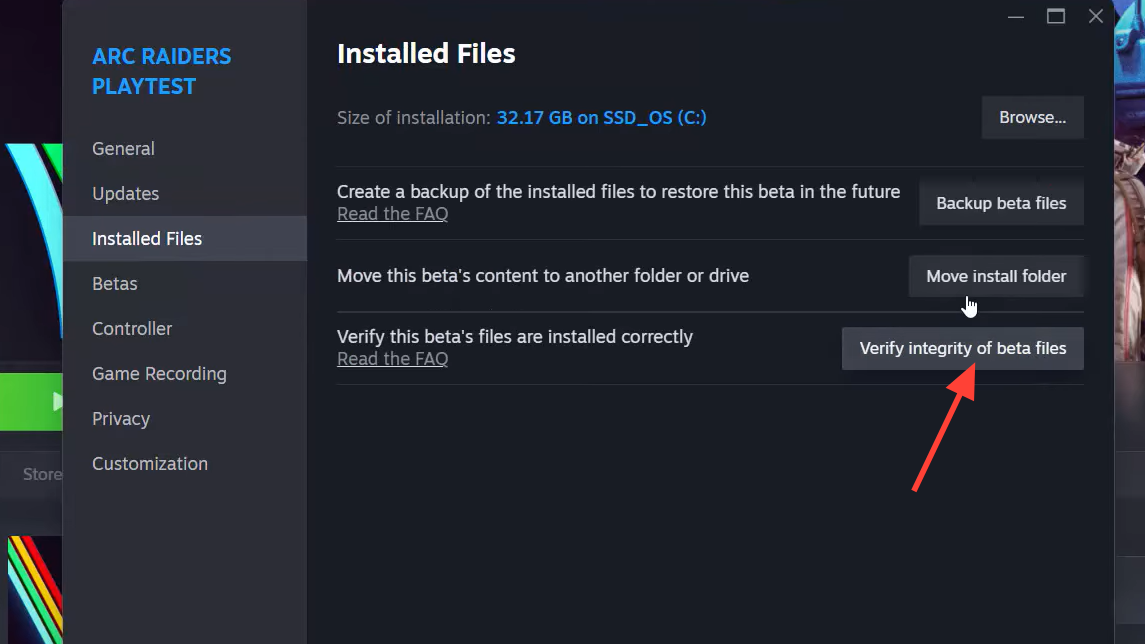
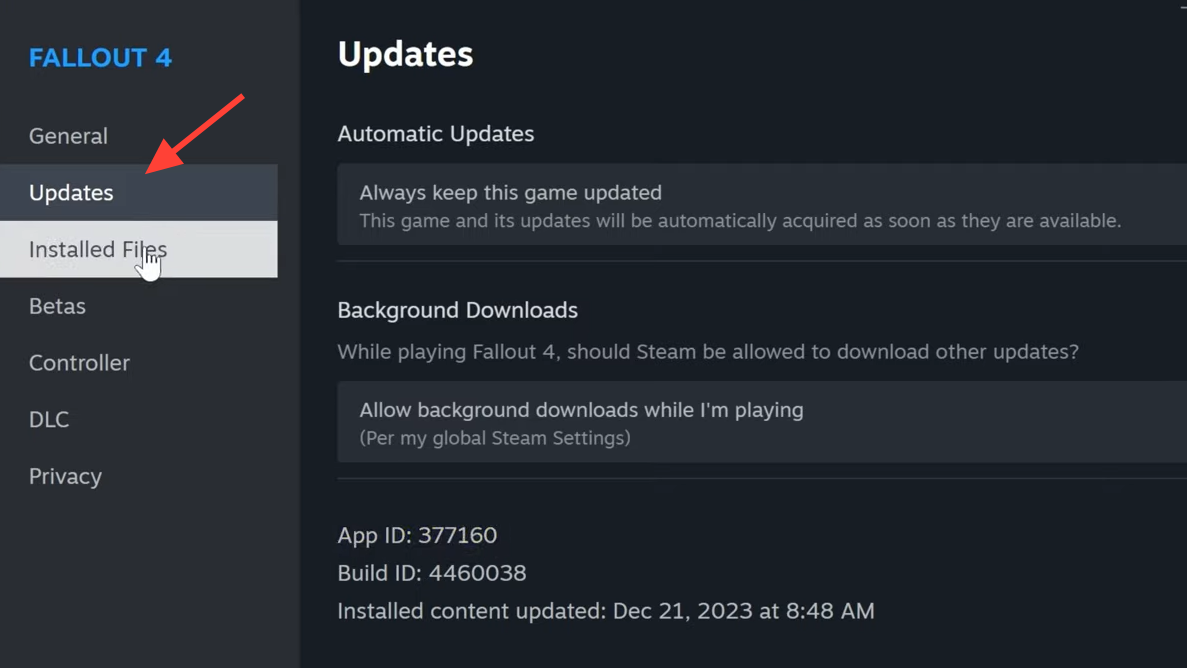
Step 2: Click "Properties" from the game's menu, then go to the "Installed Files" section.
Step 3: Click "Verify Integrity of Game Files." Steam will compare your local installation against the current server version, identify any missing or outdated files, and download them automatically.
Once verification completes and any new files are installed, launch the game. You should be able to connect to servers and join friends without the error.
PlayStation 5
Step 1: Find the ARC Raiders icon on your PS5 dashboard and highlight it.
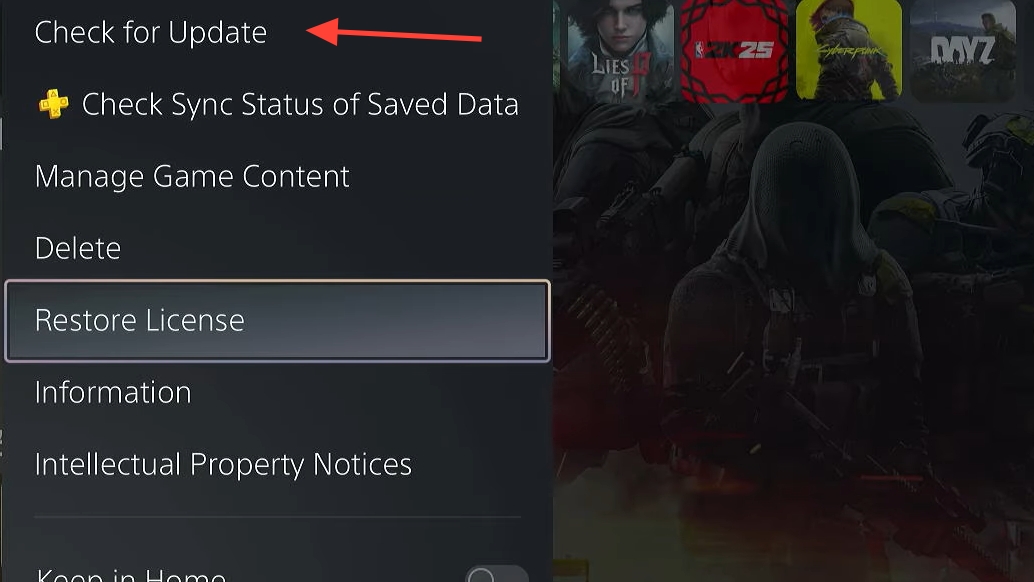
Step 2: Press the Options button on your controller and select "Check for Updates" from the context menu.
Step 3: If a patch is available, the system will begin downloading and installing it. Wait for the process to finish before launching the game.
This manually forces the console to check for the latest version, bypassing the automatic update system if it hasn't picked up the patch yet.
Xbox Series X|S
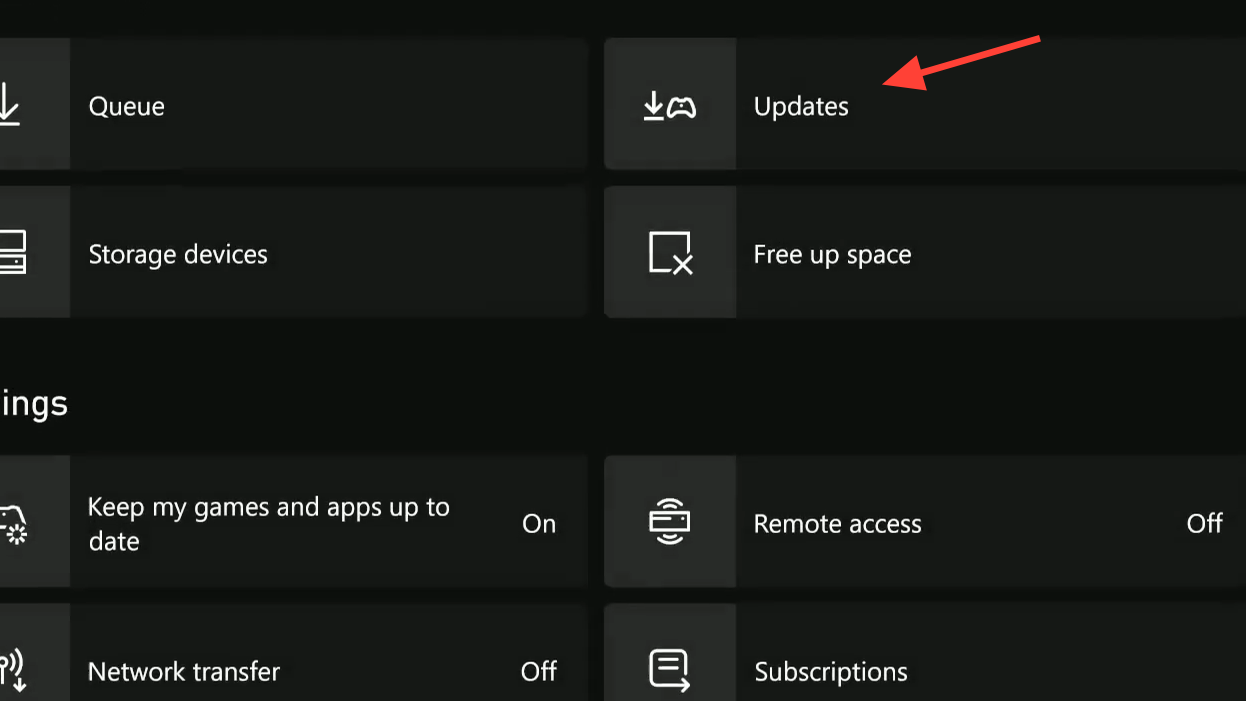
Step 1: Open the "Manage Games and Add-ons" menu from the Xbox dashboard or by pressing the Menu button on the ARC Raiders tile.
Step 2: Locate ARC Raiders in your game list and navigate to the "Updates" tab.
Step 3: If a pending patch appears, select it to begin installation. If nothing shows up, try a full console restart — some players have reported that restarting the Xbox causes the update to appear.
Note that Xbox patches can arrive later than PC or PlayStation patches during hotfix rollouts. If no update is available and you're trying to cross-play with friends on other platforms, the patch for Xbox may simply not have been released yet. In that situation, the only option is to wait for Embark Studios to push the Xbox build through certification.
When updating doesn't fix it
If you've installed the latest patch and the error persists, corrupted or incomplete game files are the most likely cause. A partial download during the update process can leave your installation in a state the server doesn't recognize as current, even though your platform reports the game is up to date.
Start by running file verification again using the platform-specific steps above. On Steam, this is straightforward. On consoles, you may need to take a more aggressive approach.
If verification doesn't resolve the problem, perform a complete reinstall:
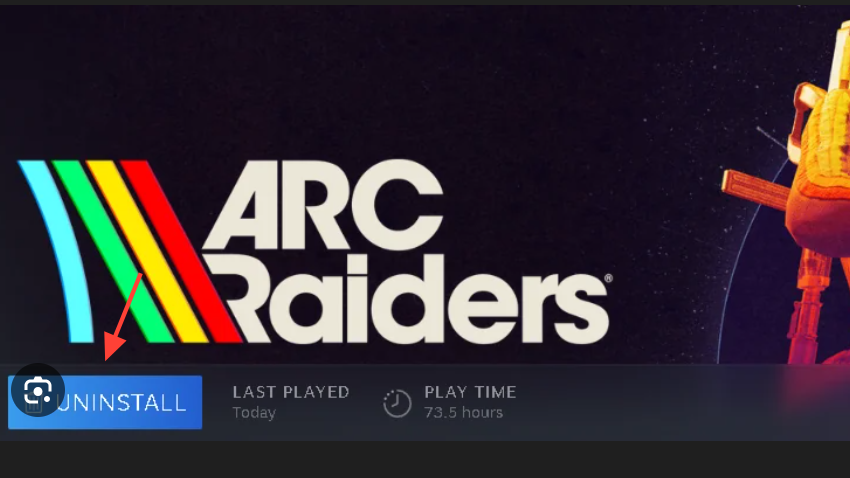
Step 1: Uninstall ARC Raiders entirely from your system.
Step 2: Restart your console or PC.
Step 3: Download and install ARC Raiders fresh. This guarantees a clean copy of the current version with no leftover corrupted files.
Cross-play and staggered rollouts
The Outdated Game Client error is especially common in cross-play groups where one platform receives an update before the others. A PlayStation player who has already patched cannot party up with an Xbox player whose console hasn't received the update yet. The game treats this as a version mismatch and blocks the connection on the side running the older build.
This is temporary by nature. Once the patch finishes rolling out to all platforms, cross-play resumes normally. During the January 2026 hotfix window, Embark Studios explicitly warned that Xbox players would be unable to cross-play until the Xbox-specific patch shipped, and the issue resolved once that build went live.
Preventing the error in the future
Enabling automatic updates on your platform is the simplest way to reduce how often you encounter this error. The relevant settings differ by system:
| Platform | Setting location |
|---|---|
| Steam / Steam Deck | Steam Settings → Downloads → enable automatic updates for games |
| PlayStation 5 | Settings → Saved Data and Game/App Settings → Automatic Updates → enable |
| Xbox Series X|S | Settings → System → Updates → enable "Keep my console up to date" and "Keep my games & apps up to date" |
Even with automatic updates turned on, patches won't install if your console has been offline or in a deep sleep state that doesn't allow background downloads. Getting into the habit of manually checking for updates before launching ARC Raiders — especially after seeing patch notes from Embark Studios — saves time and avoids the frustration of being locked out mid-session.
How to confirm the fix worked
After updating, launch ARC Raiders and attempt to connect to the game servers. If the error is resolved, you'll load into Speranza normally, gain access to the Rust Belt for extraction missions, and be able to join friends across all platforms. If you still see the error or hit an "Online Services Unavailable" message immediately after updating, the game servers themselves may be undergoing maintenance or experiencing issues — in which case the problem is on Embark's end and will resolve without further action from you.
This error tends to appear more frequently during periods of active development when Embark Studios is shipping patches and hotfixes in quick succession. As the game stabilizes over time, expect to see it less often.