

High on Life 2, which launched on February 13, 2026, shipped with a number of soft-lock bugs — and the escape room is one of the most frustrating. Players entering the escape room activity have reported that the countdown timer in the second or third room simply stops, leaving them unable to progress. Because the game autosaves aggressively and doesn't offer manual save slots or older checkpoint loading, getting stuck here can feel like a death sentence for your entire playthrough.
Quick answer: The timer freeze in rooms 2 and 3 is not actually a broken timer — it's caused by missing a required interaction. Completing the correct sequence of object pickups and placements in each room will resume progress and let you leave normally.

Escape Room 2 fix — The grill and the dog house
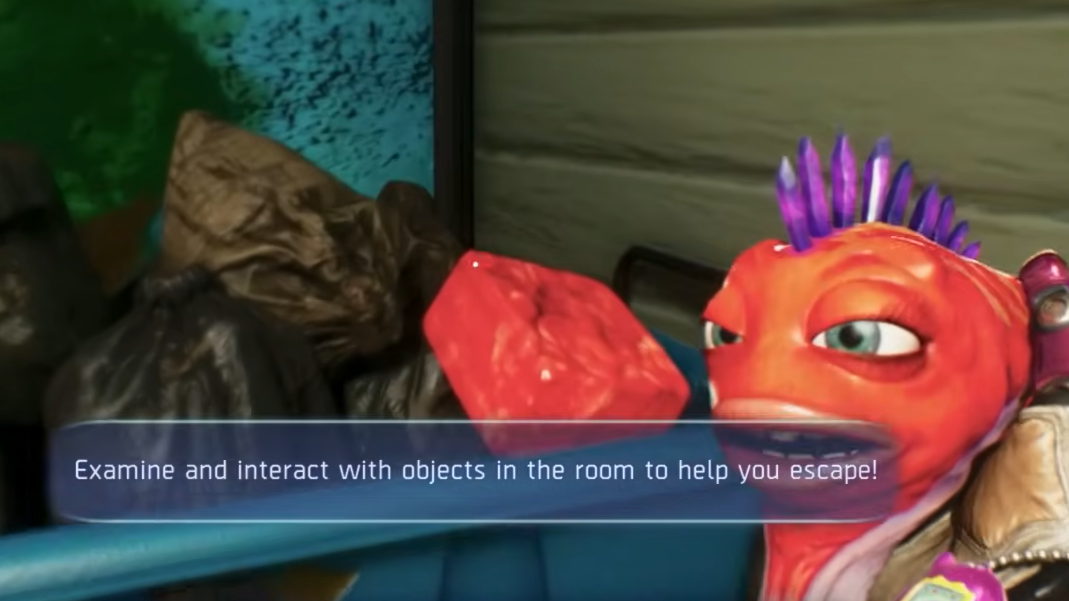
In the second escape room, the timer appears to stall because a key item interaction doesn't always surface its prompt clearly. You need to find a red meat cube sitting in a garbage bin on the left side of the room. Pick it up, then walk to the front of the grill. This part trips people up — the interaction prompt on the grill only appears when you approach it from the front and look at it from a slightly odd angle. Trying to interact from the back or side won't work.
Once the grill cooks the meat, pick up the cooked version and place it in front of the dog house. After that, the room should register as complete, and you'll be free to leave. Several players have confirmed that a patch shortly after launch may have improved the prompt reliability, so make sure your game is fully updated before attempting this.
Escape Room 3 fix — Chainsaw, mummy, and hidden interactables
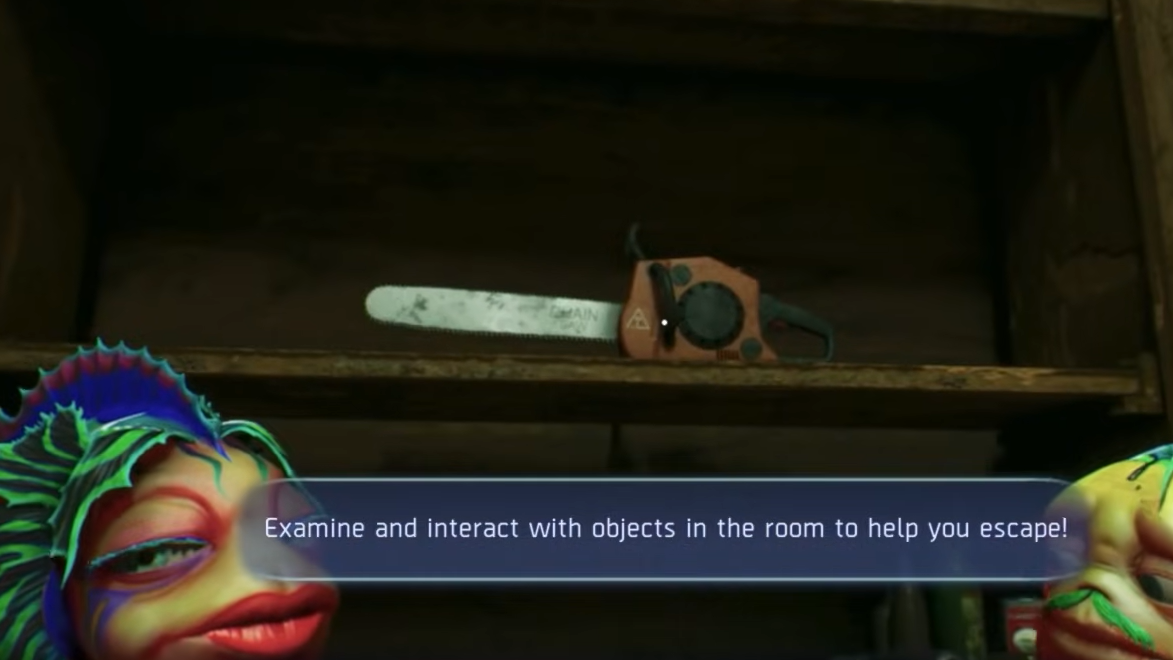
The third room is trickier because it requires you to interact with nearly every object in the space, and the order matters. Start by picking up the chainsaw, then grab the red gasoline can and add the fuel to the chainsaw. Walk over to the mummy sitting in the rocking chair and use the chainsaw on it.
Here's where most players assume they're soft-locked: after using the chainsaw on the mummy, there's no obvious next step. The solution is to pick the mummy up — it becomes a carryable object. Before placing it, though, you need to interact with two easily overlooked items in the room. There's a bowl on a shelf that you need to move around, and a burlap sack that requires interaction as well. Shuffle these items, then carry the mummy to the bed and place it there. An item (referred to by players as the "aunk") will appear under the bed, completing the room.
What happens if you get stuck mid-attempt
The escape room bug has an ugly failure mode. If you attempt the fix but make a mistake while inside the bugged room, the game can autosave you into a black screen death loop. Because High on Life 2 autosaves extremely frequently and only maintains one checkpoint, this can permanently corrupt your save for that playthrough.
If you find yourself in a death loop with a black screen, there is one potential out. Some players have had success clipping out of bounds using movement exploits and then reloading the checkpoint from a different position. A community-made video walkthrough demonstrates this technique for the murder mystery room soft-lock, and the same general approach — getting out of bounds and forcing a checkpoint reload — has worked for some escape room victims as well. However, be warned: if you clip into the wrong area (such as the large room with the elevator), the game may overwrite your checkpoint to that broken location, making things worse.
When restarting is the only option
If none of the above fixes work and your save is stuck in a loop, the only remaining option is starting a new game. High on Life 2 currently lacks the ability to load older checkpoints or maintain multiple save files — a significant gap for a single-player game with this many potential soft-locks. Some players who restarted have noted that the second run went faster and they picked up significantly more loot and upgrades they'd missed the first time, so it's not a total loss.
One player reported that lowering all graphics settings to low and disabling upscaling resolved their issue, suggesting that, in some cases, the bug may be related to NPCs or objects failing to render properly. This is worth trying before committing to a full restart, especially on lower-end hardware.
Other common soft-locks in High on Life 2
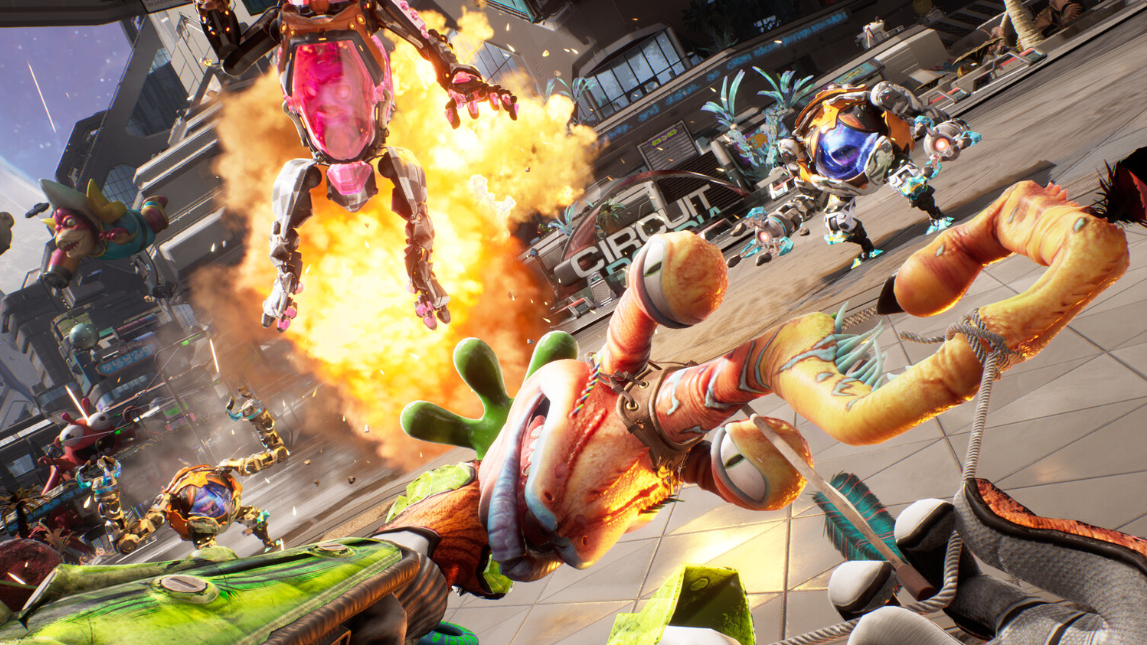
The escape room bug is far from the only progression blocker players have encountered since launch. The game has a pattern of soft-locks tied to missed triggers, invisible walls, and aggressive autosaving. A few of the most widely reported ones share similar workaround patterns.
| Bug | Workaround |
|---|---|
| Murder Mystery slide doesn't trigger next phase | Clip out of bounds and navigate back to the murder room, then reload checkpoint |
| Invisible wall blocking RV during Rescue Dad mission | Grapple onto the shelter with the tractor underneath (the one farther from the ship) to get launched past the barrier |
| Murder Con receptionist won't interact | Backtrack to the previous area and kill all remaining security guards, then return |
| Gambling arena exit leads to black screen / infinite fall | No confirmed fix — restart may be required |
| James Stevenson mission — 3rd painting won't teleport | No confirmed fix — restart may be required |
Squanch Games has not publicly detailed a comprehensive bug-fix timeline, though at least one early patch appears to have addressed some interaction prompt issues in the escape room shortly after launch. Until more patches land, your best defense is to save-scum where possible (quit and relaunch before entering risky areas) and make sure every enemy in an area is dead before moving to the next objective. The game's autosave system is both a lifeline and a trap — and right now, knowing the exact interaction sequences in places like the escape room is the difference between finishing the story and starting over.