

The Tavern Window is a small, decorative window item in Hytale that uses a single piece of Darkwood to create a pair of wooden-framed windows. It appears under the furniture and housing categories and is designed to slot neatly into builds such as inns, taverns, and other timber-heavy structures.
Quick answer: Place a Builder’s Workbench, put 1 Darkwood log in the window recipe, and craft to receive 2 Tavern Window items with the identifier Furniture_Tavern_Window.
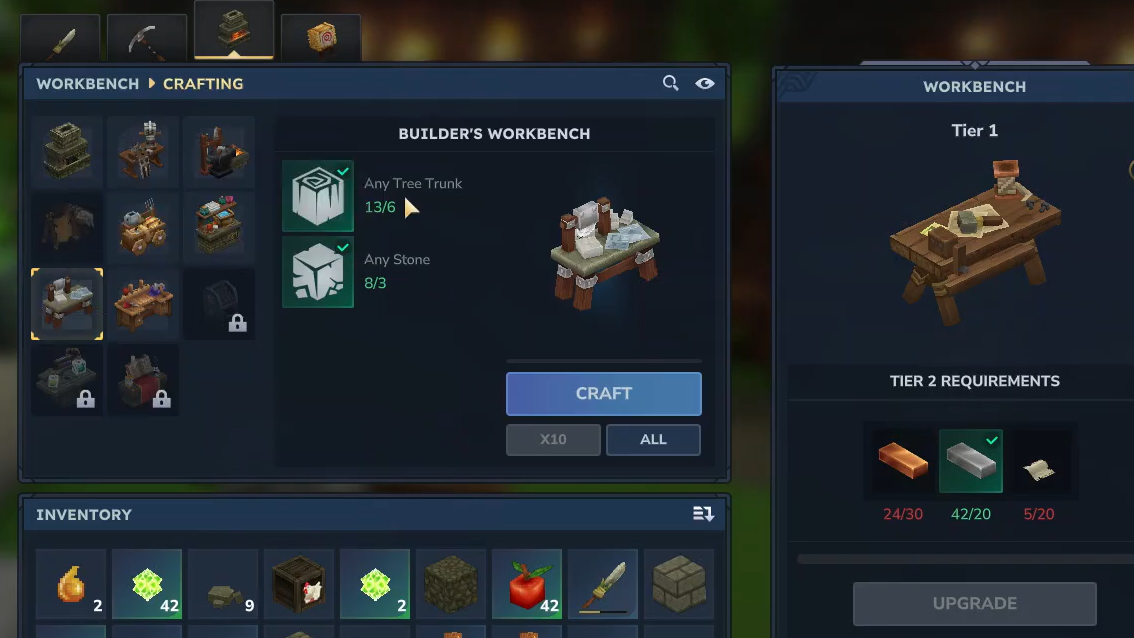
Tavern Window item overview
The Tavern Window is a common furniture item in Hytale. It is treated as a placeable housing element and is also grouped under doors and other openings in some item lists. In code and data files, it is referenced by the identifier Furniture_Tavern_Window, which is useful when you work with console commands or custom content.
Functionally, it behaves like a stylized window you embed into walls. It uses a distinctive wood shape that matches classic tavern builds and complements other Darkwood-based structures.
Tavern Window crafting recipe and station
The Tavern Window recipe is simple and uses only one material type.
| Output | Input material | Amount of input | Crafting station | Output quantity | Item ID |
|---|---|---|---|---|---|
| Tavern Window | Darkwood | 1 | Builder's Workbench (Window recipe) | 2 | Furniture_Tavern_Window |
The key points are:
- You must use Darkwood as the input wood type to obtain the Tavern Window variant.
- The recipe yields 2 Tavern Window items per 1 Darkwood, so each craft gives a pair of windows.
- The recipe is accessed through the window option at a Builder’s Workbench, under the broader window-crafting system.
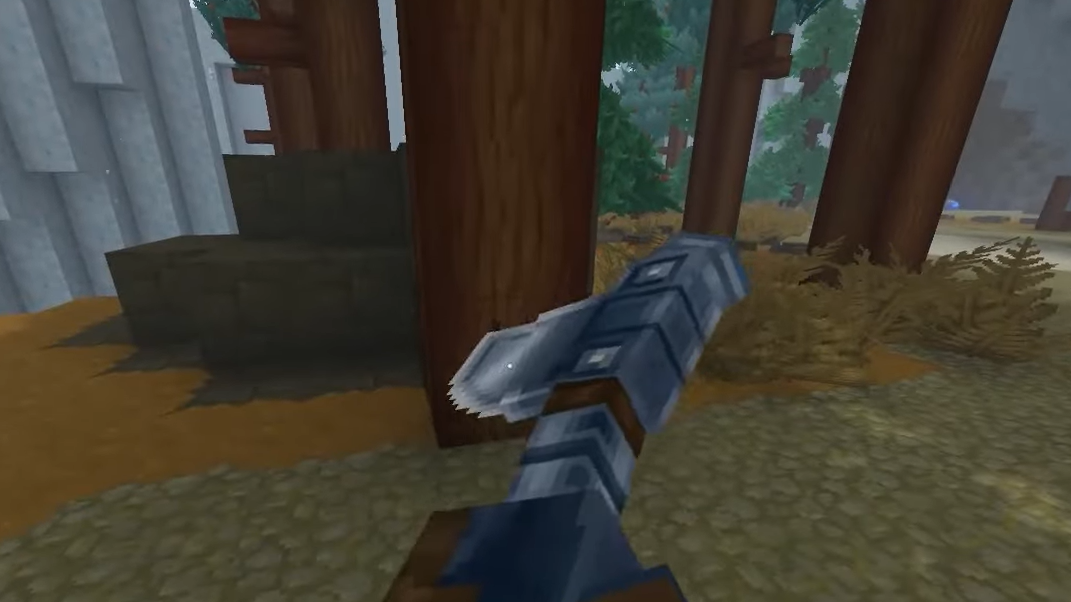
How to craft a Tavern Window
Step 1: Build a standard Workbench and then upgrade to a Builder’s Workbench using 6 Logs and 3 Stone. This unlocks the advanced building recipes, including windows.
Step 2: Place the Builder’s Workbench in the world and interact with it to open the crafting interface.
Step 3: Put a Darkwood log into the input slot. The window recipes shown in the interface adjust to the wood type you insert.
Step 4: Scroll or navigate to the window recipe that outputs Tavern Windows. Confirm that Darkwood is listed as the material, then choose the option to craft.
Step 5: Take the output stack of Tavern Windows from the result slot. You should receive 2 items for each Darkwood log consumed.
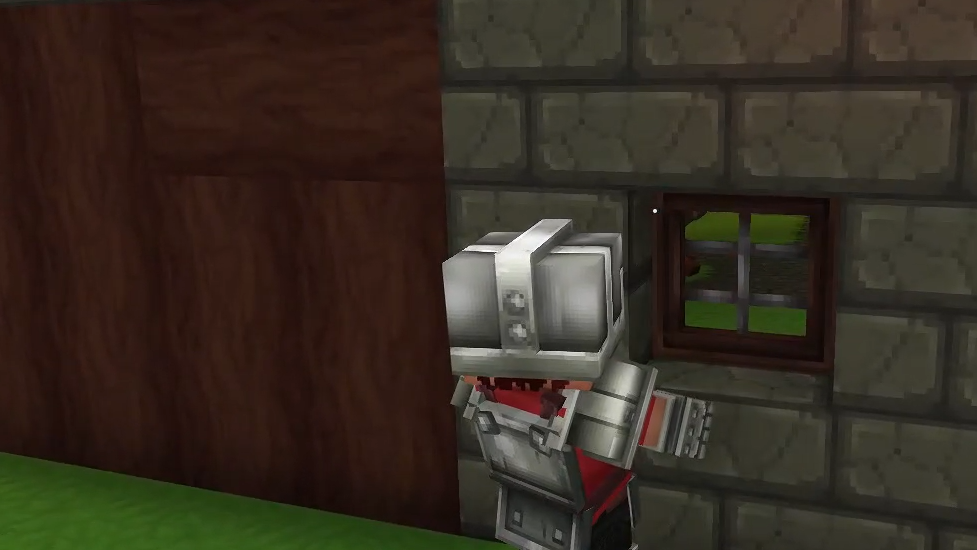
How to confirm you crafted the Tavern Window correctly
There are a few reliable ways to verify that you have the correct item:
- Name check: Hover over the item in your inventory; the name should display as “Tavern Window”.
- Quantity check: One successful craft from 1 Darkwood log should result in a stack of 2 Tavern Windows.
- Identifier check: In data views, commands, or modding tools, the item should appear under the identifier
Furniture_Tavern_Window. - Visual check: When placed in a wall, the window should show the tavern-style wooden frame associated with Darkwood rather than the simpler shapes produced by other woods.
If any of these checks fail, the most likely issue is that a different wood type was used, which produces a different window variant.
Once crafted, the Tavern Window behaves like other small housing openings in Hytale: it can be placed into wall blocks to create framed apertures that fit the aesthetic of Darkwood taverns and similar builds.