

Sweet Tooth is a PlayStation-exclusive car body in Rocket League that can be unlocked for free and used in Fortnite. The vehicle is available only to players on PlayStation 4 and PlayStation 5, and it requires completing a series of matches with specific car bodies in Rocket League before it appears in your Fortnite garage.
Quick answer: Play one online match with each of the following Rocket League cars—Gizmo, Merc, Venom, X-Devil, Octane, Paladin, Backfire, and Breakout—then claim Sweet Tooth in your Rocket League garage. It will automatically sync to Fortnite.
Unlock Requirements for Sweet Tooth
Sweet Tooth is unlocked by winning at least one online match with each of eight common car bodies in Rocket League. These matches must be played on a PlayStation console (PS4 or PS5) and must be completed in any online mode, including Casual, Competitive, or Tournaments.
The required car bodies are:
- Gizmo
- Merc
- Venom
- X-Devil
- Octane
- Paladin
- Backfire
- Breakout
All eight of these cars are available by default or through the New Driver Challenges in Rocket League. Octane, Breakout, and Merc are granted to every player at the start, while the others unlock by completing matches or tutorial tasks.
How to Complete the Unlock Process
Step 1: Launch Rocket League on your PlayStation console and navigate to the Garage menu. Select the Body tab to view your available car bodies.
Step 2: Choose one of the required cars from the list (for example, Gizmo) and equip it. Enter any online match mode—Casual, Competitive, or Tournaments—and complete the match. You do not need to win; simply finishing the match counts toward the unlock.
Step 3: Repeat Step 2 for each of the remaining seven cars. Track your progress by checking which cars you have already used in online matches. The game does not provide a visible checklist, so you may want to note which cars you have completed.
Step 4: After you have played one online match with all eight cars, return to the Garage menu in Rocket League. Sweet Tooth will appear in your Body inventory. Select it to confirm it is unlocked.
Claiming Sweet Tooth in Fortnite
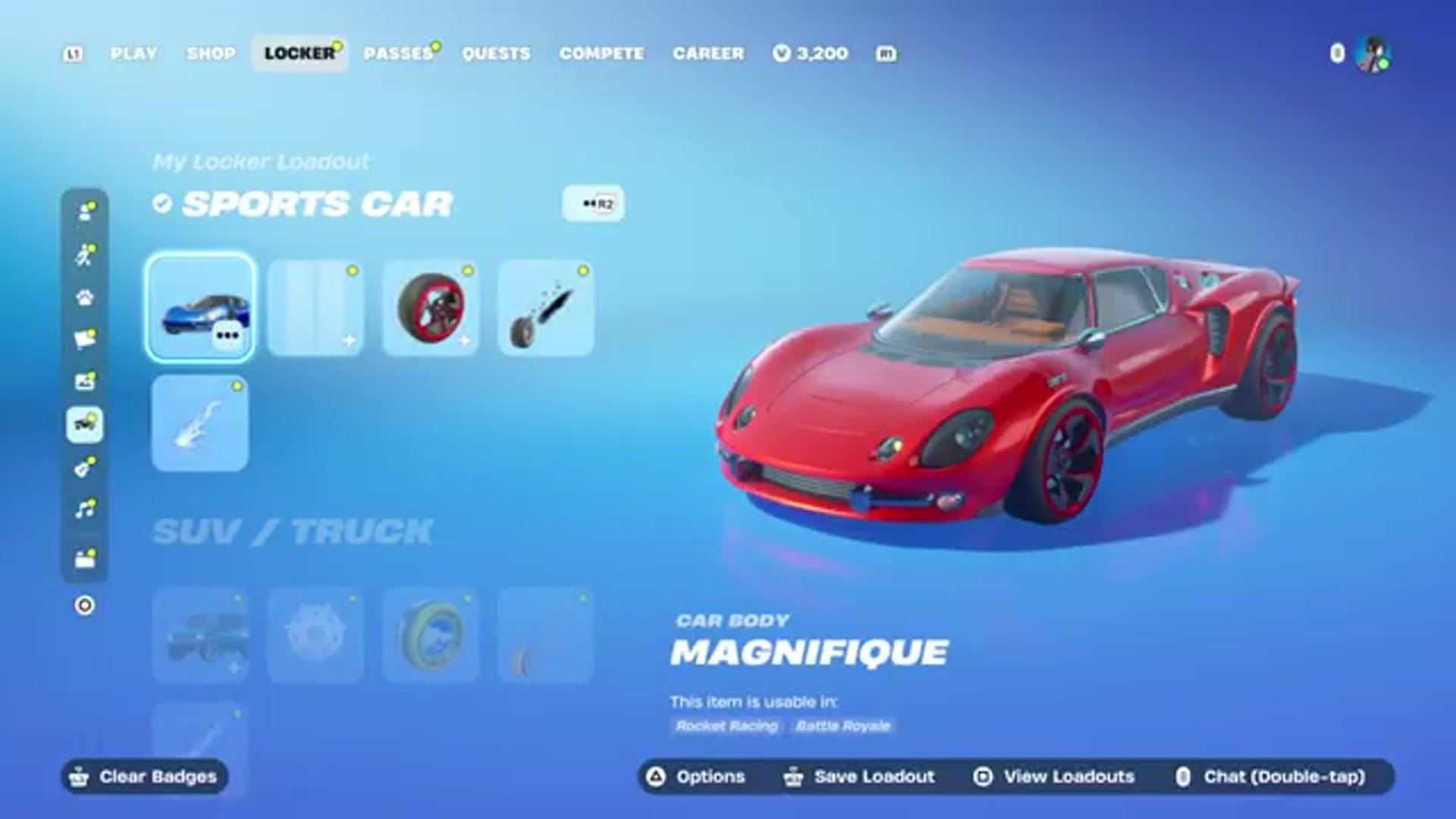
Once Sweet Tooth is unlocked in Rocket League, it will automatically sync to your Fortnite account. Open Fortnite and navigate to the Locker menu. Select the Cars tab, then choose the Sports Car slot. Sweet Tooth will appear in your list of available car bodies.
If Sweet Tooth does not appear immediately, restart Fortnite or wait a few minutes for the sync to complete. Items unlocked in Rocket League typically transfer to Fortnite within a few minutes, but delays can occur during server maintenance or high traffic periods.
Sweet Tooth Availability and Restrictions
Sweet Tooth is exclusive to PlayStation platforms. Players on Xbox, Nintendo Switch, or PC cannot unlock or use this car body, even if they link their Epic Games account to a PlayStation account. The vehicle is tied to the PlayStation ecosystem and does not transfer to other platforms.
Sweet Tooth uses the Merc hitbox in Rocket League, which is a taller, box-shaped hitbox with a higher center of gravity. In Fortnite, the car body functions identically to other Sports Car bodies and can be customized with wheels, boosts, and decals available in the Fortnite Locker.
Common Issues and Troubleshooting
If Sweet Tooth does not unlock after completing matches with all eight required cars, verify that you played online matches and not offline or training modes. Matches against bots in offline mode do not count toward the unlock requirement.
If the car body does not sync to Fortnite, confirm that your Epic Games account is linked to your PlayStation Network account. Open the Epic Games account settings page and check the Connections section to ensure your PSN account is listed. If it is not linked, follow the on-screen instructions to complete the connection.
Some players report that Sweet Tooth does not appear in Fortnite until they restart the game or log out and back in. If the car body is missing, close Fortnite completely and relaunch it. Check the Locker again after the game reloads.
Other Free Car Bodies from Rocket League
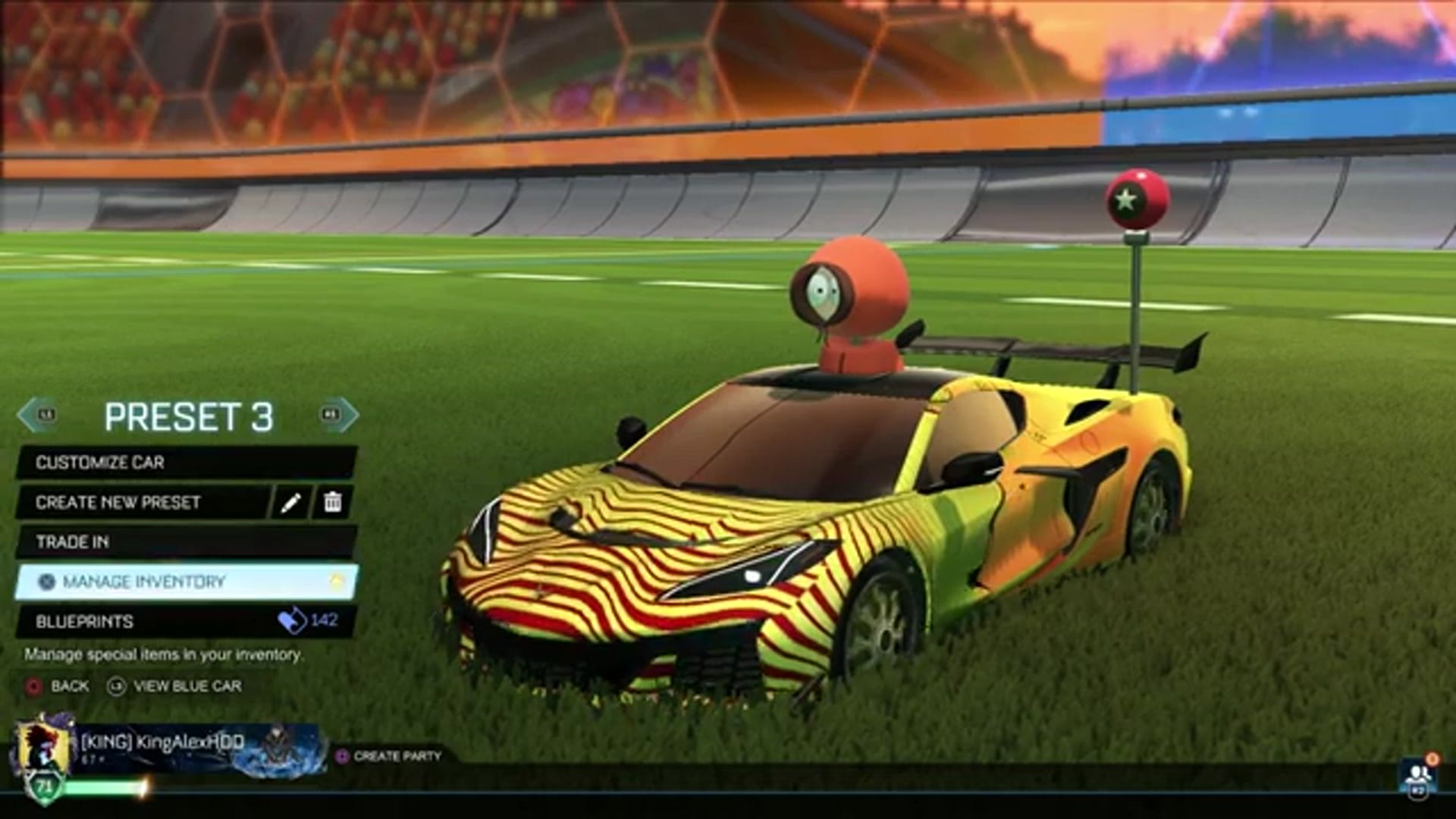
Rocket League offers several other car bodies that can be unlocked for free and used in Fortnite. These include common cars like Octane, Dominus, Breakout, and Merc, as well as cars earned through seasonal challenges, Rocket Pass rewards, and item drops.
To maximize your Fortnite car collection, complete the Rocket League tutorial, play matches to earn item drops, and participate in limited-time events. Many cars earned in Rocket League will sync to Fortnite automatically, though not all Rocket League cars are compatible with Fortnite's Sports Car slot.
Players who subscribe to Fortnite Crew also gain access to the Rocket Pass in Rocket League, which includes additional car bodies, wheels, and boosts. These items unlock as you progress through the Rocket Pass tiers and will appear in your Fortnite Locker if they are compatible with Fortnite's car customization system.