

StyleVerse is a Roblox game built around making short, reel-style videos and trying to get them picked up by the in-game feed. The core loop is straightforward: dress your character for a theme, pick a location that supports that theme, record with the in-game phone camera, then edit and publish.
Outfits in StyleVerse: start with the theme, then pick where to buy
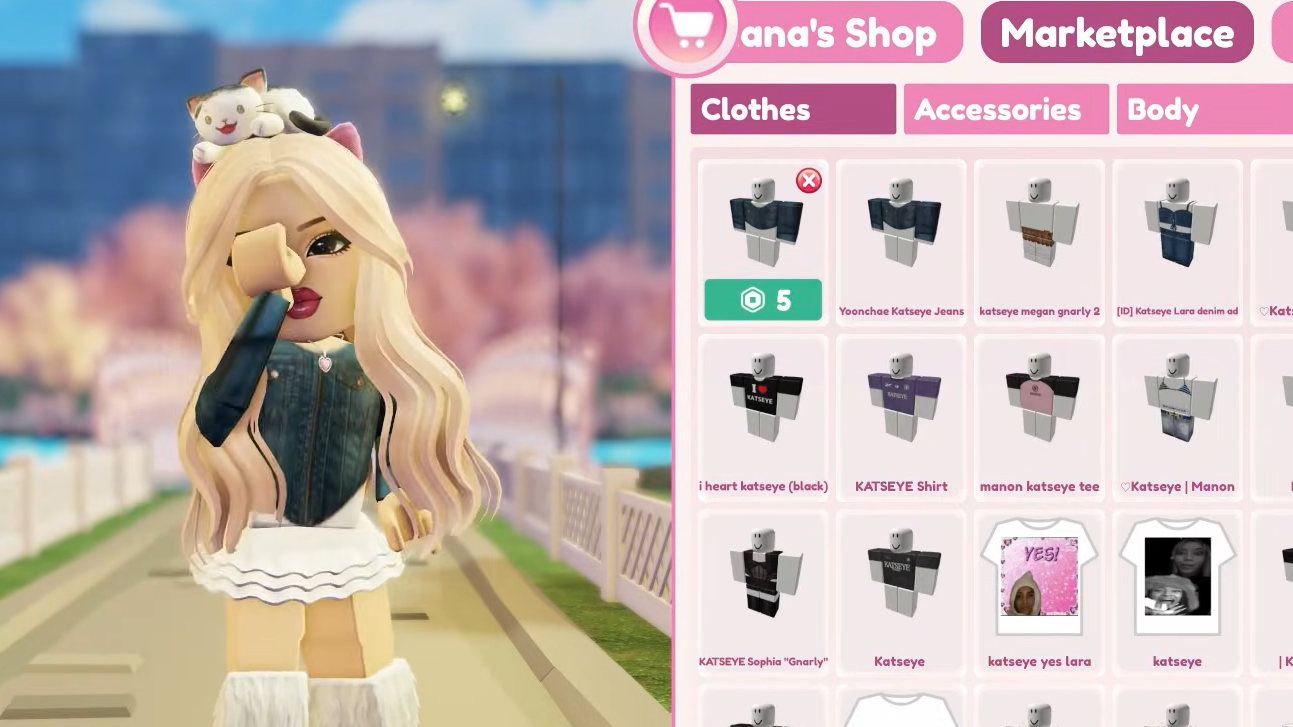
In StyleVerse, wardrobe choices are part of the “story” your reel is telling. If you’re filming around a topic like “Secret Agent,” the clothing needs to read as detective / spy-adjacent, otherwise the concept falls apart before the editing even matters.
There are two common ways players change outfits:
- Enter the game already wearing a different UGC outfit.
- Change inside StyleVerse using the in-game Shop.
The Shop is split into Lana’s Shop and the Marketplace. Lana’s Shop focuses on outfits created for the game and can be purchased with Robux or Silver Hearts. The Marketplace mirrors the broader Roblox Marketplace experience.
Locations in StyleVerse: use the Realm Portal to match the backdrop to the story
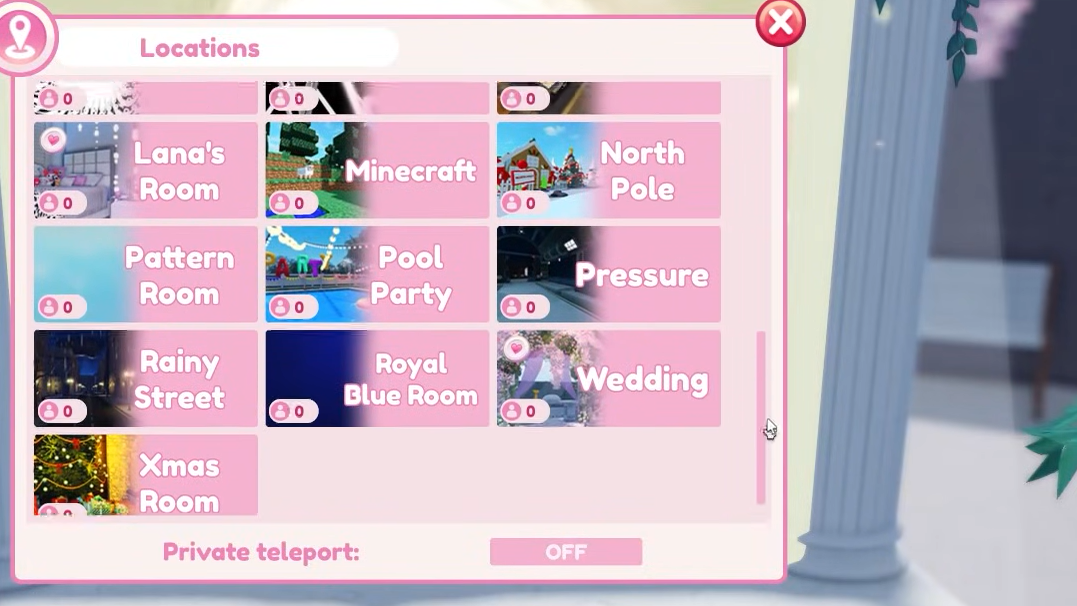
StyleVerse treats location like a set. Background and lighting can change how clothing reads on camera, and the wrong environment can make a theme feel inconsistent. StyleVerse’s locations are accessed through the Realm Portal on the north side of the map.
Realms include places like Brainrot, Garden, and Beach Party, along with other destinations. The practical approach is to pick a Realm the same way you pick an outfit: based on what you’re trying to communicate.
For example, a “Secret Agent” concept fits naturally in locations like Club, Doors, Rainy Street, or Pressure, where the scene sells tension, surveillance, or nightlife.
Recording in StyleVerse: phone camera, skybox, and emotes
Recording starts with the in-game Phone icon, which turns on your camera. From there, you can set the Skybox to day, night, or gloomy, depending on the mood you want.
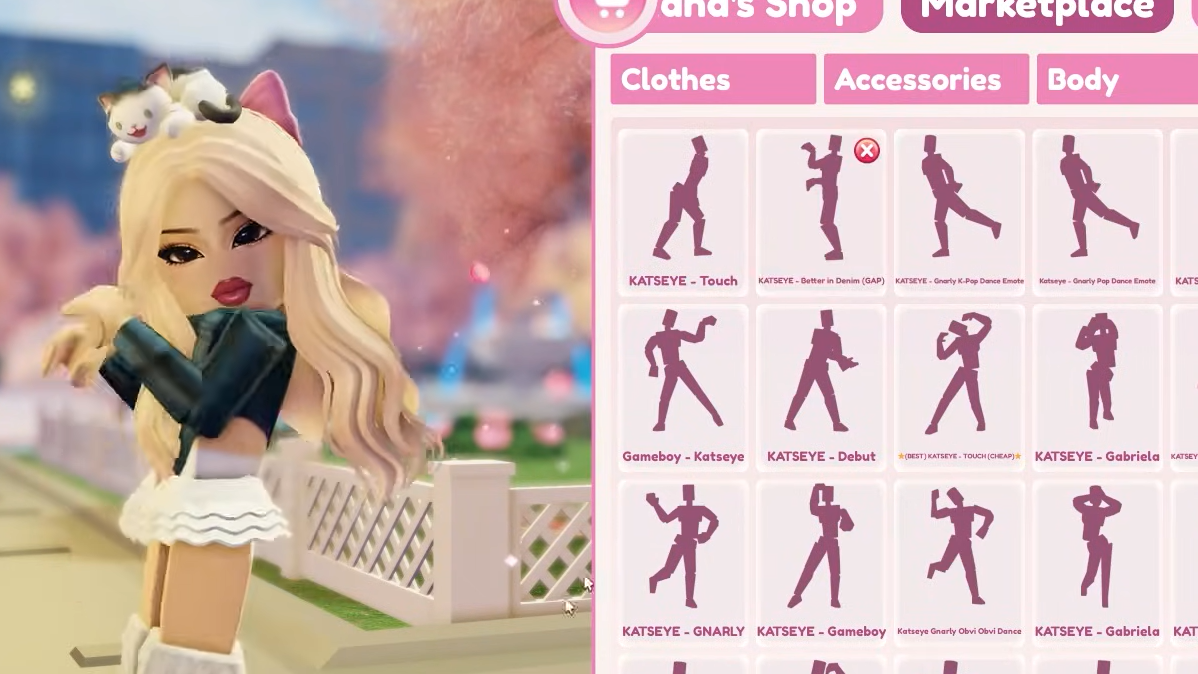
Character action is driven through the emote system. Use the > button to open the emote wheel and perform actions that match the scene you’re trying to stage.
Editing in StyleVerse: filters, images, text, and sound on a timeline
After recording, StyleVerse shifts into its editor via the pencil button. The editing interface is timeline-based, with the full clip laid out as a single timeline and additions layered as separate tracks.
- Filters let you control the tone. Options include effects like Fade-In and Film Noir-style looks.
- Images can be used to add extra “characters,” visual gags, or meme-style inserts.
- Text helps clarify what’s happening, land punchlines, or frame the story when visuals alone aren’t enough.
- Sound is central to how the reel feels, especially for pacing and immersion.
Most adjustments come down to timing. Drag layers across the timeline and resize them to control how long each element stays on screen. When the cut is finished, publish to upload it.
Going viral in StyleVerse: reverse-engineer what the feed rewards
StyleVerse doesn’t offer a single trick that guarantees a hit. A more reliable approach is to treat the game like a feedback loop: watch what consistently performs well, then copy the underlying structure.
Start with Lana’s Favorite Reels and compare them to what you see in your regular feed. Focus on concrete choices you can reproduce, like camera placement, pacing, and what kind of audio is being used. If a specific song (for example, “Aftertaste”) shows up repeatedly in popular reels, using the same audio can align your reel with what viewers are already responding to.
StyleVerse FAQs: leaderboard, codes, and Admin Abuse Events
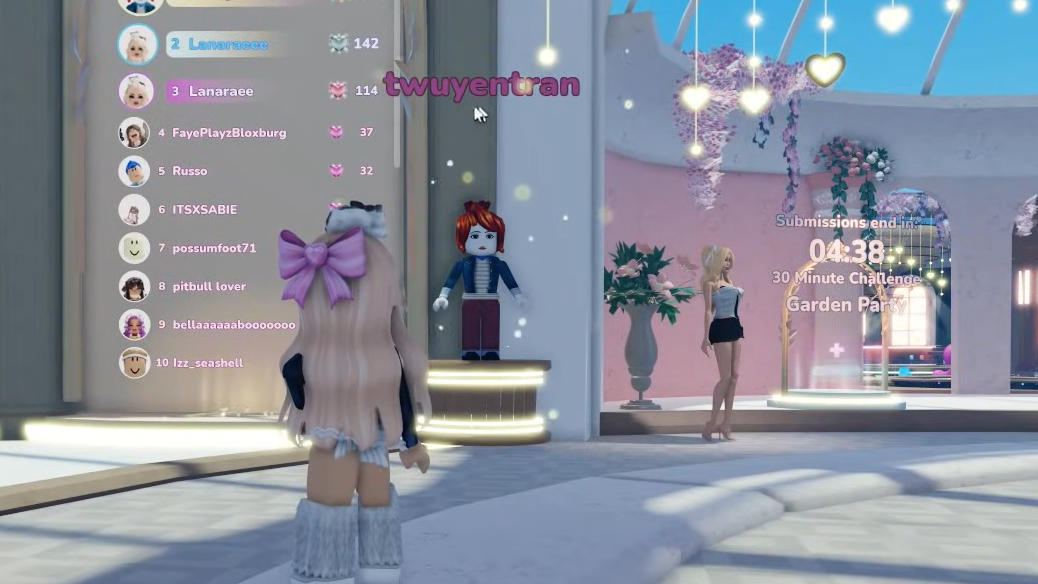
Leaderboard: StyleVerse includes a leaderboard that tracks how many Hearts you’ve earned from your reels.
Codes: There are currently no codes available in StyleVerse. Codes are planned for the future.
Admin Abuse Event: StyleVerse runs an Admin Abuse Event where developers distribute Silver Hearts to players.
StyleVerse Admin Abuse Event schedule (December 2025)
The first Admin Abuse Event in StyleVerse was scheduled for December 12, 2025 at 11:30 PM CET, aligned with the game’s release time. The event timing was also presented for multiple time zones.
| Time Zone | Local Time |
|---|---|
| IST (India) | 3:30 AM (Next Day) |
| GMT (UK) | 10:30 PM |
| EST (USA Eastern) | 5:00 PM |
| PST (USA Pacific) | 2:00 PM |
| CET (Central Europe) | 11:30 PM |
An Admin Abuse Event in StyleVerse is framed as a developer- or admin-run session where rewards such as in-game dresses or accessories may be distributed during gameplay. The inaugural event was expected to be hosted by Lana’s Life. Event sessions are described as typically lasting 1 to 2 hours.