

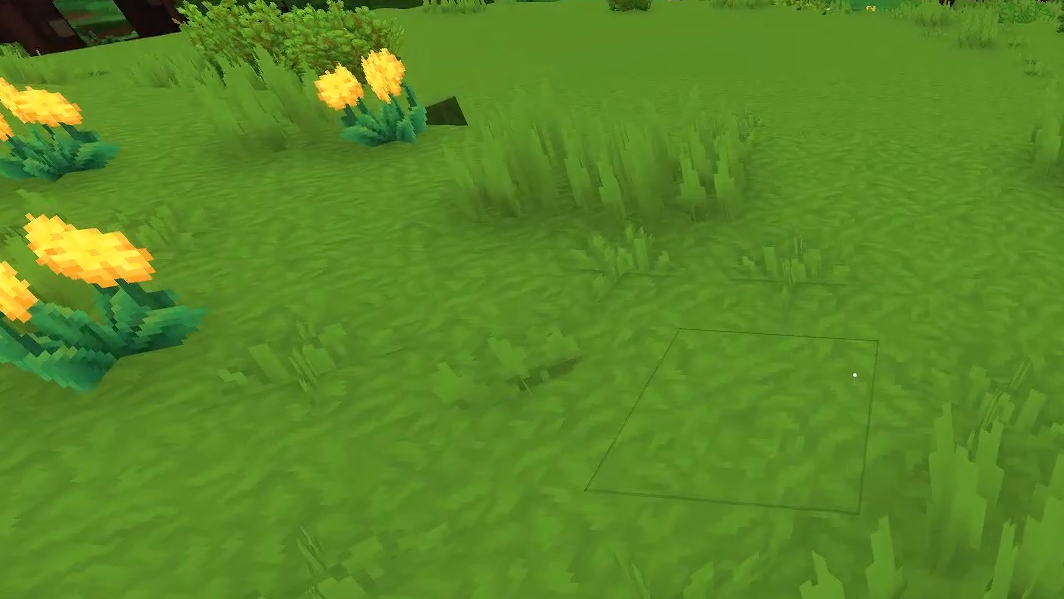
Grass is one of the most visible blocks in Hytale’s overworld, so the first big landscaping project usually ends the same way: a huge, ugly patch of exposed dirt that stubbornly refuses to green up again. That behavior is intentional. In the current Early Access release, grass does not spread or regrow on dirt at all, even if you wait for hours.
To get that lush look back, you have to treat grass as a crafted building material instead of a natural simulation. The tools for that live in the farming progression, particularly the Farmer’s Workbench and its decorative recipes.
How grass works in Hytale right now
Grass is a full block that generates naturally on the surface of Orbis across all zones. Its tint changes by biome – bright green in most Emerald Grove forests, gray‑blue in the ghost forest, different yellow‑green shades in Borea, and so on.
Once you start digging, a few key rules apply:
- Grass does not spread to dirt. A lone grass block surrounded by dirt will stay a lone grass block indefinitely. There is no hidden light, moisture, or time‑based spreading mechanic.
- Breaking a grass block gives you dirt, not grass. Grass itself isn’t renewable through normal mining; you always step backwards to dirt when you dig it up.
- The only built‑in way to create new grass blocks is crafting. You have to use the Farmer’s Workbench to convert soil and plant materials into various grass and soil variants.
This design makes dirt a stable terraforming material: you can cut terraces, ramps, and paths without the world automatically “fixing” them with regrowth. It also means that restoring a cleared hillside to a natural‑looking state is deliberate work, not something you can leave to an in‑game tick loop.
Unlocking grass recipes at the Farmer’s Workbench
All the tools to rebuild your lawns sit behind the farming progression. If you haven’t set that up yet, you need a standard Workbench first, then you can craft the Farmer’s Workbench.
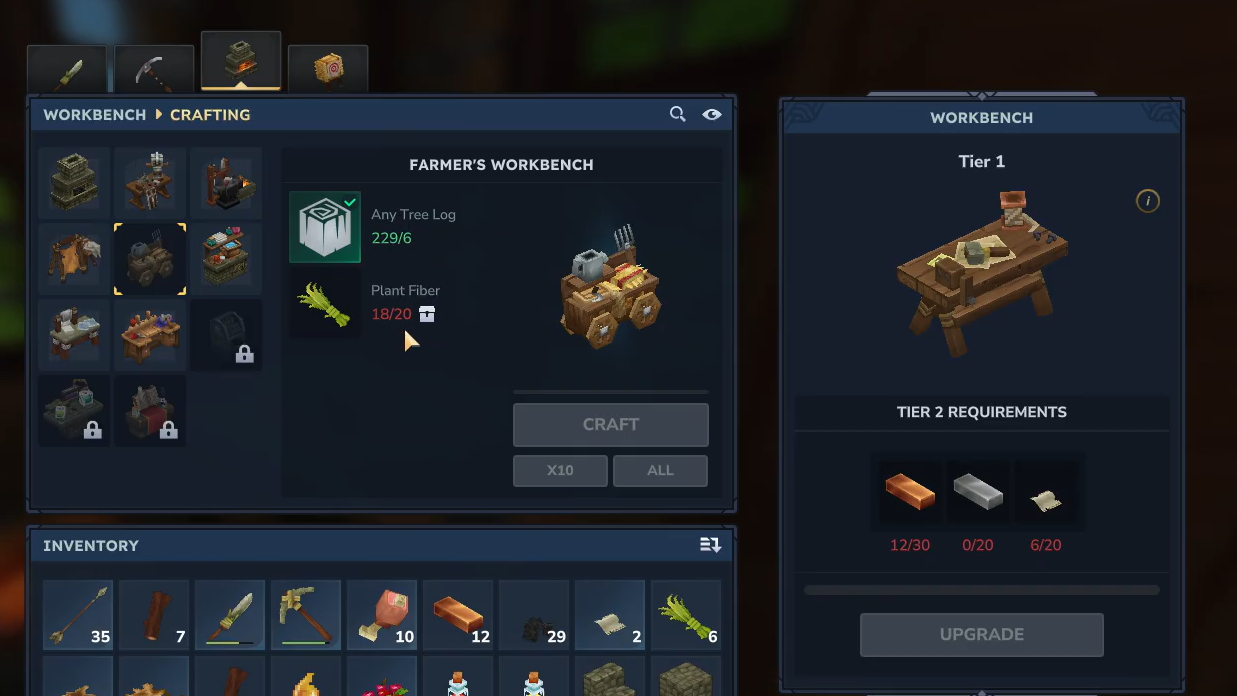
Farmer’s Workbench recipe
| Item | Crafting station | Recipe |
|---|---|---|
| Farmer's Workbench | Workbench (Crafting) | Any Tree Log ×6, Plant Fiber ×20 |
Once placed, the Farmer’s Workbench exposes several tabs: Farming, Seeds, Saplings, Essence of Life, Planters, and Decorative. Grass lives under Decorative, alongside other ground‑cover and moss blocks.
The key early recipe is the generic full grass block:
| Block | Category | Recipe |
|---|---|---|
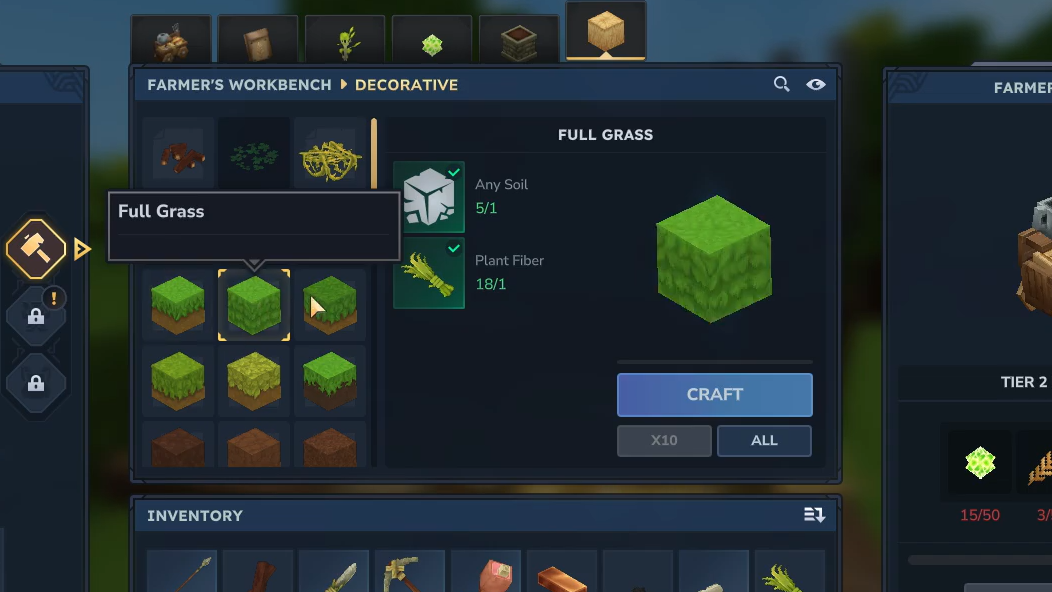
| Full Grass | Decorative | Soil (Any) ×1, Plant Fiber ×1 |
This converts one unit of generic soil and a bit of plant fiber into a placeable grass block that matches your current biome’s tint. It is the primary way to “grow” grass after you have stripped an area down to bare dirt.
Deeper in the Decorative tab, you can also craft biome‑flavored or situational variants such as Dry Grass, Cold Grass, Wet Grass, Summer Grass, Leafy Grass, Burnt Grass, and corresponding dirt or mud types (Dry Dirt, Cold Dirt, Poisoned Dirt, Mud, Dry Mud, Soil Pathway, and so on). These share the same basic idea: you consume soil plus small plant components to get a block that will never auto‑change into something else.
Crafting grass and re‑greening a terraformed area
Once the bench is down, restoring grass becomes a straightforward, if sometimes grindy, loop of gathering soil and plant fiber and then placing the crafted blocks.
Step 1: Collect raw materials. Dig up the exposed terrain for Soil or Dirt blocks and harvest nearby plants for Plant Fiber. Plant Fiber drops from basic vegetation and is also used heavily throughout farming, so it is worth stockpiling.
Step 2: Use the Farmer’s Workbench Decorative tab. Interact with the bench, switch to Decorative, and scroll to the grass entries. Start with “Full Grass” for a general green block, then queue up any biome‑specific grasses you want for accents, such as Dry Grass in deserts or Cold Grass in frozen regions.
Step 3: Craft in bulk. Queue as many grass blocks as your soil and fiber allow. For large fields you will need hundreds of blocks; crafting in long batches saves time in the UI.
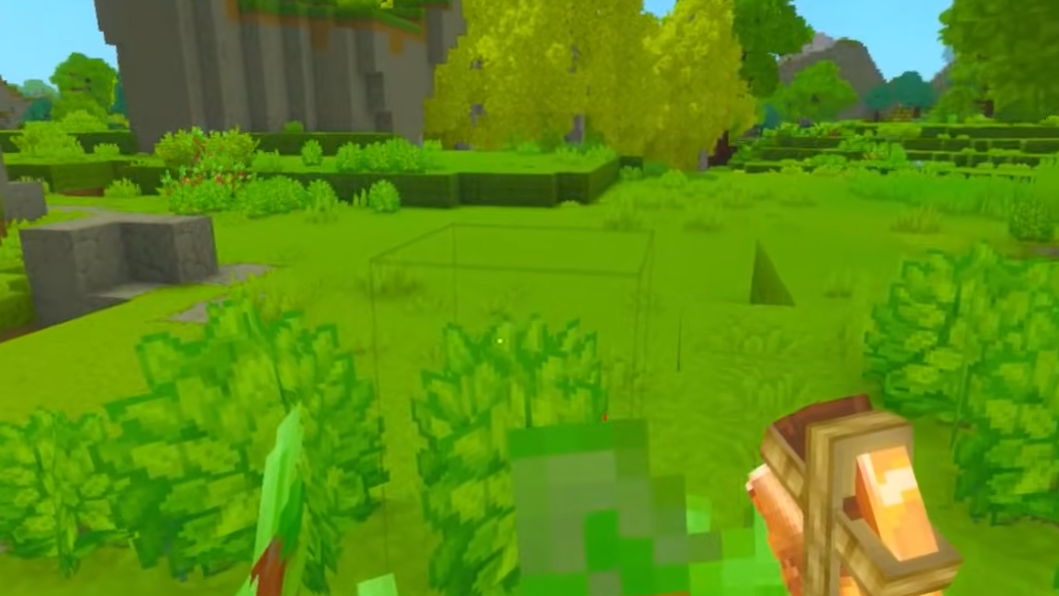
Step 4: Place grass over your dirt. Equip the crafted grass blocks and manually place them over the dirt tiles you want to restore. There is no way for a single grass block to “infect” its neighbors, so every tile that should be green needs a placed block.
For most players, the bottleneck isn’t difficulty but sheer volume. Terraforming massive plateaus and then refacing them with grass is a late‑game patience exercise unless you plan your builds with the current system in mind.
Managing dirt and grass while terraforming
Because grass does not regrow or spread, how you dig in the first place has a big impact on how much work you have to do later. A few habits reduce the amount of replacement grass you need.
- Think in layers. If you only cut away subsurface dirt and leave the original top layer of grass where possible, you avoid having to recreate a surface you already had.
- Use dirt as a design element. The system is built so that intact dirt remains dirt indefinitely. That makes worn‑in paths, construction sites, and dry clearings possible without constant regrowth. You can intentionally leave bare patches rather than fighting to repaint everything green.
- Lean on decorative soils. Soil Pathway, Dry Dirt, Cold Dirt, and similar blocks exist for when you want walkways or biome‑appropriate bare ground that will never convert back to grass.
When you do have to move huge volumes of dirt, shovels help. Some shovels can hit a three‑block line at once, but they use the same sweeping hitbox system as weapons. The arc of the swing, your position, and the angle into the blocks determine whether you actually break the full intended 3×1 strip. With practice, you can consistently remove rows in only a few swings, which speeds up both excavation and later cleanup.
Farming systems that interact with grass and soil
Hytale’s farming loop mostly cares about soil rather than grass, but the two are connected. Crops can only be planted on certain ground types, and the same Farmer’s Workbench that gives you grass also controls your crop progression.
Key interactions:
- Tilling works on Dirt and Grass. When you equip a Hoe (starting with the Crude Hoe: Any Tree Log ×2, Any Stone ×1) and right‑click, you can till both plain Dirt and Grass blocks into farmland. Grass does not have to be present for crops to grow; bare Dirt is fine as long as it is tillable.
- Planters bypass surface blocks. Stone, Tavern, Feran, and Bamboo Planters let you grow crops in self‑contained containers. These are crafted at the Farmer’s Workbench using combinations of Stone or logs, Soil, Essence of Life, Clay, Plant Fiber, and Bamboo Logs at higher tiers. They are useful when you want to keep a courtyard paved or grassy but still need access to agriculture.
- Essence of Life fuels more decoration. Harvesting crops yields both produce and Essence of Life, which is used heavily across the Seeds, Saplings, and Planters tabs. While most grass and soil decorative blocks only need Soil and Plant Fiber, the broader farming loop makes it easy to keep those materials flowing as you expand your base.
Grass itself doesn’t boost crop growth; that role is handled by water and fertilizer. A watered crop grows 2.5× faster, and fertilizer applied from a Fertilizer Bag (crafted at Tier 3 of the Farmer’s Workbench) doubles growth again. Those mechanics sit alongside your terrain work rather than being driven by grass coverage.
Mods that make grass spread
Many players expect grass to behave more like it does in other voxel sandboxes and are surprised when dug‑up hillsides stay brown forever. That frustration has already produced simple mods whose only job is to enable grass spreading from existing grass blocks onto nearby dirt over time.
With one of these installed on a modded client or server, you can terraform with dirt, seed the area with a few grass blocks, and then let the simulation slowly fill in the rest. If you prefer the current dirt‑stays‑dirt behavior, you can hold off on mods and rely entirely on crafted decorative grass and dirt variants instead.
In the unmodded game, though, the rule is clear: grass will not grow back on its own. Every patch of green on a remodeled landscape is either a naturally untouched surface or something you deliberately crafted and placed.
The result is a world where every lawn, path, and patch of mud is a conscious decision. It is more manual than many players expect, especially during Early Access, but once the farming bench is up and running, regreening a project is just another part of Hytale’s broader building and farming rhythm.