

The Skyward Dance in Where Winds Meet is more than a throwaway emote. It is a fully staged sequence in Revelry Hall that doubles as a social feature, a quest requirement, and a reliable way to earn Velvet Shade progress and in-game photos. It can be triggered with other players through casual co-op, or repeated with an NPC once you have unlocked it.
What the Skyward Dance is and why it matters
Skyward Dance is a co-op “leisure activity” set in Revelry Hall. Two characters are swept into a choreographed aerial dance that plays out as a dedicated cutscene, ending with a snapshot pose. Players describe multiple photo poses at the end, which makes it worth repeating if you enjoy taking pictures or experimenting with different outfits.
Skyward Dance appears in several contexts:
- As a step in the 7‑day Spring Letters event, where you need to “experience the Skyward Dance with another player” to gain XP toward the Velvet Shade track.
- As a one‑time requirement in a Revelry Hall quest to “complete Skyward Dance once” and claim a photo reward.
- As a repeatable social action you can launch with friends, random players, or certain NPCs for the cutscene and snapshot.
There is an important distinction: doing the Skyward Dance solo with an NPC does not fulfill the multiplayer‑specific Spring Letters step. For Velvet Shade progress, the game expects a co-op version with another player.
How to unlock and reach Skyward Dance in Revelry Hall
Skyward Dance is tied to Revelry Hall (often misread as “Rebel Hall”) rather than being a world‑anywhere emote. You must be in online mode, with access to co-op systems, before anything else will work.
Step 1: Switch the game to online mode from the main menu or in-game settings so casual co-op and matchmaking are available.
Step 2: Travel to Revelry Hall. This is the social hub where the Skyward Dance sequence is staged and where relevant NPCs and other players gather.
Step 3: Locate the Skyward Dance spot and the associated NPC in Revelry Hall. If you have already seen the solo version, you will recognize the location immediately.
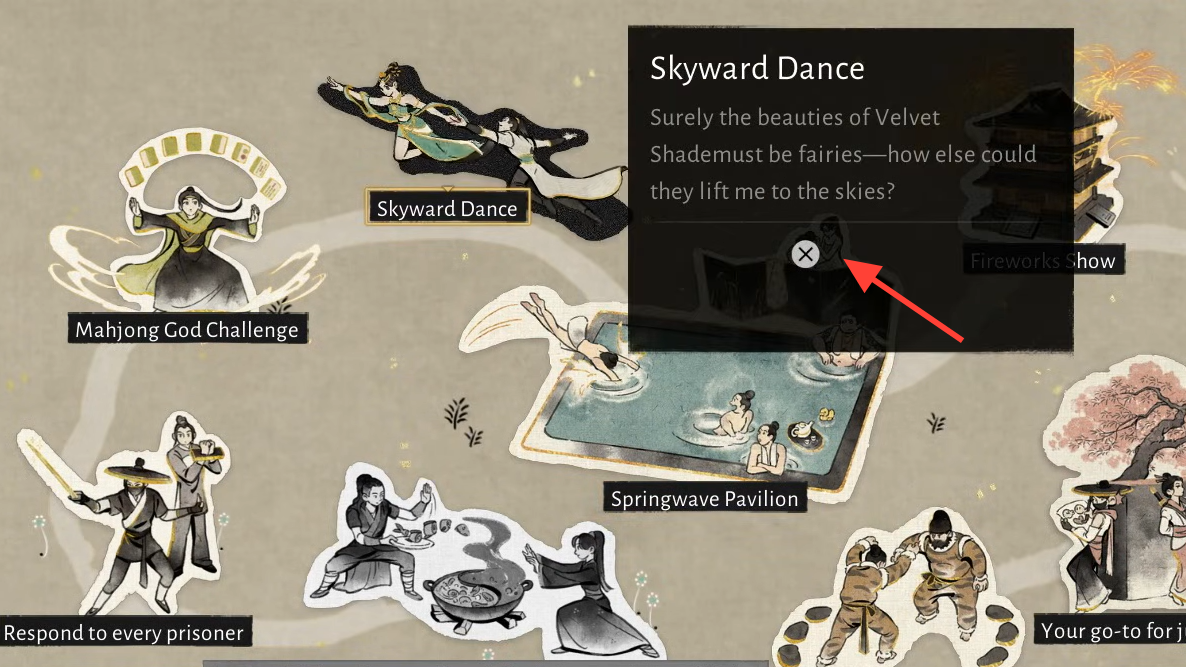
At this point, simply talking to the NPC and selecting a dance option may start a cinematic, but that interaction alone does not count for multiplayer‑only tasks. For those, you have to go through the casual co-op system.
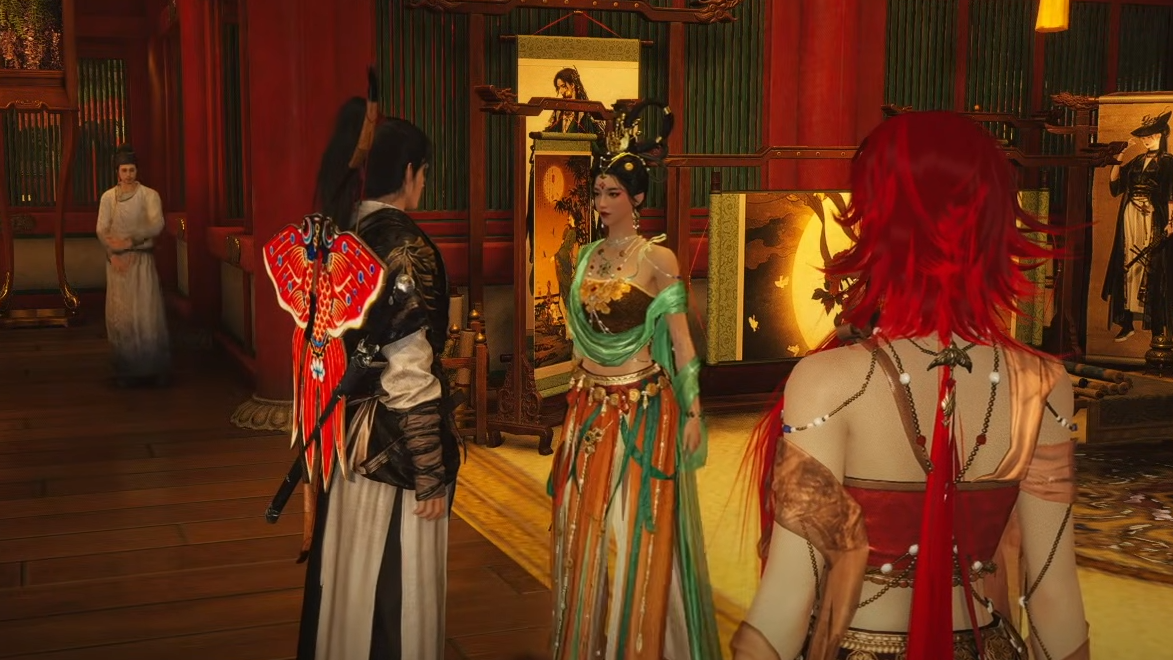
Start Skyward Dance with another player (Velvet Shade / Spring Letters)
The Spring Letters step to “experience the Skyward Dance with another player” is locked behind the casual co-op menu. The in‑world prompt in Revelry Hall is not enough to satisfy it.
Step 1: Open the in‑game menu and go to the challenges section.
Step 2: From challenges, move into the multiplayer area that lists shared objectives and co-op modes.
Step 3: Select Casual co-op on the main multiplayer page.
Step 4: At the top of the casual co-op screen, switch the category from the default list to Leisure activities. Skyward Dance is categorized under leisure, so it will not appear in the initial combat‑focused list.
Step 5: Select Skyward Dance from the leisure activities list.
On this screen, you can:
- Toggle cross‑server matchmaking on or off if you want a larger pool of partners.
- Attempt to match with random players.
- Invite players who are already in your team or standing nearby.
Matchmaking for Skyward Dance can be finicky, and many players end up inviting someone directly instead of relying on automated pairing.
Forming a party and inviting a partner
Skyward Dance is designed for two participants. The cleanest way to trigger it is to form a party first and then send a specific “dance in the sky” invitation.
Step 1: While in Revelry Hall, look for another player who has the dancing‑related icon above their head or appears to be waiting at the Skyward Dance area.
Step 2: Invite that player to your party using the in‑game social menu or your platform’s friend/invite tools (for example, through the PlayStation system interface if you are on PS5).
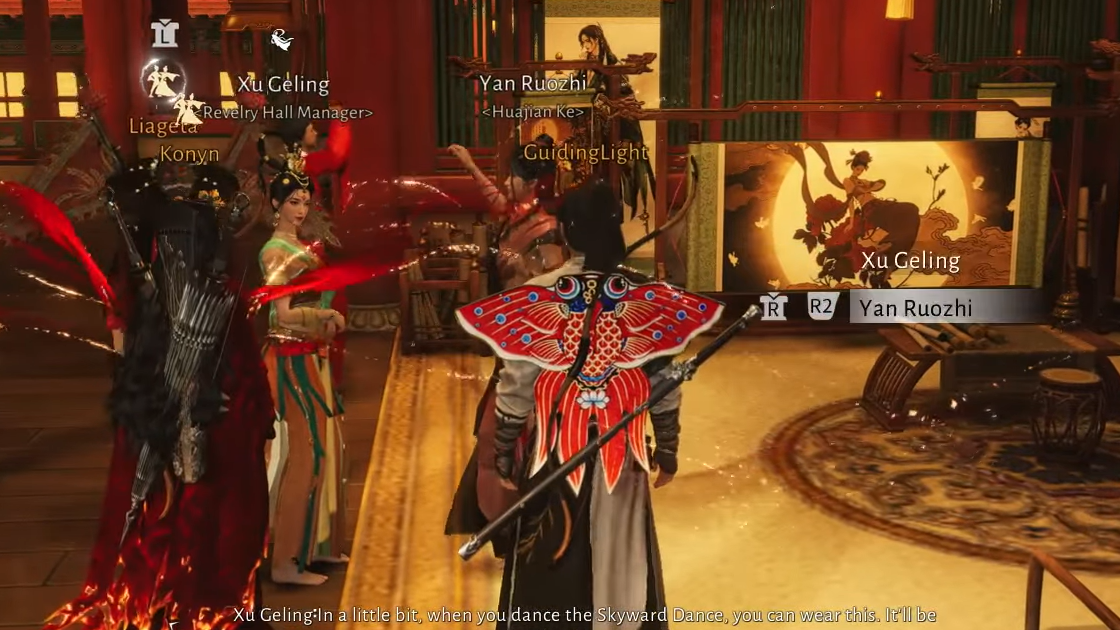
Step 3: Once they accept and appear in your party list, open the casual co-op menu again, switch to Leisure, and highlight Skyward Dance.
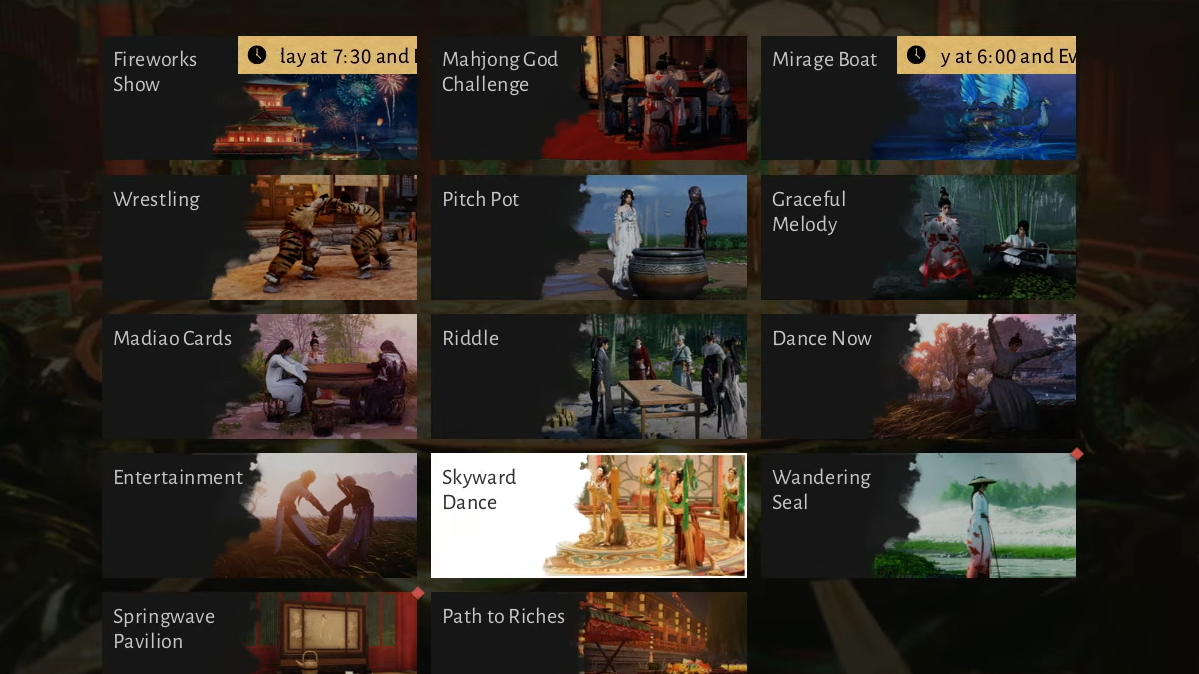
At the bottom right, the UI indicates that you can send a dance invitation to your party member. However, there is a common sticking point: sometimes pressing the on‑screen “participate” or “dance invite” button does not actually fire the invitation, and the status text stays on “can send invitations in person.”
Fixing the “can send invitations in person” message
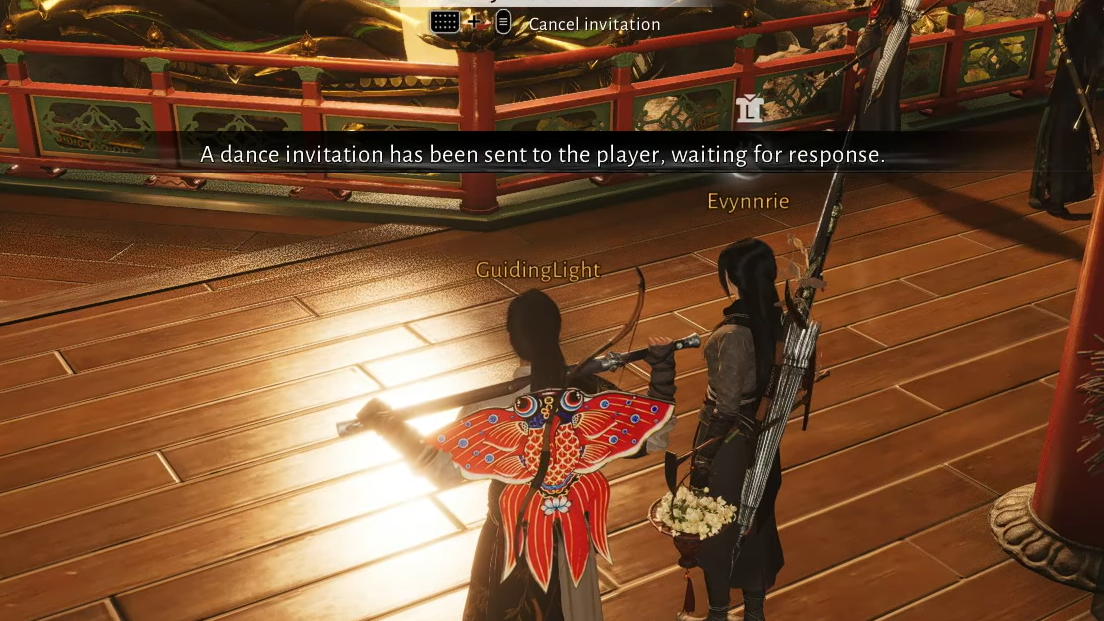
If the interface refuses to start the Skyward Dance despite having a partner in your party, you need to send the invite directly from the player interaction menu in the lobby instead of from the casual co-op screen.
Step 1: In Revelry Hall, locate your party member’s character in the world (not just in the party list).
Step 2: Interact with their character model to open the player interaction menu.
Step 3: Scroll all the way down this menu.
Step 4: Select the final option labeled “dance in the sky”.
Once you choose “dance in the sky,” your partner receives an invitation prompt. They need to accept it for the Skyward Dance cutscene to begin. After the sequence plays through and the snapshot is taken, the Spring Letters objective to experience Skyward Dance with another player should complete and the Velvet Shade XP will be awarded.
Redo Skyward Dance with an NPC for the Revelry Hall quest
Separate from the Spring Letters step, Revelry Hall includes a quest that asks you to “complete Skyward Dance once” and then claim a reward. This requirement can be fulfilled by repeating the Skyward Dance with an NPC rather than pairing with another player.
Step 1: Switch to online mode so Revelry Hall and its events are active.
Step 2: Travel to Revelry Hall.
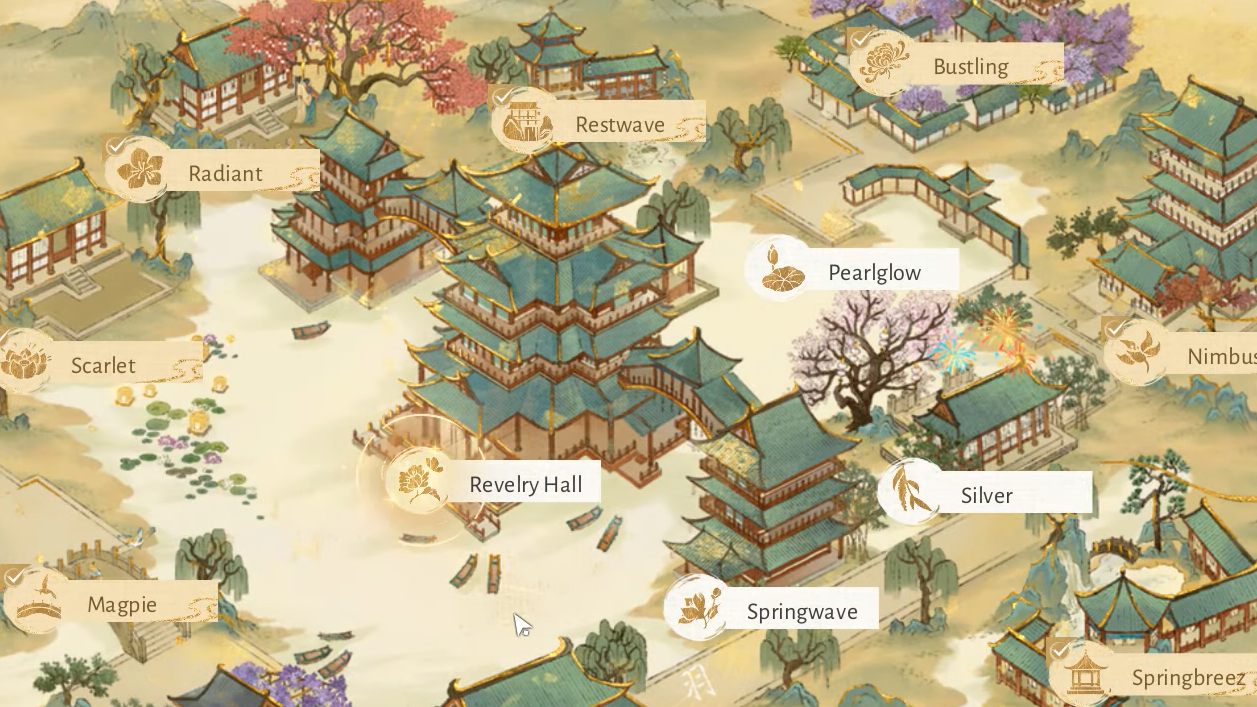
Step 3: Find the NPC associated with Skyward Dance (often described phonetically in community clips as “Sue” or “Su”).
Step 4: Talk to the NPC and choose the option to perform the dance again.
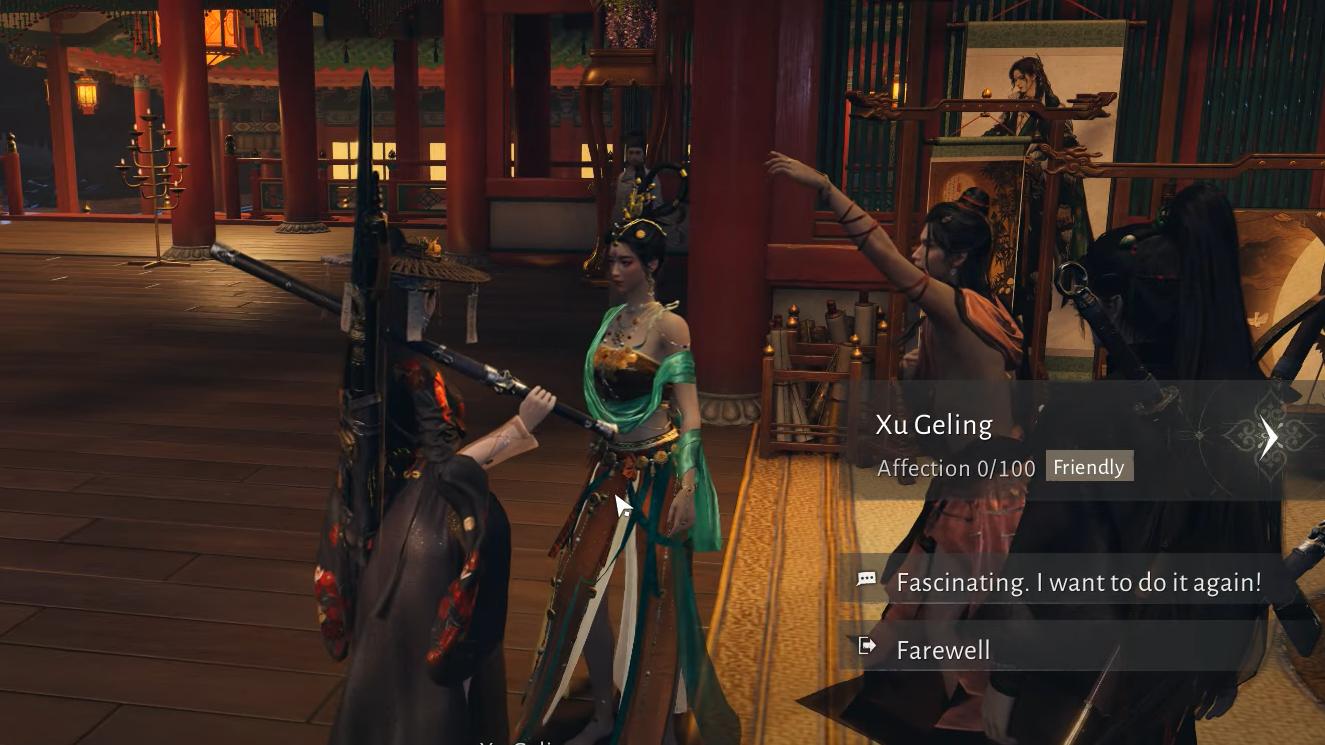
When the cutscene finishes, the game grants you a picture and marks the Revelry Hall quest step as complete. The photo can be revisited as a keepsake, and you can repeat the NPC dance later purely for the moment and the visuals.
Skyward Dance as a social feature
Once you know how to reach it, Skyward Dance becomes an informal social hub activity. Players use it to:
- Dance with friends, partners, or random players for shared screenshots and short videos.
- Show off costume sets such as Hidden Scent masks and other cosmetics during the cutscene.
- Collect different snapshot poses by repeating the sequence multiple times.
Matchmade Skyward Dances are common in public hubs, and many players simply stand near the Revelry Hall stage, inviting anyone who looks interested. You can repeat the dance as often as you like; there is no hard limit once it is unlocked.
Handled correctly, Skyward Dance turns from a confusing event prompt into one of the most dependable ways to carve out a calm, cinematic moment in Where Winds Meet. Whether you are chasing Velvet Shade progress, cleaning up Revelry Hall quests, or just skydancing with someone you met in the hall, the key steps are always the same: go online, route through casual co-op’s leisure tab, and, when the UI misbehaves, send the “dance in the sky” invitation directly from the player interaction menu.