

The Teleporter in Abyss is a fast travel system that lets you move between unlocked zones, but it stays offline until you finish the Scientist’s first quest in the starting hub.
Quick answer: Talk to the Scientist next to the porta-potty in the Oxygen Zone hub, then collect four parts on the starter island — the Door by David’s tube shop, Toilet Paper under the developers’ table left of Henry’s harpoon shop, the blue Toilet behind the tree next to Richard’s bestiary stand, and the Power Relays beside Billy’s portable storage — then return to the Scientist to activate teleportation. You can only teleport between zones where you have already found and activated a Teleporter, and each use costs about $150.
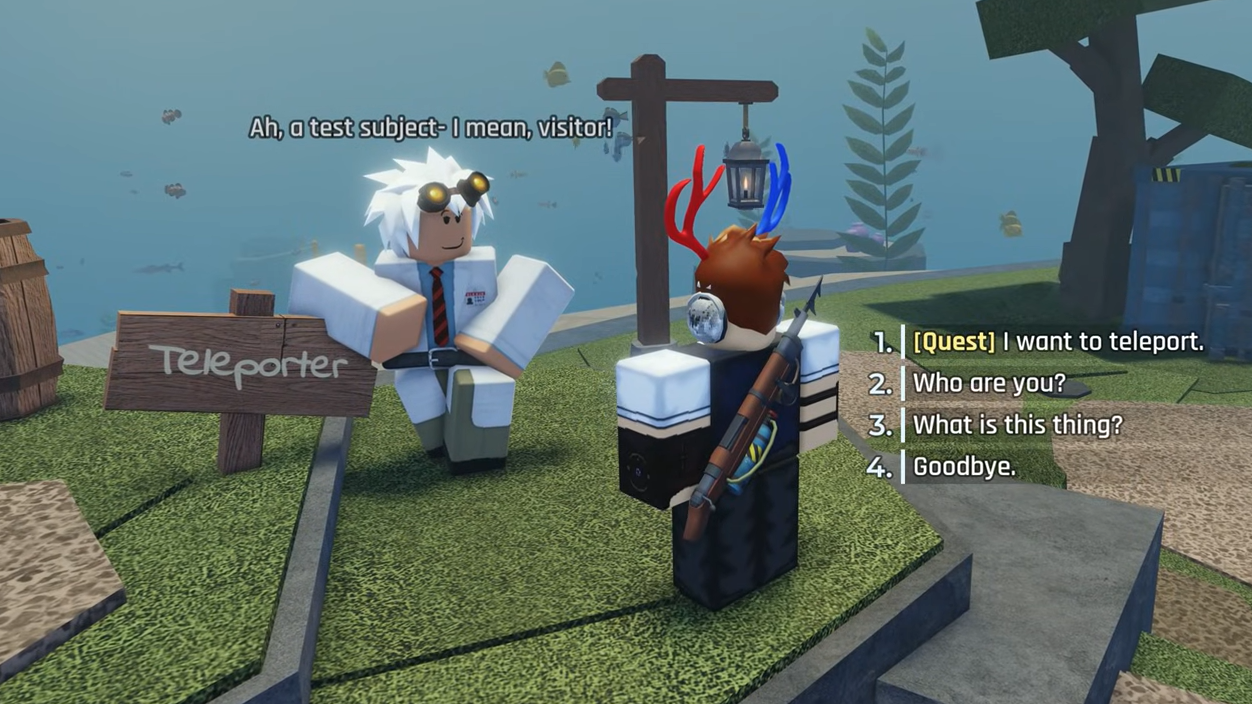
Teleport mechanic in Abyss (state and requirements)
Teleportation in Abyss is a fast travel mechanic tied to the Teleporter device in the Oxygen Zone hub. It is not available by default. The system only becomes usable after completing the Scientist’s initial Teleporter quest and remains limited by two conditions:
- You must have completed Scientist’s Quest 1 in the Oxygen Zone hub.
- You can only travel to regions where you have already unlocked that region’s Teleporter.
Once active, the Teleporter connects the hub to Teleporters in other biomes such as Ancient Sands, Spirit Roots, and similar zones. Using it is not free; each teleport costs roughly $150 of in-game currency.
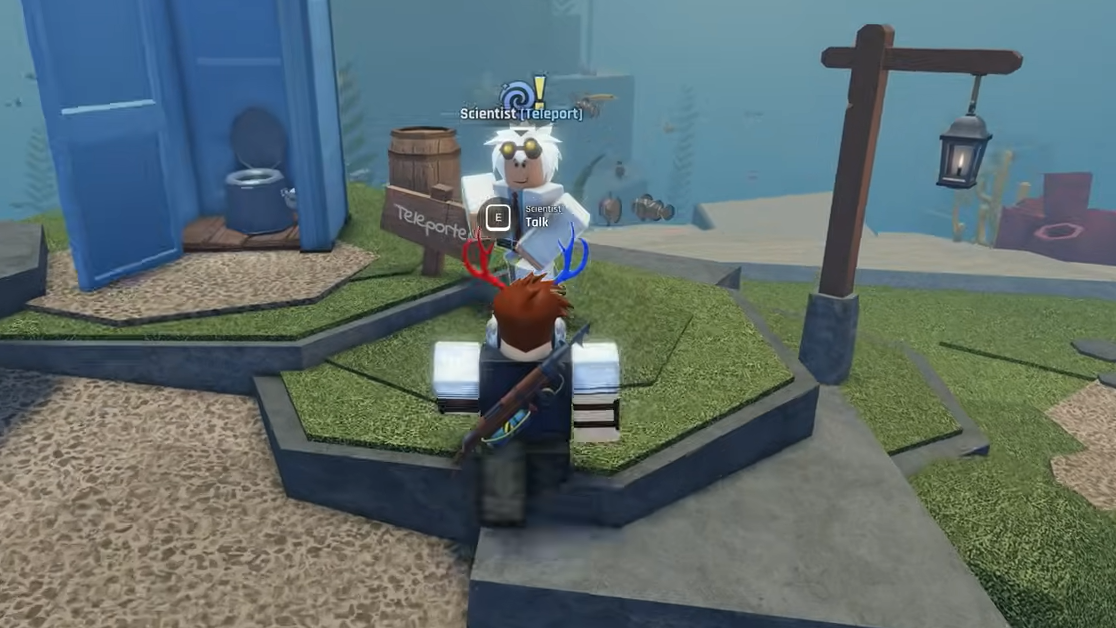
Trigger to unlock the Teleporter: Scientist’s Quest 1
Teleportation unlocks the moment you complete the Scientist’s first quest in the Oxygen Zone hub. That quest triggers as follows:
Step 1: From the spawn area in Oxygen Zone, go to the Harpoon shop. To the right of this shop is the Scientist, standing next to a porta-potty–style Potty Toilet. Approach him and press E to start the interaction and begin his quest.
Step 2: The Scientist will ask you to recover four components scattered around the Oxygen Zone hub: Toilet Paper, a Toilet, a Door, and Power Relays. These items sit in fixed spots inside the bubble and do not require diving.
Step 3: Collect all four items (locations detailed below), then return to the Scientist at the Potty Toilet and interact again. Handing over all four completes Scientist’s Quest 1 and powers up the Teleporter.
Completion is successful once the Scientist’s dialogue updates and the Teleporter becomes interactable for travel to other unlocked zones.
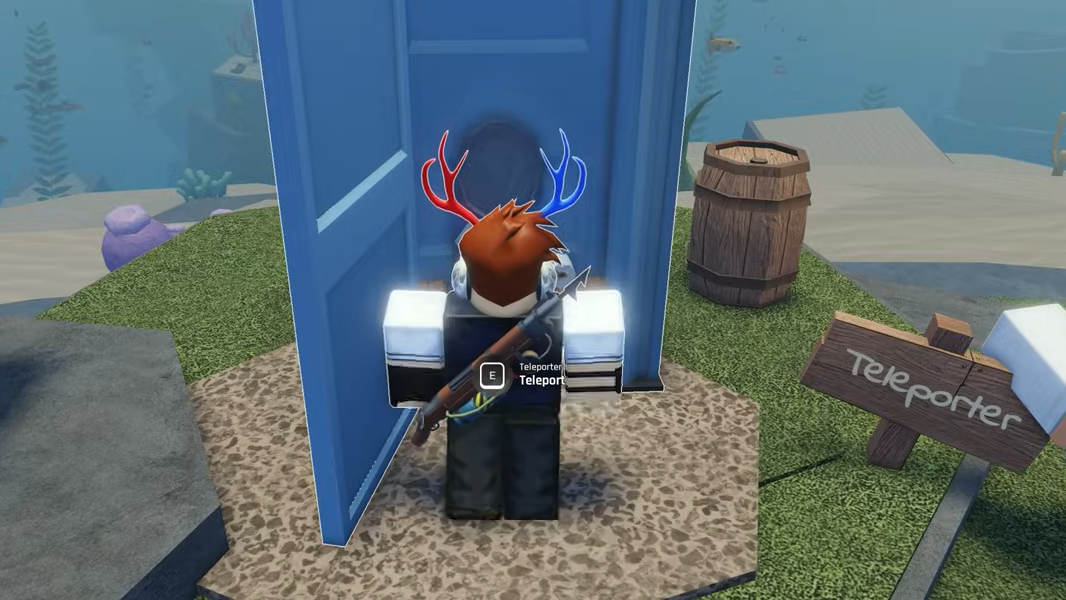
All Scientist Teleporter items and exact locations
The four quest items all sit in the Oxygen Zone hub near the main NPC stands. They are always present and are picked up with the E key.
| Item | Reference NPC/landmark | Exact location description |
|---|---|---|
| Toilet Paper | Henry (Harpoon shop) | Immediately left of Henry, under the round wooden “developers” table with three NPCs sitting around it. |
| Toilet | Richard (Bestiary stall) | Behind the large tree next to Richard’s book-filled bestiary stand; a blue toilet lying on the ground. |
| Door | David (Tube shop) | Leaning against the right wall of David’s tube shop shed, just behind the Pufferfish Tube and near a blue-and-white lifebuoy. |
| Power Relays | Billy (Portable Storage) | On a small platform with two wooden crates next to Billy’s blue storage container, between the crates. |
How to pick up each Teleporter component
Step 1: For the Toilet Paper, stand facing Henry at the Harpoon shop. Turn to your left to find a round wooden table with three NPCs seated. Walk up close to the table edge and look underneath it; the Toilet Paper roll is on the ground between the chairs. Press E while aiming at it to collect it.
Step 2: For the Toilet, go to Richard’s bestiary stall in the central hub. A large tree stands right next to his stand. Move behind this tree; a blue toilet with the seat up is half-buried in the ground there. Aim at it and press E to pick it up.
Step 3: For the Door, head to David’s tube shop. On the right side of his shed, behind the Pufferfish Tube and near a blue-and-white lifebuoy, a large blue door is propped against the wall. Walk up to the door and press E to add it to the quest.
Step 4: For the Power Relays, find Billy, the storage NPC, leaning against a big blue container that serves as your storage area. Next to this container is a small platform with two wooden boxes. Between those boxes is the Power Relays object, which looks like a pair of antennas with a coil between them. Aim at it and press E to pick it up.
Each time you collect one of these items, it is automatically credited toward the Scientist’s machine; you do not need to carry or manually place them.
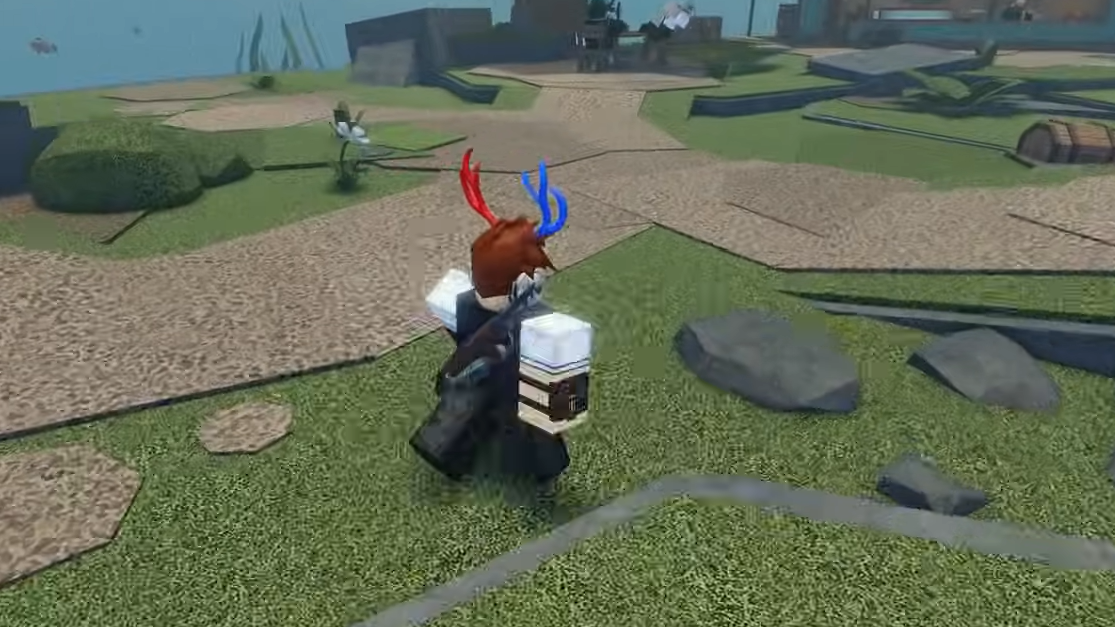
Best timing to start the Scientist quest
Step 1: When starting Abyss for the first time, follow and complete the short built-in tutorial. This avoids situations where tutorial text overlaps the interface and makes it harder to see or manage your inventory while you walk around the hub.
Step 2: After the tutorial ends and you can move freely, go to the Scientist next to the Potty Toilet and start the Teleporter quest. At that point, you can collect and turn in all four components without UI clutter.
How to use the Teleporter after it’s unlocked
Once the Scientist’s quest is complete, the Teleporter in the Oxygen Zone hub comes online. Using it follows a simple mechanic with strict constraints.
Step 1: Stand in front of the Teleporter near the Scientist’s Potty Toilet and interact with it. This opens the fast travel interface, showing zones where a Teleporter has been activated.
Step 2: Select a destination that already has an active Teleporter in that biome. Regions like Ancient Sands or Spirit Roots appear only after you have physically reached that area and activated its Teleporter.
Step 3: Confirm the teleport. The game deducts roughly $150 from your currency balance for each use and then transfers your character to the chosen zone’s Teleporter.
You can repeat this process in reverse from other zones’ Teleporters to move back to Oxygen Zone or between other unlocked regions, as long as you pay the fee and the destination’s Teleporter has been activated.
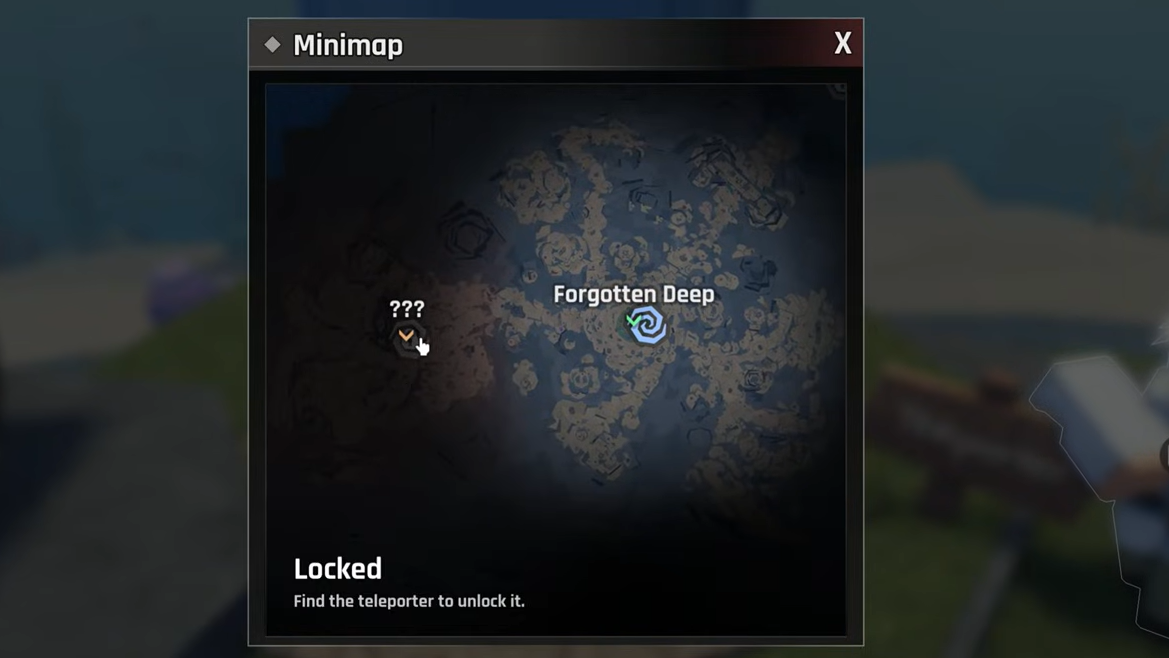
How to tell the Teleporter is working
The Teleporter is considered fully unlocked and working when all of the following are true:
- The Scientist’s first quest no longer asks for Toilet Paper, Toilet, Door, or Power Relays.
- The hub Teleporter next to the Scientist can be interacted with to open a destination selection interface.
- Selecting an unlocked zone and confirming causes a teleport animation and relocates your character, while deducting about $150.
If the Teleporter does not show any destinations, check that you have reached at least one other biome and activated its Teleporter there. If the Teleporter interface never appears at all, recheck that all four quest items have been picked up and returned to the Scientist in the Oxygen Zone hub.