

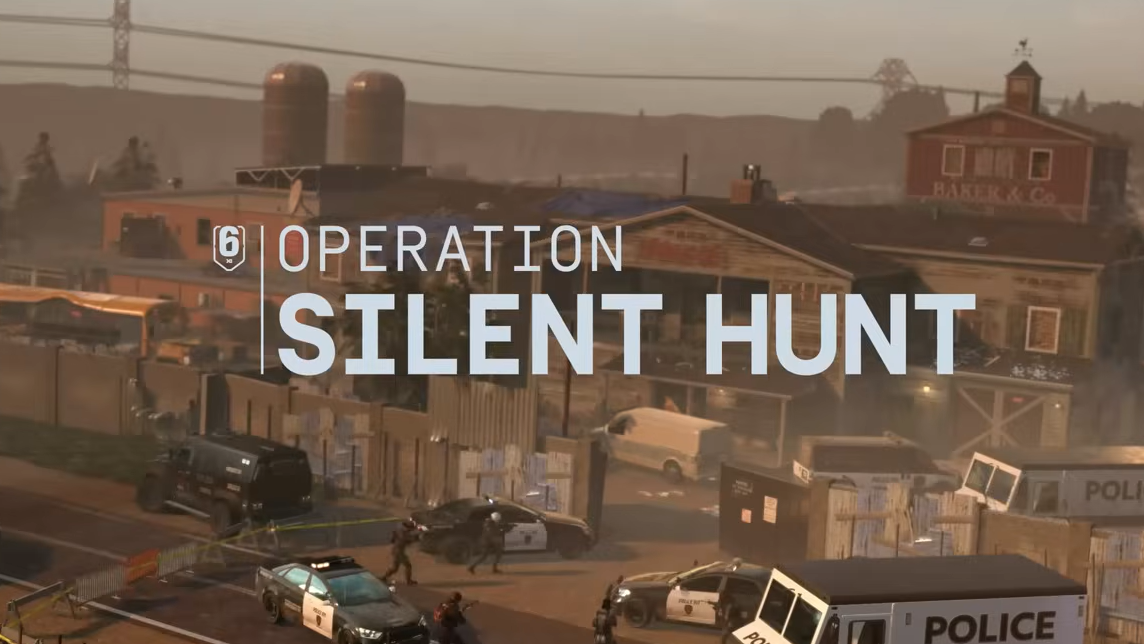
Operation Silent Hunt in Rainbow Six Siege X includes a limited Twitch Drop that awards a cosmetic weapon skin for the AK‑12. The reward is tied to Twitch watch time and is available only during the early launch window of the season.
Quick answer: Watch any “Drops Enabled” Rainbow Six Siege X stream on Twitch for a total of three hours between March 3 and March 10, then claim the AK‑12 skin from your Twitch inventory.
Operation Silent Hunt Twitch Drop duration
The AK‑12 Twitch Drop is active for one week at the start of Operation Silent Hunt.
| Event | Details |
|---|---|
| Reward | AK‑12 weapon skin (usable by Fuze and Ace) |
| Watch requirement | 3 hours of accumulated stream watch time |
| Availability window | March 3 to March 10 |
| Eligible streams | Twitch channels broadcasting Rainbow Six Siege X with Drops enabled |
The watch time does not need to be completed in one sitting. Progress accumulates across multiple eligible streams as long as the broadcast has Twitch Drops enabled.
Account requirement for Siege X Twitch Drops
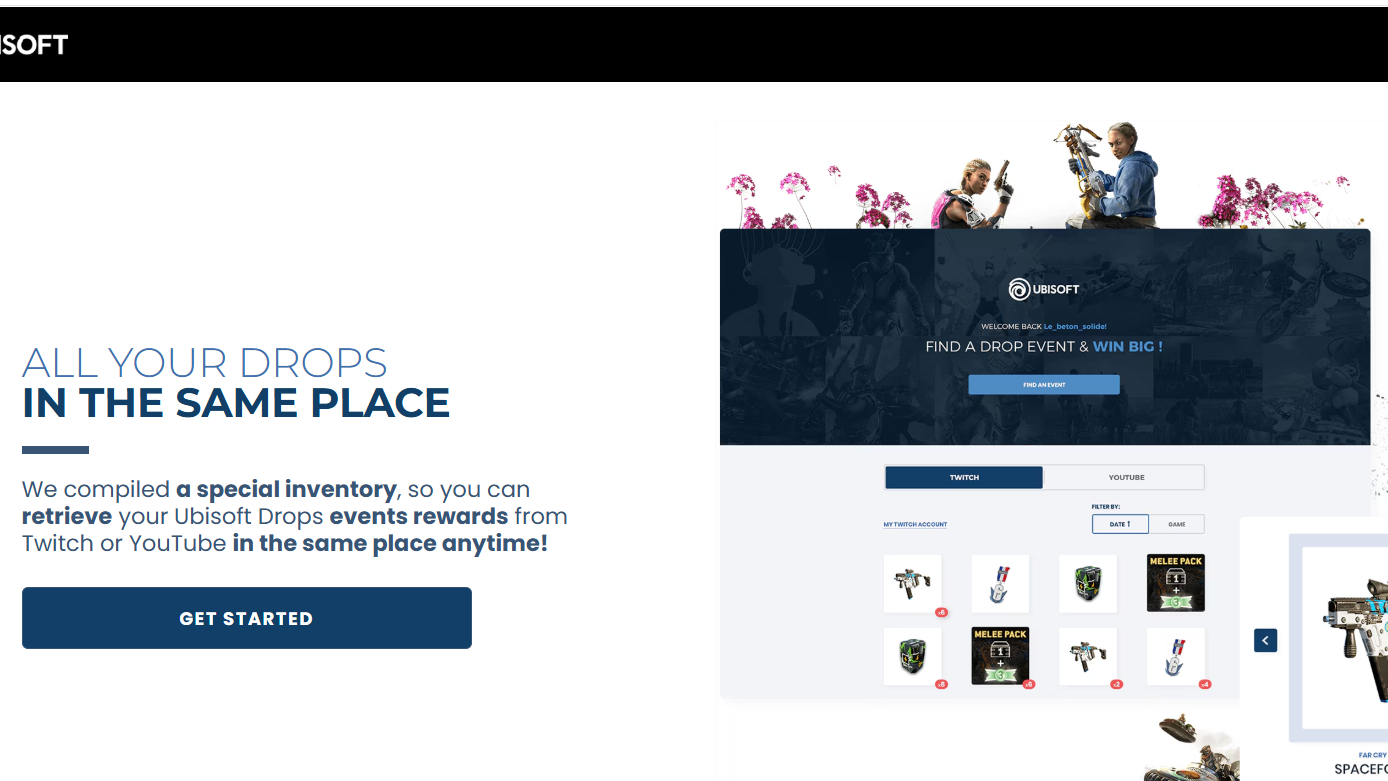
Twitch Drops only transfer into the game if your Twitch profile is connected to a Ubisoft account.
Step 1: Open the Ubisoft Drops linking page at https://drops-register.ubi.com. Sign in with your Ubisoft account and authorize your Twitch account.
Step 2: Confirm the connection request in Twitch. Once linked, the accounts remain connected for future Siege X drops.
Step 3: If you play on console, ensure your PlayStation or Xbox account is already connected to Ubisoft Connect so rewards can appear in your game inventory.
When the connection is successful, Twitch will show progress bars for eligible Siege X drops while you watch streams.
How the Siege X AK‑12 Twitch Drop unlocks
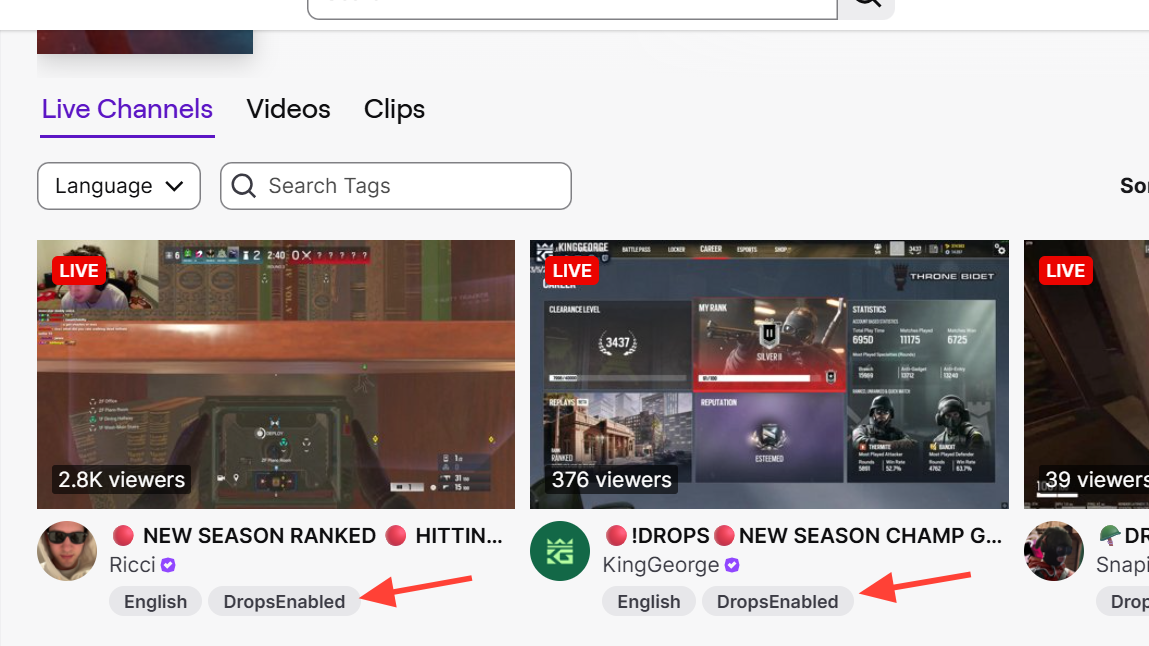
Step 1: On Twitch, search for Rainbow Six Siege X and filter for streams marked with the “Drops Enabled” tag. Open any participating channel.
Step 2: Watch streams until the watch progress reaches three hours. Twitch tracks progress automatically while the stream is active.
Step 3: Open the Twitch Drops inventory page once the progress bar reaches 100 percent and click “Claim” for the AK‑12 reward.
Claiming the reward finalizes the drop and sends it to the linked Ubisoft account.
How to confirm the AK‑12 Twitch Drop worked
After claiming the reward in Twitch:
- The drop status changes to “Claimed” in your Twitch inventory.
- The item is delivered to your Rainbow Six Siege X account linked through Ubisoft.
- The AK‑12 skin becomes available in the weapon customization menu for operators who use that rifle.
Delivery is not always instant. Cosmetic rewards can take some time to appear in the in‑game inventory, depending on how many players are redeeming drops at the same time.
The Operation Silent Hunt drop offers a simple way to add a themed cosmetic to the AK‑12 without purchasing the Battle Pass. As long as accounts are connected and the three‑hour watch requirement is completed before March 10, the skin can be claimed directly through Twitch and will appear in your Siege X loadout.