

The Scientist's quest in Abyss requires you to gather four specific components before the teleporter becomes operational. All four items—Toilet Paper, Toilet, Door, and Power Relays—are located inside the safe bubble area in the Oxygen Zone, making them easy to collect once you know where to look.
Quick answer: Talk to the Scientist near the porta-potty, collect the Toilet Paper (under the developers' table), Toilet (behind Richard's tree), Door (right side of David's shop), and Power Relays (between crates near Billy), then return to the Scientist to unlock the teleporter.
Starting the Scientist's Quest
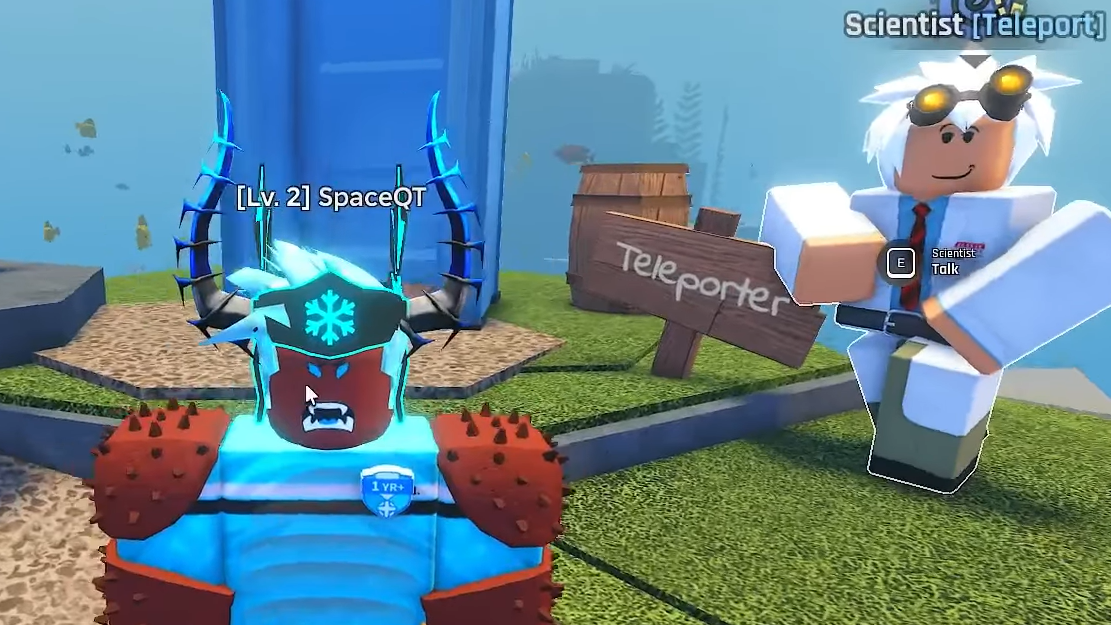
The Scientist stands next to a porta-potty structure to the right of Henry's gun shop in the central hub. Approach him and accept the quest. He will ask you to locate four components needed to repair the teleporter. The quest interface will track each item as you collect them.
Finish the short tutorial before starting this quest. The tutorial text can block your inventory interface, making it harder to confirm item pickups.
Toilet Paper Location
The Toilet Paper sits under a round wooden table immediately to the left of Henry, the gun merchant. Three NPCs—representing the game's developers—sit around this table. Walk up to the table and look underneath. The Toilet Paper roll is visible between the seated characters.
Press E to pick it up. The item will automatically transfer to the Scientist's teleporter machine. You do not need to carry it manually.

Toilet Location
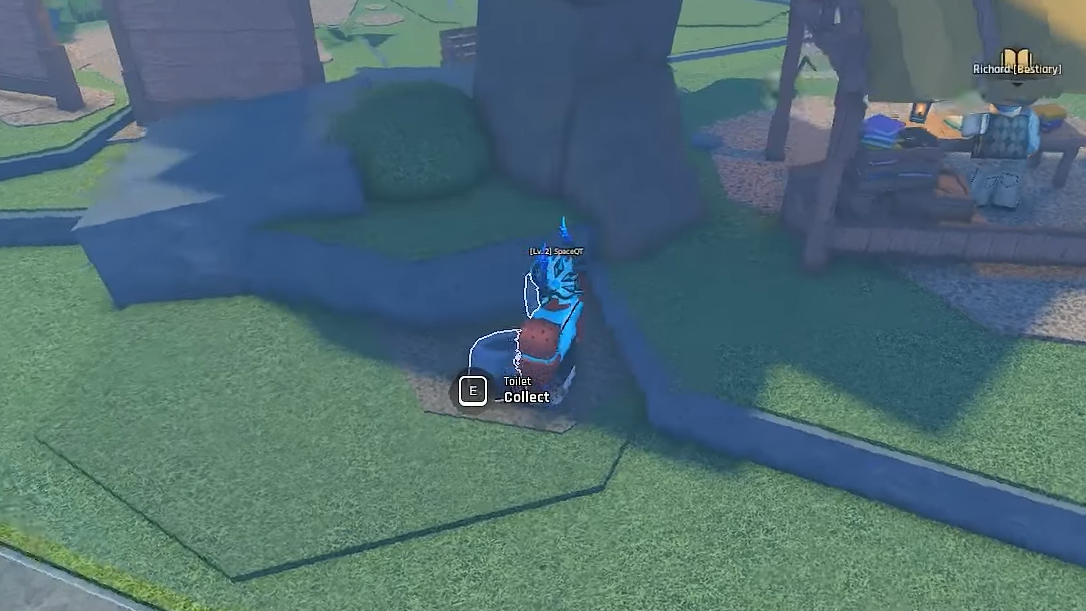
Richard, the Bestiary NPC, wears a cowboy hat and glasses. He stands near a large tree in the central hub. Walk behind the tree directly next to his book stand. The Toilet is a blue fixture with the seat up, partially buried in the ground.
Press E to collect it. Like the Toilet Paper, it will be sent directly to the teleporter machine.
Power Relays Location
Billy, the storage NPC, leans against a large blue container to the right of the Scientist. Next to Billy's storage container is a wooden platform with two crates on it. The Power Relays sit on the ground between these two crates.
Press E to pick them up. They will be added to the teleporter automatically.
Door Location
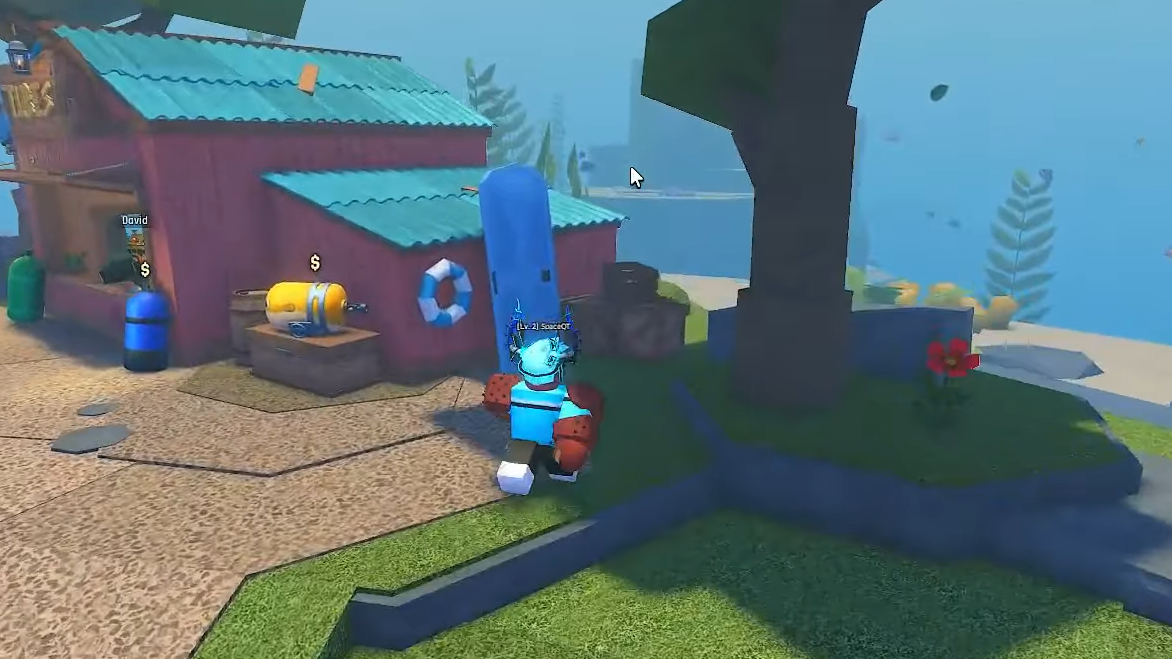
David runs the Tube shop in the central hub. Walk to the right side of his shop building. The Door is a large blue panel leaning against the wall, positioned just behind the Pufferfish Tube display and next to a blue-and-white lifebuoy.
Press E to collect it. The Door will be sent to the teleporter machine.
Completing the Quest
Once you have collected all four items, return to the Scientist at the porta-potty. Talk to him to complete the quest. The teleporter will activate immediately. You can now use it to fast travel between different zones in Abyss.
The teleporter charges a small fee for each use. Additional teleporter stations appear in other biomes as you explore deeper zones. Activate each new station by interacting with it to add that location to your fast travel network.
Using the Teleporter
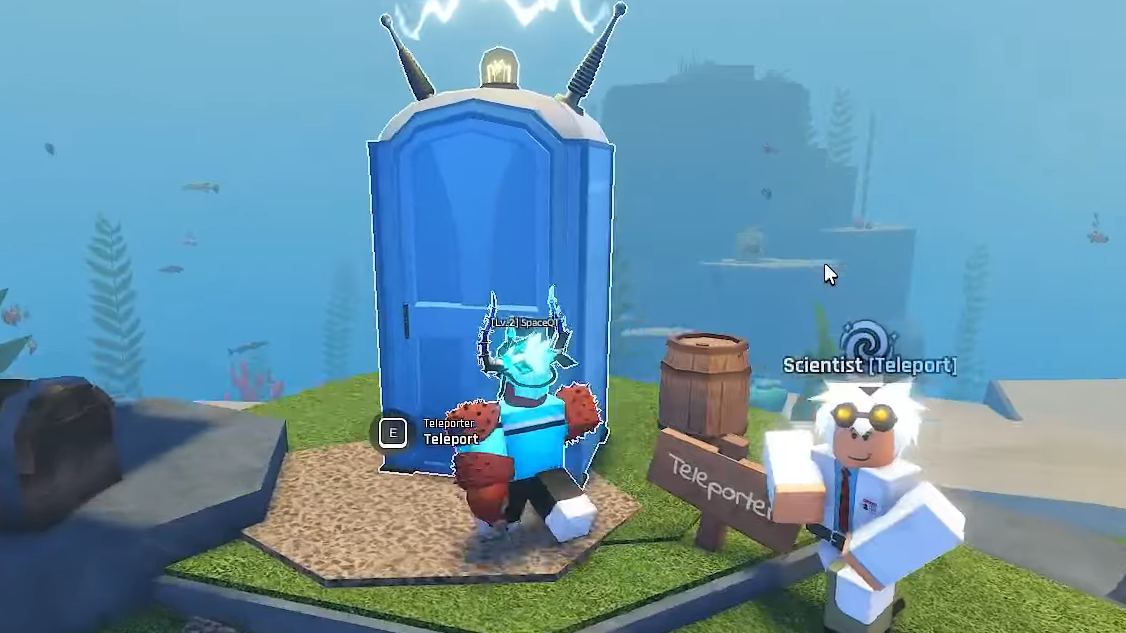
Approach the porta-potty structure and interact with it to open the teleporter menu. A list of unlocked zones will appear. Select your destination and confirm the payment. You will be transported instantly to the chosen zone's teleporter station.
The teleporter does not function while you are in combat or carrying certain quest items. If the teleporter option is grayed out, move to a safe area and clear any active combat status before trying again.