

Hoes in Hytale serve one primary purpose: converting dirt or grass blocks into tilled soil where crops can grow. The tool is essential for anyone looking to establish a farm, but the actual usage can trip up new players, especially those encountering a bug introduced in a recent update.
Quick answer: Equip your hoe, aim at a dirt or grass block, and right-click to till the soil. If right-click triggers a block animation instead, unequip any shield from your off-hand slot.
Crafting a hoe at the Farmer's Workbench
Before you can till anything, you need a hoe. The Crude Hoe is the earliest version available and can be crafted at the Farmer's Workbench using 4 logs (any type) and 3 stones (any type). Higher-tier hoes become available as you upgrade the workbench. The Copper Hoe unlocks at Tier 2 and requires 4 logs plus 3 Copper Ingots. The Iron Hoe appears at Tier 4, needing 4 logs and 3 Iron Ingots. A Thorium Hoe becomes craftable at Tier 6 with 4 logs and 3 Thorium Ingots.
All hoes function identically for tilling. Higher tiers offer improved durability but do not change how you interact with the ground.
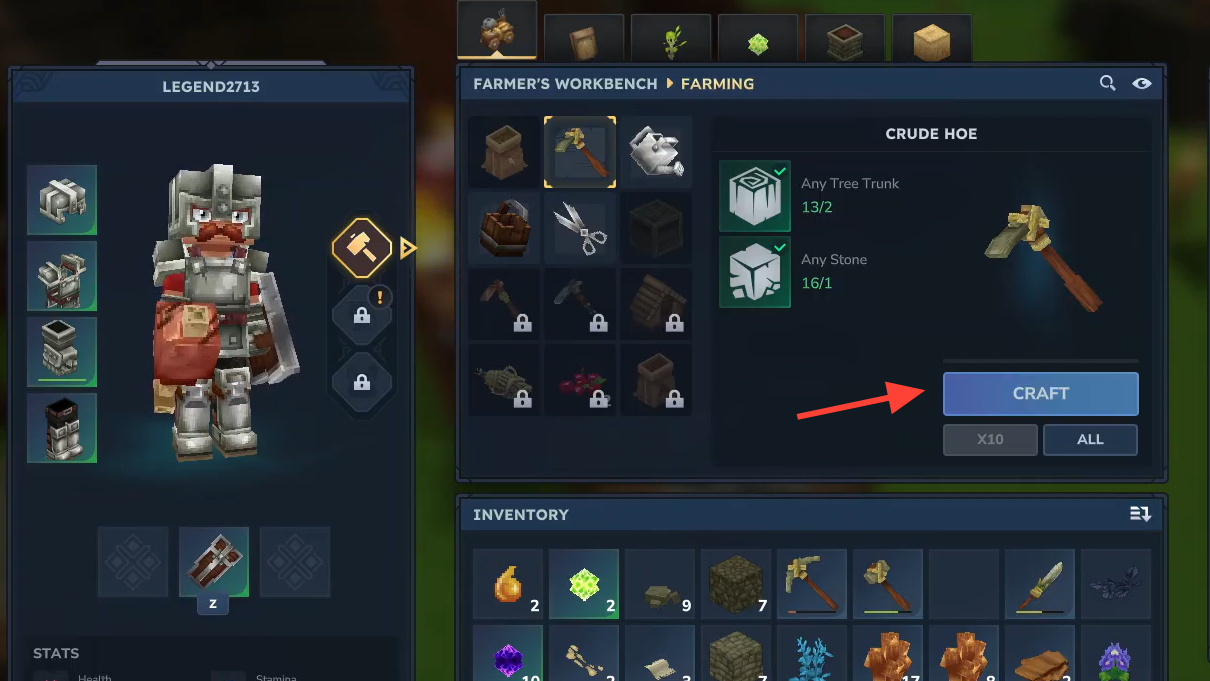
Tilling soil with right-click
With a hoe equipped in your main hand, point your crosshair at any dirt or grass block and press the right mouse button. The block transforms into tilled soil, indicated by a darker, furrowed texture. This tilled soil is where you plant seeds by right-clicking a seed bag on it.
Left-clicking with a hoe simply breaks the block, which is not what you want. The tilling action is exclusively bound to right-click.
Shield bug preventing right-click tilling
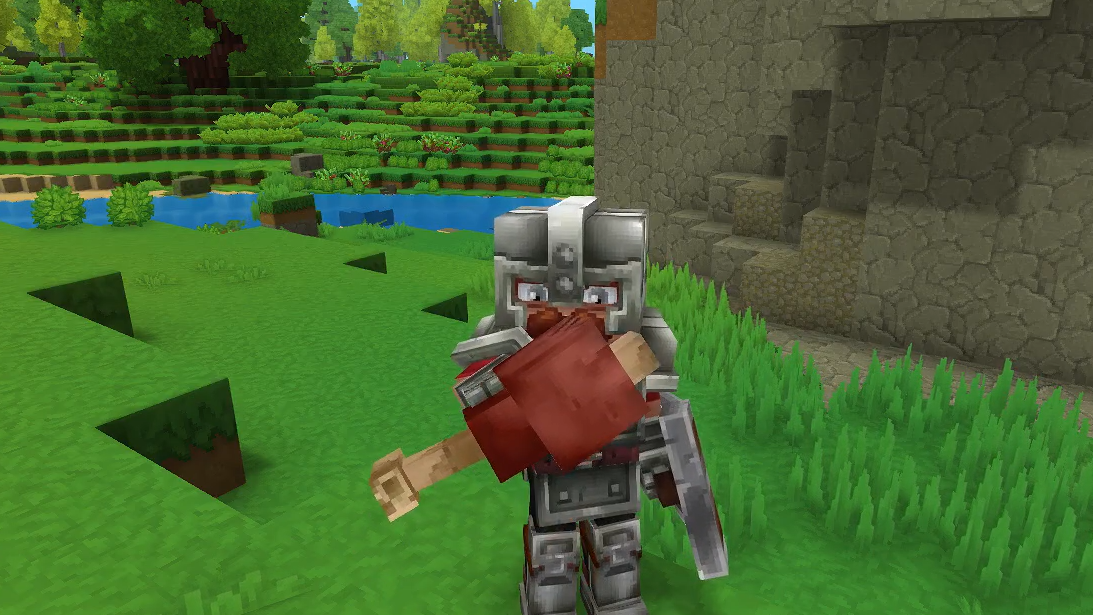
A bug introduced in Update 2 causes the hoe's right-click action to fail when a shield is equipped in your off-hand. Instead of tilling, the game interprets right-click as a block or parry, consuming stamina as if you were defending with a weapon.
The fix is straightforward. Switch your off-hand item from a shield to something else, such as a torch. Once the shield is removed, right-click should correctly till the ground again. Players have confirmed this workaround resolves the issue immediately.
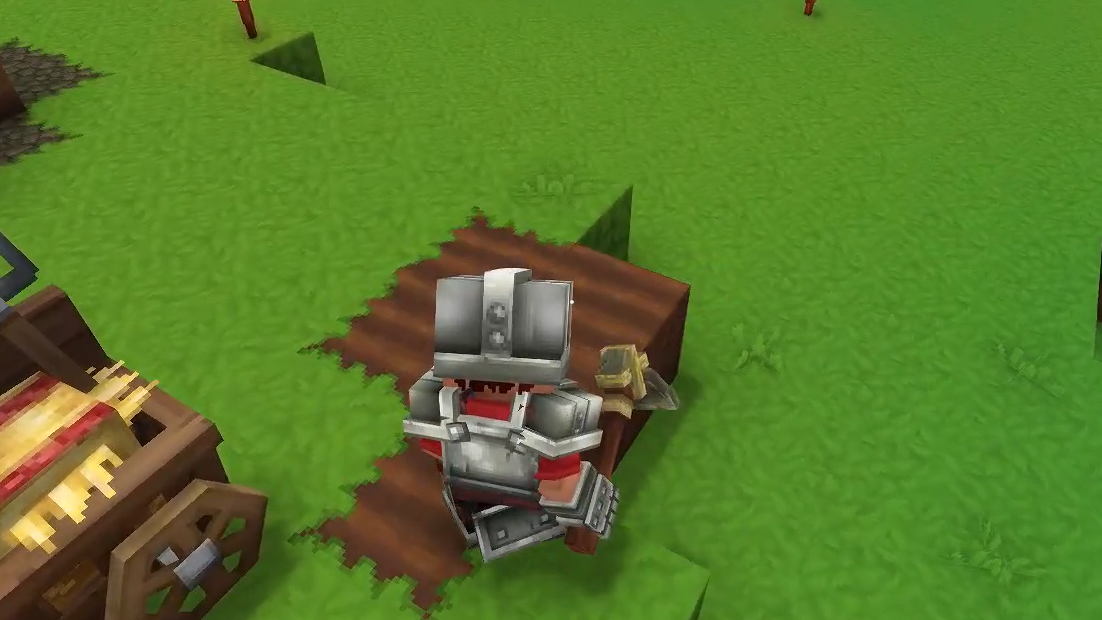
Planting and watering after tilling
Once you have tilled soil, right-click a seed bag on it to plant. Seeds are crafted at the Farmer's Workbench using Essence of Life, which you obtain by harvesting wild crops like wheat. Wheat grows naturally throughout the starting biome and appears as tall golden grass.
Watering your crops speeds up growth by 2.5 times. Craft a watering can at the Farmer's Workbench using 3 Iron Ingots, fill it from any water source, and right-click on planted crops. If no natural water is nearby, dig a small 2×2×1 hole and place water from a bucket to create a portable source.
Verifying the tilling worked
Successful tilling changes the block's appearance from regular dirt or grass to a darker, textured surface. If the block looks unchanged after right-clicking, check your off-hand for a shield and remove it. If the block breaks entirely, you accidentally left-clicked instead of right-clicked.
Hoes have durability that depletes with use. The Crude Hoe has 100 durability, meaning it can till 100 blocks before breaking. Keep spare materials on hand or craft a higher-tier hoe for longer sessions.
Farming in Hytale depends entirely on having tilled soil ready for seeds. The hoe is a simple tool with a simple job, but the shield interaction bug can make it seem broken. Swapping your off-hand item clears the problem, letting you get back to building your crop fields without further interruption.