

Brookhaven RP is built for roleplay, but public lobbies are often noisy, random, and full of players who are not interested in staying in character. Private servers are the way to get a controlled environment where everyone is there for the same kind of story.
Active Brookhaven private server links (January 2026)
These Brookhaven RP private servers are open to join directly through Roblox. On PC or mobile, tapping or clicking the URL will send you straight to the server join screen.
| Server link | Type | Host |
|---|---|---|
| Server Link 1 | Chill server | Xotic |
| Server Link 2 | Chill server | ARC Roblox YT |
On console, there is no direct link opening. You need someone on PC or mobile to join first and then invite you into the private server session from inside the game.
What a Brookhaven RP private server actually changes
Brookhaven private servers use the same map, houses, vehicles, and systems as public lobbies. There is no separate “VIP” ruleset or extra quests. The difference is social, not mechanical.
- Same gameplay: You can still do every activity that exists in Brookhaven RP, including events and quests, while on a private server.
- Smaller, capped population: Private servers hold up to 30 players. There is no official way to increase this limit.
- Host control: The owner can decide who gets in, share or withhold the invite URL, and remove disruptive players.
The result is a space where you can plan longer story arcs, coordinate jobs or factions, and avoid players who just want to grief or spam.
How much Brookhaven private servers cost and what you get
Brookhaven RP private servers are a paid feature on Roblox.
- Price: 100 Robux per month for one Brookhaven private server.
- Capacity: Up to 30 concurrent players in that server at any time.
- Control: Ability to invite friends with a link, configure who can join, and remove players if needed.
Many groups simply split the 100 Robux fee between friends, so one person runs the subscription while everyone else treats it as “their” shared lobby.
How to buy your own Brookhaven private server
Step 1: Open the Brookhaven RP game page on Roblox. On web or mobile, use the main game listing under the ID 4924922222 or search for “Brookhaven 🏡RP” from your Roblox home screen.
Step 2: Scroll down the game page until you find the Private Servers section, usually just below the social links and game description.
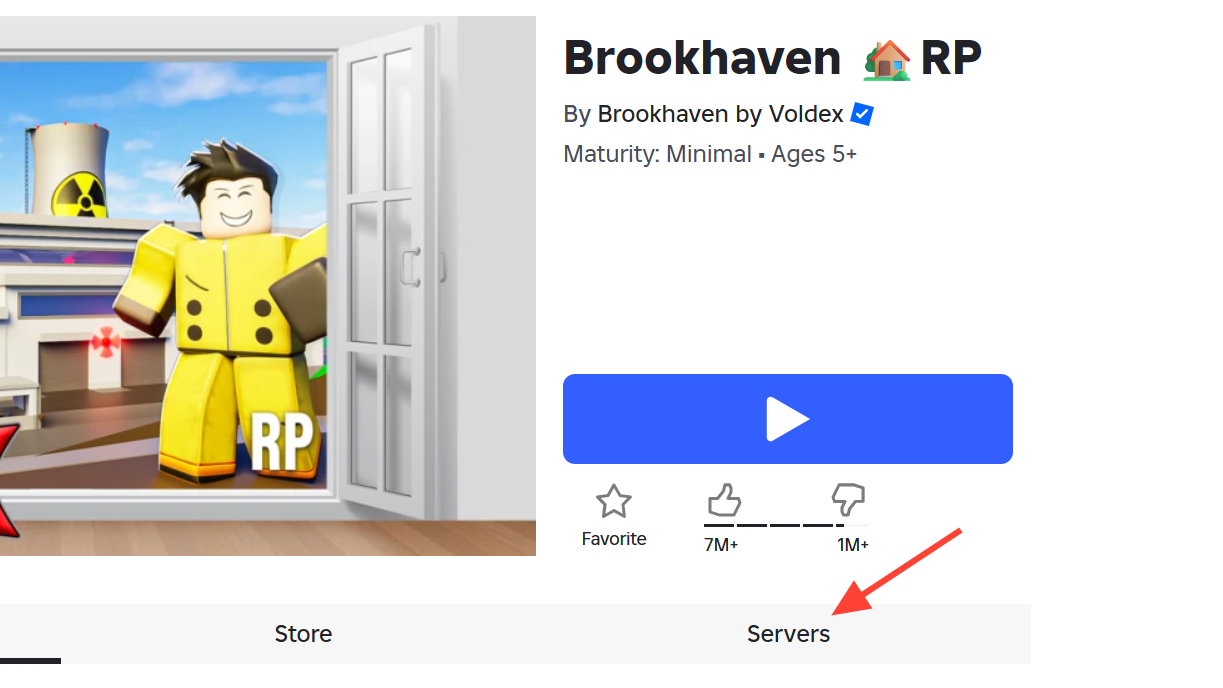
Step 3: Select the option to create a new private server. Roblox will show the current price for Brookhaven private servers, which is 100 Robux per month.
Step 4: Enter a name for your server. This is what your friends will see in their server list and invite dialogs.
Step 5: Confirm the 100 Robux purchase. Roblox will start a monthly subscription tied to your account for this specific Brookhaven private server.
Step 6: After creation, open your new server’s configuration panel and review join settings. You can allow friends to join, restrict access to specific users, or toggle a connection setting so players with the link can enter.
Once the server exists, it appears in the Brookhaven RP “Servers” area for your account, and you can join it with a single button press.
How to join an existing Brookhaven private server
There are three main ways to get into a private Brookhaven lobby without owning one yourself.
1. Join from the Roblox server list
Step 1: Go to the Brookhaven RP game page on Roblox.
Step 2: Scroll down to the Servers section. Look for a subsection that lists Private Servers.
Step 3: If a private server is open to you (for example, it is owned by a friend, or configured to allow players with the link), you will see a Join button next to it. Click or tap Join to enter that private server.
If the server is full, you will need to wait until a slot opens or pick a different private server from the list.
2. Join by direct link
Step 1: Get the private server URL from the host. This is the same type of link as “Server Link 1” and “Server Link 2” above and is generated on the Roblox game page when the server is created.
Step 2: On PC or mobile, click or tap the link. Roblox will open the Brookhaven game page with the privateServerLinkCode already set in the URL and prompt you to start the game.
Step 3: Confirm the launch. Roblox will drop your character directly into that private Brookhaven lobby.
Console players cannot click web links directly, so they need an in-game friend invite instead.
3. Join as a console player (Xbox or PlayStation)
Roblox on consoles handles private servers slightly differently, but you can still get in.
Step 1: Ask a friend on PC or mobile to join the Brookhaven private server using the link or the Servers list.
Step 2: Once they are inside the private server, have them invite you through the Roblox friends system or Brookhaven’s in-game invite tools.
Step 3: Accept the invite on your console. Roblox will connect you directly into that private server session.
Some groups also use a second Roblox account on mobile as a bridge, but the key requirement is always the same: someone on a platform that can open the link must join first, then bring the console account in via an invite.
Using other people’s private servers as “free” VIP access
There are popular workarounds that let you use someone else’s paid private server without buying your own.
- Friends with server owners: If you send friend requests widely in public Brookhaven lobbies, some of those friends will own private servers that show up in your “Private Servers” list for the game. When they are not using their server, you can often join it and be the only person there.
- Joining nearly empty public lobbies: Sorting public servers by ascending population lets you target lobbies with only one player. If you join and wait until that player leaves, you will temporarily have a de facto empty server without any subscription.
These methods do not change the 100 Robux cost for the actual owner, and they depend on Roblox’s current friend and server systems. They are widely used by players who want quiet lobbies without committing to a subscription themselves.
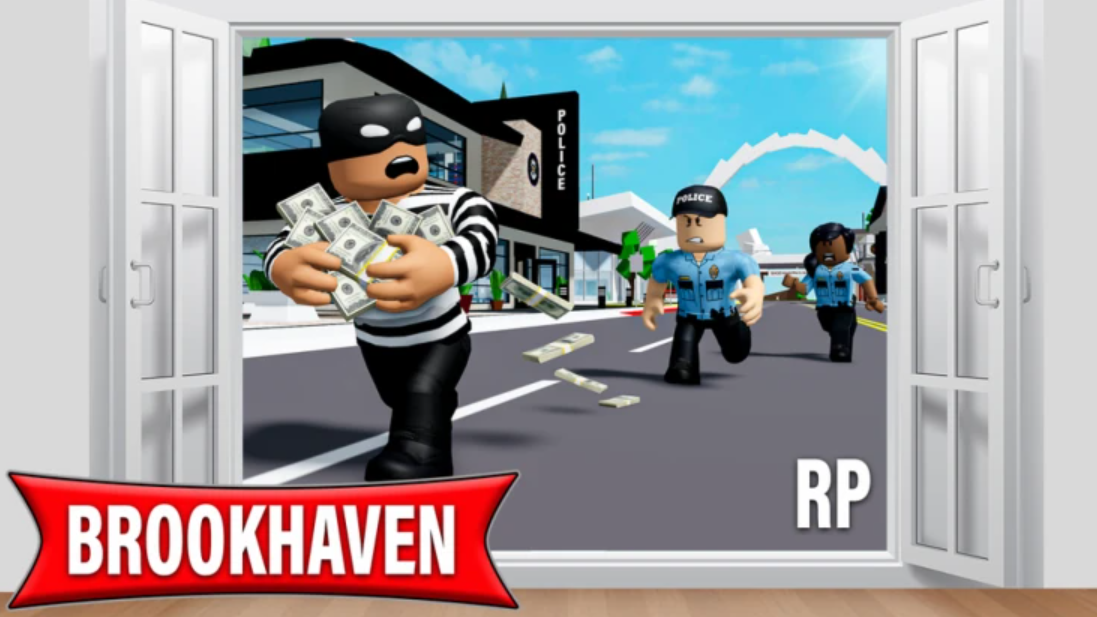
Brookhaven private servers vs public servers
| Aspect | Public server | Private server |
|---|---|---|
| Gameplay content | Full Brookhaven RP feature set | Identical content and events |
| Player cap | Set by the game, shared with strangers | 30 players, controlled by the host |
| Access control | Open to any Roblox player who joins | Invite link, friends-only, or whitelisted |
| Moderation | Report tools only | Host can kick or ban players from the lobby |
| Roleplay quality | Highly variable, frequent trolling | Typically more serious, rule-driven |
If roleplay quality matters more to you than meeting random players, a private server is usually worth the 100 Robux monthly fee, especially for established friend groups or Discord communities.
Finding Brookhaven private-roleplay communities on Discord
Many Brookhaven private servers are attached to Discord communities that organize scenarios, jobs, and ongoing storylines. These groups treat Brookhaven as a shared “city” and use Discord for rules, sign-ups, and voice chat.
Common types of Brookhaven-focused Discord servers include:
- City roleplay servers that run persistent stories with jobs like police, medical staff, or business owners, often with realistic economy systems.
- Private hosting hubs where members can request slots in scheduled private server sessions and sometimes host their own within the community rules.
- Regional communities in different languages that use Brookhaven RP as a base for local-style city roleplay (for example, Chilean, French, or LATAM-focused groups).
These communities usually require basic rule compliance: no trolling, stay in character during events, respect staff, and avoid chat spam. Many offer frequent events, giveaways, or cross-game channels for other Roblox titles.
Brookhaven RP’s core mechanics do not change between public and private servers, but the experience does. With a 30-player cap, explicit rules, and invite-based access, private servers turn an often chaotic lobby into something closer to a small social MMO. Whether you join through shared links, Discord communities, or your own 100 Robux subscription, the main benefit is simple: you decide who gets to tell the story with you.