

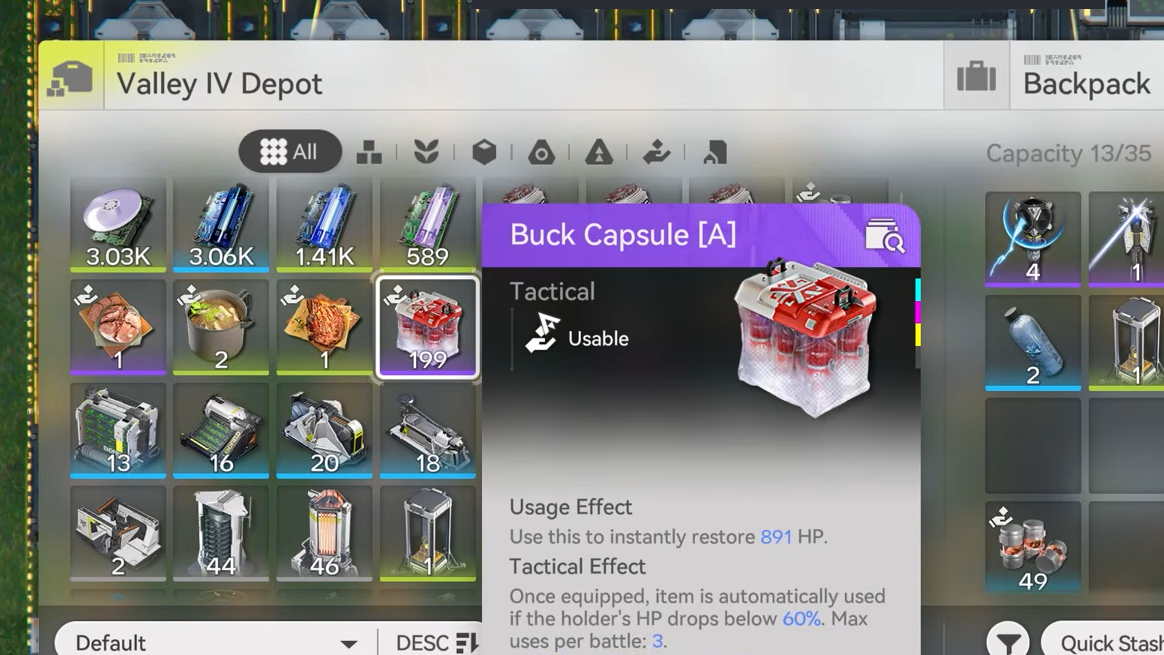
Buck Capsule [A] is one of the most important early medical trade goods in Arknights: Endfield, and it sits at the end of a long production chain that touches almost every basic factory facility. Community blueprints now cover that full chain end to end, so you can drop in a layout that runs at steady output instead of hand‑wiring every belt yourself.
Buck Capsule A factory basics
Buck Capsule [A] is crafted from several intermediate products. At a high level you are:
- Growing Buckflower and Sandleaf from their seeds.
- Processing plants into medical powder with Grinding Unit and Shredding Unit.
- Refining Ferrium Ore into a usable material in a Refining Unit.
- Forming containers with the Moulding Unit.
- Combining everything into Buck Capsule [A] in a Filling Unit.
- Shipping finished capsules to your Depot through a Protocol Stash and Depot Unloader.
The commonly shared full‑chain layouts run at about 6 Buck Capsule [A] per minute, which lines up with the 10‑second craft time of the final recipe. They are designed so every facility in the chain works continuously with no extra outputs left over.
Facilities used in full Buck Capsule A blueprints
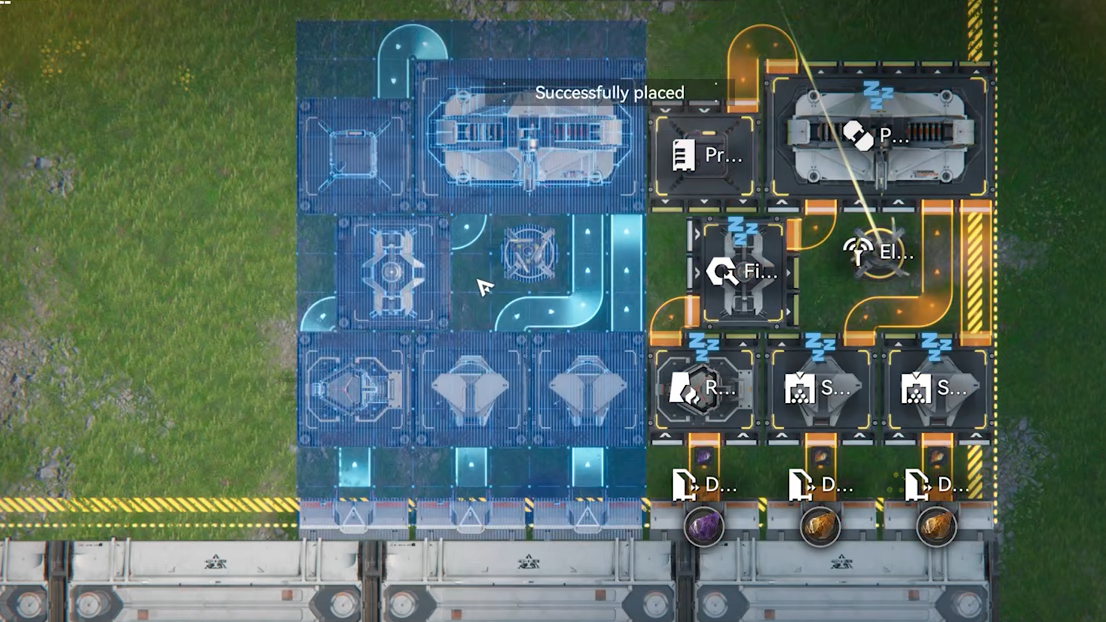
The dense Buck Capsule A factories use almost the entire early‑game industrial toolbox. The main facilities involved are:
- Seed‑Picking Unit — turns mature plants back into seeds to keep the loop self‑sustaining.
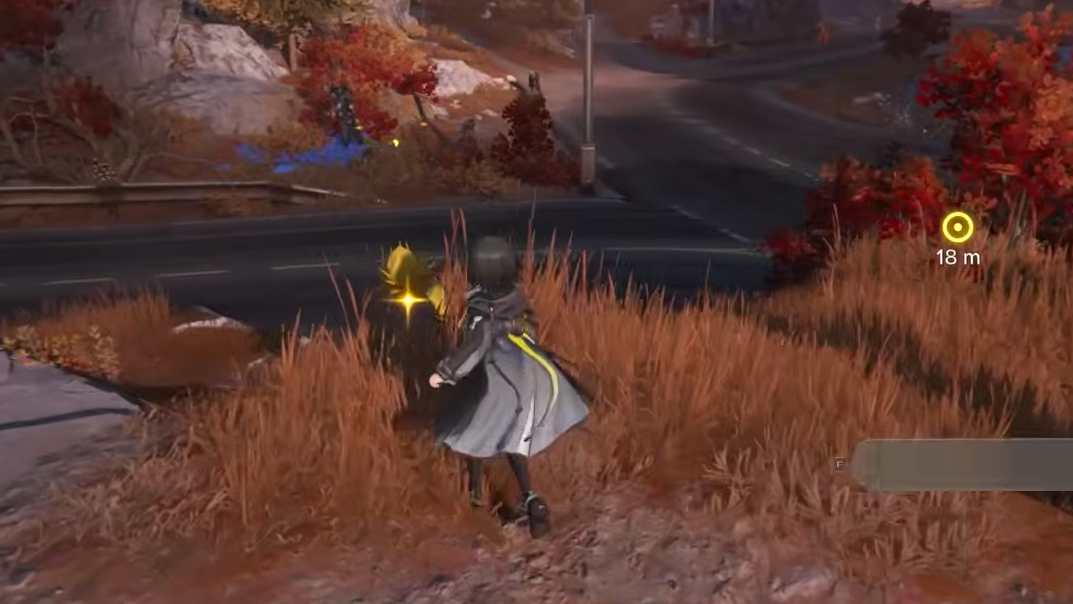
- Planting Unit — grows Buckflower and Sandleaf from their seeds.
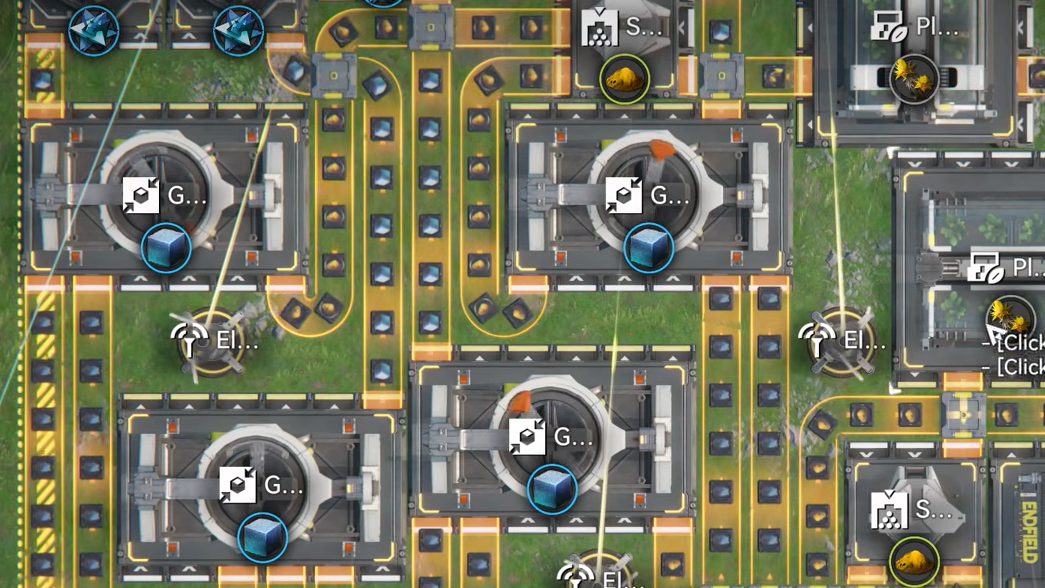
- Grinding Unit and Shredding Unit — process harvested plants into powder at the right ratios.
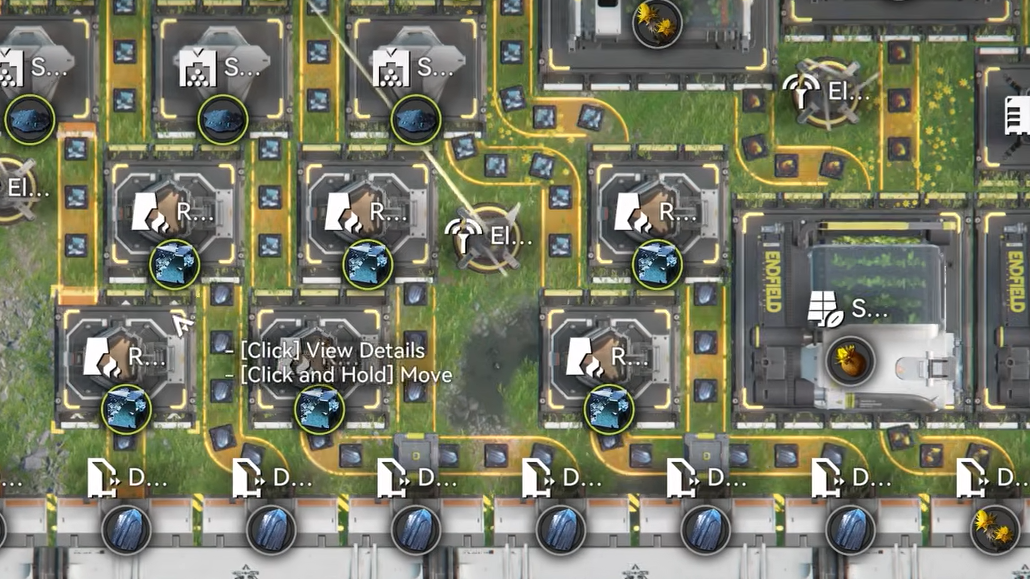
- Refining Unit — processes Ferrium Ore into refined material used downstream.
- Moulding Unit — produces the container bodies for the capsules.
- Filling Unit — consumes powder and containers to produce Buck Capsule [A].
- Protocol Stash — temporary storage in the PAC that periodically transfers items to the main Depot.
- Depot Unloader — pulls inputs such as Ferrium Ore, seeds, or spare plants from the Depot into the PAC.
- Electric Pylon — provides power coverage to keep the whole chain running.
Inputs expected by these shared layouts include Buckflower Seed, Sandleaf Seed, Buckflower, Sandleaf, and Ferrium Ore. The output is a single product: Buck Capsule [A].
Input requirements and target throughput
To feed a fully utilized 6/min Buck Capsule A line, the community designs assume a fairly high upstream income of Ferrium ore. A common benchmark is roughly 240 Ferrium Ore per minute supplied to that PAC. By the time you reach that level of extraction, the Core PAC area is usually large enough to fit these big layouts.
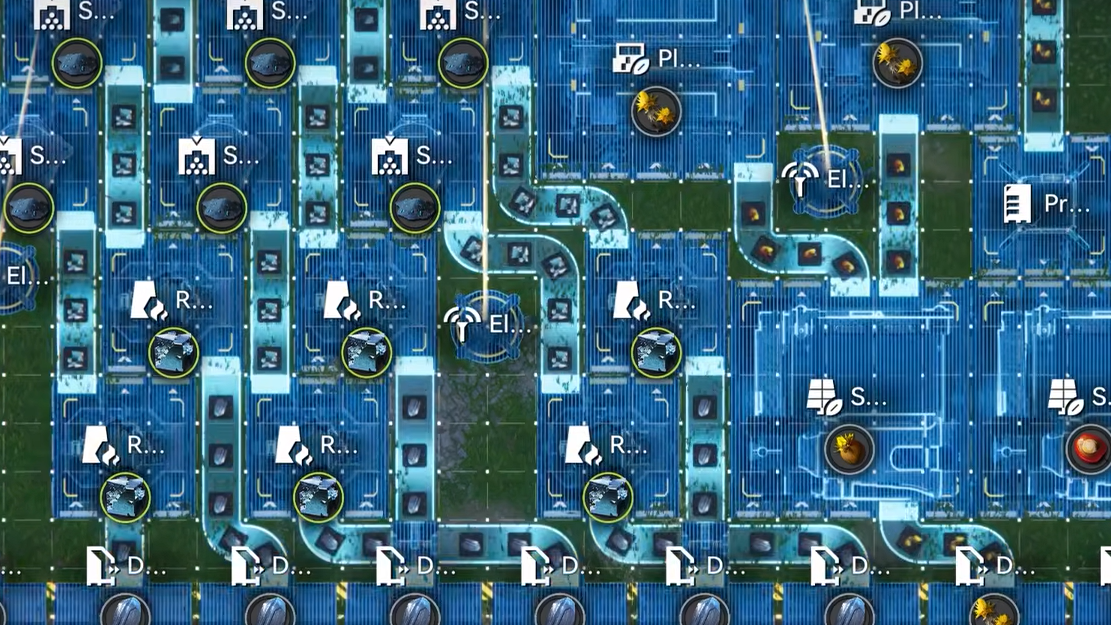
Plant production is handled almost entirely inside the blueprint. Seed‑Picking Units generate new seeds from output plants, and the layout routes them back into Planting Units to sustain the loop. That is why there is no steady output of spare Buckflower or Sandleaf: everything is sized so generated plants and seeds are recycled to keep the line at full load, with just enough powder produced to saturate the final Filling Unit.
Asia vs NA/EU Buck Capsule A blueprint codes
Blueprint sharing is region‑locked in Arknights: Endfield, so the same layout often has different import codes for Asia servers and for America/Europe. Community builders have recreated the full Buck Capsule A design for both sides.
| Region | Purpose | Blueprint sharing code |
|---|---|---|
| Asia | Full Buck Capsule A line, ~6/min, all facilities active | EFO01a6583aau8Auoe5e |
| NA / EU (America/Europe) | Recreated Buck Capsule A line for western servers | EFO01iOe70EeEE2272U4 |
On Talos Pioneers’ Buck Capsule A entry, the America/Europe version is also listed with a sharing code in the format shown above. That listing identifies the layout as 24×46 tiles and tags it as a complex medicine factory, which gives you a sense of how much space to reserve in your Core PAC.
How to import a Buck Capsule A blueprint
The blueprint import flow is the same across servers. Once you have a valid sharing code, the process is straightforward.
Step 1: Open the AIC Factory view in your PAC where you want to build the Buck Capsule A line. Make sure you are in the correct PAC (the Core PAC is recommended for these large layouts).
Step 2: Enter the blueprint management menu from the factory UI. Look for the option to import or use a sharing code.
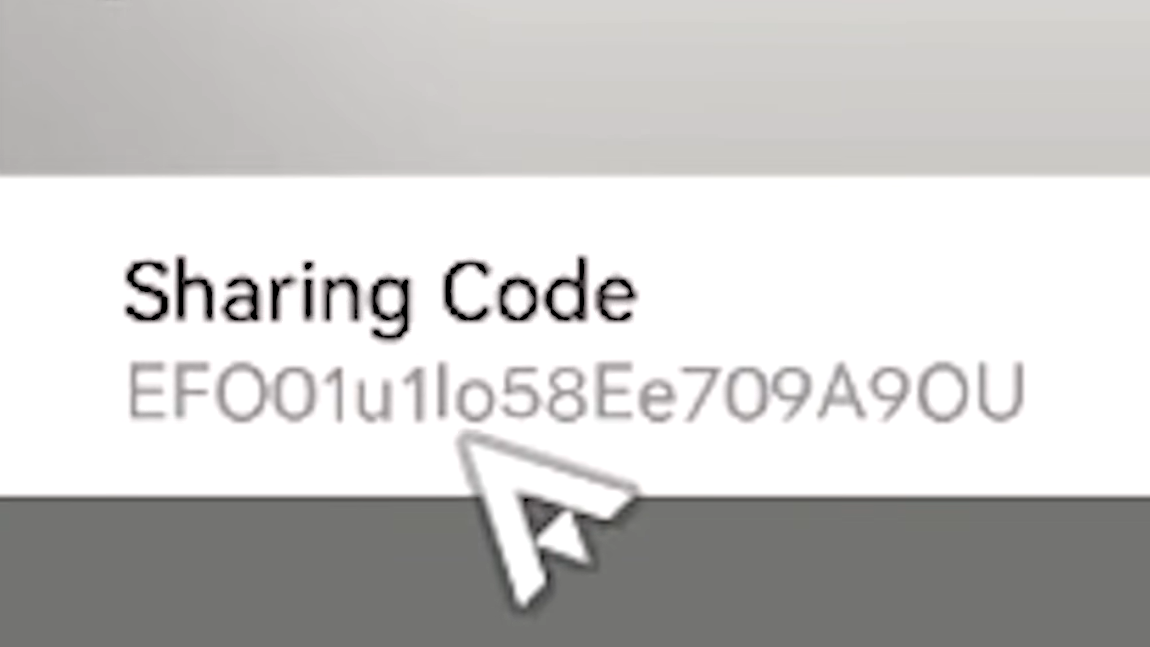
Step 3: Paste or type the exact blueprint sharing code for your server region. For example, Asia players would use EFO01a6583aau8Auoe5e, while NA/EU players would use EFO01iOe70EeEE2272U4.
Step 4: Confirm the import. The game will load the layout onto your PAC grid, showing facility positions and conveyor belts.
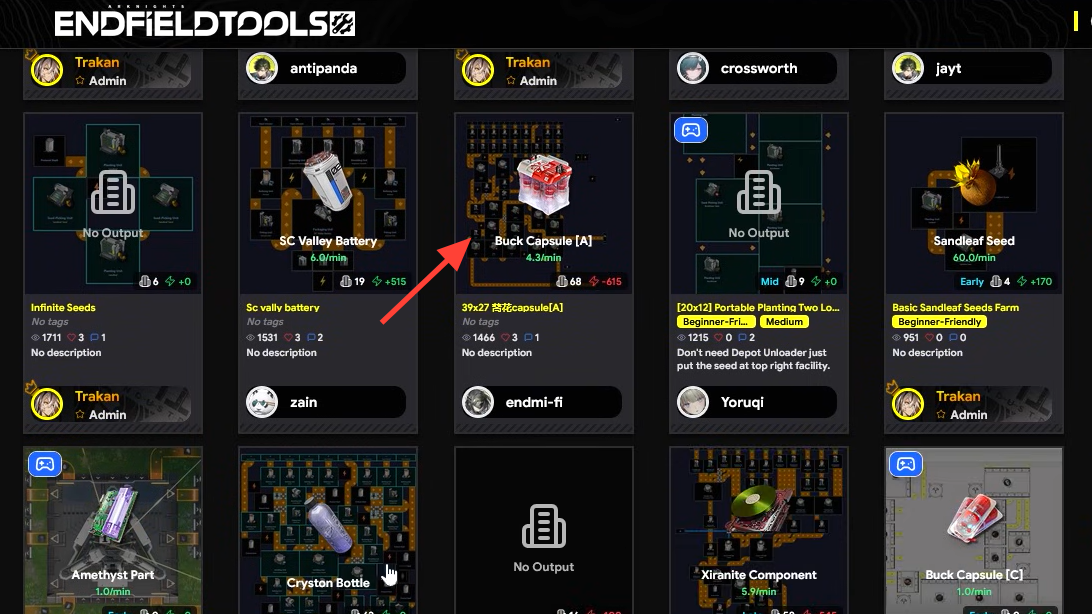
Step 5: Rotate or shift the entire structure if needed so it fits around your existing PAC core and bus connections. These layouts are large, so you may have to move your PAC unit or rearrange nearby buildings.
Using the full‑efficiency layout in the Core PAC
The full Buck Capsule A factories are wide and tall, which means they rarely fit in small field PACs. They are intended for the Core PAC where you can afford the footprint and have more bus connections and power coverage.
A few details matter once the blueprint is placed:
- PAC location — if the schematic collides with the PAC core, move the PAC unit to one side first, then import or shift the blueprint so you do not have to tear down parts of the chain.
- Power coverage — make sure Electric Pylons cover every production building, especially at the edges of the layout.
- Bus and Depot access — connect Depot Unloaders to the right buses so Ferrium, seeds, and spare plants can enter the line, and make sure the Protocol Stash has a clear path to output capsules.
In some variants, plant powder briefly travels through the stash for routing reasons. That does not mean you are producing extra junk: the capsule output is still the only product that leaves the factory in steady‑state.
Plant assignment: Buckflower vs Sandleaf
Because Buckflower and Sandleaf share similar icons and both loop through Seed‑Picking and Planting Units, it is easy to mis‑assign them. The full Buck Capsule A layouts solve this by dedicating specific branches to each plant.
One practical identification method used by builders:
- The Seed‑Picking Unit whose powder line sends dust to a Protocol Stash is usually assigned to Sandleaf.
- The other Seed‑Picking/Planting loop, which feeds powder directly into the production line without that stash detour, is assigned to Buckflower.
Community diagrams often label each row or column for clarity. When recreating by hand, trace the conveyor path from each Planting Unit to its Grinding or Shredding Unit and then to the stash or main line to confirm which branch is which.
Factory size, optimization, and when to use simpler setups
Not every account needs the fully packed 24×46 Buck Capsule A setup on day one. There are a few trade‑offs to consider.
- Space usage — the full layouts use nearly the entire Core PAC height and a large portion of its width. On small PACs, that can be difficult to fit without relocating other production lines.
- Depot unloader slots — tall layouts make better use of parallel Depot buses, which is important once you start juggling several high‑throughput chains. Wide layouts are easier to read, but they can waste potential bus connections.
- Overflow risk — mixing fast‑produced intermediate goods and slow final products in one Protocol Stash can cause overnight caps that halt production. Many experienced players prefer keeping storage one‑to‑one with item types whenever possible.
For early progression or players who are short on space, more compact community blueprints for Buck Capsule [C] and [B], or “shrimple” Buck [A] chains, are an option. Those often sacrifice some internal recycling or side outputs to remain tileable and easier to slot into a smaller PAC.
Trade locks and using Buck Capsule A as a commodity
Buck Capsule [A] is a trade good rather than a simple consumable, and access to its trade routes is tied to the level of specific outposts. If you cannot trade it yet, the factory will still run and store capsules in your inventory, but you will not be able to ship them out through certain contracts until that outpost is upgraded.
This makes large, fully automated Buck Capsule A factories most valuable once your regional trade network can actually accept steady shipments. Before that point, consider whether a smaller line is sufficient, then scale up to the full 6/min layout when you are ready to use the output continuously.
Once set up correctly, the full Buck Capsule A blueprint turns Ferrium, Buckflower, and Sandleaf into a continuous stream of medical capsules with no player micromanagement. With matching sharing codes for Asia and America/Europe servers, the main challenge becomes freeing enough space in the Core PAC and wiring your buses so the factory can run at full tilt.