

Hytale tracks progress and building needs through specific resource names. Wood is one of the most common resource types, and different kinds of logs can be treated differently by the game when it checks whether a requirement has been met.
Darkwood Trunks is one of these named resources. The label appears in requirements, but it does not obviously match the tree names players see while exploring. That mismatch is the main reason many players are unsure what to collect when they are asked for Darkwood Trunks.
How Aspen logs count as Darkwood Trunks
The key detail is that Aspen logs are treated by the game as Darkwood Trunks when a requirement uses that name. In other words, Aspen logs satisfy Darkwood Trunks checks even though the inventory item is explicitly labeled Aspen logs.
Whenever a task, build cost, or other requirement lists Darkwood Trunks, collecting Aspen logs will advance that requirement. The game effectively groups Aspen logs under the Darkwood Trunks label for counting purposes.
Practically, this means there is no separate item you need to hunt for that is specifically named “Darkwood Trunks”. The Aspen logs you obtain already fill that role whenever Darkwood Trunks are requested.
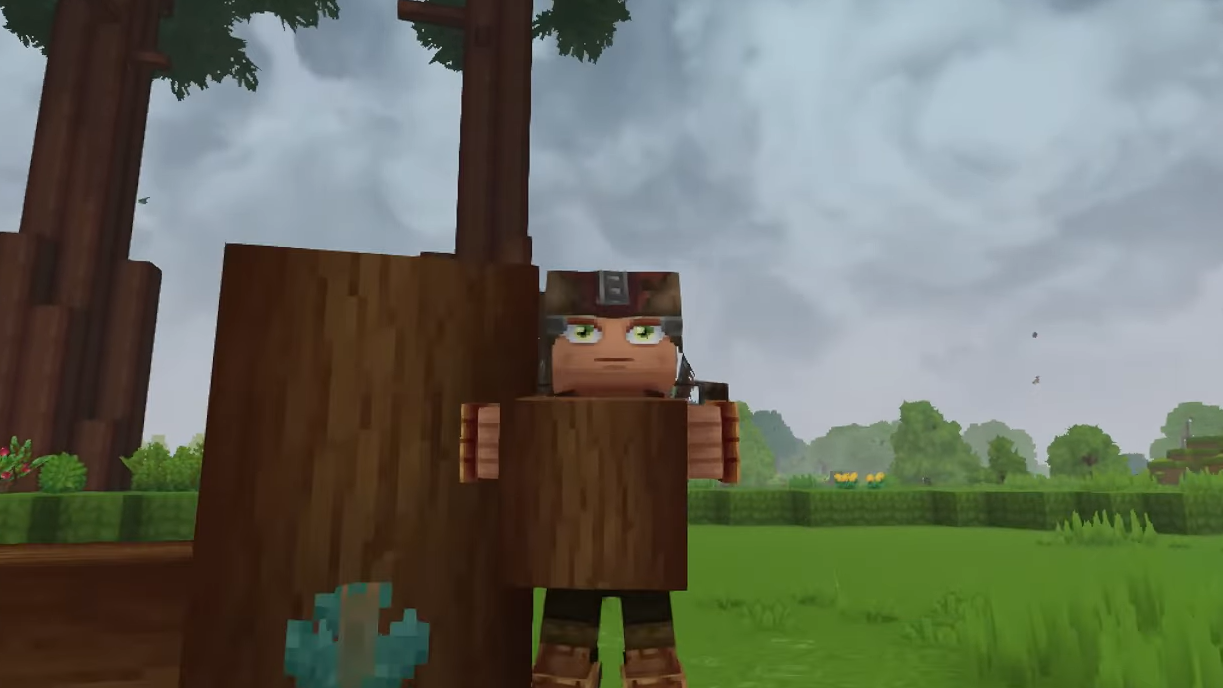
Using Aspen logs to fulfill Darkwood Trunks requirements
When you encounter a requirement that mentions Darkwood Trunks, the simplest approach is to focus on gathering Aspen logs in the area where Aspen trees are present. As you add Aspen logs to your inventory, any counter or checklist tied to Darkwood Trunks will increase.
It is helpful to watch the relevant requirement as you collect Aspen logs. This makes the relationship clear: the name on the requirement is Darkwood Trunks, but the actual item you collect and store is Aspen logs.
Once you understand that mapping, you can plan resource runs more efficiently. Instead of searching for an unknown Darkwood object, you can go straight to areas with Aspen and collect the logs you need, confident that they will satisfy any Darkwood Trunks requirement you are working on.
Recognizing that Aspen logs are counted as Darkwood Trunks removes most of the confusion around this resource name in Hytale and lets you treat Aspen as the practical answer whenever Darkwood Trunks are requested.