

Marathon supports full cross-platform play and cross-save across Steam, Xbox, and PlayStation, but grouping up with friends — especially those on a different platform — requires a specific step that isn't immediately obvious. The friend system runs through Bungie's account infrastructure, the same framework used in Destiny 2, and it revolves around a unique identifier called a Bungie Name.
Quick answer: To add a friend in Marathon, get their Bungie Name (display name + # + numeric ID), open the Crew Connections menu from the Home Screen, navigate to the fourth tab, type in their full Bungie Name, and wait for them to accept.
Finding your Bungie Name
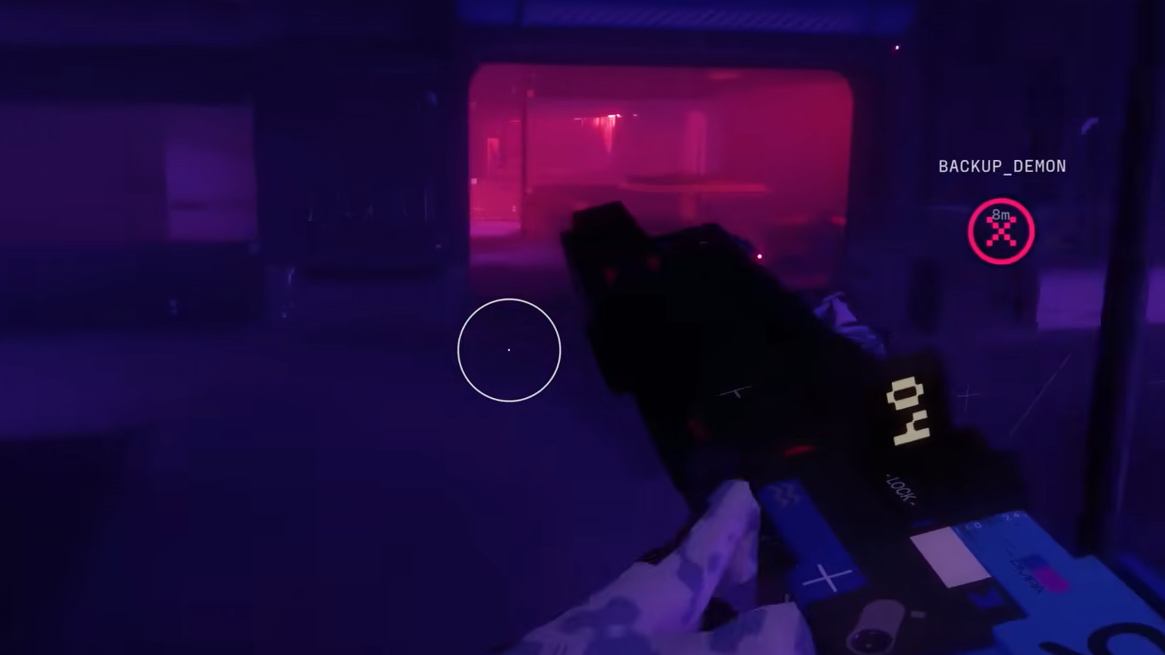
Every Marathon player has a Bungie Name assigned to their account. If you already had a Bungie account from another title, the name carries over automatically. Otherwise, you'll create one when you first launch the game. To find yours, hover over your character name on the Home Screen. You'll see your display name followed by a hash symbol (#) and a set of numbers — something like PlayerName#1234. Both the name and the numbers are required when someone wants to add you.
Share this full Bungie Name with anyone you want to play with. It works identically regardless of whether they're on PC, PlayStation, or Xbox.
Adding a friend through Crew Connections
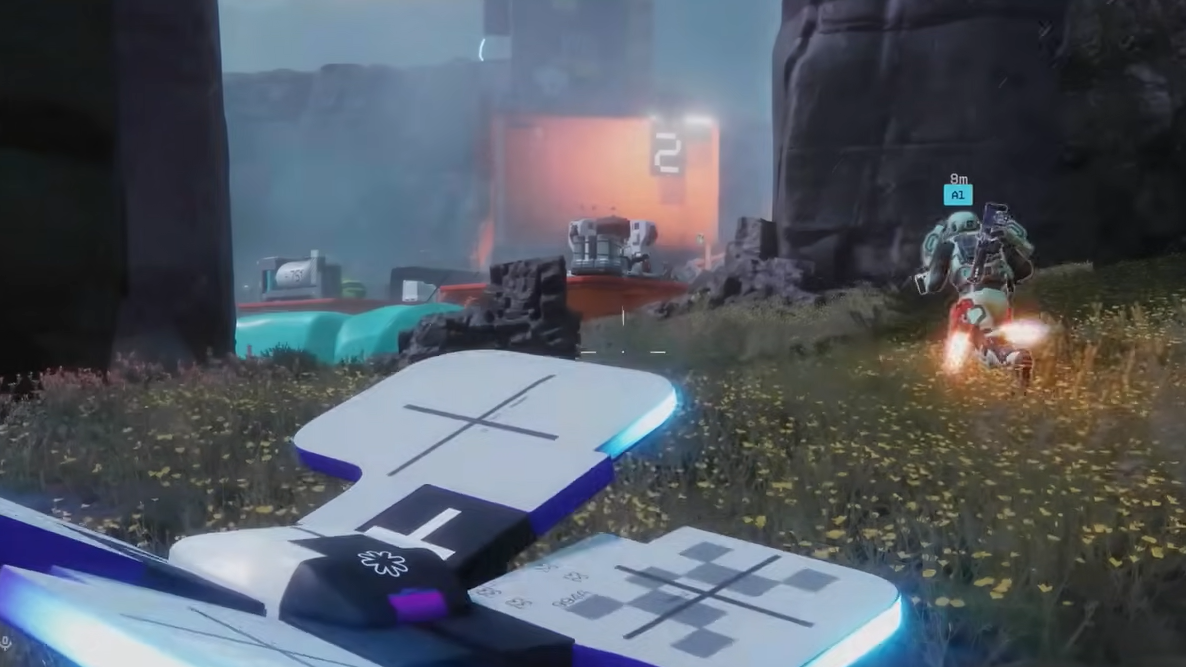
Step 1: From the main menu Home Screen, open the Crew Connections menu. You'll find it accessible from the bottom of the screen, near the text chat area where two plus icons appear — one for each open crew slot, since crews can hold up to three players total.
Step 2: Navigate to the fourth tab inside the Crew Connections menu. This is the friend search tab, where you can manually enter another player's information.
Step 3: Type in the exact Bungie Name of the person you want to add, including the hash symbol and numeric ID. Make sure the spelling and numbers match precisely.
Step 4: Send the friend request and wait for the other player to confirm. Once accepted, they'll appear in your friends list, and you can invite them to your crew or join theirs directly from the lobby.

Inviting friends to your crew before a raid
Once someone is on your friends list, inviting them is straightforward. From the lobby, select their name and choose the invite option. They'll receive a notification and can join your crew before you launch into a raid. Marathon currently supports duo and trio crew sizes when playing with friends.
Playing with a coordinated crew makes a meaningful difference. Looting and surviving are considerably harder solo, and combining different Runner Shells within a group opens up strategic options that aren't available when you're on your own.

Known issues during the Server Slam
Some players during the Server Slam have reported receiving an "unable to join crew" error even when both players are in the lobby with open crew slots and appearing online. This appears to be a server-side issue rather than a configuration problem on the player's end. If you encounter this, try restarting the game or having the other player send the invite instead. Bungie has not issued a specific fix for this error during the Server Slam period, so persistence or waiting for server load to stabilize may be the only workaround for now.
Crew size and raid limitations
| Detail | Value |
|---|---|
| Maximum crew size | 3 players |
| Available group modes | Duo or Trio |
| Cross-platform support | Steam, Xbox, PlayStation |
| Friend system | Bungie Name (shared across all Bungie titles) |
| Solo play | Available but significantly harder |
The Bungie Name system is consistent across all of Bungie's services, so if you've already built a friends list in Destiny 2, those connections should carry over to Marathon as well. Once your crew is set up, you can focus on what matters — getting into raids and getting out alive.