

Marvel Rivals is running another round of Christmas giveaways, mixing low-effort daily rewards with more involved winter events. The simplest freebies come from a single map: Times Square, where a giant tree quietly hands out Units just for showing up.
Christmas tree gifts in Times Square (2025 dates and basics)
The Christmas tree promotion is a short, separate window inside the broader winter schedule. It is built around the Times Square social hub and pays out Units, the game’s premium currency.
| Feature | Details (Christmas tree promo) |
|---|---|
| Location | Times Square party hub, central Christmas tree |
| Start | December 24, 12:00 AM UTC |
| End | December 27, 12:00 AM UTC |
| Total gifts | 3 gifts across the event |
| Reward type | Random amount of Units per gift |
Once this window opens, the tree becomes a daily check-in point. You do not need to queue for a mode or win matches; being in the correct hub and interacting with the object is enough.
How to claim Marvel Rivals Christmas gifts from the Times Square tree
The claim flow is intentionally minimal so that anyone logging in over the holidays can benefit. All of the interaction happens in the lobby space, not inside a match.
Step 1: Launch Marvel Rivals and queue into the Times Square map, which functions as the social party hub. This is a non-combat area that you can enter from the standard matchmaking interface.
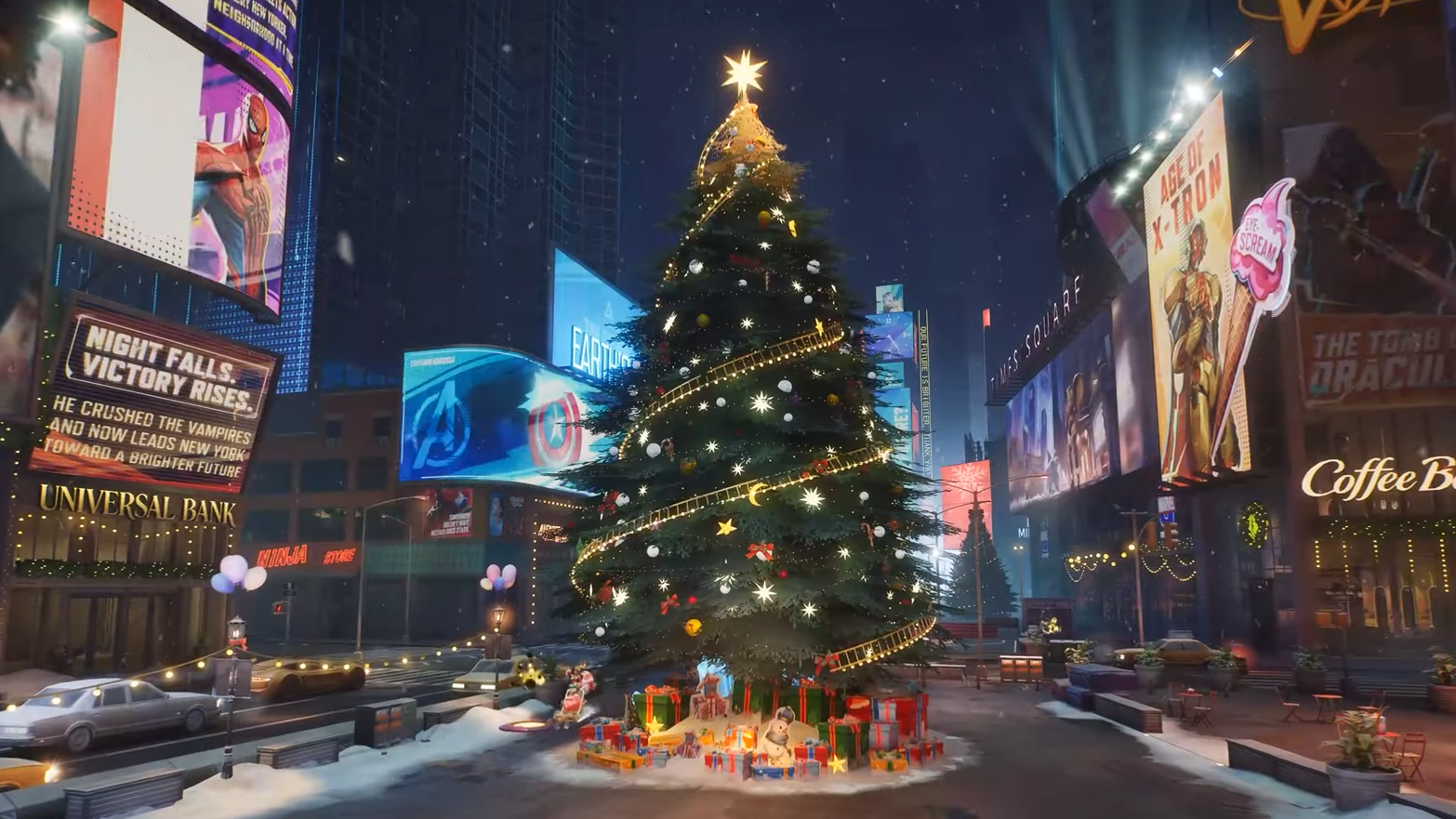
Step 2: Once you load into Times Square, look toward the middle of the space. A large, decorated Christmas tree stands in the center of the plaza and is visible from most spawn angles.
Step 3: Walk your character up to the base of the tree until the interaction prompt appears. Activate the prompt to claim that day’s Christmas gift.
Step 4: Repeat the visit on subsequent days within the promo window to collect the remaining gifts. You can pick up a total of three gifts between December 24 and December 27.
Each interaction rolls a random amount of Units. The exact values are not published, but every claim yields some premium currency that can be spent in the in-game store on costumes and bundles.
How the Christmas gifts interact with other winter events
The Times Square tree is only one piece of a broader winter lineup. Several other activities either return from earlier years or run alongside the 2025 gifts and can be combined to build a larger pool of free cosmetics.
Winter Celebration (2024–25) and Jeff’s Winter Splash Festival
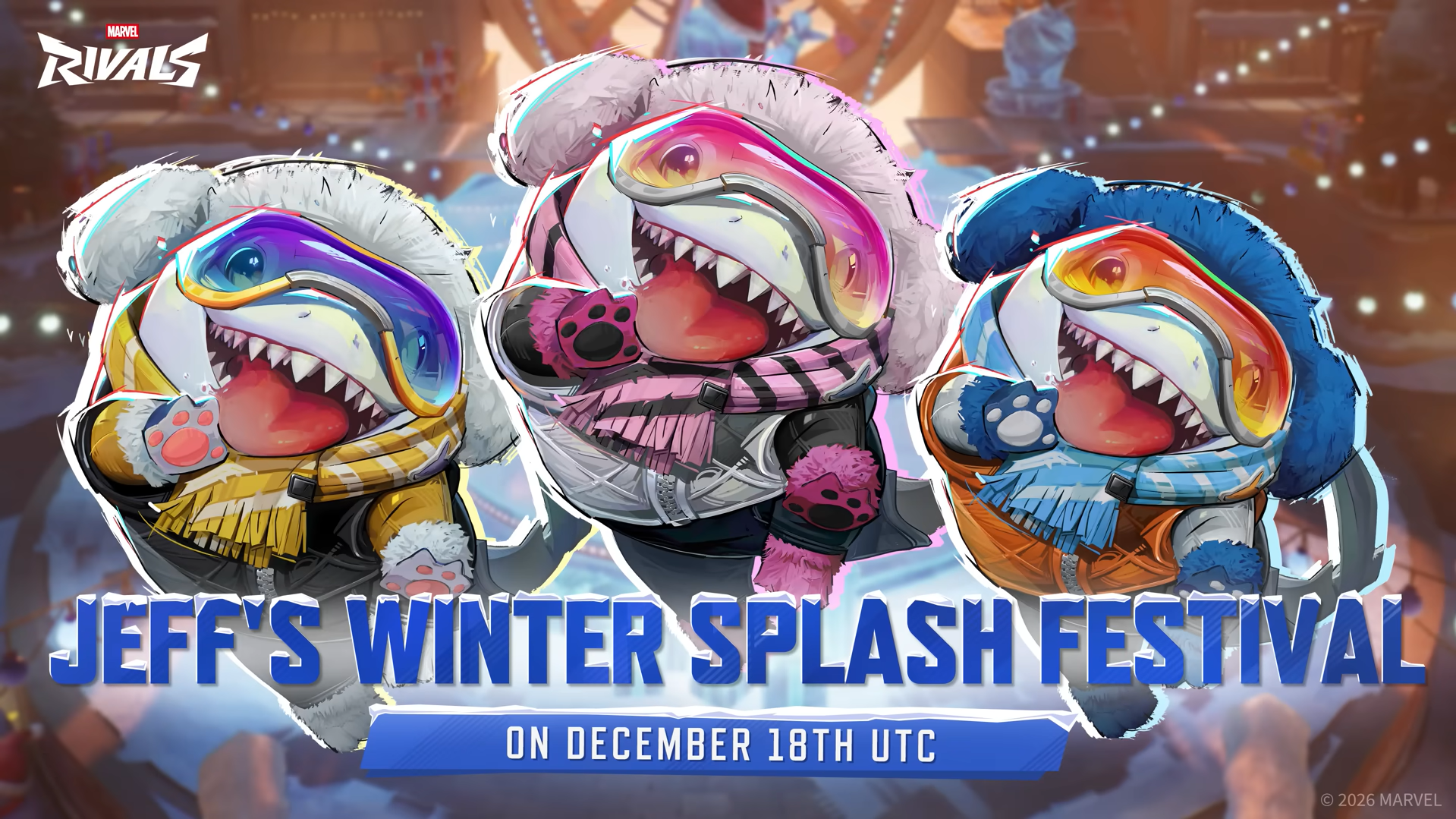
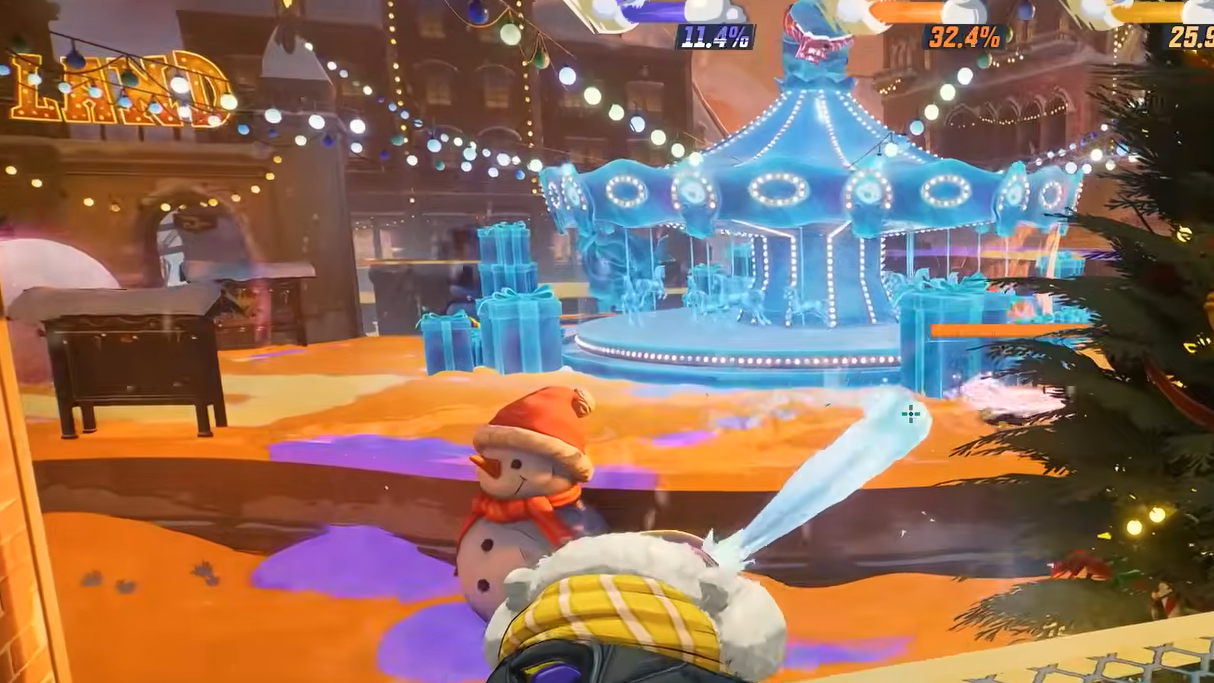
The first major Christmas cycle ran as the Winter Celebration event, available from December 20, 2024, to January 9, 2025. It revolved around Jeff’s Winter Splash Festival, a 4v4 Arcade mode focused on painting territory rather than chasing eliminations.
Players earned two event currencies — Silver Frost and Gold Frost — by clearing a set of Jeff’s Winter Splash missions and by completing standard seasonal challenges. Gold Frost was used to upgrade five decorations on a special Gallery Card, and each upgrade added 100 “Wintry Atmosphere” points.
Reaching specific Wintry Atmosphere thresholds unlocked Jeff-themed cosmetics in a fixed order:
| Wintry Atmosphere | Reward |
|---|---|
| 100 | Cuddly Fuzzlefin spray |
| 200 | All-You-Can-Eat emote for Jeff the Land Shark |
| 300 | Cuddly Fuzzlefin nameplate |
| 400 | How Ice Sculpting Works MVP film for Jeff |
| 500 | Cuddly Fuzzlefin Legendary costume for Jeff the Land Shark |
Gold Frost upgrades changed the power level of the card and unlocked rewards; Silver Frost allowed you to swap individual decoration variants for cosmetic customization without adding more Wintry Atmosphere.
The key point is that Winter Celebration sat on a longer timeline than the Times Square gifts. You needed to play multiple matches of Jeff’s Winter Splash Festival and work through 12 missions to accumulate enough Gold Frost and complete the card.
How to progress Winter Celebration missions efficiently
Winter Celebration missions all required Jeff’s Winter Splash Festival, but the objectives varied from simple completions to specific actions like healing or devouring enemies.
Step 1: Queue into Jeff’s Winter Splash Festival from the Arcade or limited-time modes section. Every mission counts only if it is completed in this mode.
Step 2: Focus first on missions that ask for completed matches or wins. Objectives like “Complete 3 matches” and “Win 1 match” naturally stack while you learn the mode.
Step 3: Once those are done, prioritize targeted tasks such as dealing a set amount of damage, healing a certain amount of health, or using specific abilities like “It’s Jeff!” to devour enemies.
Step 4: Keep an eye on missions that reference your score or decoration rate. For example, reaching over 6,000 points in a match or finishing with your team’s decoration rate above 40% usually requires strong map coverage, not just eliminations.
Every completed mission awarded either Gold Frost or Silver Frost. Regular season challenges also temporarily paid out these currencies during the event, which helped offset the slower missions that only gave one Gold Frost at a time.
Anniversary login Units and how they stack with Christmas gifts
The first winter run also overlapped with a Marvel Rivals Anniversary event. During that period, players could log in and collect up to 2,500 Units as a cumulative bonus. Those Units sat alongside whatever the Christmas tree dropped and could be spent on any premium items in the store, including winter-themed cosmetics.
Anniversary Units have previously been time-limited, expiring after a set period if not used. The Units from the 2025 Christmas tree event have not been explicitly flagged the same way, so the safest move is to treat them as spendable currency and plan purchases during the broader holiday window rather than sitting on them indefinitely.
Season 5.5 winter slate: Gone Nutty For Gifts and Jeff’s Winter Splash return
For Season 5.5, Marvel Rivals is layering the Times Square tree gifts on top of a new pass-style event and a refreshed Jeff mode.
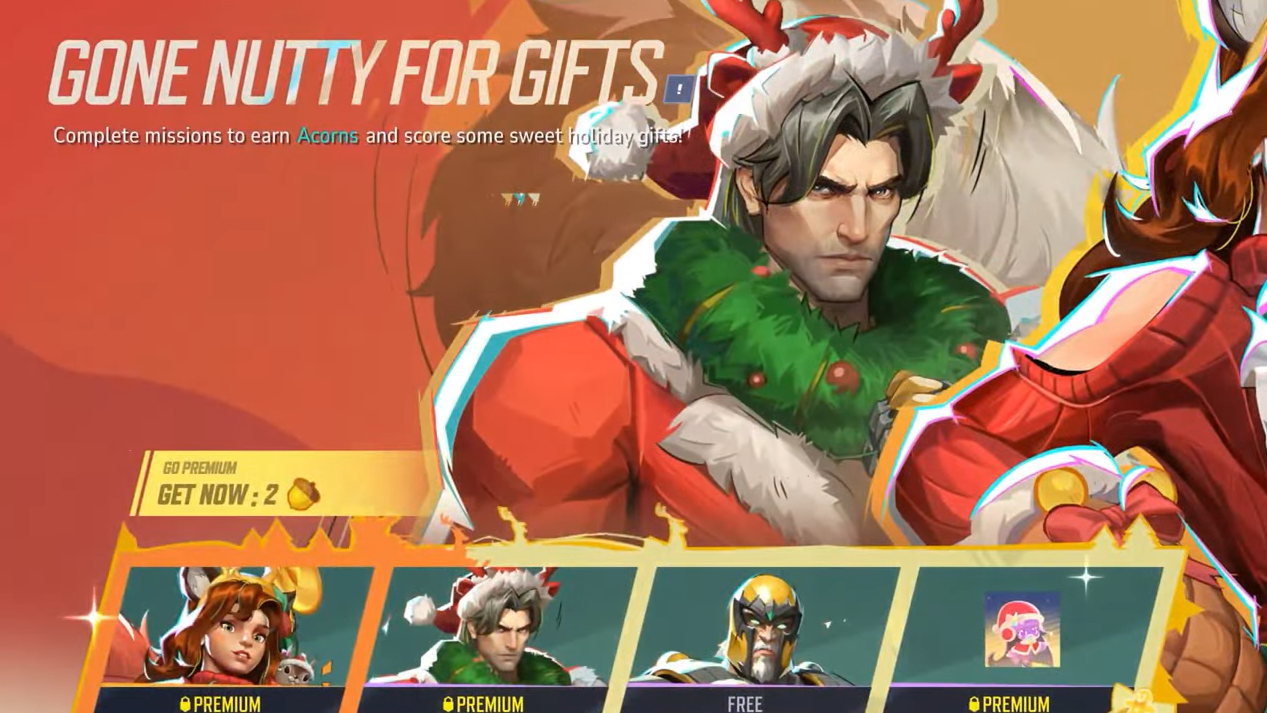
Gone Nutty For Gifts event
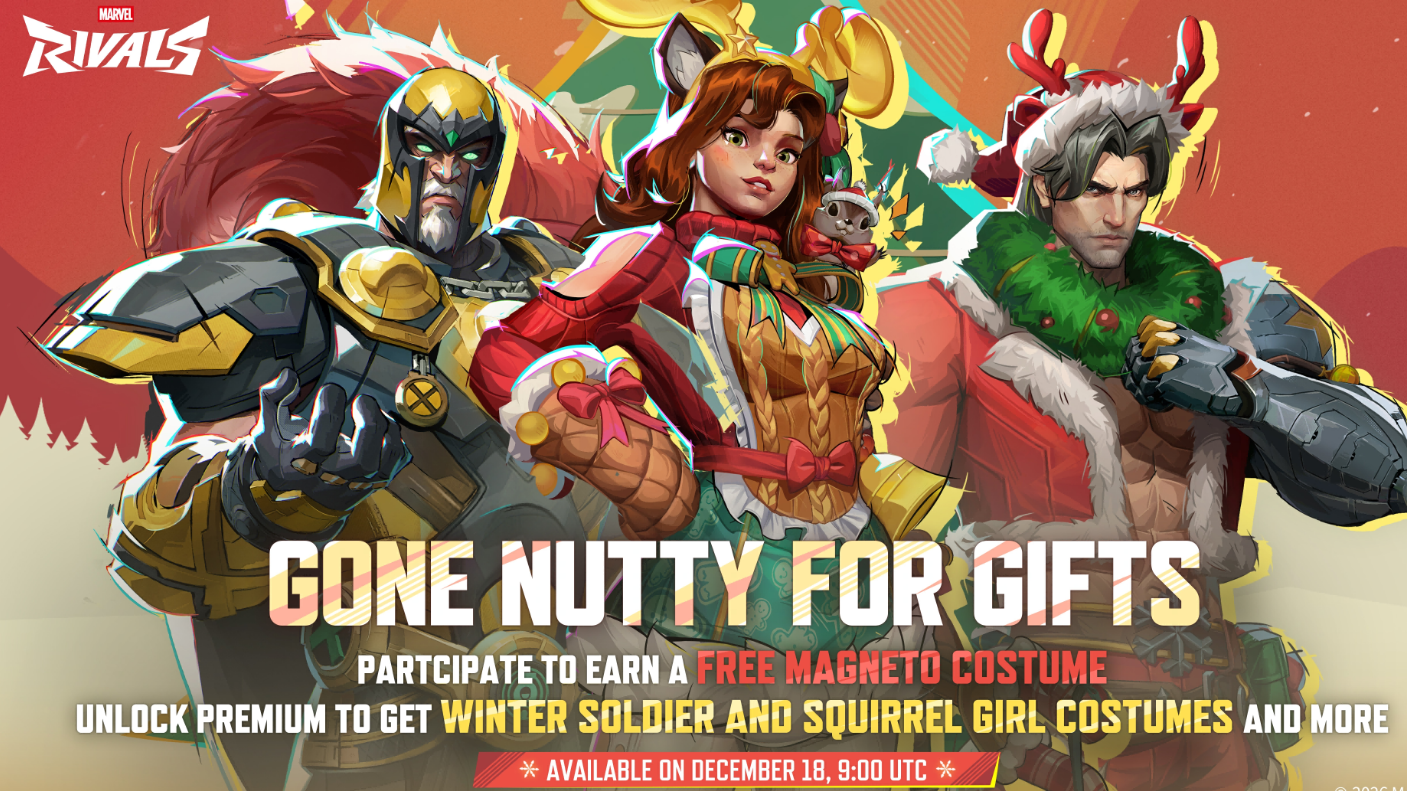
Gone Nutty For Gifts is a holiday pass built around collecting Acorns and spending them on a Christmas tree UI. It runs from December 18, 2025, at 9:00 AM UTC until January 16, 2026, at 9:00 AM UTC.
Rather than leveling a traditional pass, you complete event missions to earn Acorns, then spend those Acorns to unlock decorations on the tree. Decorations shaped like cookies represent free rewards; wrapped presents are premium rewards that require an event pass.
| Key detail | Gone Nutty For Gifts |
|---|---|
| Duration | Dec 18, 2025 – Jan 16, 2026 (9:00 AM UTC) |
| Total rewards | 28 items on the Christmas tree |
| Free headline skin | Magneto Black & Gold |
| Premium skins | Squirrel Girl Tinsel Tail, Winter Soldier Winter Buckaroo |
| Premium pass cost | 990 Lattice (to be confirmed) |
Buying the premium pass grants two golden acorns immediately and lets you unlock both cookie and present decorations, so you can collect all free and paid rewards on the tree. Magneto’s Black & Gold costume sits on the free path, and it does not require the premium pass.
Step 1: Open the Gone Nutty For Gifts event screen and review the current mission list. Each mission has its own Acorn payout.
Step 2: Play the listed modes and objectives to earn Acorns. These can involve standard matches or other limited-time content, depending on the phase of the event.
Step 3: Spend Acorns on cookie decorations first if you are only interested in free rewards, working your way toward Magneto’s Black & Gold skin.
Step 4: If you own the premium pass, continue unlocking present decorations to claim Squirrel Girl Tinsel Tail, Winter Soldier Winter Buckaroo, and other premium items.
Pass owners retain access to the reward track after the event ends, so any unspent Acorns can still be used to clear remaining decorations later.
Jeff’s Winter Splash Festival (Season 5.5 version)
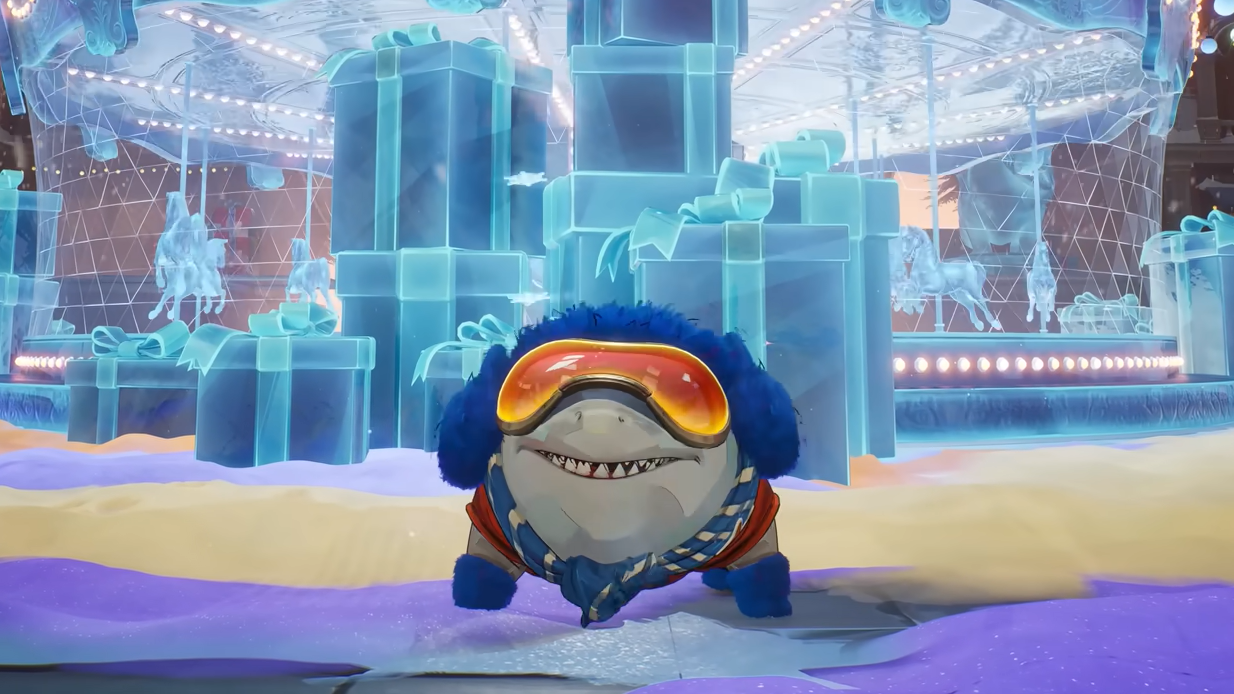
Jeff’s Winter Splash Festival returns for Season 5.5, this time as a 4v4v4 paint battle on a dedicated Jeffland map. Three teams fight to cover the arena in their color, with scoring tied to how much ground each player paints rather than pure damage numbers.
The mode also introduces three distinct Jeff builds to choose from, expanding the original format where everyone used the same kit. The core idea stays the same: move constantly, spray as much territory as possible, and leverage Jeff’s mobility and crowd control to hold key routes.
Winter rewards tied to this mode in Season 5.5 focus more on participation in the new map and match completion, rather than the Gallery Card structure of the first Winter Celebration. However, the underlying lesson from the earlier event still applies — high scores come from painting and objective play, not from chasing kills.
Festive Throwback event and returning skins
Alongside the 2025 winter update, Marvel Rivals is also running Festive Throwback, a limited-time sale that brings back older bundles and seasonal skins.
| Event | Window | Purpose |
|---|---|---|
| Festive Throwback | Dec 19, 2025 – Jan 2, 2026 (2:00 AM UTC) | Re-runs iconic bundles and previously released holiday skins in the shop |
During this window, a dedicated store section surfaces returning limited costumes, including past winter and Lunar New Year designs. Pricing details and potential discounts are handled in-game; there is no event currency attached to Festive Throwback, so everything is purchased with Units or standard store resources.
Taken together, the Christmas tree gifts, Anniversary Units, Winter Celebration, Gone Nutty For Gifts, Jeff’s Winter Splash Festival, and Festive Throwback form a layered winter ecosystem. The Times Square tree is the lowest-friction part of that setup: log in, walk to the center of the hub, pick up Units, and then decide whether to funnel them into the current pass, a returning skin, or something else entirely.